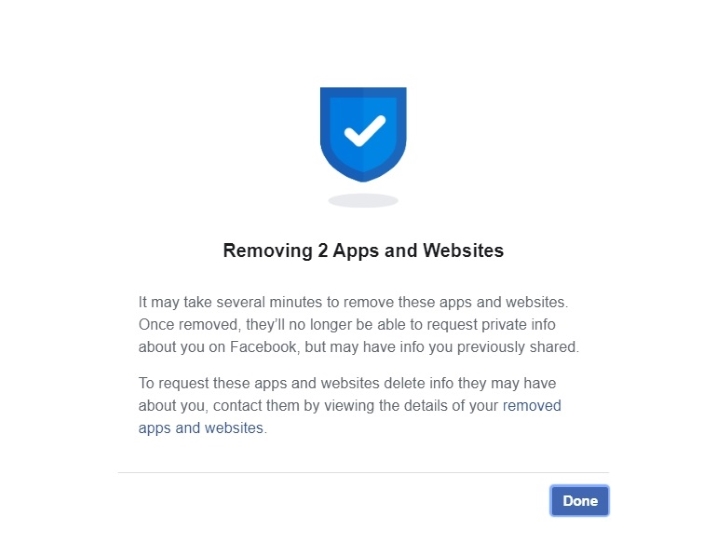

This time we're going to show you how to remove the apps and websites that are connected to your account. Why remove the apps and websites connected to your account? Then on the left side, click on Apps and Websites. Active ones are apps or websites that still have access to your Facebook information. This will show you the Facebook information you're sharing with these apps and websites as well as toggles if you want or don't want to share any of them. Before you remove the unwanted apps and websites in your Facebook account, make sure that you'll no longer use them. Facebook notes that expired and removed apps may still have access to information that was previously shared with these apps but will no longer receive additional non-public information. As you noticed, there are plenty of apps and websites listed in there that is tied to your Facebook account and have access to your information. Read more in our articles including "Facebook Spring Cleaning: Removing connected apps and websites from your account" and "Facebook launches Your Profile, Your Home game".
Yesterday we showed you how to declutter your friends’ list and control your timeline on…
Apr 21, 2020
Facebook is launching a new game, Your Profile, Your Home where users can build their…
May 20, 2022
We all know that Apple and its closed ecosystem is arguably THE best one out…
Aug 1, 2026
We’ve spent weeks using the HONOR 600 Series as our daily drivers to get a…
Jul 23, 2026
So, you just got a shiny new phone, and what’s exactly the first thing you’d…
Jul 23, 2026
It seems like it was only yesterday when 2026 started, but now we’re already halfway…
Jul 12, 2026This time we're going to show you how to remove the apps and websites that are connected to your account. Why remove the apps and websites connected to your account?
Then on the left side, click on Apps and Websites. Active ones are apps or websites that still have access to your Facebook information. This will show you the Facebook information you're sharing with these apps and websites as well as toggles if you want or don't want to share any of them.
Our coverage of facebook apps websites includes: "Facebook Spring Cleaning: Removing connected apps and websites from your account"; "Facebook launches Your Profile, Your Home game"; "Xiaomi Ecosystem: It just works, too". Each article provides unique insights and information.