
One of the first things that greeted me this morning on Facebook was Photo Sync - a feature that let's you upload photos automatically from your mobile device to the social network. The concept is pretty simple, Photo Syncing lets you save the photos from your phone's gallery to Facebook automatically, similar to what Google+ does with its instant photo uploads. Facebook then stores the photos in your private folder so you can choose which ones to share later on. To access this feature just go to your Timeline on your Android or iOS device, tap on Photos then tap on Synced at the bottom of the page. Facebook uploads the photos in a much smaller file size (about 100KB). Read more in our articles including "Facebook rolls out Photo Sync for Android and iOS" and "OPPO Reno16 Series 5G launching in PH on August 7".
One of the first things that greeted me this morning on Facebook was Photo Sync…
Dec 2, 2012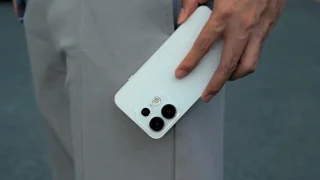
OPPO has confirmed that the OPPO Reno16 Series 5G will launch in the Philippines on…
Jul 25, 2026
Facebook is launching a new game, Your Profile, Your Home where users can build their…
May 20, 2022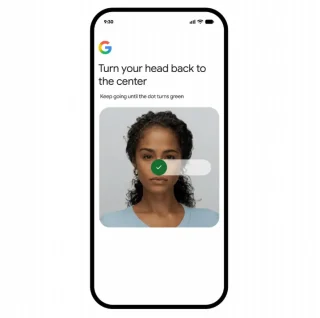
Have you ever been too lazy to type your password to sign in? Input your…
Jul 24, 2026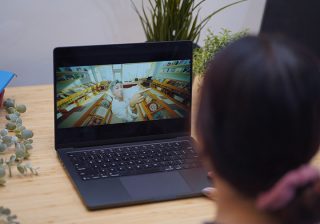
Industry rumors are brewing, pointing towards the release of the Apple MacBook Ultra by next…
Jul 24, 2026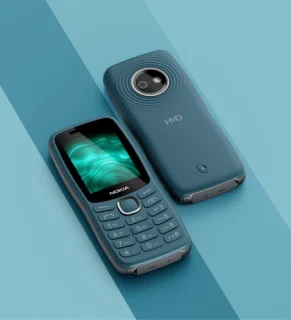
HMD Global is leaning heavily into retro nostalgia with the launch of the Nokia 123…
Jul 24, 2026One of the first things that greeted me this morning on Facebook was Photo Sync - a feature that let's you upload photos automatically from your mobile device to the social network. The concept is pretty simple, Photo Syncing lets you save the photos from your phone's gallery to Facebook automatically, similar to what Google+ does with its instant photo uploads.
Facebook then stores the photos in your private folder so you can choose which ones to share later on. To access this feature just go to your Timeline on your Android or iOS device, tap on Photos then tap on Synced at the bottom of the page. Facebook uploads the photos in a much smaller file size (about 100KB).
Our coverage of facebook photo sync includes: "Facebook rolls out Photo Sync for Android and iOS"; "OPPO Reno16 Series 5G launching in PH on August 7"; "Facebook launches Your Profile, Your Home game". Each article provides unique insights and information.