
Tablets have become a popular choice for those who want a bigger screen without carrying around a laptop. Whether it’s for watching movies, attending online classes, reading ebooks, browsing social media or even getting some light work done, tablets can be a versatile companion.
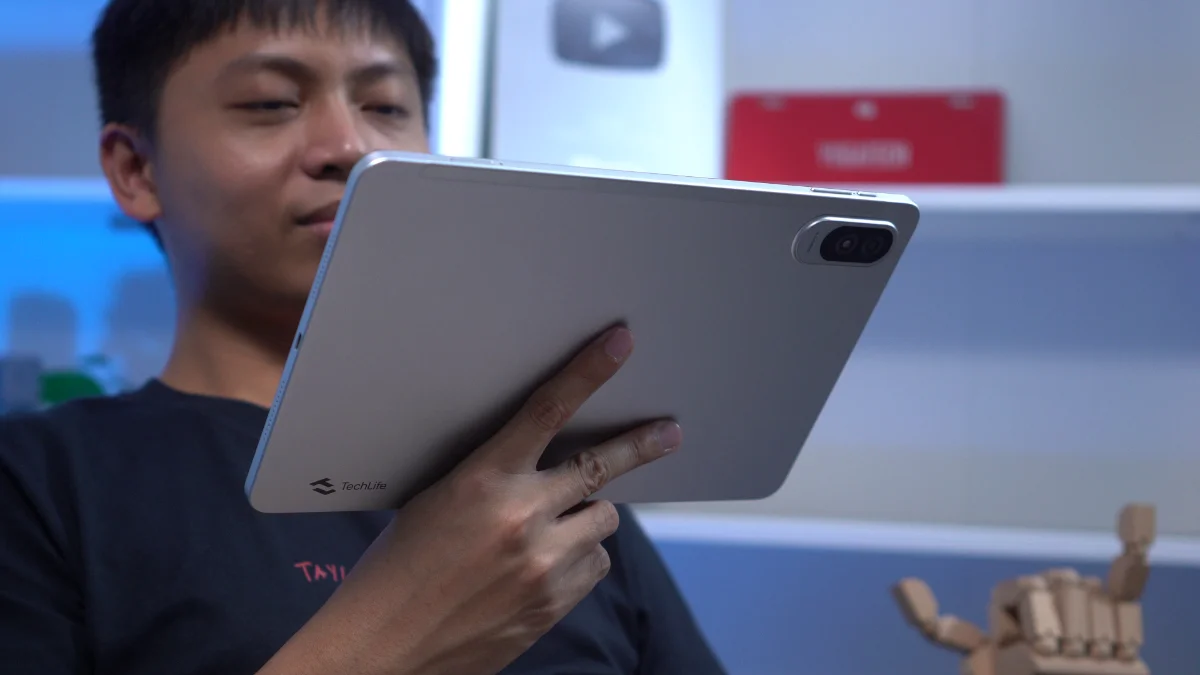
In this review, we’re taking a look at the TechLife Pad Plus 2. From just specs alone, it seems like a decent package for entertainment and everyday use. But how does it actually perform in real-world use? Let’s find out.
Design and Construction
Starting with the design, the TechLife Pad Plus 2 keeps things simple and minimalist.
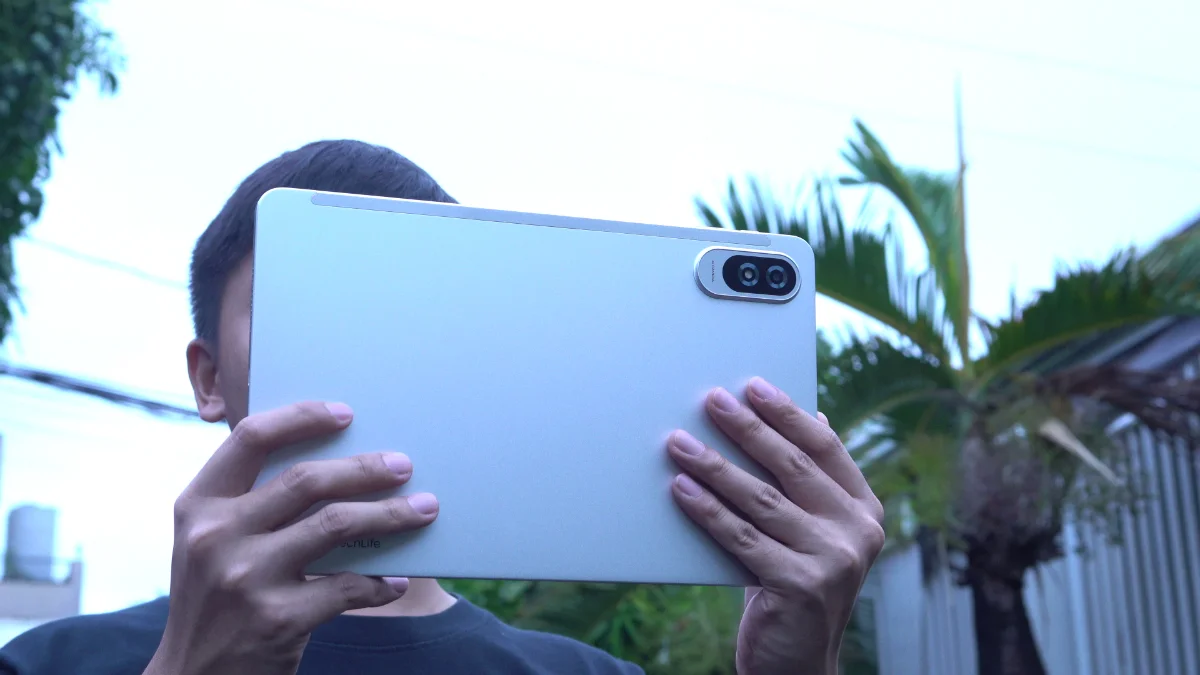
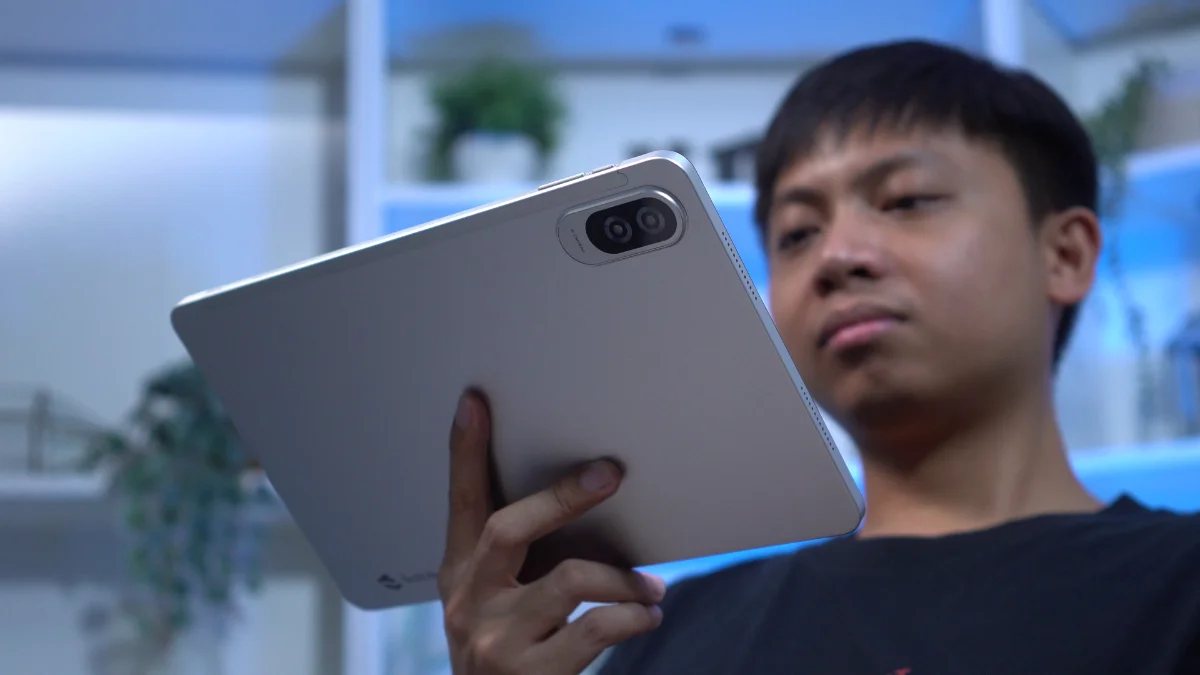
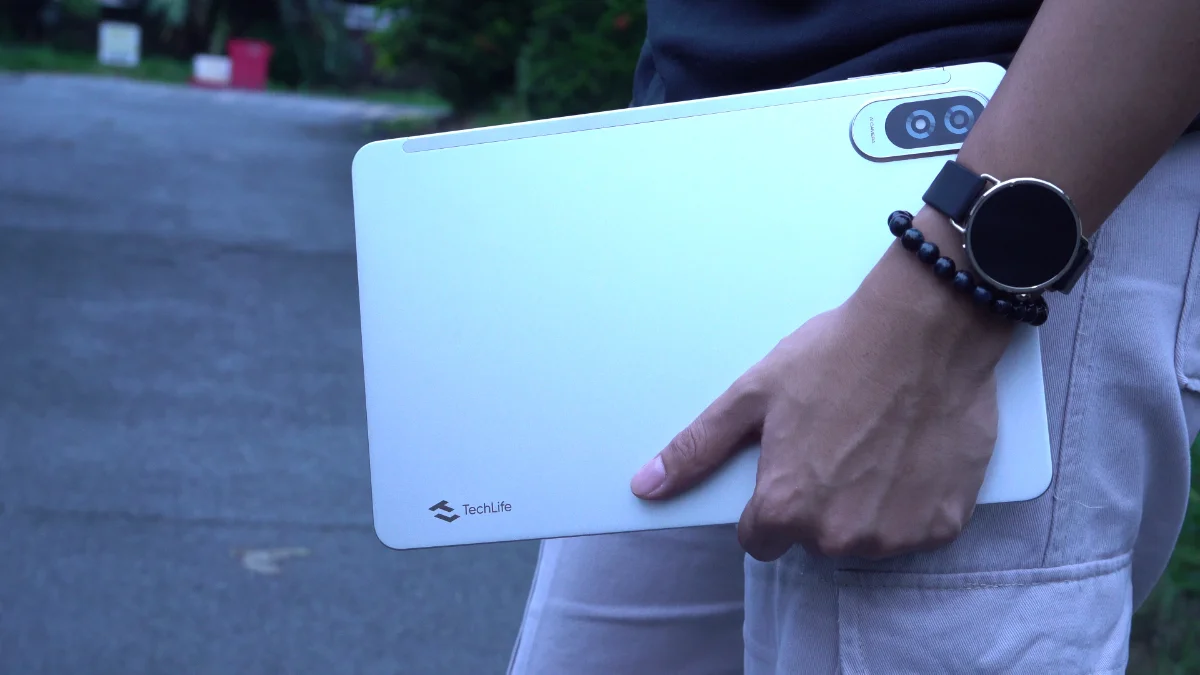
The tablet features a metal body that feels sturdy in the hand. Despite having a large 12-inch display, it never felt excessively heavy during my time with it.
In fact, I was able to hold it with one hand for extended periods while reading comics, catching up on novels from my growing TBR list or simply browsing through social media.
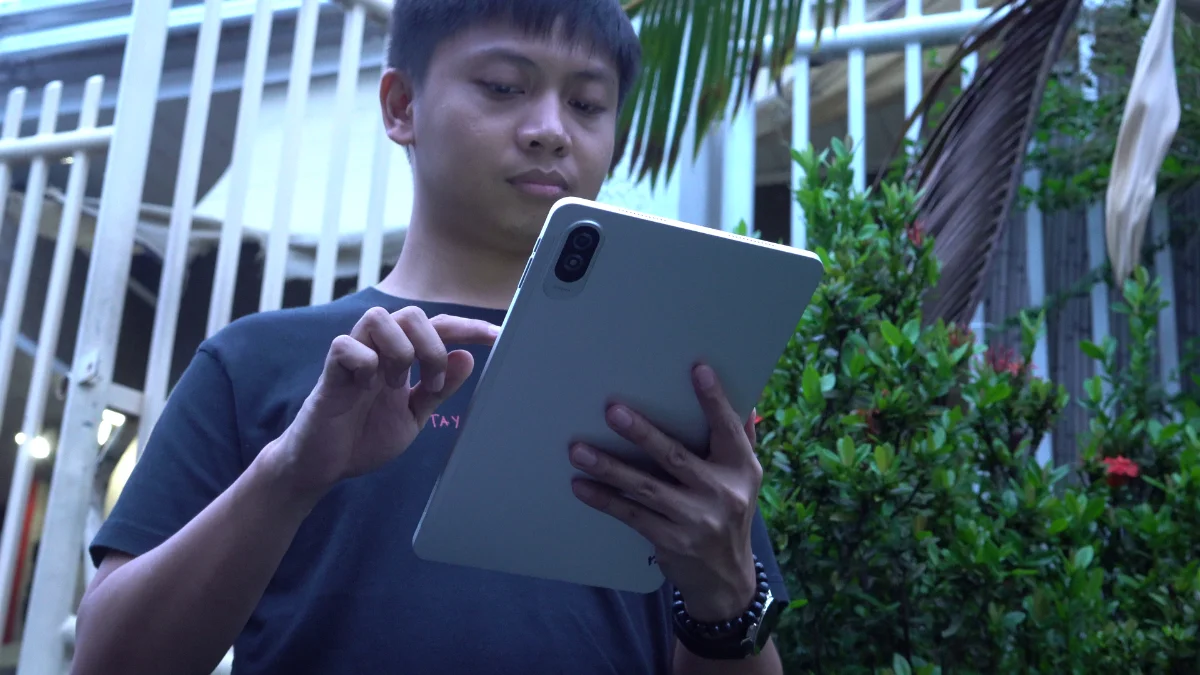
The back panel also does a decent job of resisting fingerprints, helping the tablet maintain a cleaner appearance even after prolonged use.
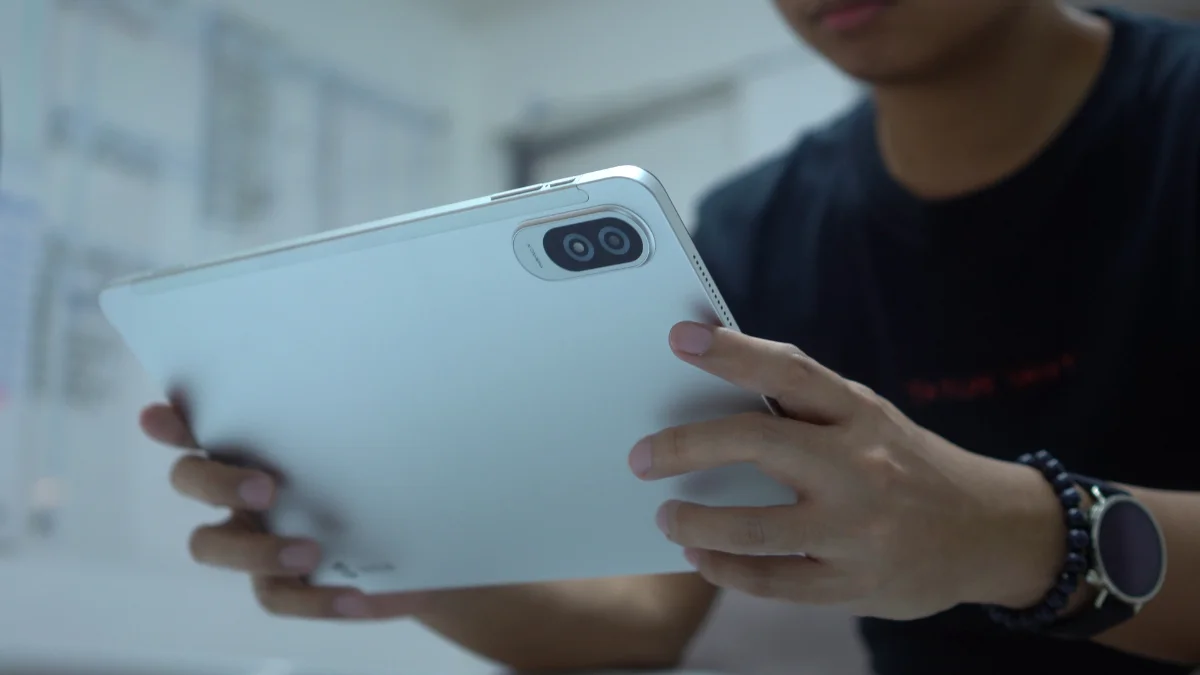
When using the tablet in landscape orientation facing the screen, the buttons are positioned along the top edge with loudspeakers on both sides.
There’s also the SIM tray along with a microSD card slot for storage expansion which is always a plus in our book.
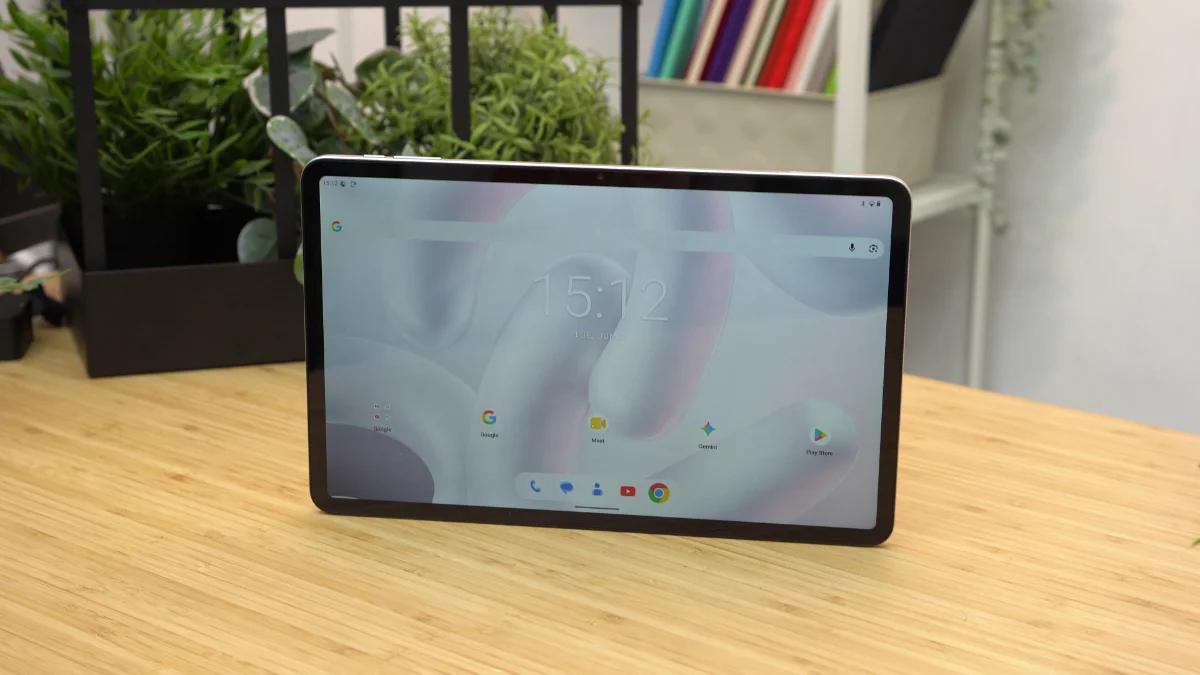
At 7.6mm thin, the tablet also feels reasonably sleek for its size.
One thing worth noting is that there’s no case included in the box. Given the large size of the tablet, a protective case would’ve been appreciated.
Still, the overall build quality leaves a positive impression. The metal build helps the tablet feel more premium than what its price tag might suggest.
Display, Multimedia, and Biometrics
Now onto the main event, the TechLife Pad Plus 2 features a 12-inch Full HD+ IPS TFT display with a 90Hz refresh rate.
The large screen is easily one of the biggest highlights of this tablet.
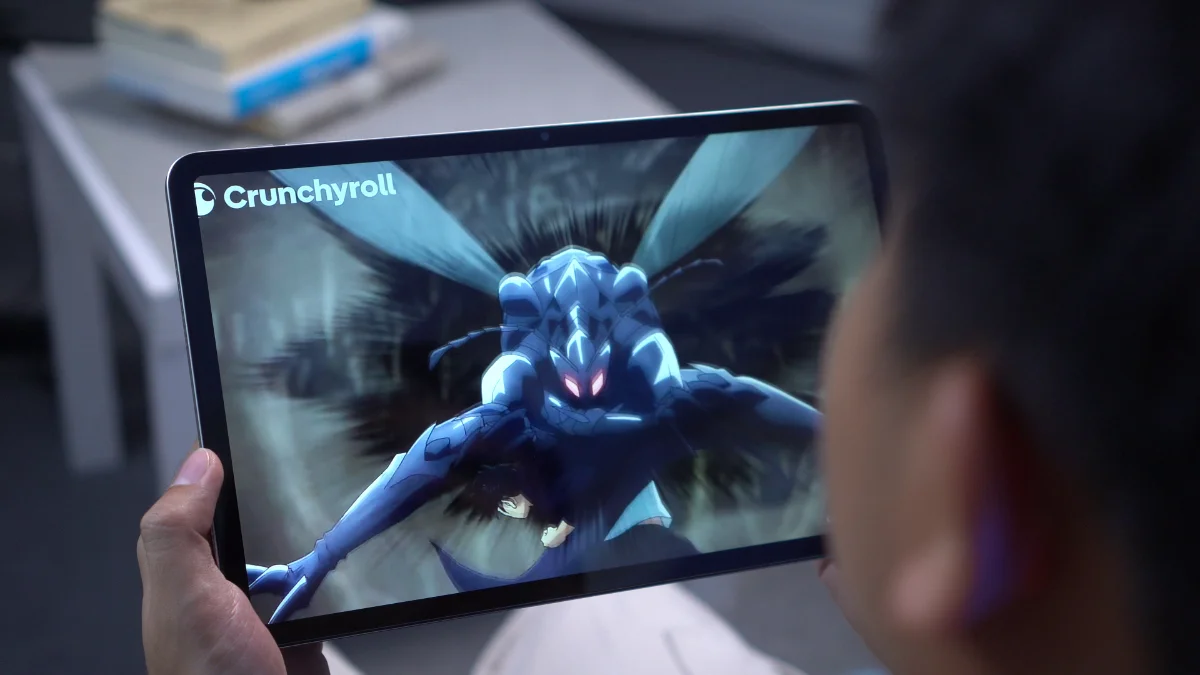
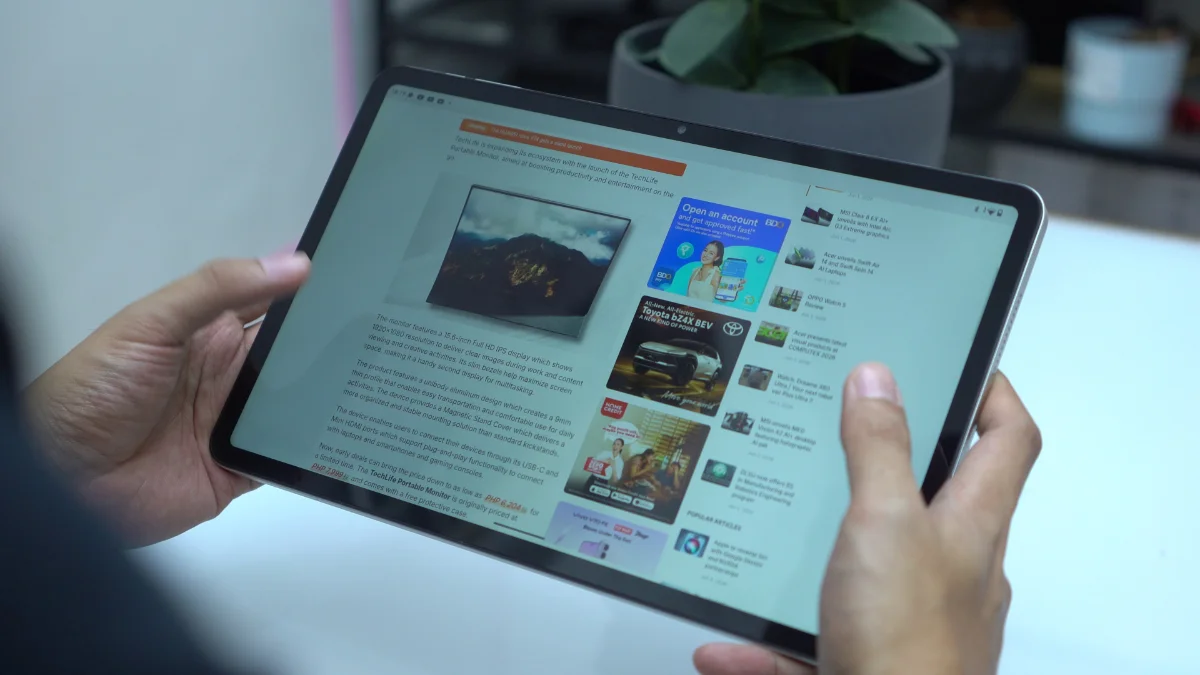
Whether it’s watching movies, reading books or catching up on comics, the wide display provided a comfortable viewing experience. The large canvas means less scrolling when reading and more screen real estate when consuming content.
The 90Hz refresh rate also helps make navigation feel smoother. Interestingly, it’s enabled by default and there doesn’t appear to be an option to switch between refresh rates within the settings.
Brightness is rated at 450 nits. Indoors, it’s perfectly usable, but don’t expect flagship-level brightness when using it under direct sunlight.
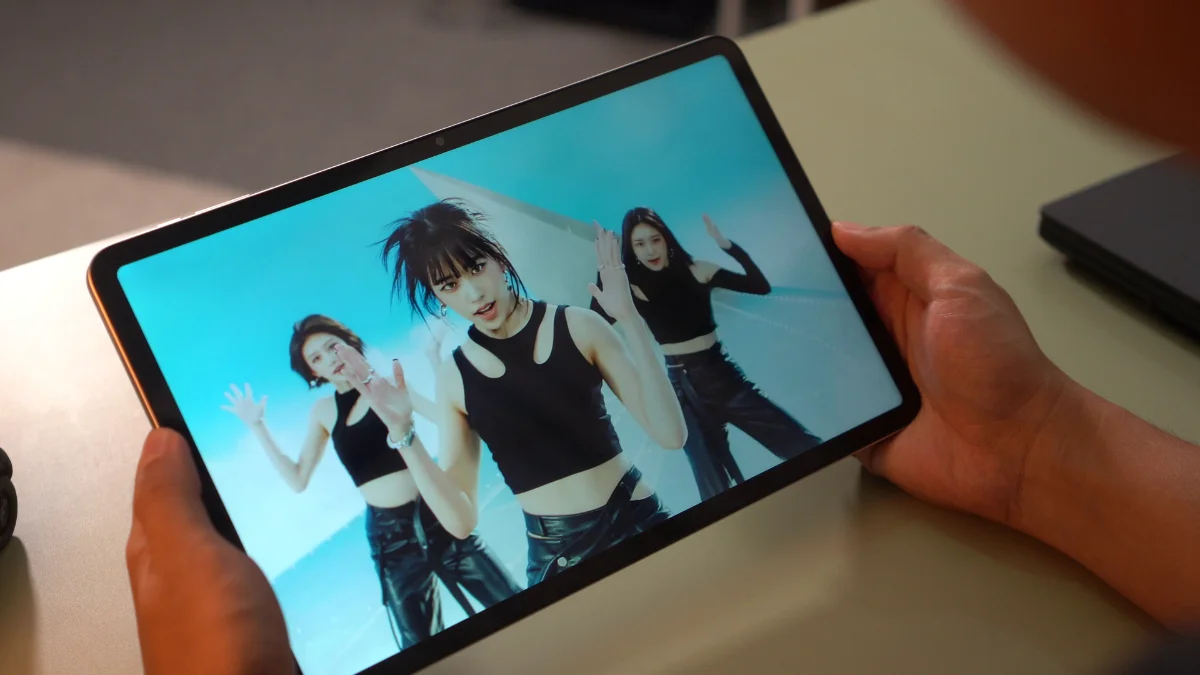
The bezels are definitely noticeable. However, they don’t negatively affect the viewing experience too much. Viewing angles remain decent, making it easy to share content with another person without significant color shifting.
Moving over to audio, the tablet comes equipped with quad stereo speakers. Unfortunately, this ended up being one of the weaker aspects of the device.
While vocals remain clear enough for movies, YouTube, and casual listening, the speakers aren’t particularly loud. I often found myself maxing out the volume when watching content.
But even then, it’s still not loud to my liking.
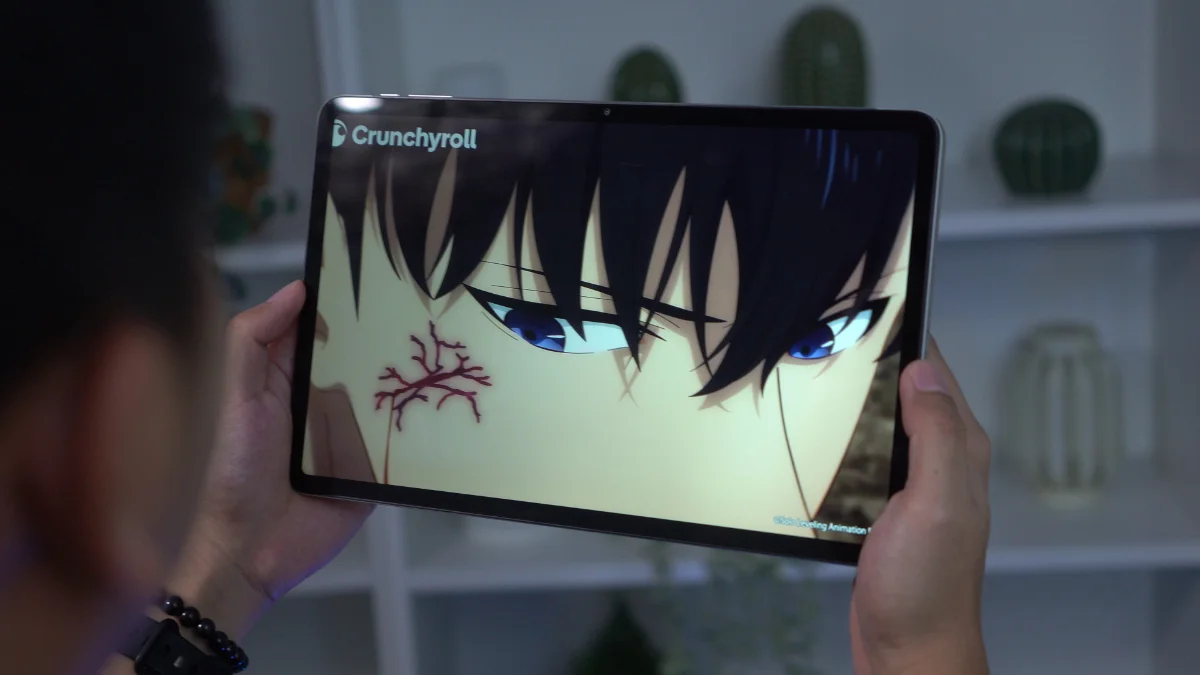
Bass is also lacking and the overall sound feels somewhat compressed compared to what you’d expect from a tablet marketed for entertainment.
The speakers get the job done, but they don’t fully take advantage of the large display’s media-focused nature.
As for biometrics, there aren’t any. There’s no fingerprint scanner and no face unlock support. So, your security options are limited to traditional PIN, passcode and pattern.
Cameras
The camera setup is fairly basic, consisting of an 8-megapixel rear camera and a 5-megapixel front. And honestly, that’s perfectly fine.
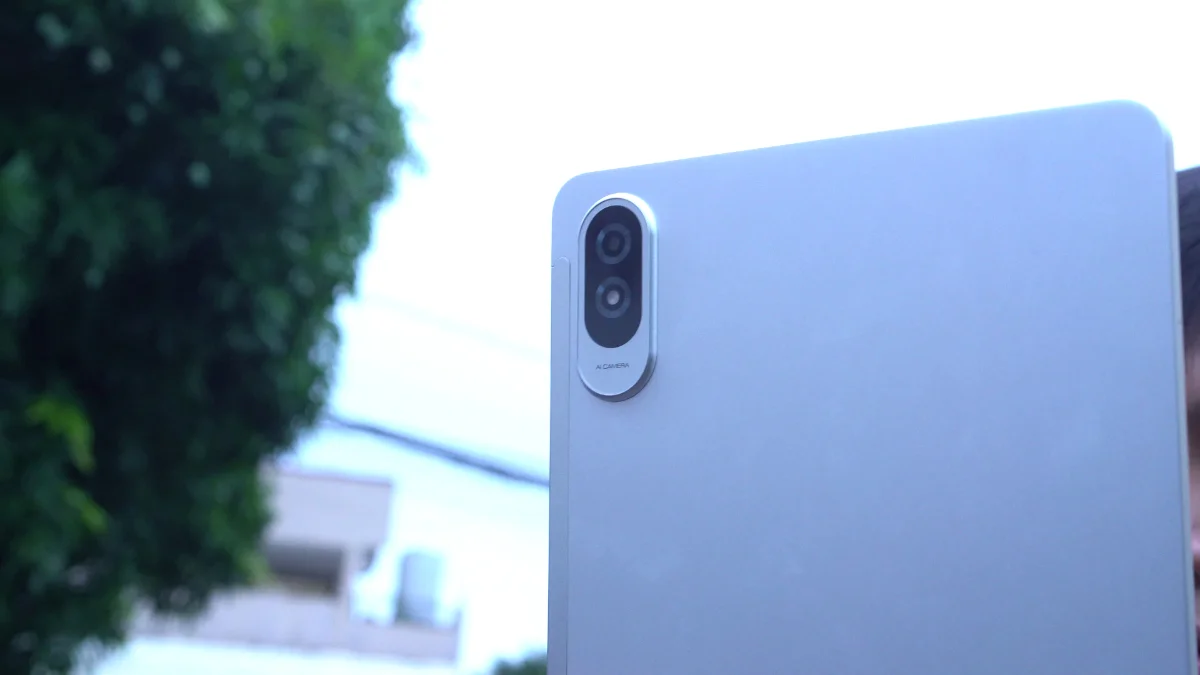
Most people don’t buy tablets primarily for photography and the TechLife Pad Plus 2 performs exactly how you’d expect in this category.
Photos are usable for documentation purposes, scanning receipts, digitizing paperwork, or taking the occasional snapshot when needed.
The front camera should also be sufficient for video calls, online meetings, and virtual classes.
TechLife Pad Plus 2 sample photos
Tuesday, Jun 2


Neither camera is particularly impressive, but neither feels out of place for this type of device.
They fulfill their intended purpose and little more.
As for video, it’s alright and definitely usable for online meetings and classes- nothing out of the ordinary for a tablet.
Sample rear video:
Sample front video:
Performance and Benchmarks
Powering the tablet is the MediaTek Helio G100 paired with 4GB of RAM and 128GB of expandable storage.
Here are the benchmark results that we got:
| Benchmark / Test | Result |
|---|---|
| Antutu v11.1.2 | 423,511 |
| Antutu CPU | 144,020 |
| Antutu GPU | 37,933 |
| Antutu Memory | 125,295 |
| Antutu UX | 116,263 |
| Antutu Storage Test v11.1.2 | 58,966 |
| Sequential Read | 7,552 (1072.7 MB/s) |
| Sequential Write | 5,620 (755.3 MB/s) |
| Random Access | 14,429 (Read: 453.0 MB/s, Write: 369.1 MB/s) |
| Mixed Multi-Random Access | 3,597 (518.0 MB/s) |
| Mixed Random Access | 6,395 (22.0 MB/s) |
| AI Read | 3,555 (218.1 MB/s) |
| Multi-AI Read | 17,818 (234.9 MB/s) |
| Wild Life Overall Score | 1,276 |
| Wild Life Average FPS | 7.65 |
| Geekbench 6 CPU Single-Core | 712 |
| Geekbench 6 CPU Multi-Core | 1,876 |
| Geekbench 6 GPU OpenCL | 1,488 |
| Geekbench 6 GPU Vulkan | 1,566 |
| PCMark Work 3.0 Performance | 9,963 |
| PCMark Work 3.0 Battery Life | 10 hours 14 minutes |
For everyday tasks, the tablet performs reasonably well. Browsing socials, streaming videos, reading ebooks, checking emails and navigating through apps generally feel smooth enough.
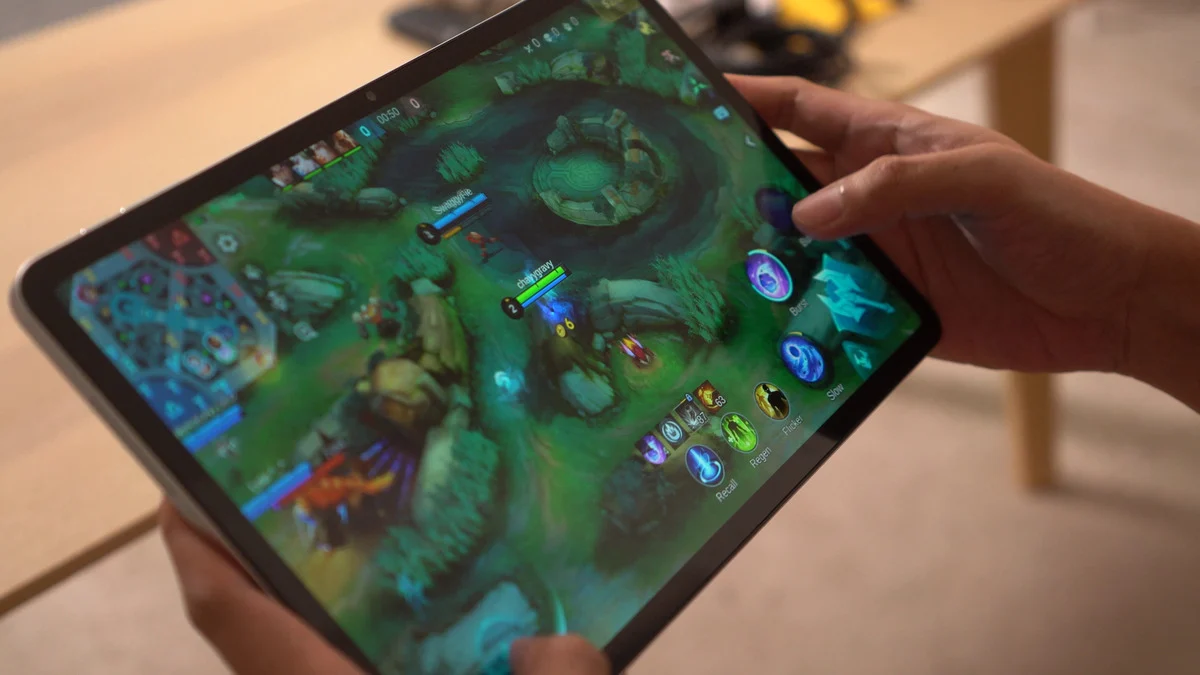
However, the limitations of the Helio G100 become more noticeable when multitasking. Opening several heavy apps can result in occasional stutters and apps tend to reload quite aggressively in the background.
Gaming performance is similarly modest. Pokémon Unite is playable but experiences occasional lag spikes. Mortal Kombat also runs but can encounter stutters from time to time.
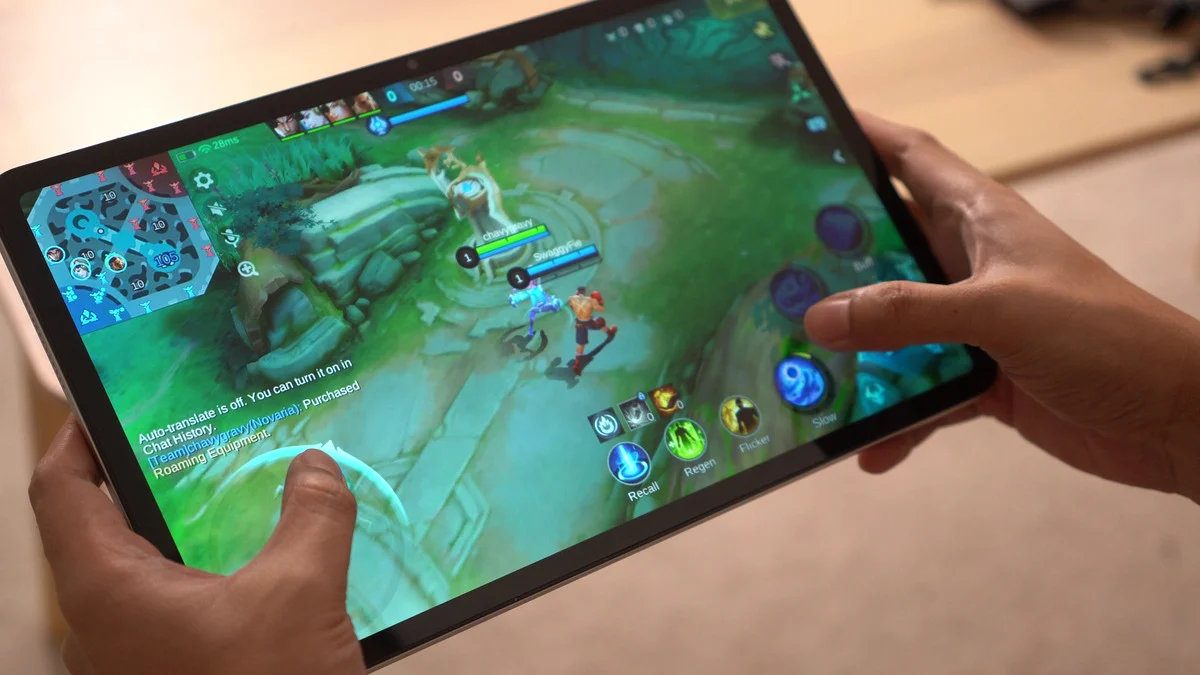
Honkai: Star Rail is technically playable, though you’ll want to stick to the Lowest graphics settings for a more manageable experience.
As for heavier titles, things become more… problematic as expected. Both Wuthering Waves and Neverness to Everness could be installed, but in my experience, they crashed every time I attempted to launch them.
The good news is that thermals remain fairly controlled. The tablet never became excessively hot during gaming sessions, making it comfortable to hold even in long sessions.
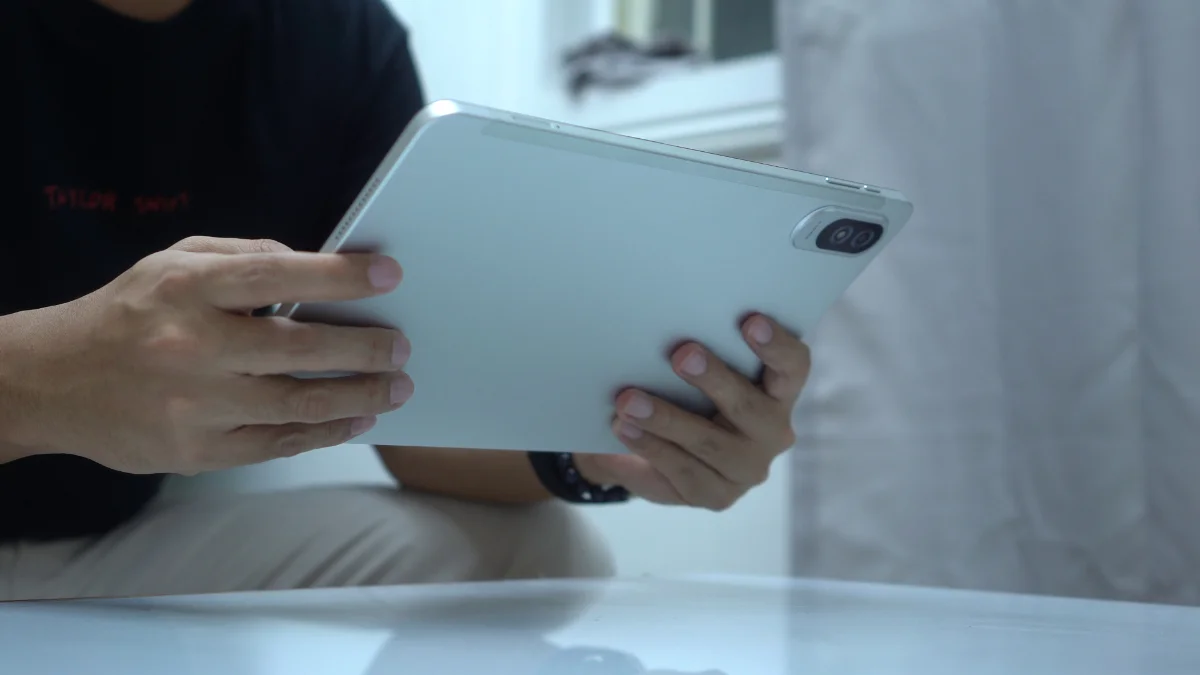
Ultimately, this isn’t a gaming-focused tablet. It’s much better suited for media consumption, web browsing, reading, and other casual tasks- that’s about it.
OS, UI, and Apps
Software-wise, the TechLife Pad Plus 2 runs Android 16.
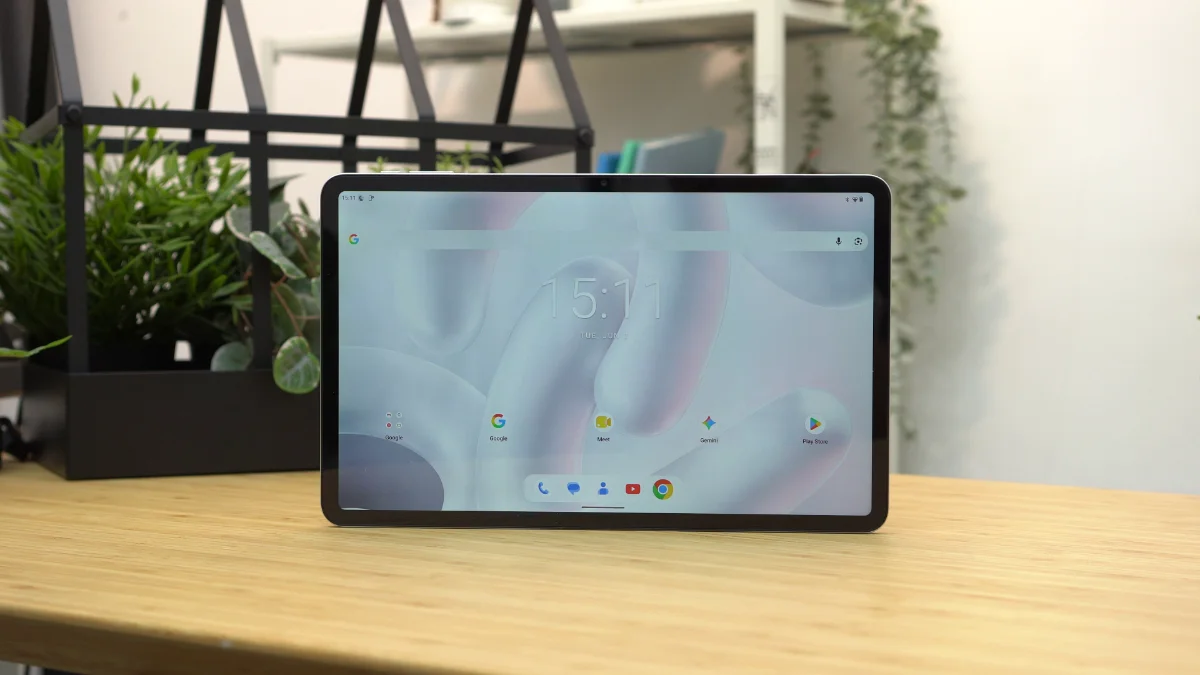
One of the things I appreciated most is how clean the software experience feels.
The tablet comes with very little bloatware with most of the pre-installed applications being standard Google apps. This helps keep the interface uncluttered and easy to navigate.
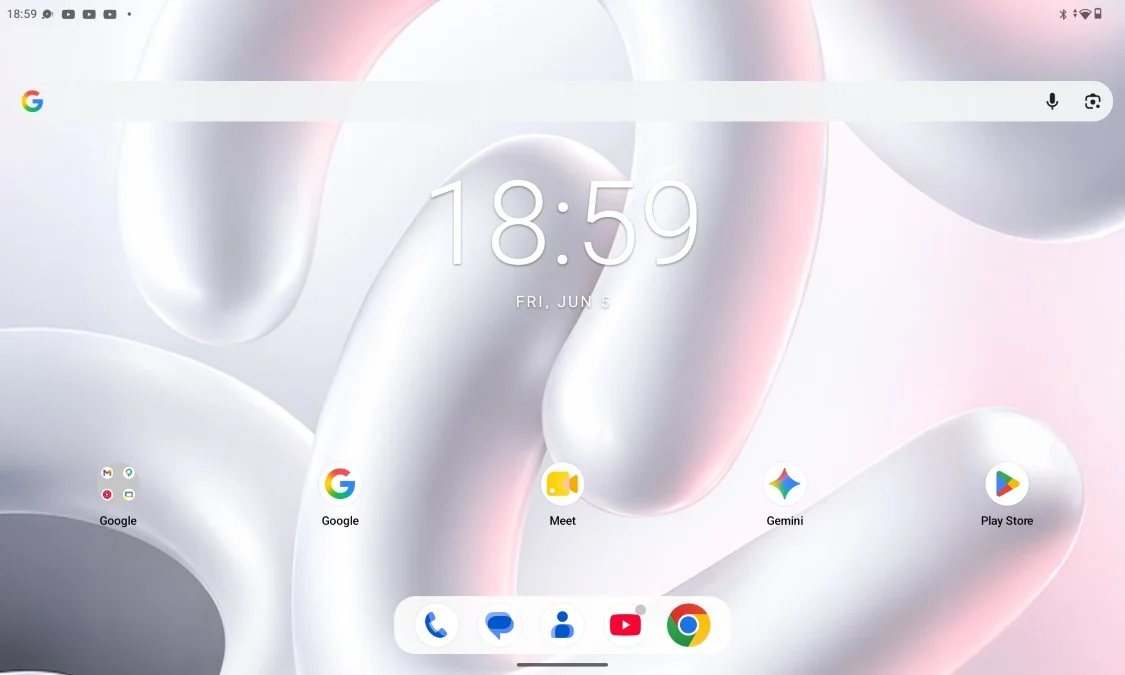
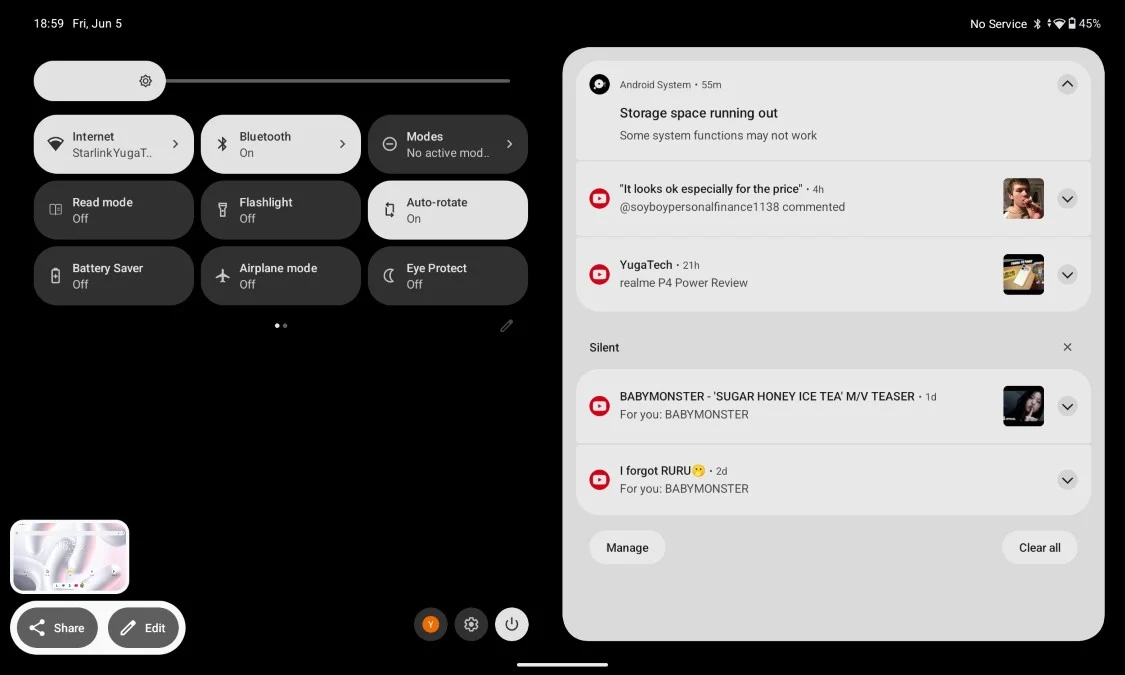
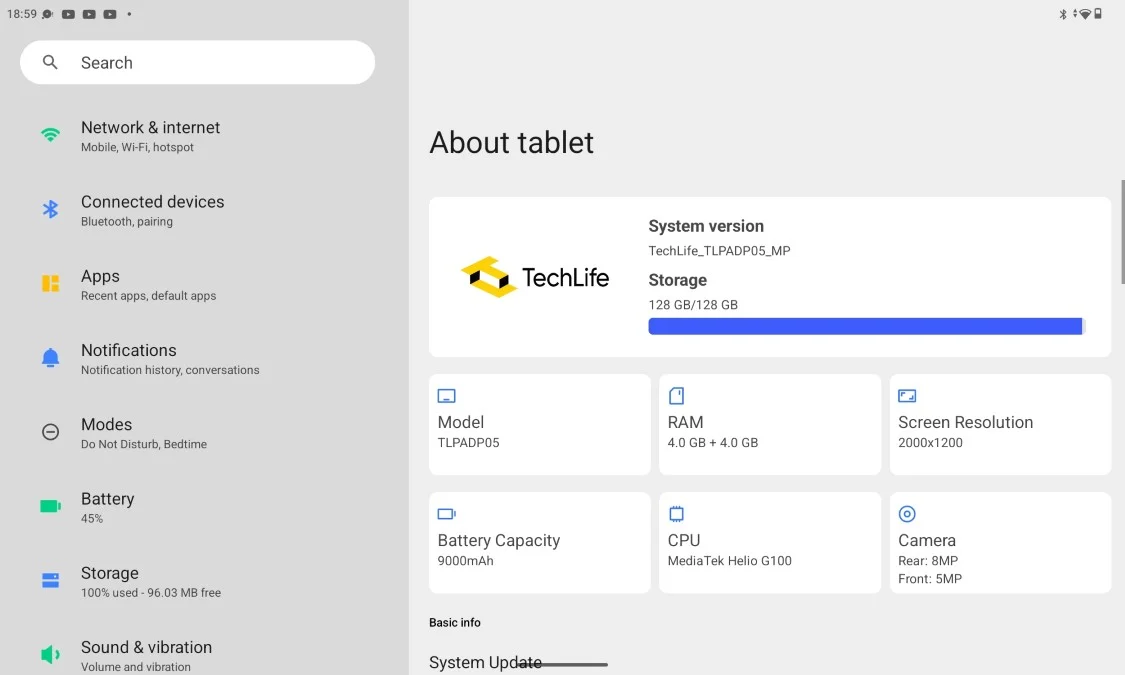
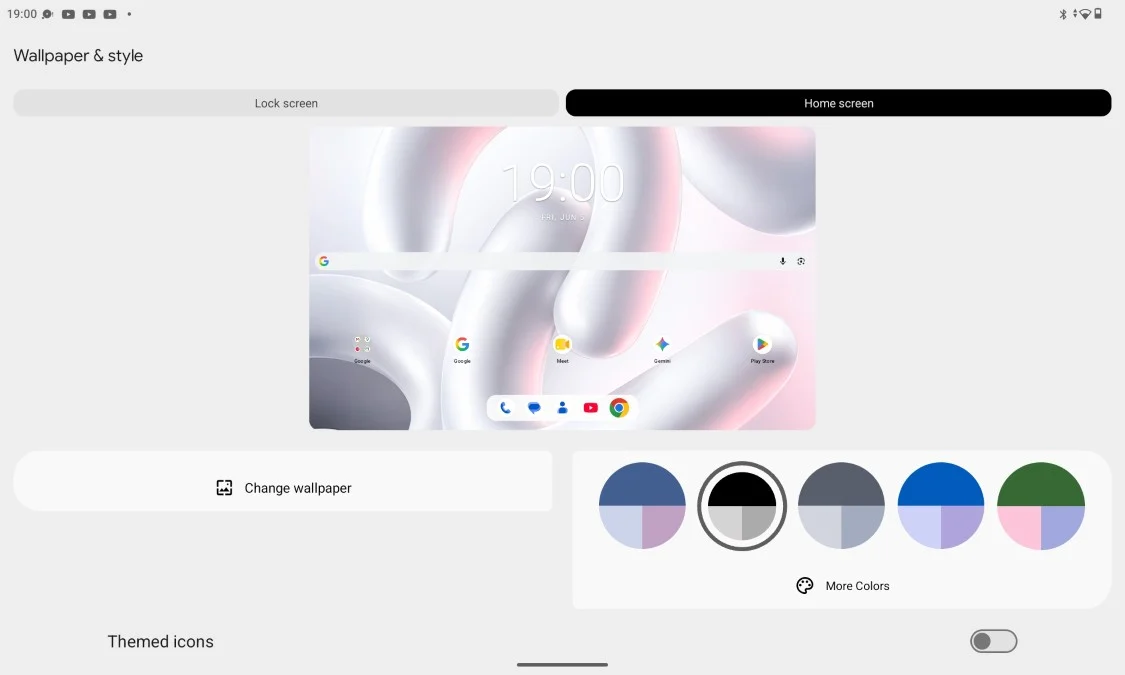
For users who prefer a straightforward Android experience, that’s definitely nice to have.
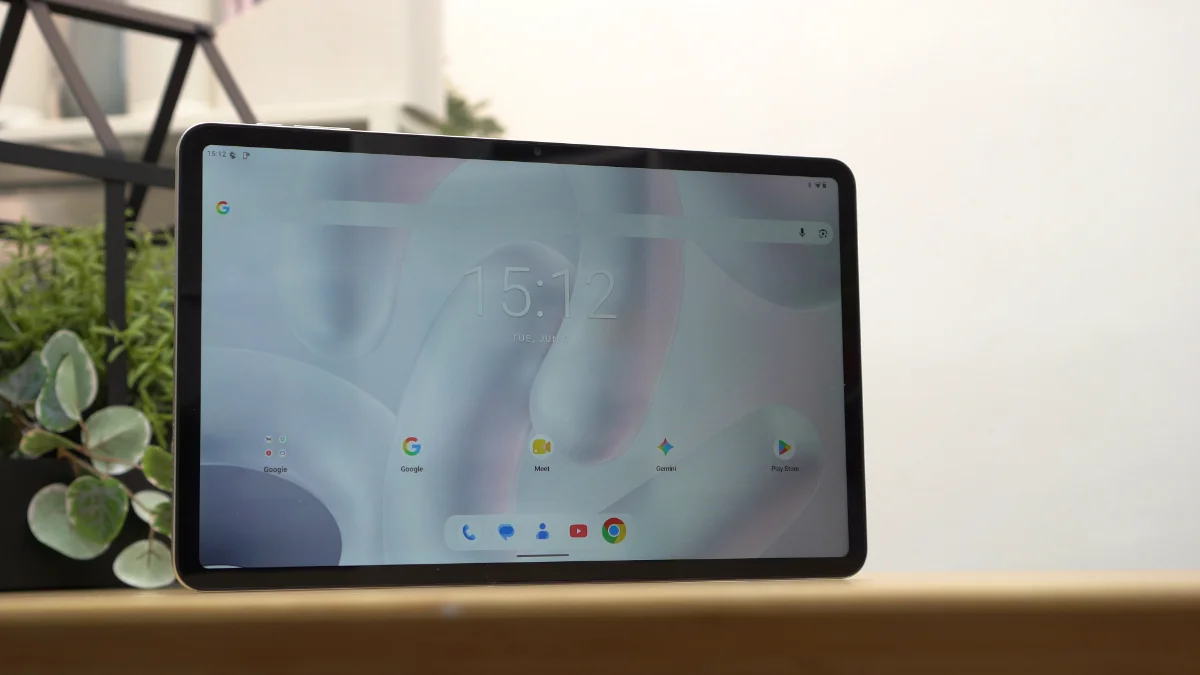
However, the software isn’t without its shortcomings. Oddly enough, there’s no split-screen support.
There’s also no floating window functionality and no desktop-style PC mode.
For a device with a large 12-inch display, these drawbacks feel somewhat underwhelming. Tablets naturally lend themselves to multitasking and having at least split-screen support would’ve made the device more useful for productivity.
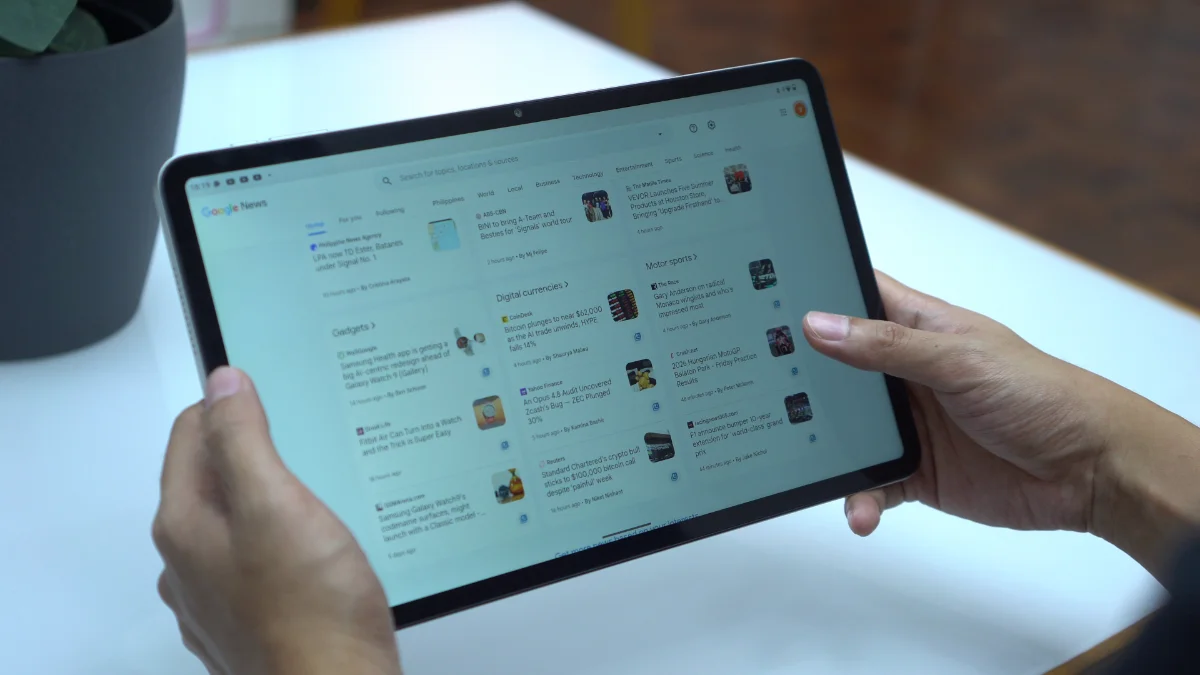
Combined with the aggressive app reloading behavior, the tablet ends up feeling more focused on content consumption rather than serious multitasking.
Connectivity and Battery Life
Connectivity options include LTE, Wi-Fi, Bluetooth, and USB Type-C.
Having LTE support is a welcome addition especially for users who frequently travel or need internet access outside of Wi-Fi coverage.
Meanwhile, battery life is one of the stronger areas of the tablet.
In PCMark Work 3.0 Battery Life test, the tablet lasted 10 hours and 14 minutes. And in our video loop test, it had 11 hours and 38 minutes of uptime.
These results align nicely with the tablet’s intended purpose as a media consumption device. It can comfortably stretch across an entire day without constantly searching for a charger.
Charging, however, is a different story. The tablet only supports 18W charging and it definitely feels slow for a device carrying a 9,000mAh battery.
During my testing, it took nearly two hours to reach a full charge from 19%.
It’s not unbearably slow, but faster charging would’ve been appreciated.
Conclusion
The TechLife Pad Plus 2 isn’t trying to be a gaming powerhouse or a productivity monster and that’s perfectly okay.
Instead, it feels like a tablet designed for people who want a large screen for entertainment. Whether it’s watching movies, binge-watching series, reading comics, catching up on novels, browsing social media or attending the occasional online meeting, the tablet handles those tasks comfortably.
The sturdy metal build, large display, LTE support, clean Android experience and respectable battery life all work in its favor. Not to mention, the expandable storage.
At the same time, there are compromises. The speakers could be louder, gaming performance is limited, charging feels slow, multitasking features are surprisingly absent and apps tend to reload more often than I’d like.
At PHP 14,999 (4GB+12GB) the TechLife Pad Plus 2 makes the most sense for users looking for an affordable large-screen entertainment tablet rather than a device for demanding games or heavy multitasking.
If your idea of tablet use revolves around movies, videos, comics, ebooks and everyday browsing, the TechLife Pad Plus 2 does enough to justify a place on your shortlist.
What we liked:
- Smooth 90Hz refresh rate
- Comfortable to hold despite the size
- LTE connectivity for internet on-the-go
What we didn’t like:
- Quad speakers lack volume and bass
- No split-screen, floating windows or PC mode
- No fingerprint scanner nor face unlock
TechLife Pad Plus 2 specs:
12-inch IPS TFT display @ 1200×2000 pixels FHD+
90Hz refresh rate, 450 nits brightness
MediaTek Helio G100 processor
2× Cortex-A76 @ 2.2GHz + 6× Cortex-A55 @ 2.0GHz
8GB RAM (+4GB RAM expansion)
128GB storage, expandable up to 1TB
8MP rear camera
5MP front camera
LTE, Wi-Fi
Quad stereo speakers
USB Type-C
Android 16
9,000mAh battery, 18W charging, 5W reverse charging
Storm Grey, Moonlight Silver, Starlight Pink
278.8mm x 174.4mm x 7.6mm



0 Comments
Leave a Reply