
태블릿은 노트북을 들고 다니지 않으면서도 더 큰 화면을 원하는 이들에게 인기 있는 선택지가 되었습니다. 영화 감상이나 온라인 수업 참석, 전자책 읽기, 소셜 미디어 브라우징, 가벼운 업무 처리 등 다양한 용도로 태블릿은 다재다능한 동반자가 될 수 있습니다.
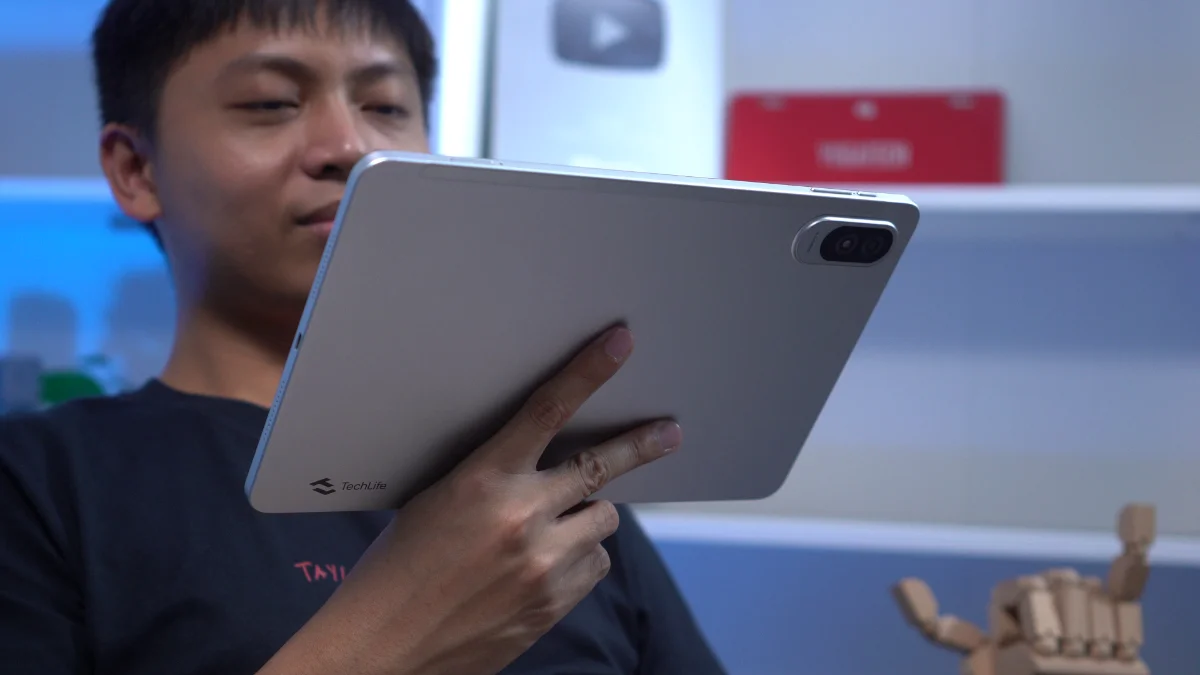
이번 리뷰에서는 TechLife Pad Plus 2를 살펴봅니다. 스펙만 봐도 엔터테인먼트와 일상 사용에 적합한 제품으로 보입니다. 하지만 실제 사용 환경에서 성능은 어떨까요? 확인해 보겠습니다.
디자인 및 시공
디자인부터 시작해 TechLife Pad Plus 2는 단순하고 미니멀한 방식을 유지합니다.
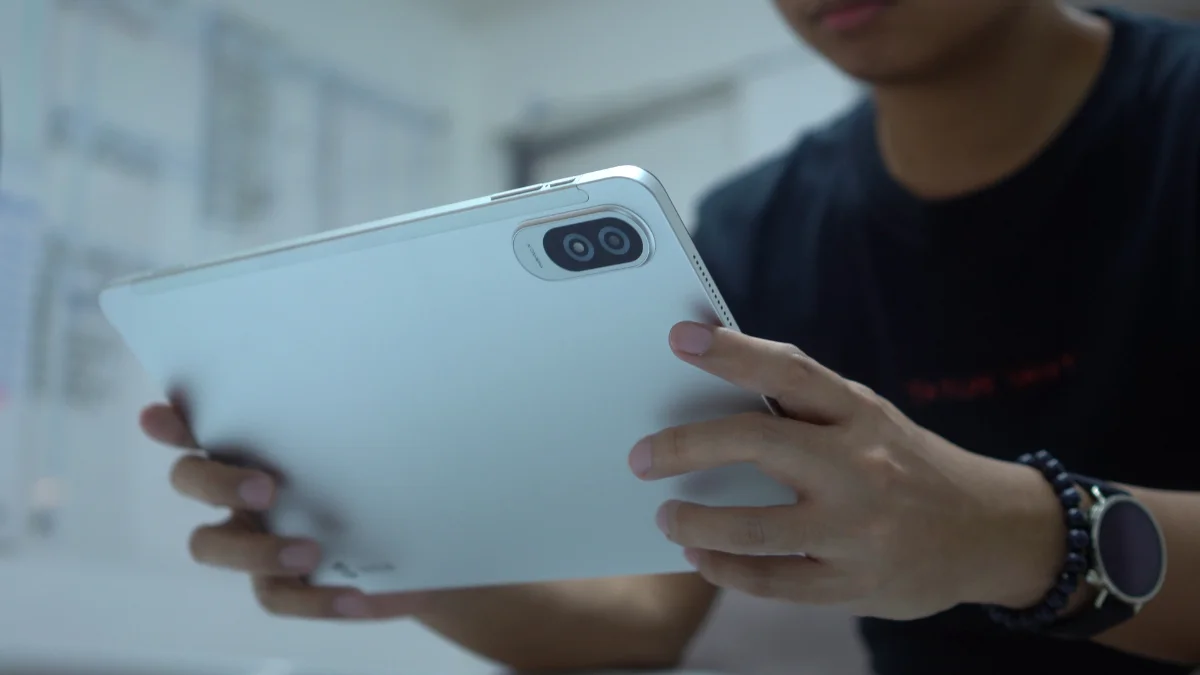
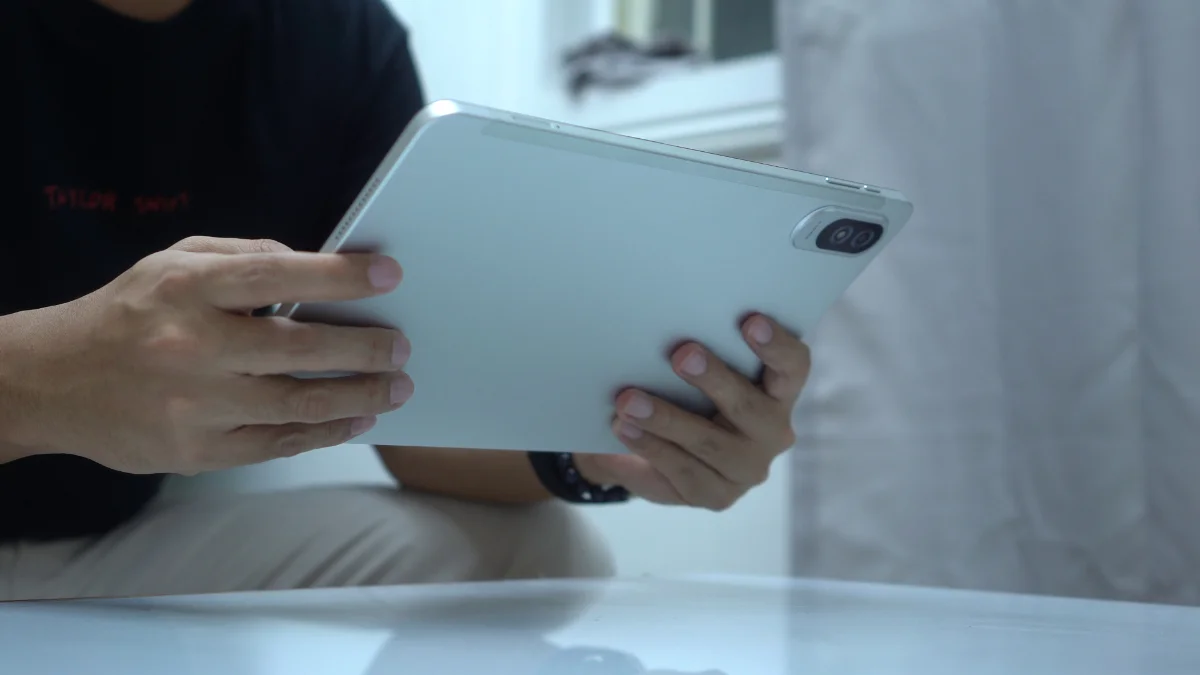
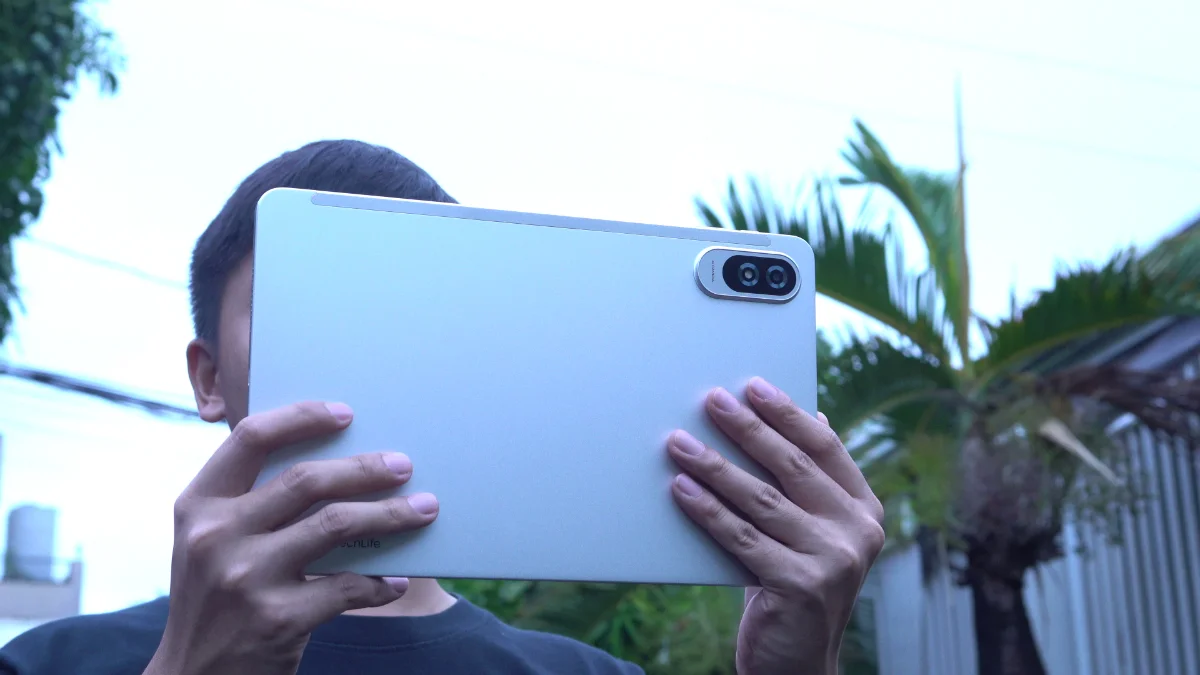
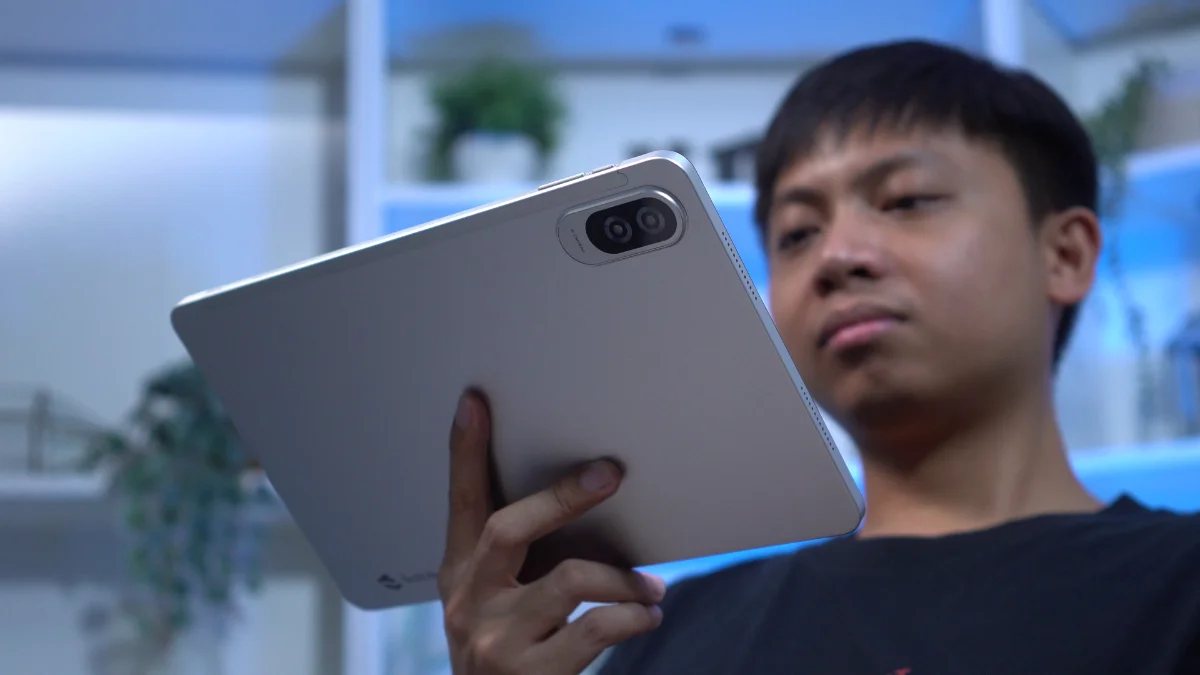
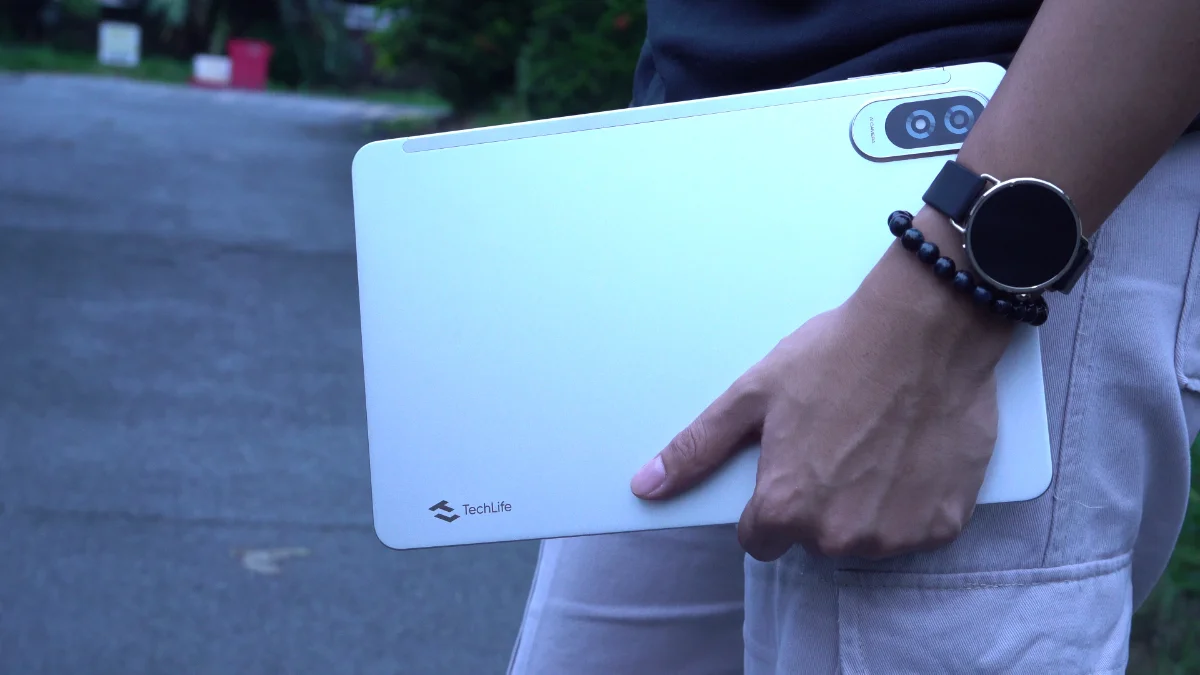
이 태블릿은 손에 잡히는 단단한 느낌을 주는 금속 바디를 갖추고 있습니다. 12 인치의 대형 디스플레이를 탑재하고 있음에도 불구하고, 사용 기간 동안 지나치게 무겁게 느껴지지 않았습니다.
사실, 만화책을 읽거나 쌓여가는 TBR 목록의 소설을 따라가거나 단순히 소셜 미디어를 둘러보는 동안에도 한 손으로 오랫동안 들고 있을 수 있었습니다.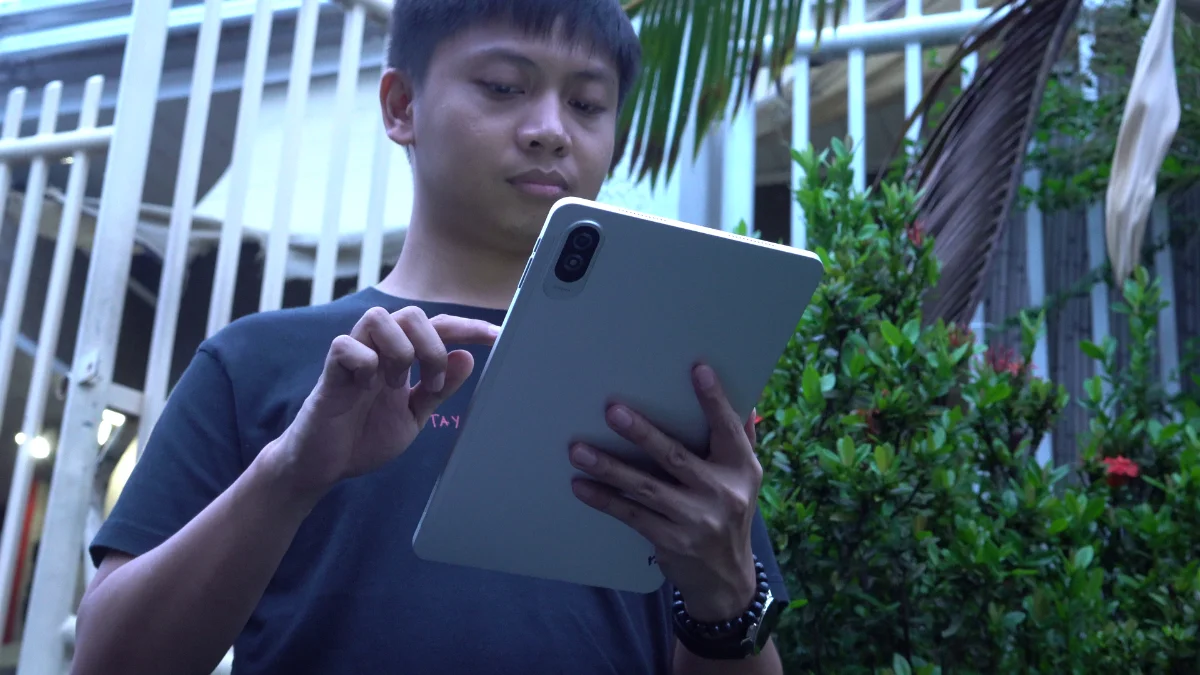
뒷면 패널도 지문 저항성이 꽤 좋아서 장기간 사용해도 태블릿이 깨끗한 외관을 유지할 수 있도록 도와줍니다.
태블릿을 화면을 향하게 하여 가로 모드로 사용할 때, 버튼은 상단 가장자리에 배치되고 양쪽에는 스피커가 위치합니다.
저장 공간 확장을 위한 microSD 카드 슬롯과 함께 SIM 트레이도 제공되는데, 이는 저희 기준으로는 항상 긍정적인 요소입니다.
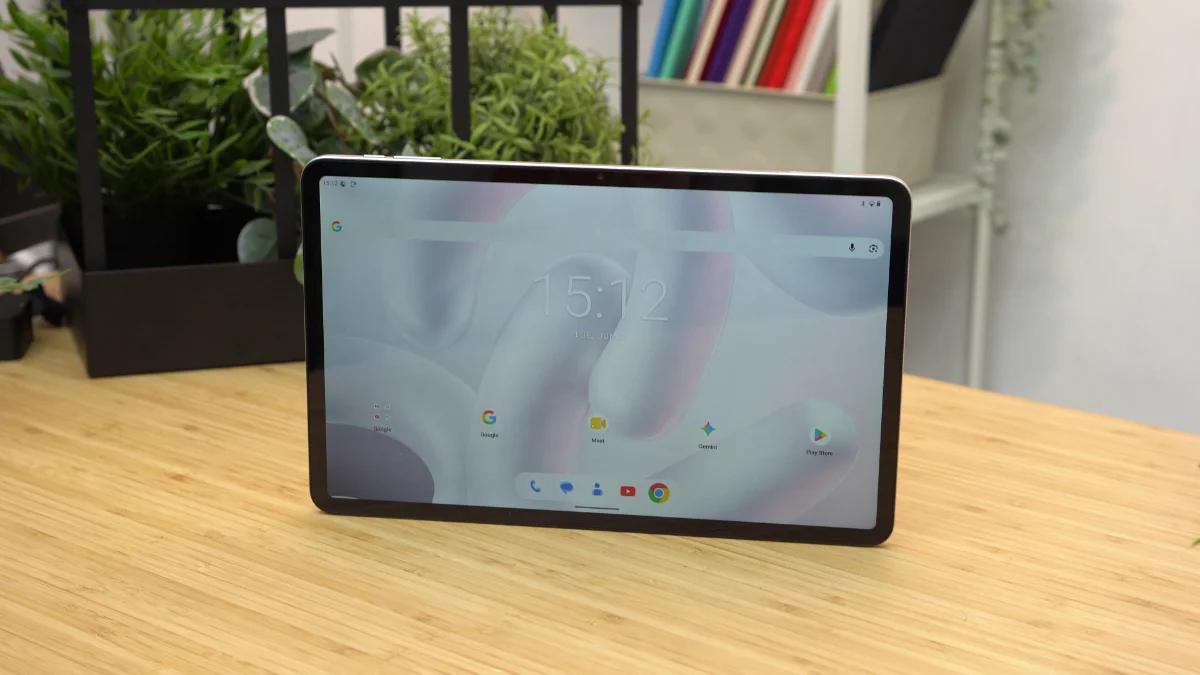
7.6mm에서 얇은 이 태블릿도 크기에 비해 합리적으로 슬림하게 느껴집니다.
주의할 점은 박스에 케이스가 포함되어 있지 않다는 것입니다. 태블릿의 크기가 크기 때문에 보호 케이스가 포함되었으면 좋았을 것입니다.
그럼에도 불구하고 전반적인 제작 품질은 긍정적인 인상을 줍니다. 금속 소재의 본체는 이 태블릿이 가격표에 비해 더 프리미엄으로 느껴지도록 돕습니다.
디스플레이, 멀티미디어 및 생체 인식
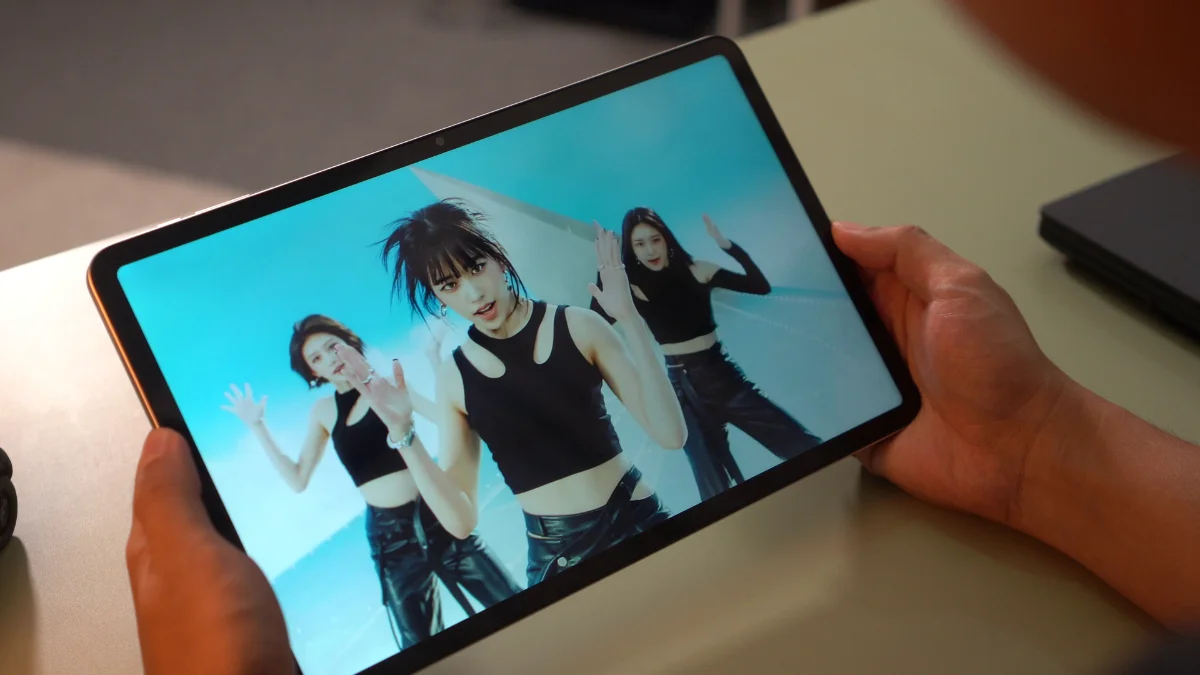
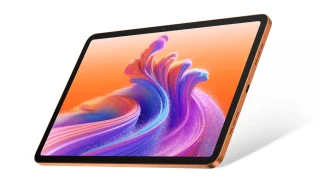
이제 메인 이벤트로 넘어가겠습니다. TechLife Pad Plus 2는 12인치 Full HD+ IPS TFT 디스플레이와 90Hz 리프레시 레이트를 탑재했습니다.
대형 화면은 이 태블릿의 가장 큰 하이라이트 중 하나입니다.
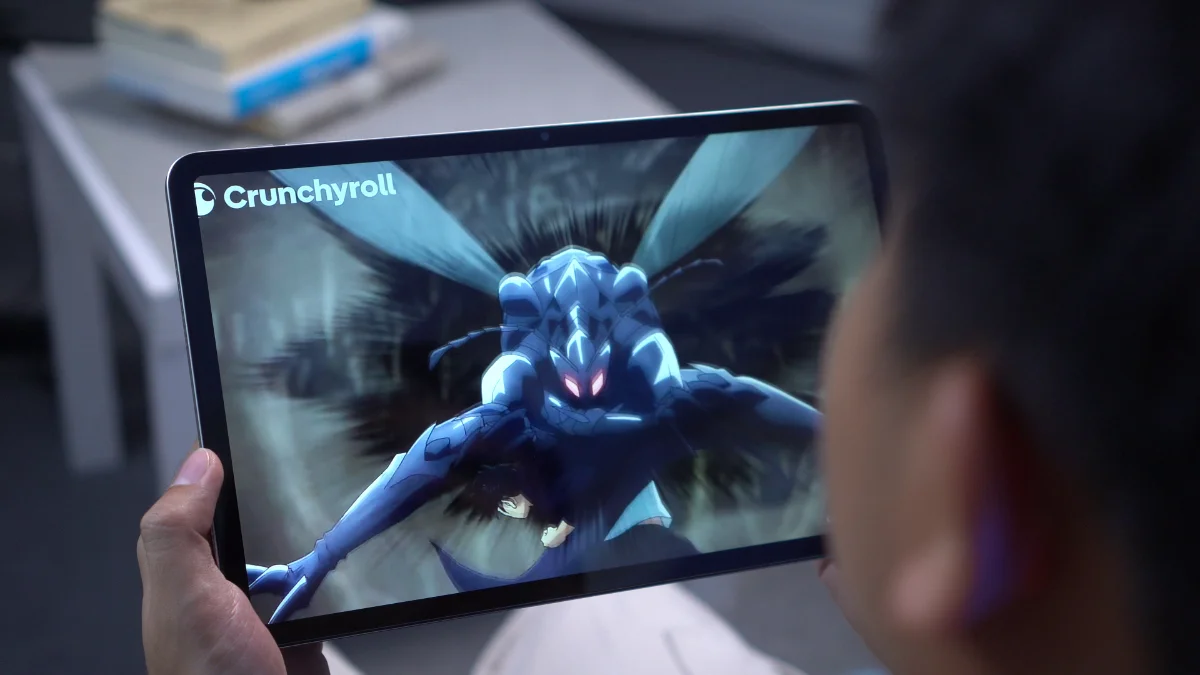
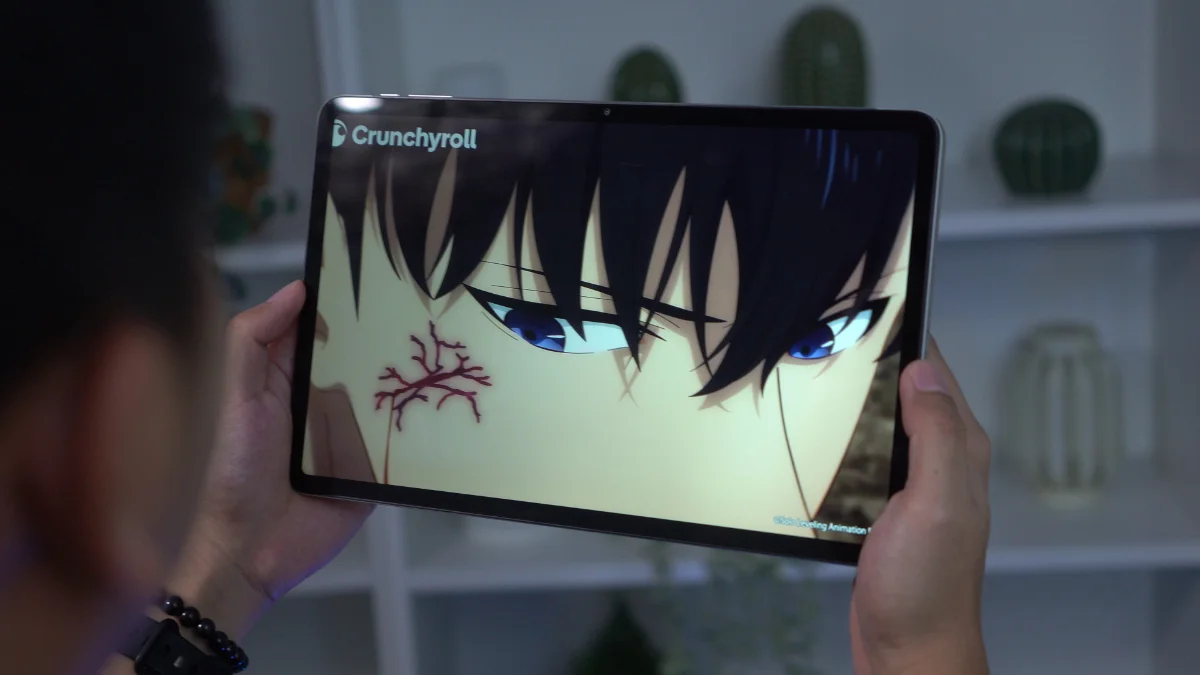
영화를 감상하거나 책을 읽거나 만화를 따라가는 것 등 어떤 활동이든 넓은 디스플레이가 편안한 시청 경험을 제공합니다. 큰 화면은 독서 시 스크롤을 줄이고 콘텐츠를 소비할 때 더 많은 화면 공간을 확보해 줍니다.
90Hz 의 리프레시 레이트 또한 네비게이션을 더 매끄럽게 만드는 데 도움이 됩니다. 흥미롭게도 이 기능은 기본적으로 활성화되어 있으며 설정 내에서 리프레시 레이트를 전환할 수 있는 옵션은 존재하지 않는 것으로 보입니다.
밝기 수치는 450nit로 평가됩니다. 실내에서는 충분히 사용 가능하지만, 직사광선 하에서 사용할 때 플래그십 수준의 밝기를 기대하지는 마십시오.
오디오로 넘어가면, 태블릿은 쿼드 스테레오 스피커를 탑재하고 있습니다. 불행히도 이는 기기의 약점 중 하나로 드러났습니다.
목소리는 영화, 유튜브 및 일상적인 청취에 충분할 만큼 명확하지만, 스피커는 특히 크지 않습니다. 콘텐츠를 시청할 때 종종 볼륨을 최대로 높여야 했습니다.
하지만 그렇더라도 여전히 제 취향에는 소리가 크지 않습니다.
Cameras
The camera setup is fairly basic, consisting of an 8-megapixel rear camera and a 5-megapixel front. And honestly, that's perfectly fine.
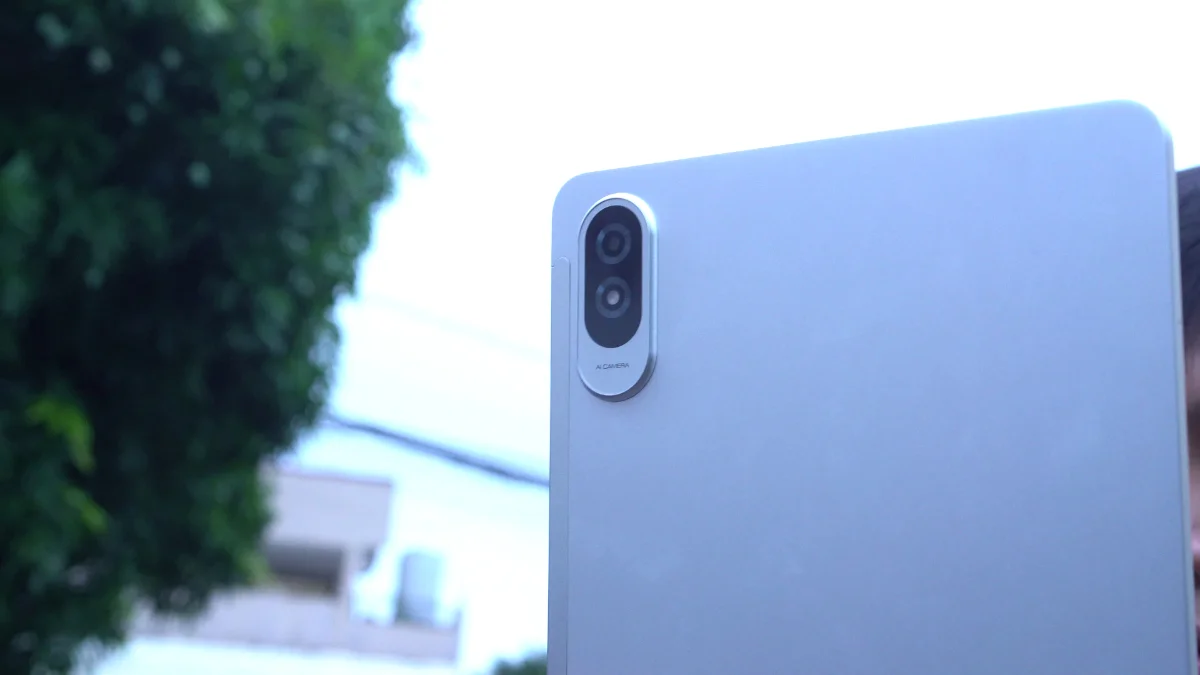
Most people don't buy tablets primarily for photography and the TechLife Pad Plus 2 performs exactly how you'd expect in this category.
Photos are usable for documentation purposes, scanning receipts, digitizing paperwork, or taking the occasional snapshot when needed.
The front camera should also be sufficient for video calls, online meetings, and virtual classes.
TechLife Pad Plus 2 sample photos
Tuesday, Jun 2


Neither camera is particularly impressive, but neither feels out of place for this type of device.
They fulfill their intended purpose and little more.
As for video, it's alright and definitely usable for online meetings and classes- nothing out of the ordinary for a tablet.
Sample rear video:
Sample front video:
Performance and Benchmarks
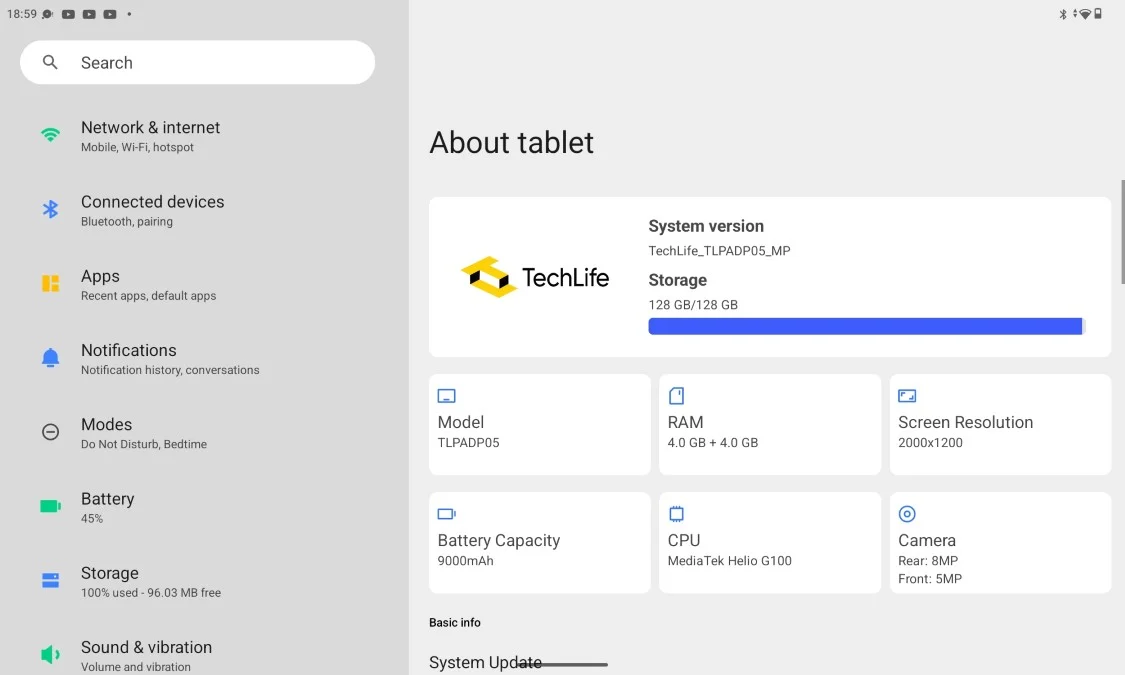
Powering the tablet is the MediaTek Helio G100 paired with 4GB of RAM and 128GB of expandable storage.
Here are the benchmark results that we got:
| Benchmark / Test | Result |
|---|---|
| Antutu v11.1.2 | 423,511 |
| Antutu CPU | 144,020 |
| Antutu GPU | 37,933 |
| Antutu Memory | 125,295 |
| Antutu UX | 116,263 |
| Antutu Storage Test v11.1.2 | 58,966 |
| Sequential Read | 7,552 (1072.7 MB/s) |
| Sequential Write | 5,620 (755.3 MB/s) |
| Random Access | 14,429 (Read: 453.0 MB/s, Write: 369.1 MB/s) |
| Mixed Multi-Random Access | 3,597 (518.0 MB/s) |
| Mixed Random Access | 6,395 (22.0 MB/s) |
| AI Read | 3,555 (218.1 MB/s) |
| Multi-AI Read | 17,818 (234.9 MB/s) |
| Wild Life Overall Score | 1,276 |
| Wild Life Average FPS | 7.65 |
| Geekbench 6 CPU Single-Core | 712 |
| Geekbench 6 CPU Multi-Core | 1,876 |
| Geekbench 6 GPU OpenCL | 1,488 |
| Geekbench 6 GPU Vulkan | 1,566 |
| PCMark Work 3.0 Performance | 9,963 |
| PCMark Work 3.0 Battery Life | 10 hours 14 minutes |
For everyday tasks, the tablet performs reasonably well. Browsing socials, streaming videos, reading ebooks, checking emails and navigating through apps generally feel smooth enough.
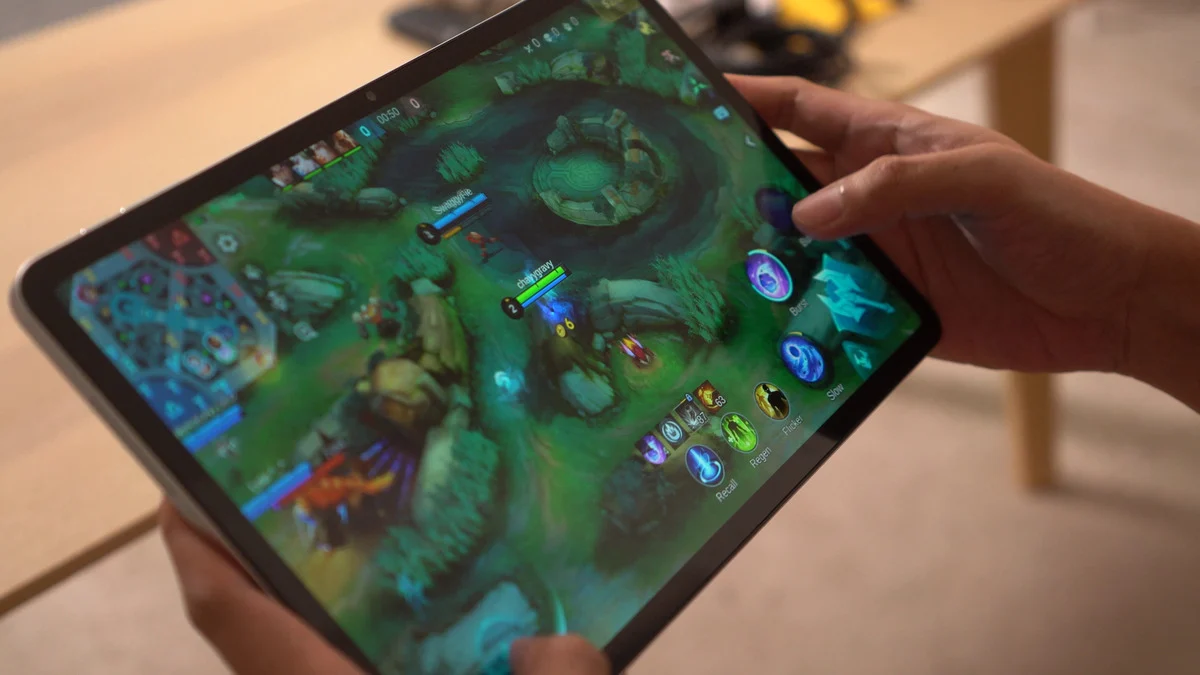
However, the limitations of the Helio G100 become more noticeable when multitasking. Opening several heavy apps can result in occasional stutters and apps tend to reload quite aggressively in the background.
Gaming performance is similarly modest. Pokémon Unite is playable but experiences occasional lag spikes. Mortal Kombat also runs but can encounter stutters from time to time.
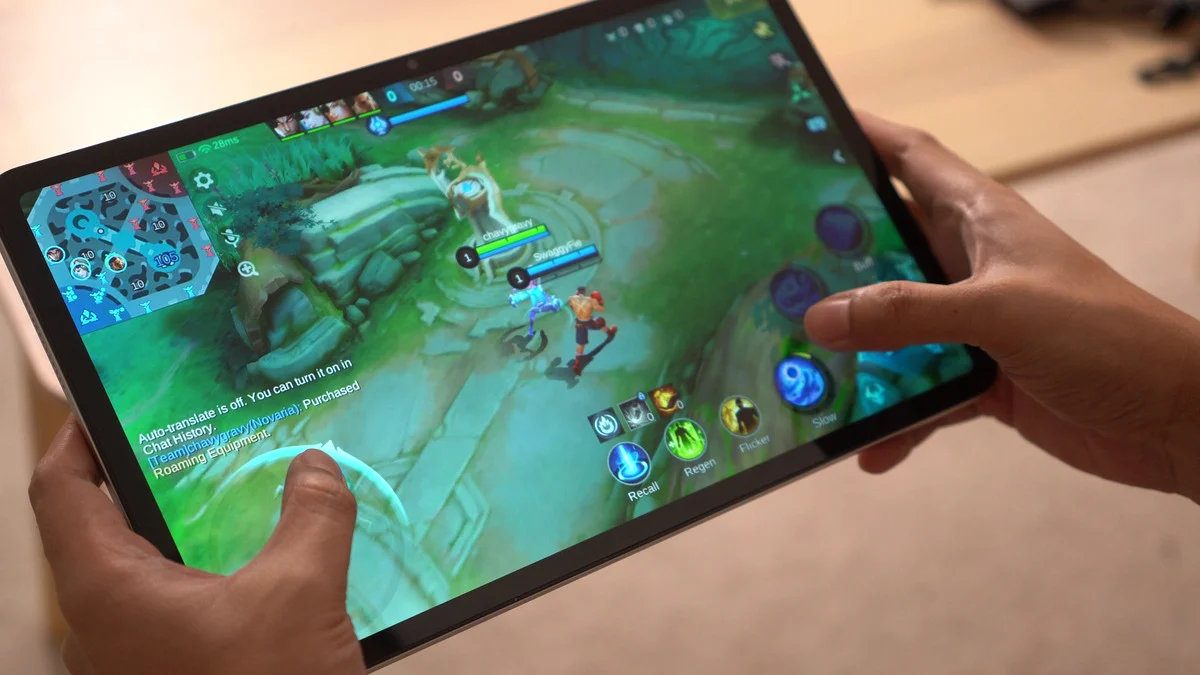
Honkai: Star Rail is technically playable, though you'll want to stick to the Lowest graphics settings for a more manageable experience.
As for heavier titles, things become more... problematic as expected. Both Wuthering Waves and Neverness to Everness could be installed, but in my experience, they crashed every time I attempted to launch them.
The good news is that thermals remain fairly controlled. The tablet never became excessively hot during gaming sessions, making it comfortable to hold even in long sessions.
Ultimately, this isn't a gaming-focused tablet. It's much better suited for media consumption, web browsing, reading, and other casual tasks- that's about it.
OS, UI, and Apps
Software-wise, the TechLife Pad Plus 2 runs Android 16.
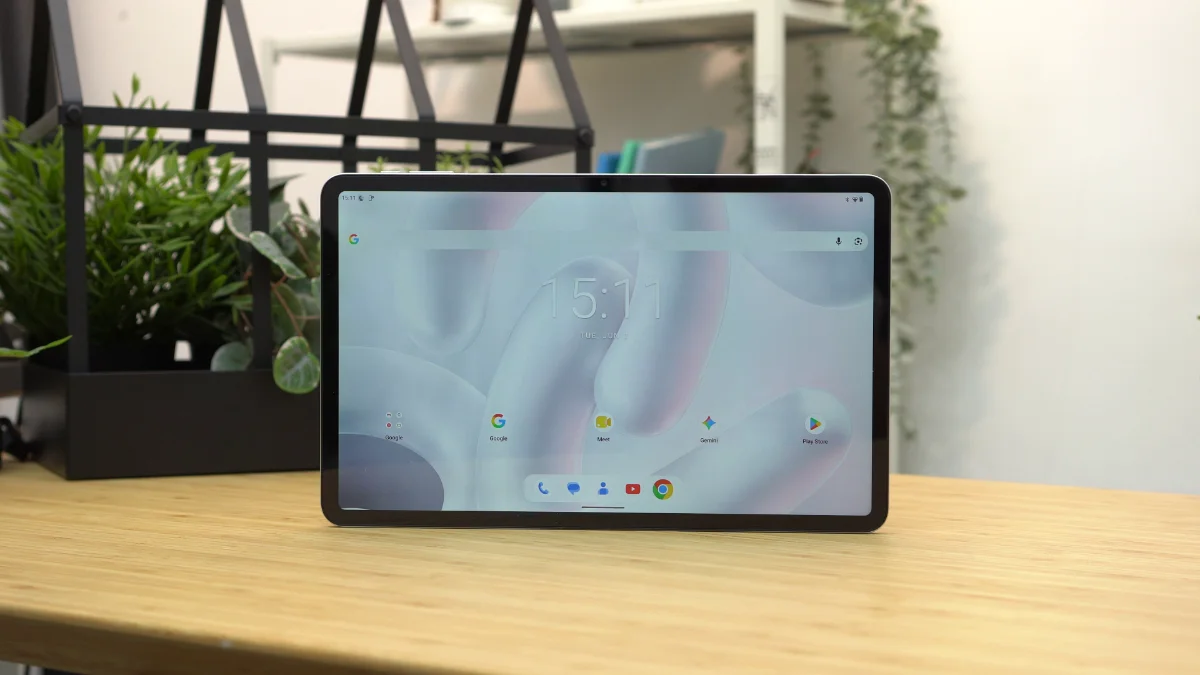
One of the things I appreciated most is how clean the software experience feels.
The tablet comes with very little bloatware with most of the pre-installed applications being standard Google apps. This helps keep the interface uncluttered and easy to navigate.
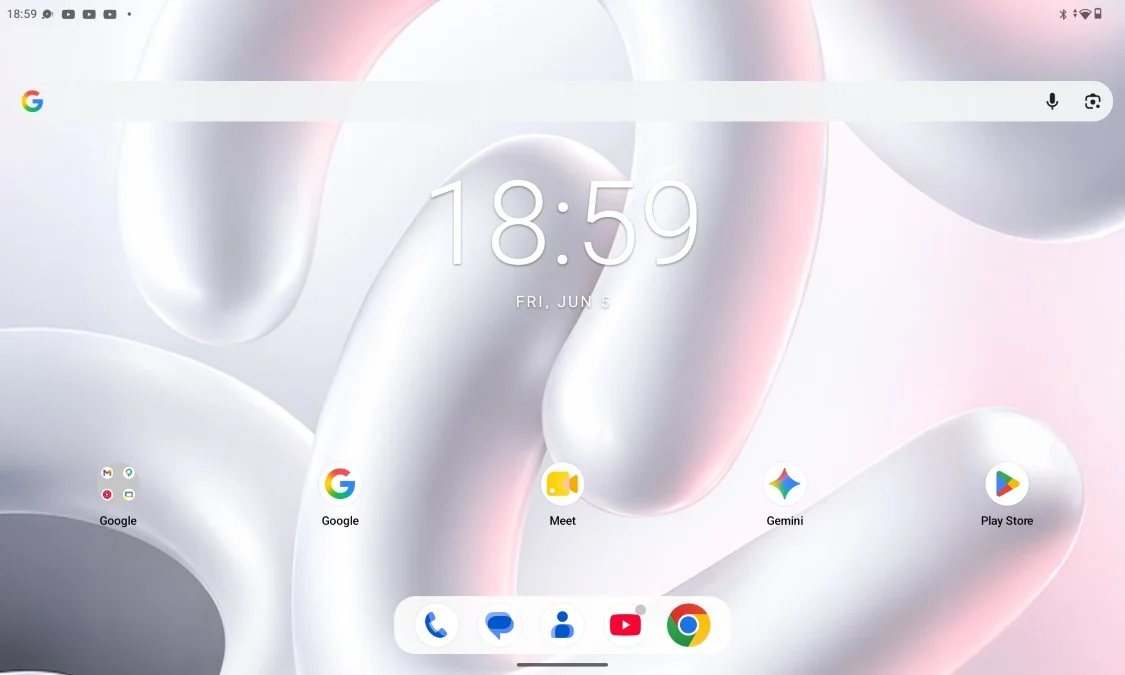
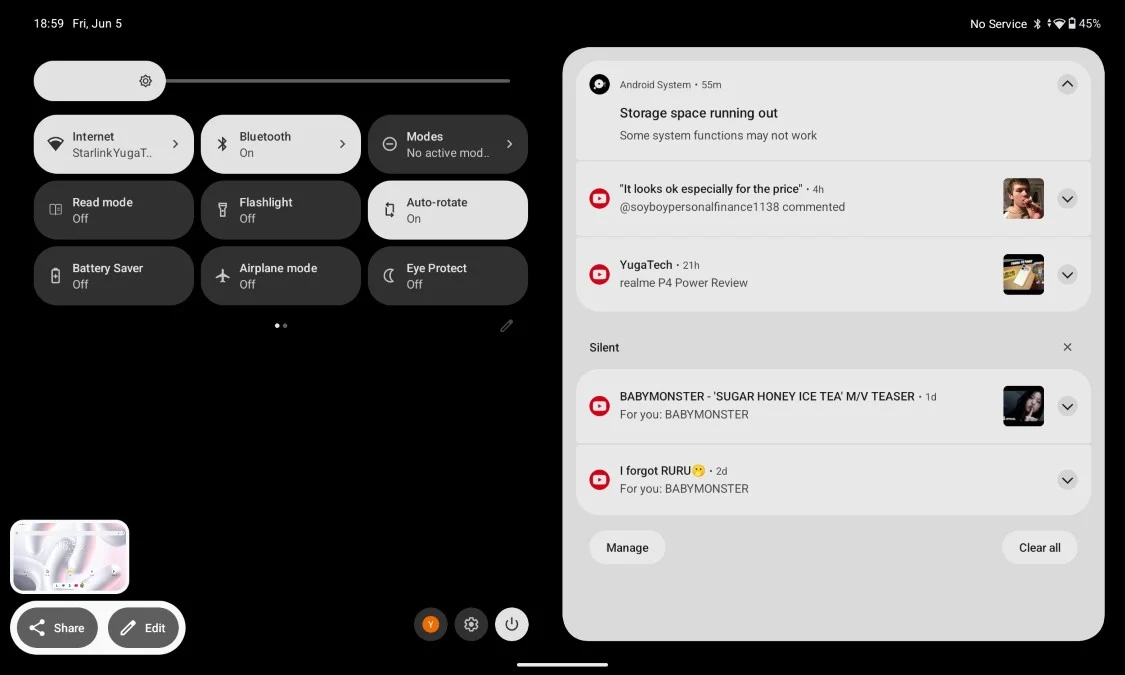
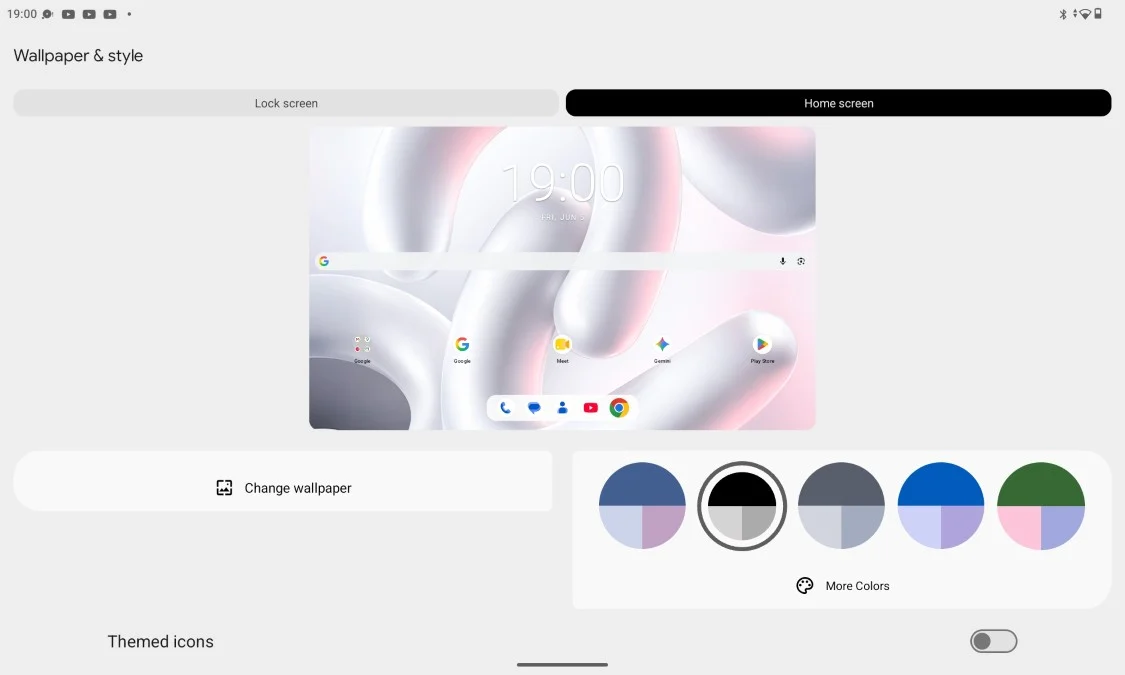
For users who prefer a straightforward Android experience, that's definitely nice to have.
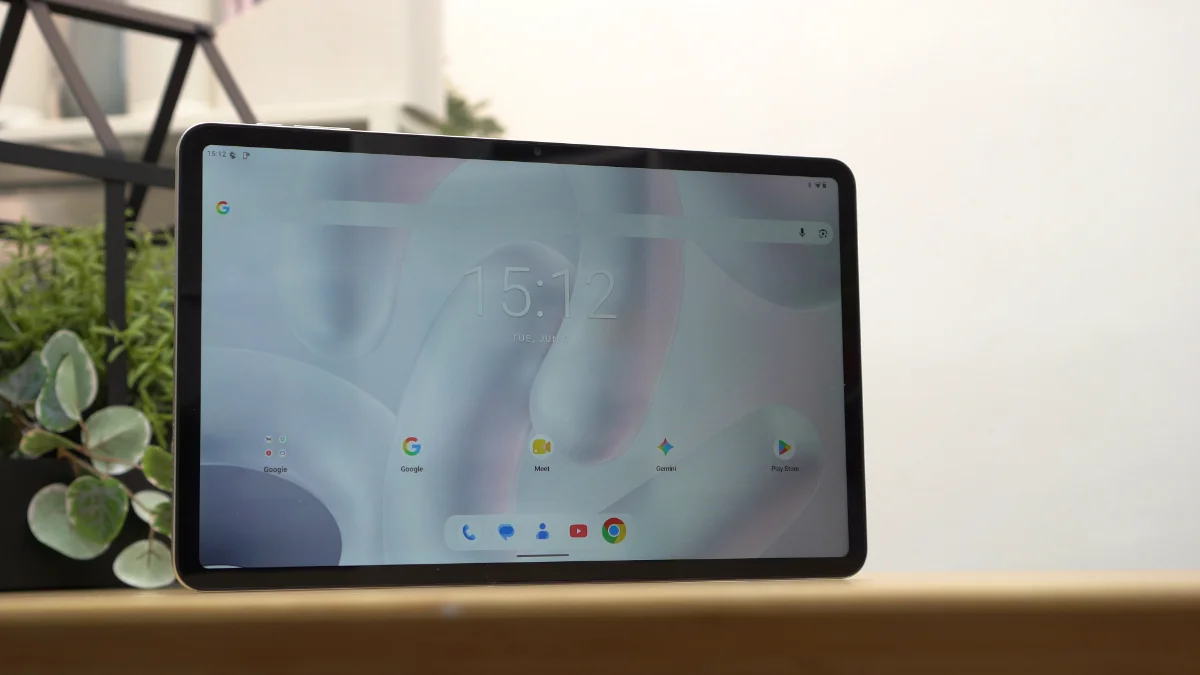
However, the software isn't without its shortcomings. Oddly enough, there's no split-screen support.
There's also no floating window functionality and no desktop-style PC mode.
For a device with a large 12-inch display, these drawbacks feel somewhat underwhelming. Tablets naturally lend themselves to multitasking and having at least split-screen support would've made the device more useful for productivity.
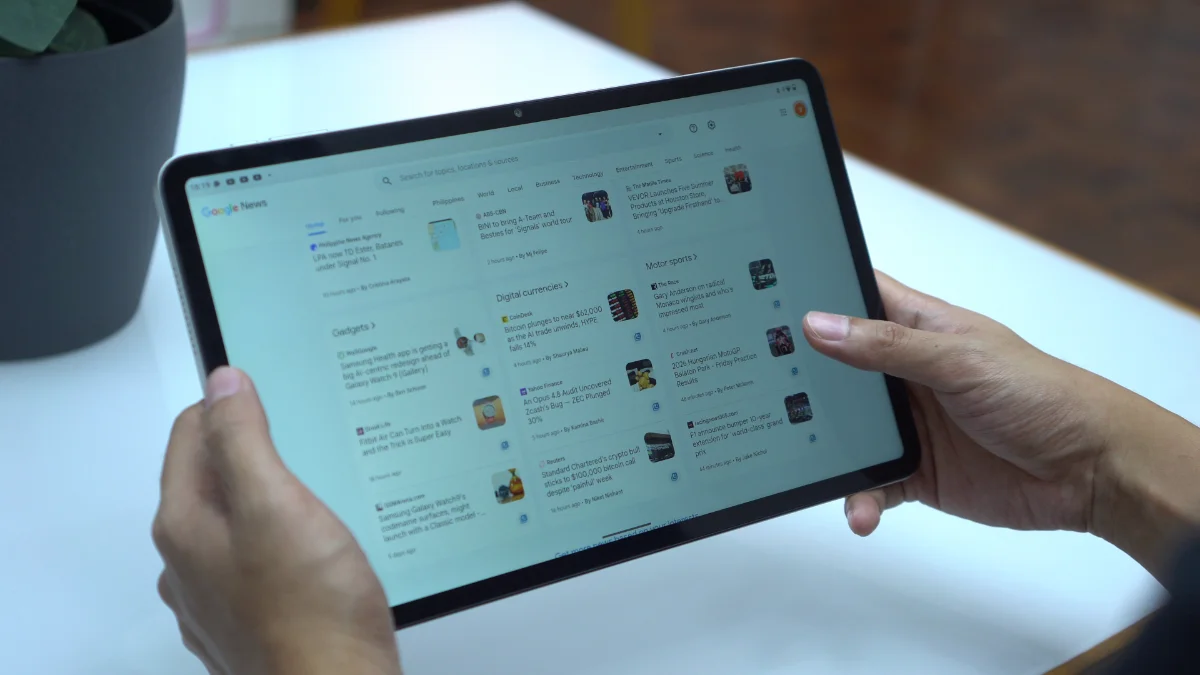
Combined with the aggressive app reloading behavior, the tablet ends up feeling more focused on content consumption rather than serious multitasking.
Connectivity and Battery Life
Connectivity options include LTE, Wi-Fi, Bluetooth, and USB Type-C.
Having LTE support is a welcome addition especially for users who frequently travel or need internet access outside of Wi-Fi coverage.
Meanwhile, battery life is one of the stronger areas of the tablet.
In PCMark Work 3.0 Battery Life test, the tablet lasted 10 hours and 14 minutes. And in our video loop test, it had 11 hours and 38 minutes of uptime.
These results align nicely with the tablet's intended purpose as a media consumption device. It can comfortably stretch across an entire day without constantly searching for a charger.
Charging, however, is a different story. The tablet only supports 18W charging and it definitely feels slow for a device carrying a 9,000mAh battery.
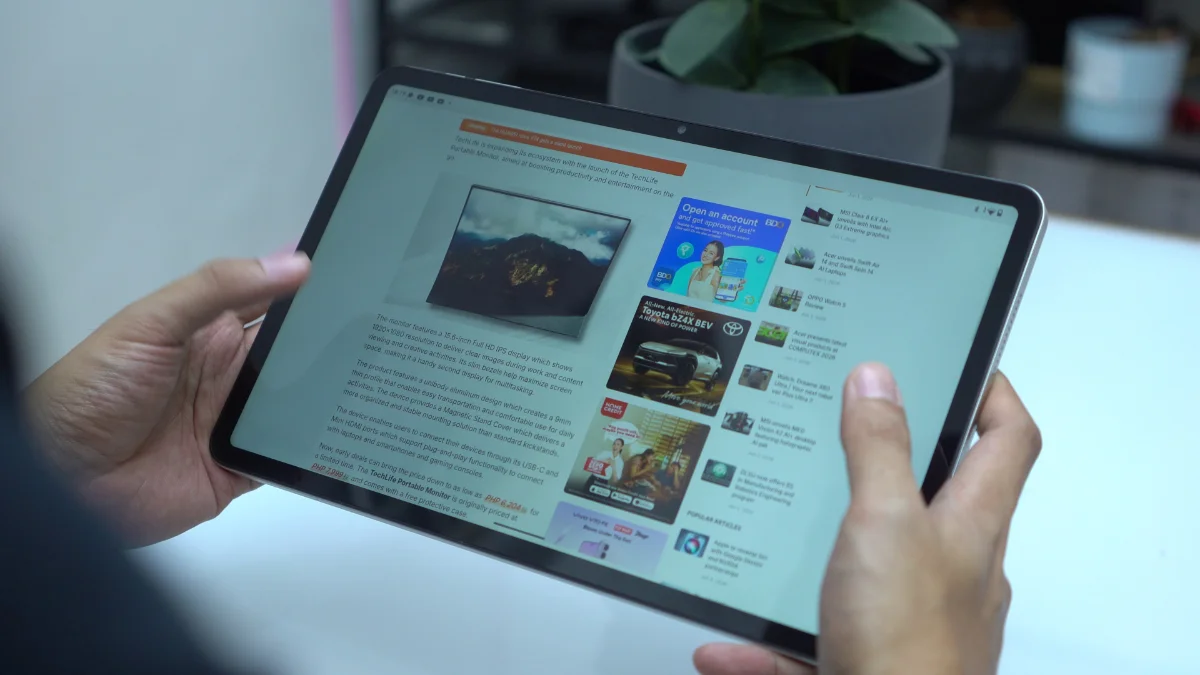
During my testing, it took nearly two hours to reach a full charge from 19%.
It's not unbearably slow, but faster charging would've been appreciated.
Conclusion
The TechLife Pad Plus 2 isn't trying to be a gaming powerhouse or a productivity monster and that's perfectly okay.
Instead, it feels like a tablet designed for people who want a large screen for entertainment. Whether it's watching movies, binge-watching series, reading comics, catching up on novels, browsing social media or attending the occasional online meeting, the tablet handles those tasks comfortably.
The sturdy metal build, large display, LTE support, clean Android experience and respectable battery life all work in its favor. Not to mention, the expandable storage.
At the same time, there are compromises. The speakers could be louder, gaming performance is limited, charging feels slow, multitasking features are surprisingly absent and apps tend to reload more often than I'd like.
At PHP 14,999 (4GB+12GB) the TechLife Pad Plus 2 makes the most sense for users looking for an affordable large-screen entertainment tablet rather than a device for demanding games or heavy multitasking.
If your idea of tablet use revolves around movies, videos, comics, ebooks and everyday browsing, the TechLife Pad Plus 2 does enough to justify a place on your shortlist.
What we liked:
- Smooth 90Hz refresh rate
- Comfortable to hold despite the size
- LTE connectivity for internet on-the-go
What we didn't like:
- Quad speakers lack volume and bass
- No split-screen, floating windows or PC mode
- No fingerprint scanner nor face unlock
TechLife Pad Plus 2 specs:
12-inch IPS TFT display @ 1200×2000 pixels FHD+
90Hz refresh rate, 450 nits brightness
MediaTek Helio G100 processor
2× Cortex-A76 @ 2.2GHz + 6× Cortex-A55 @ 2.0GHz
8GB RAM (+4GB RAM expansion)
128GB storage, expandable up to 1TB
8MP rear camera
5MP front camera
LTE, Wi-Fi
Quad stereo speakers
USB Type-C
Android 16
9,000mAh battery, 18W charging, 5W reverse charging
Storm Grey, Moonlight Silver, Starlight Pink
278.8mm x 174.4mm x 7.6mm



0 Comments
Leave a Reply