
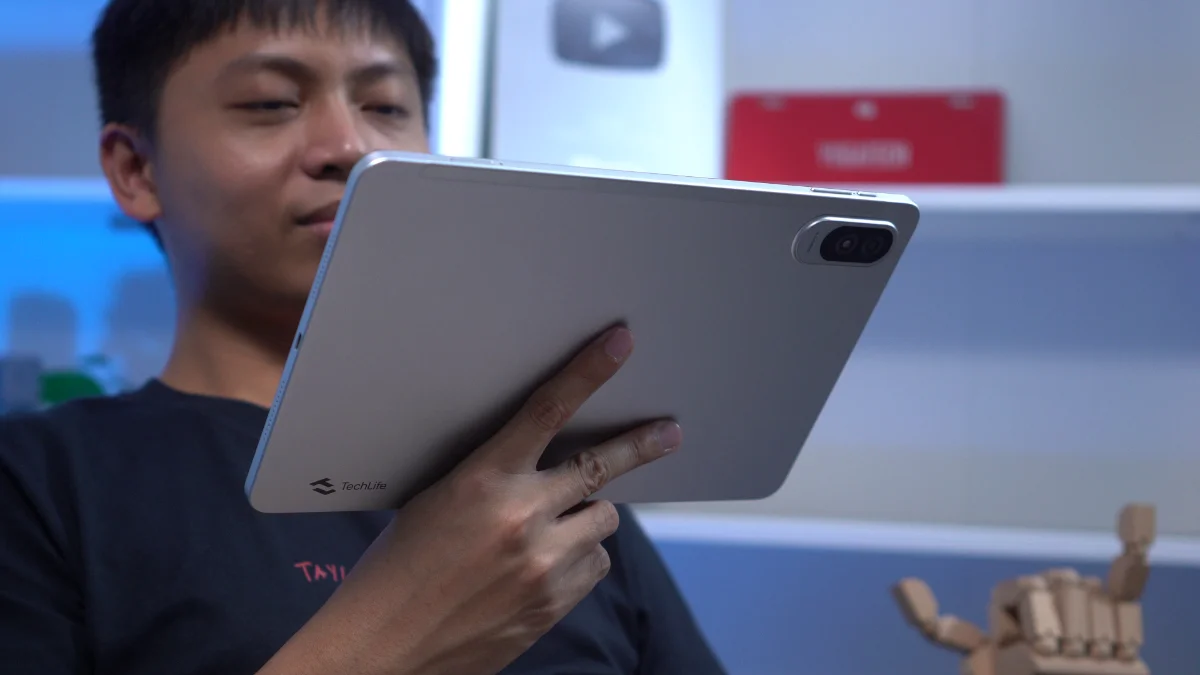
Itaonmi daytoy a review ti TechLife Pad Plus 2. Manipud kadagiti specs laeng, kasla maysa a nasayaat a pakete para iti entertainment ken everyday nga us-usar. Ngem no ania ti actual performance kadagiti real-world nga sitwasion? Awananmi daytoy.
Disenio ken Konstruksion
Ag tiay-ayon a panangilasin, ti TechLife Pad Plus 2 ket pinagbalinna nga adu ken minimalista.
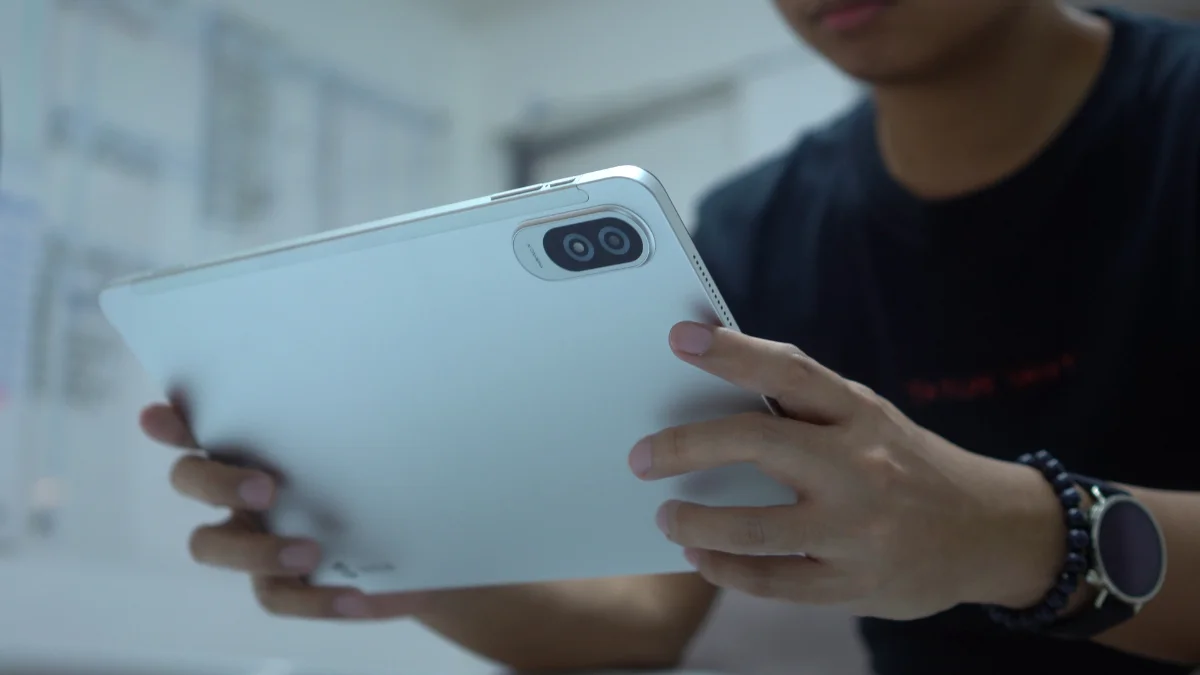
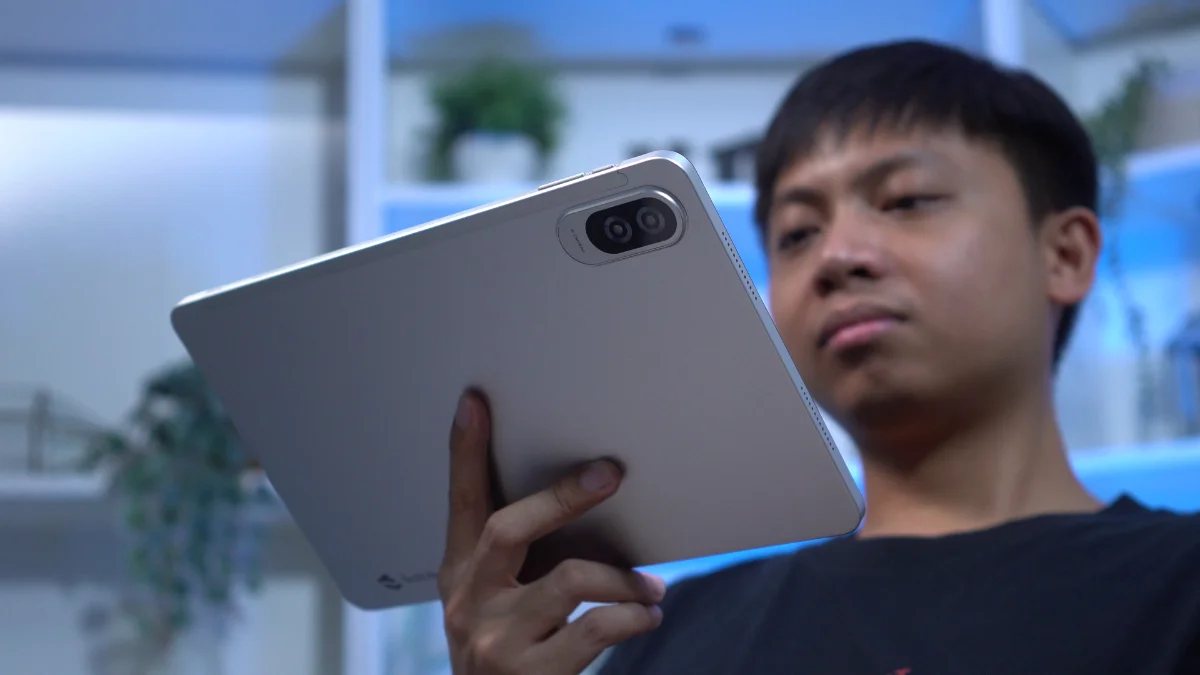
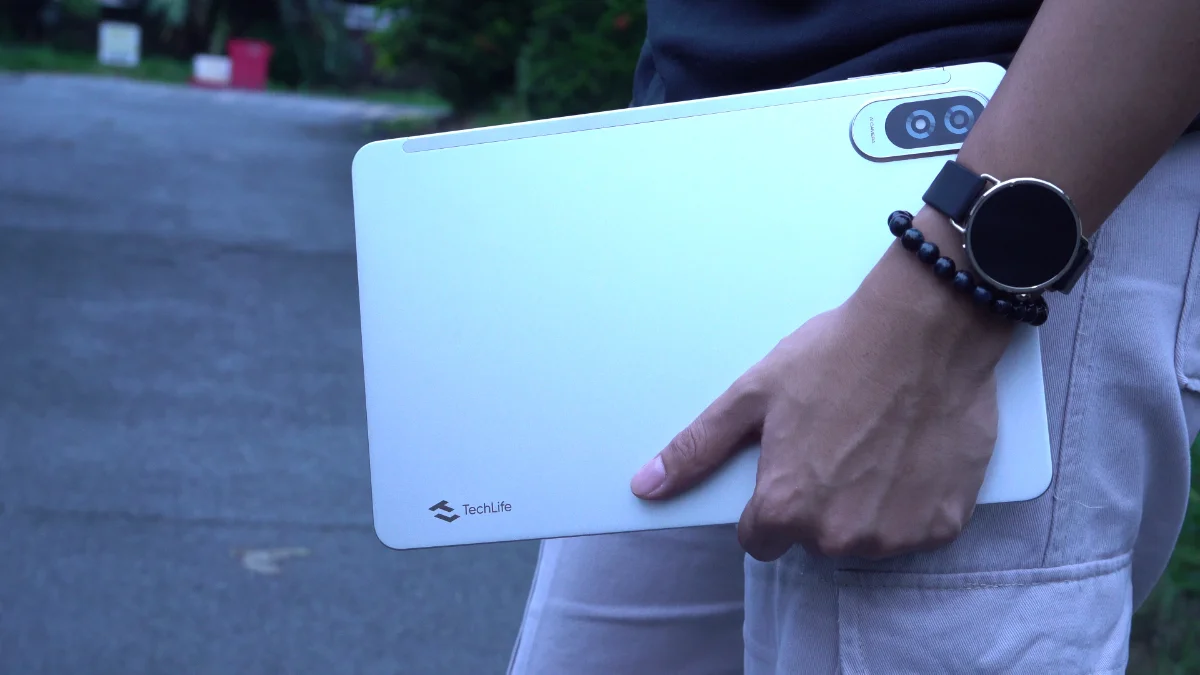
Agpang ti metalyo ti tablet nga adda iti panagkaykaysa a naigawid iti kamot. Nupay adda daytoy a dakkel a 12-inch a display, saan a nagtultuloy a napigsa a mabalin a maikuyog babaen ti panangipatpategko.
Ngamin, nakapagkaykayatko iti maysa a kamot para kadagiti naipadur-as a panawen bayat ti pagbasa dagiti komiks, panangisurot kadagiti nobela manipud iti agtubo nga TBR listak, wenno ngamin panangbrowsing kadagiti social media.
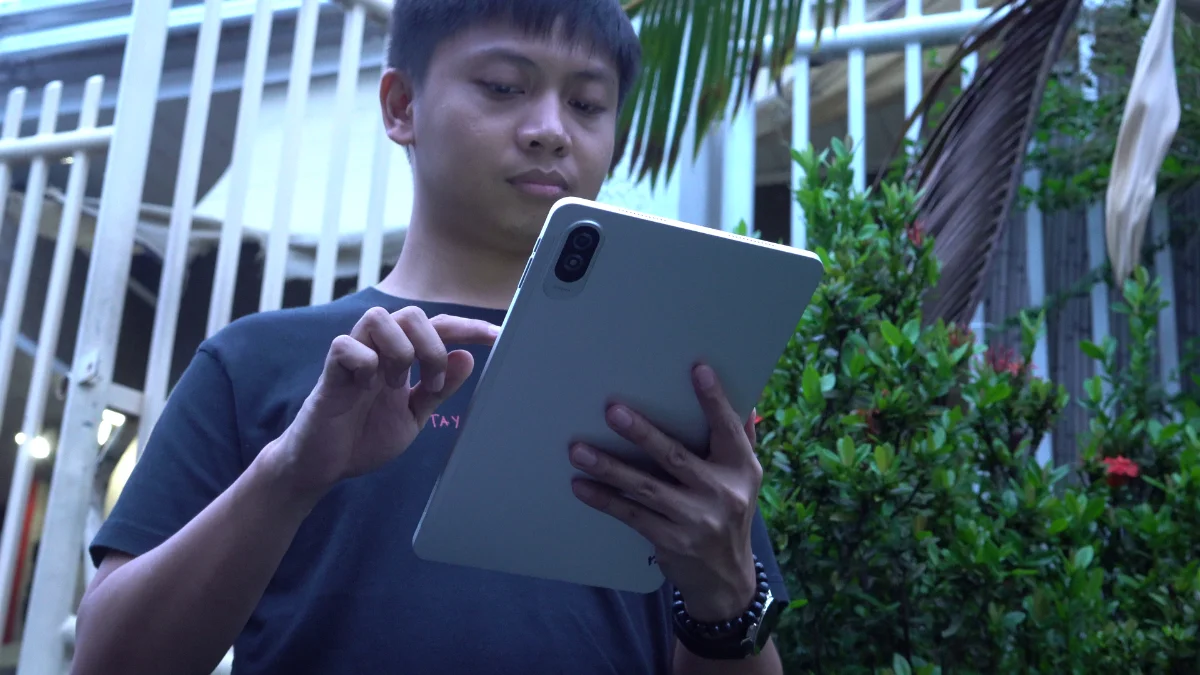
Daytoy met laeng ti maysa a maikadua a panagserbi iti panangipatay dagiti markas ti kamot, a nakatulong a mapaneknekan ti tablet nga addaan iti mas nalinteg a pakitaen babaen ti napigsa a panagusar.
Kanayon a mangusar iti tablet a nakadungpar kenkaing ti screen, dagiti botones ket adda a naipatpatong iti ngato a sango nga adda dagiti loudspeaker kadua a paset.
Adda pay ti SIM tray ken ti microSD card slot para iti storage expansion nga addaan iti daytoy a kasapulan kadagiti libro kami.
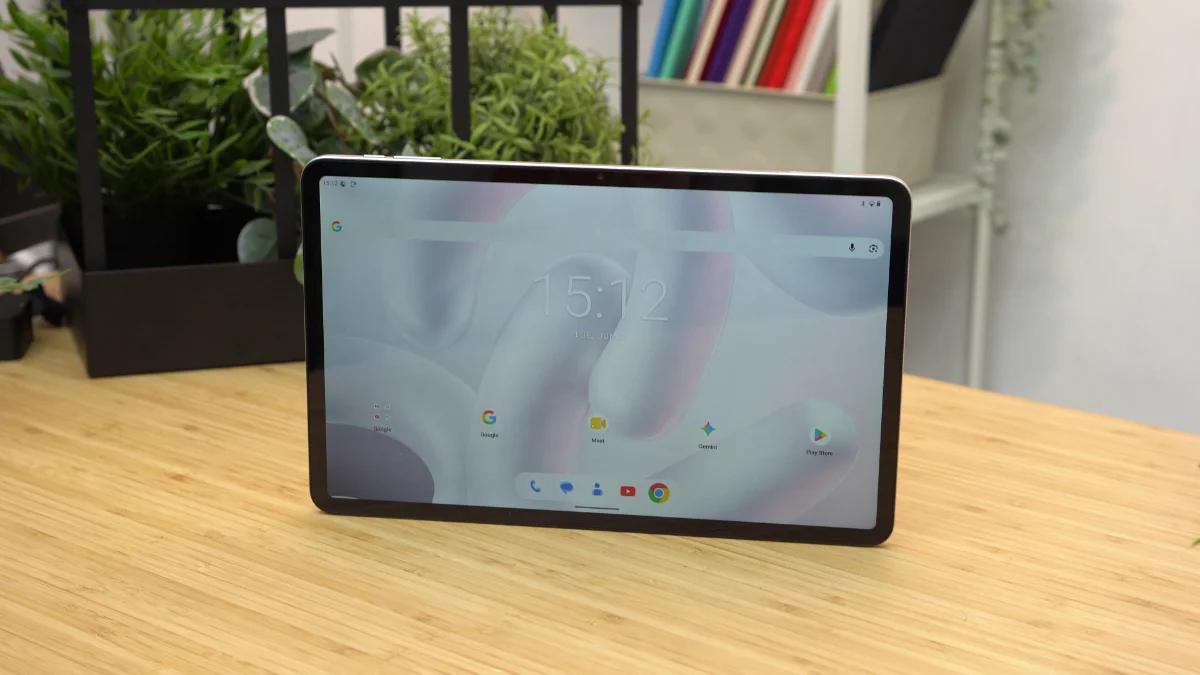
Itaeng ti 7.6mm, napudno met a siksik ti tablet para iti kadakkelna.
Maysa a banag a nasayaat a maipadaigdig ket saan a maituloy iti kaso. Iti napadakkel a sukog ti tablet, masapul a addaan iti protektibo a kaso.
Kitaen pay laeng, ti umno a pagteng ket mangipakita iti nasayaat a panangilasin. Ti metal a pagteng ket makapagpababa ti tablet nga adda iti mas nainget a pakaited ngem ti maitutop a presio.
Dispayo, Multimedia, ken Biometrika
Ngem ngarud ti main event, adda iti TechLife Pad Plus 2 a 12-inch Full HD+ IPS TFT display nga adda 90Hz refresh rate.
Ti maysa a dakkel a skreen ket maysa kadagiti pinakaad-adu a highlight iti daytoy a tablet.
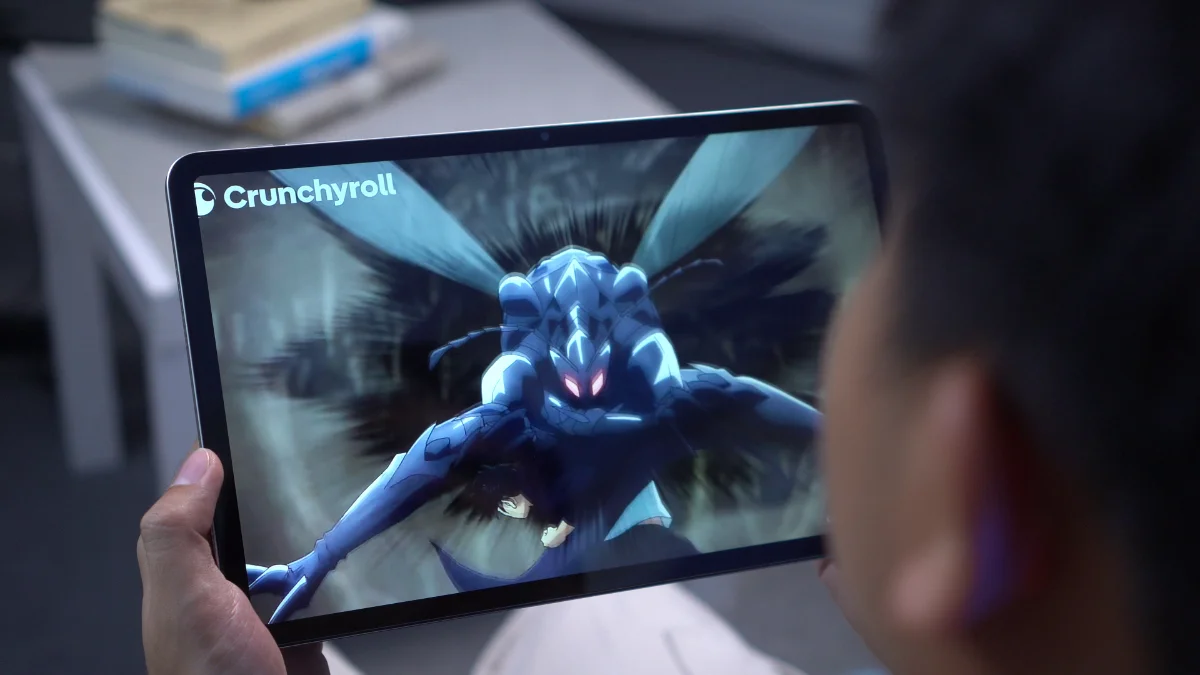
Kadawatawan man ti panagkita iti pelikula, panagbasa iti libro wenno panagbalin nga agsursurod iti komiks, ti napigsa a display ket nagtedda ti nasayaat a panagkita. Ti dakkel a canvas ket mangted iti less a pag-scrollan idi panagbasa ken dagiti mas maramid a screen real estate idi panagkonsumo iti kontenido.
Ti 90Hz refresh rate ket agtulong pay a mangsurok ti panagbalin ti panangipapanaw. Nasken, naenabled daytoy babaen ti default ken saan a makita a adda opson para iti pannakibingbingay kadagiti refresh rates iti panangipapanaw.
Naipakita a 450 nits ti brightness. Kadagiti daga, napaka-usable daytoy, ngem saanmo a mangaramid a maipadur-as a flagship-level brightness no agusar kadagiti direct sunlight.
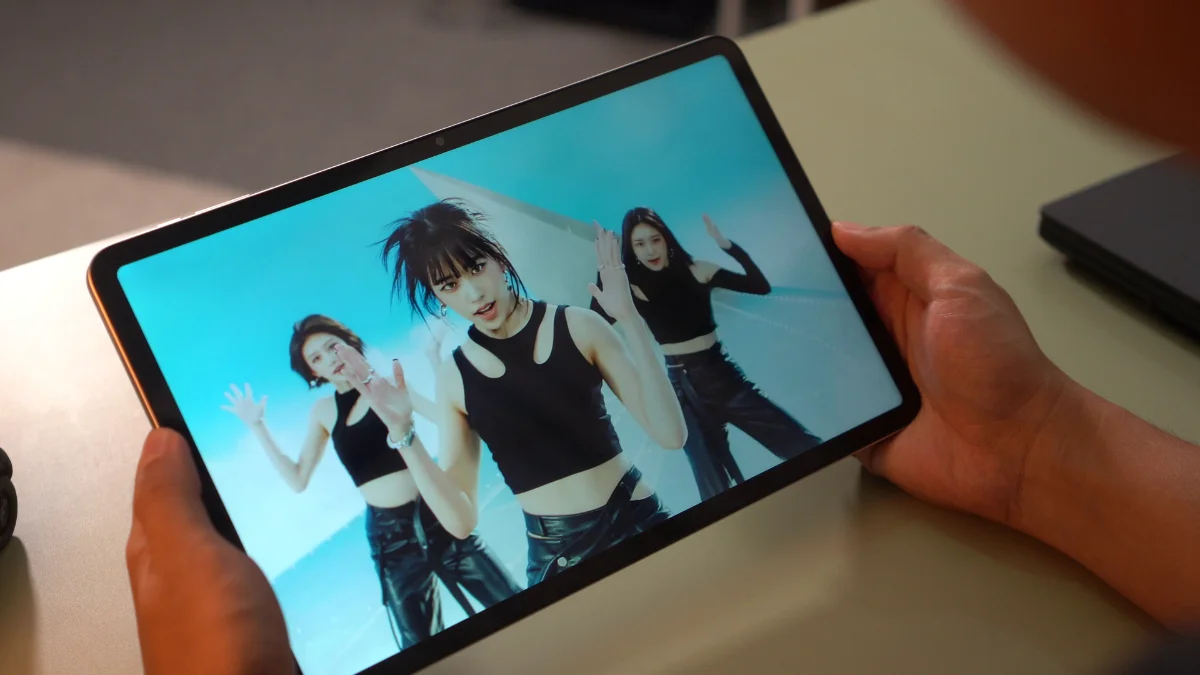
Nadumadumaen ti bezel. Ngem saan a napigsa daytoy iti panangipakita. Naimbag pay laeng dagiti viewing angles, nga agtultuloy a makapagpartay ti kontento kadagiti sabali a tao a saan a nagbalin a napigsa a pagbabaen ti kulor.
Agpaspasen ti audio, adda tetraplo a stereo nga agsaksak iti tablet. Saan a nasayaat daytoy, ket maysa kadagiti kaaduan a mapapati a siasin a aspekto ti device.
Ngem no man kasla daytoy, saan pay laeng a mabingbingay iti panagkitaak.
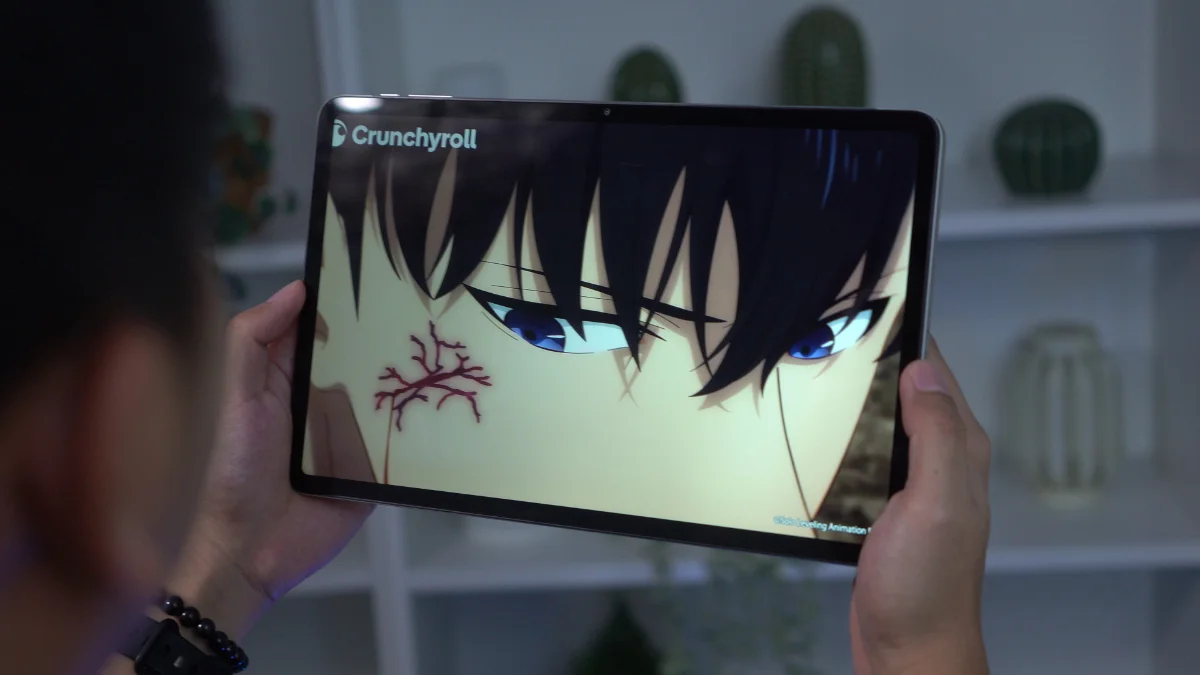
Nasakitan pay laeng bass ken ti sumagmamano a panangiparigat ti overall a sound no ibaga a maipablaaw daytoy manipud iti maysa a tablet a na-marketing para iti entertainment.
Agar-agar ti mga speaker, ngem saanda a mabalin a mangusar iti napigsa a kinapudno ti dakkel a display a naipangruna para iti media.
Maipangato ti biometrics, saan met laeng a addaan. Saan a may fingerprint scanner ken saan a suportado ti face unlock. Ngem, dagiti opsyon iti seguridad ket limitado kadagiti tradisionel a PIN, passcode, ken pattern.
Cameras
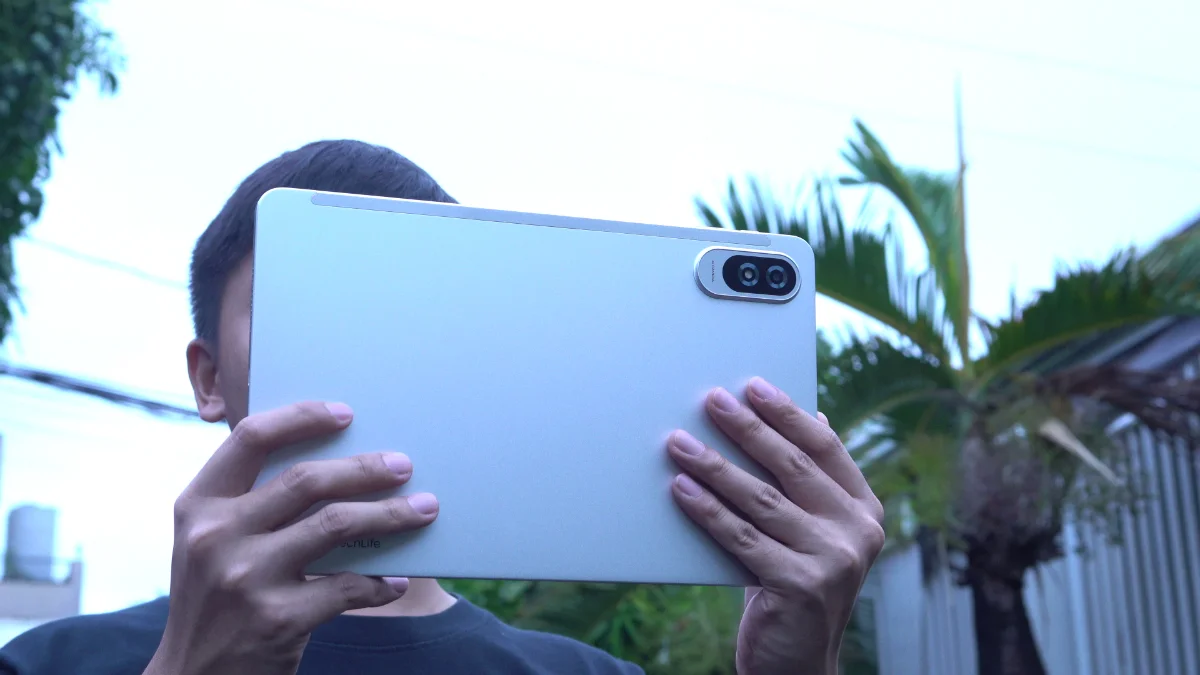
The camera setup is fairly basic, consisting of an 8-megapixel rear camera and a 5-megapixel front. And honestly, that's perfectly fine.
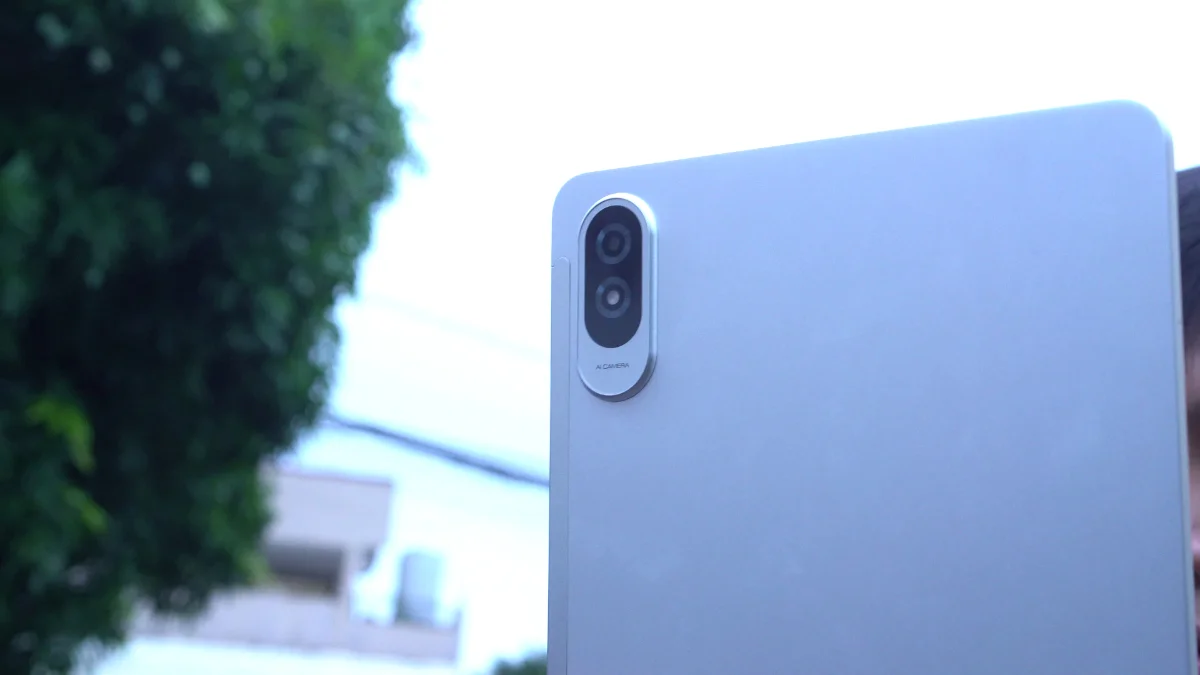
Most people don't buy tablets primarily for photography and the TechLife Pad Plus 2 performs exactly how you'd expect in this category.
Photos are usable for documentation purposes, scanning receipts, digitizing paperwork, or taking the occasional snapshot when needed.
The front camera should also be sufficient for video calls, online meetings, and virtual classes.
TechLife Pad Plus 2 sample photos
Tuesday, Jun 2


Neither camera is particularly impressive, but neither feels out of place for this type of device.
They fulfill their intended purpose and little more.
As for video, it's alright and definitely usable for online meetings and classes- nothing out of the ordinary for a tablet.
Sample rear video:
Sample front video:
Performance and Benchmarks
Powering the tablet is the MediaTek Helio G100 paired with 4GB of RAM and 128GB of expandable storage.
Here are the benchmark results that we got:
| Benchmark / Test | Result |
|---|---|
| Antutu v11.1.2 | 423,511 |
| Antutu CPU | 144,020 |
| Antutu GPU | 37,933 |
| Antutu Memory | 125,295 |
| Antutu UX | 116,263 |
| Antutu Storage Test v11.1.2 | 58,966 |
| Sequential Read | 7,552 (1072.7 MB/s) |
| Sequential Write | 5,620 (755.3 MB/s) |
| Random Access | 14,429 (Read: 453.0 MB/s, Write: 369.1 MB/s) |
| Mixed Multi-Random Access | 3,597 (518.0 MB/s) |
| Mixed Random Access | 6,395 (22.0 MB/s) |
| AI Read | 3,555 (218.1 MB/s) |
| Multi-AI Read | 17,818 (234.9 MB/s) |
| Wild Life Overall Score | 1,276 |
| Wild Life Average FPS | 7.65 |
| Geekbench 6 CPU Single-Core | 712 |
| Geekbench 6 CPU Multi-Core | 1,876 |
| Geekbench 6 GPU OpenCL | 1,488 |
| Geekbench 6 GPU Vulkan | 1,566 |
| PCMark Work 3.0 Performance | 9,963 |
| PCMark Work 3.0 Battery Life | 10 hours 14 minutes |
For everyday tasks, the tablet performs reasonably well. Browsing socials, streaming videos, reading ebooks, checking emails and navigating through apps generally feel smooth enough.
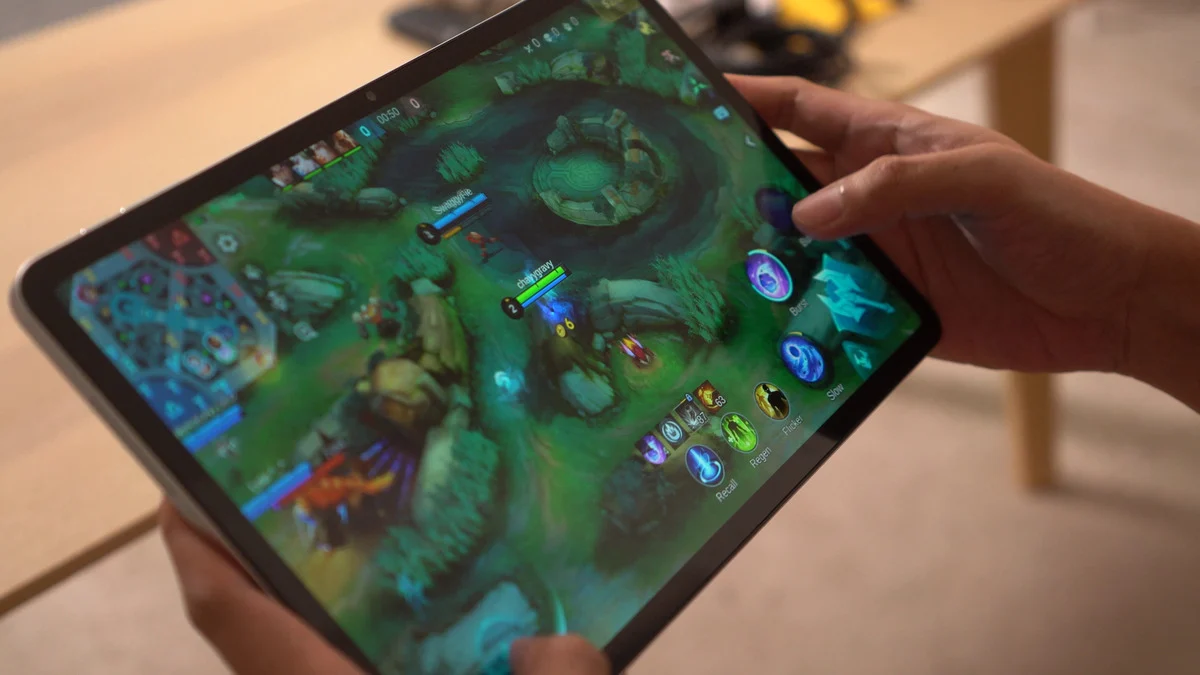
However, the limitations of the Helio G100 become more noticeable when multitasking. Opening several heavy apps can result in occasional stutters and apps tend to reload quite aggressively in the background.
Gaming performance is similarly modest. Pokémon Unite is playable but experiences occasional lag spikes. Mortal Kombat also runs but can encounter stutters from time to time.
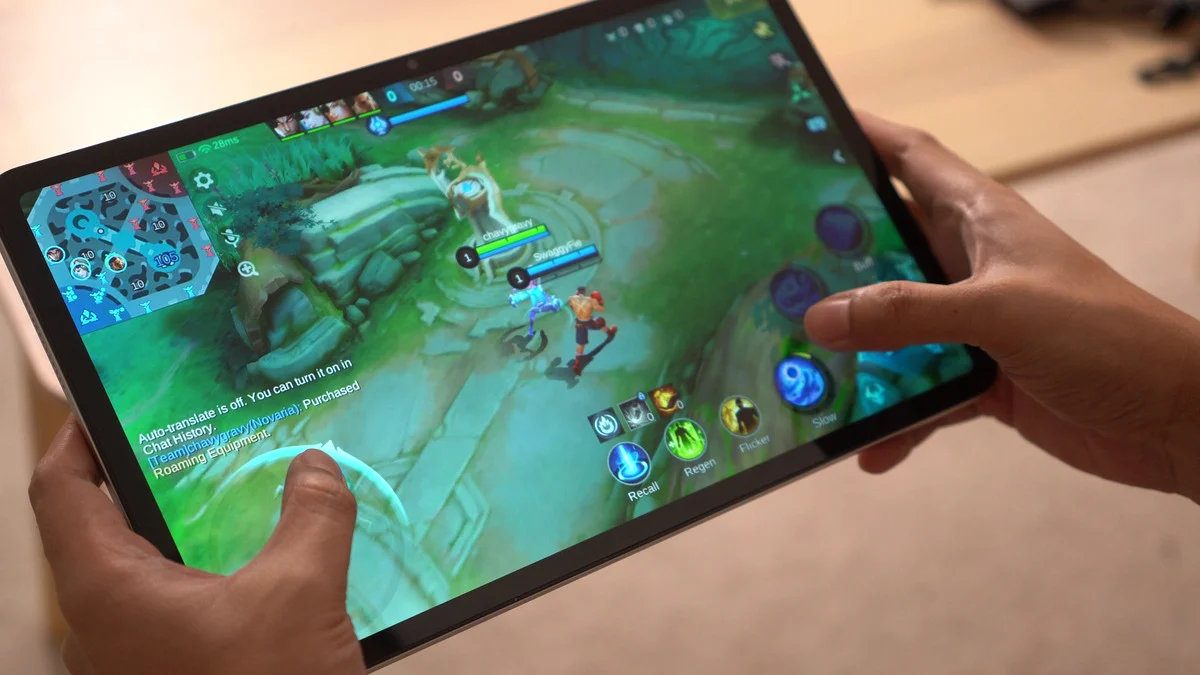
Honkai: Star Rail is technically playable, though you'll want to stick to the Lowest graphics settings for a more manageable experience.
As for heavier titles, things become more... problematic as expected. Both Wuthering Waves and Neverness to Everness could be installed, but in my experience, they crashed every time I attempted to launch them.
The good news is that thermals remain fairly controlled. The tablet never became excessively hot during gaming sessions, making it comfortable to hold even in long sessions.
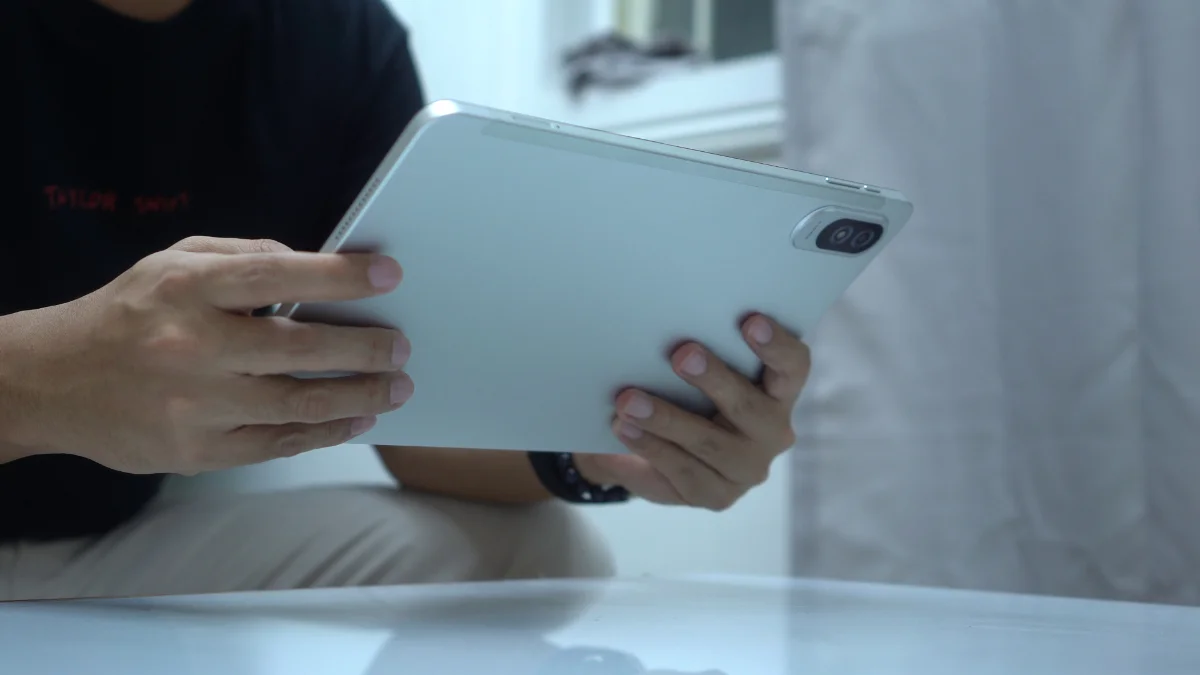
Ultimately, this isn't a gaming-focused tablet. It's much better suited for media consumption, web browsing, reading, and other casual tasks- that's about it.
OS, UI, and Apps
Software-wise, the TechLife Pad Plus 2 runs Android 16.
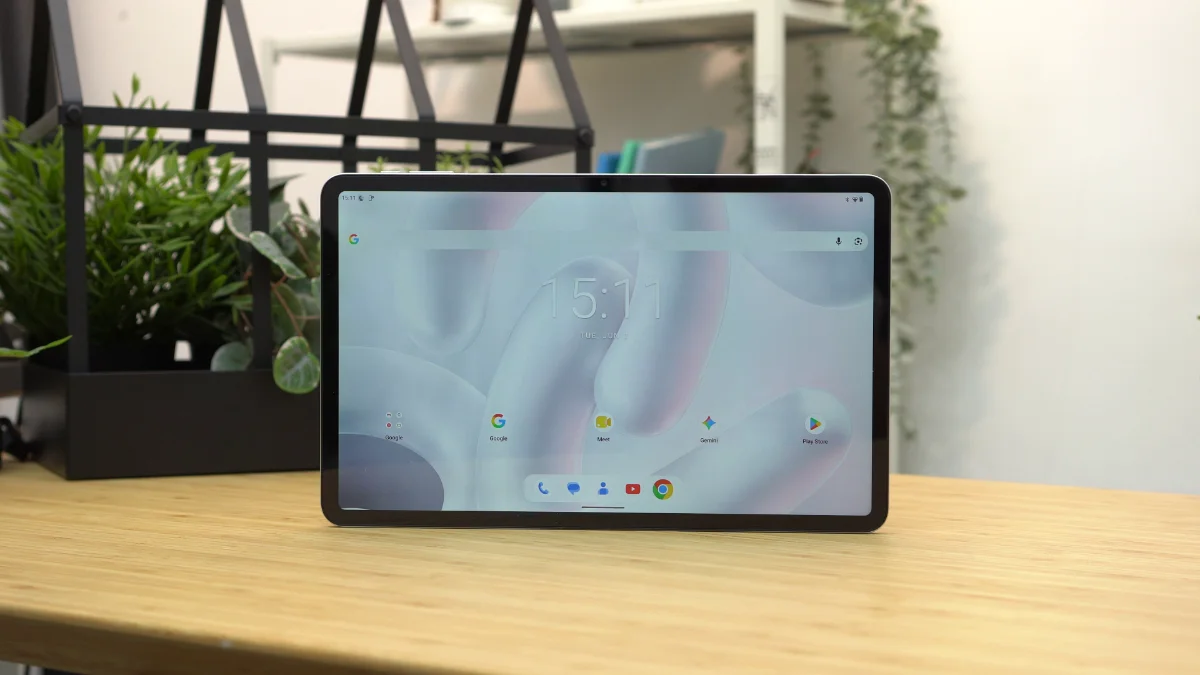
One of the things I appreciated most is how clean the software experience feels.
The tablet comes with very little bloatware with most of the pre-installed applications being standard Google apps. This helps keep the interface uncluttered and easy to navigate.
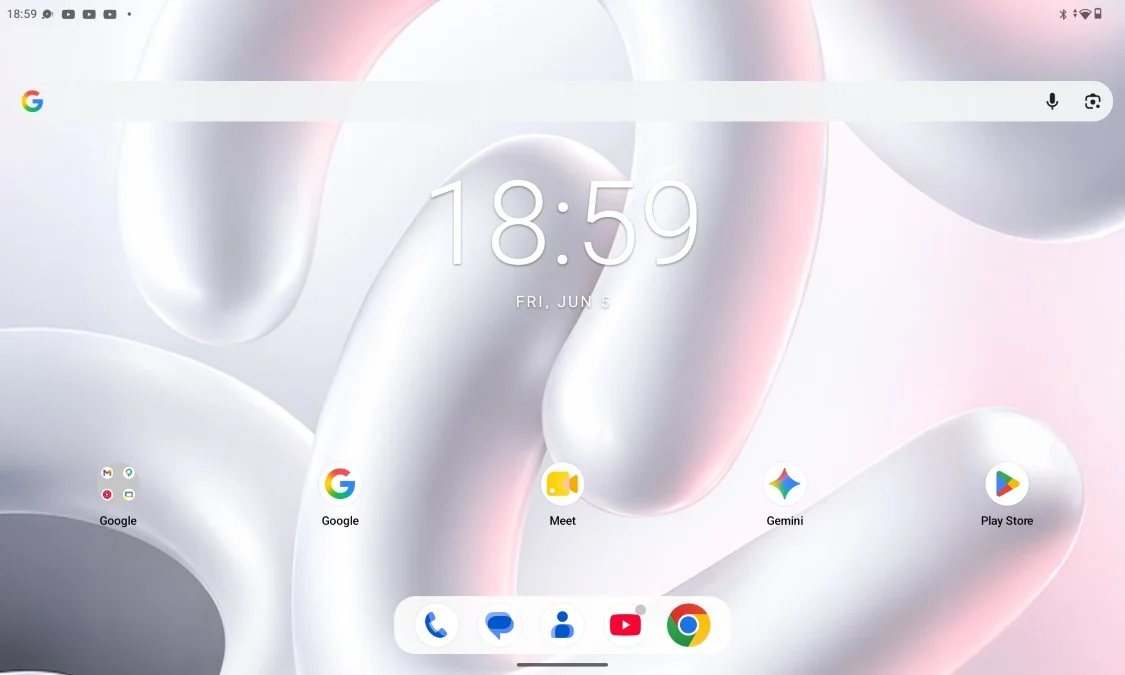
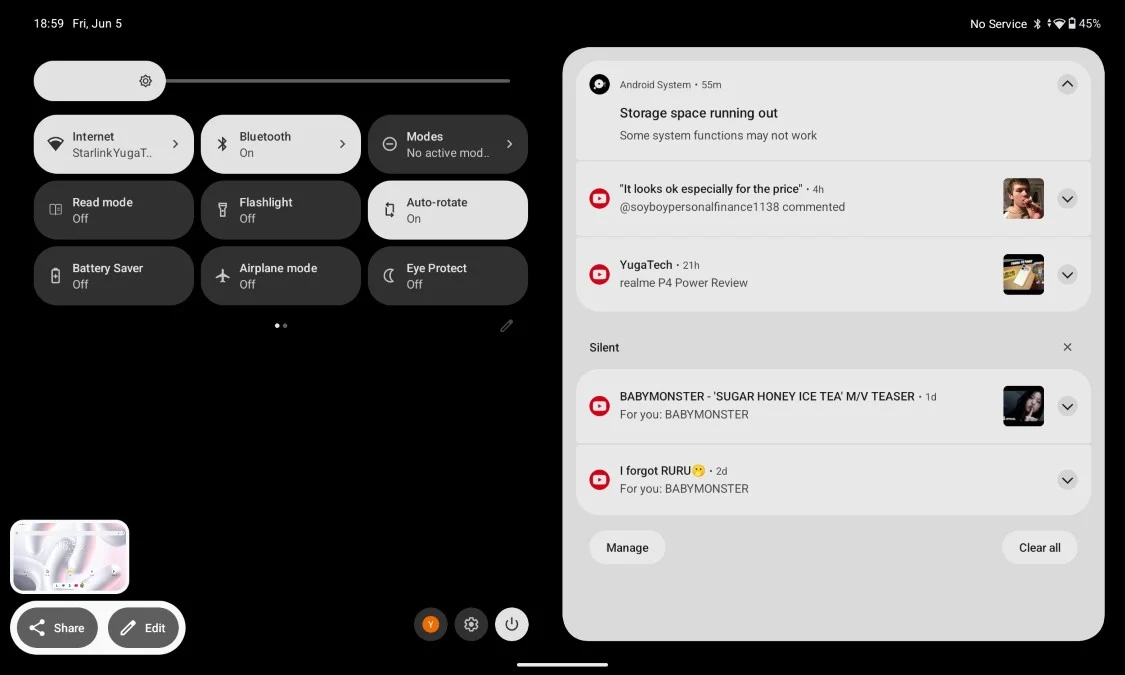
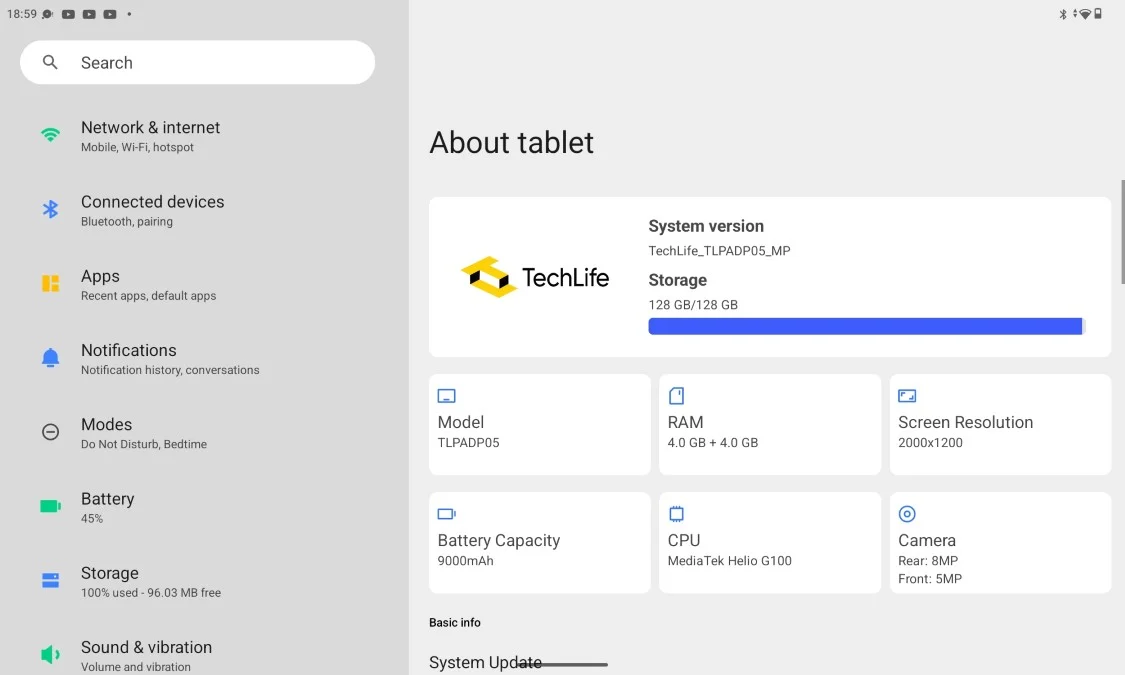
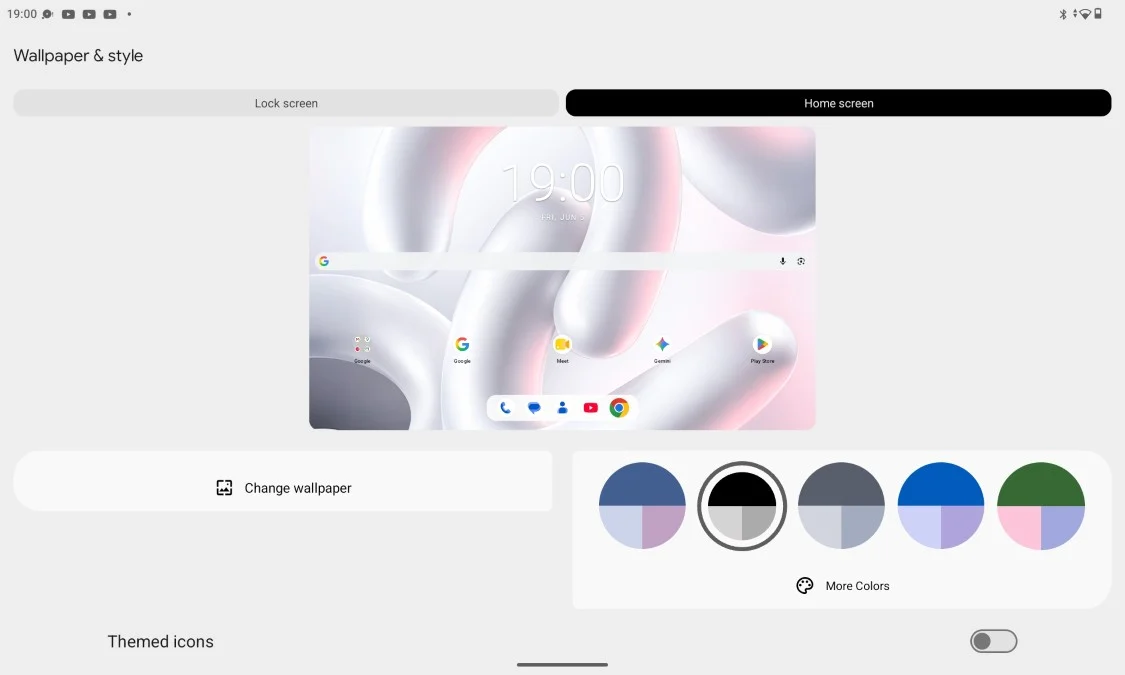
For users who prefer a straightforward Android experience, that's definitely nice to have.
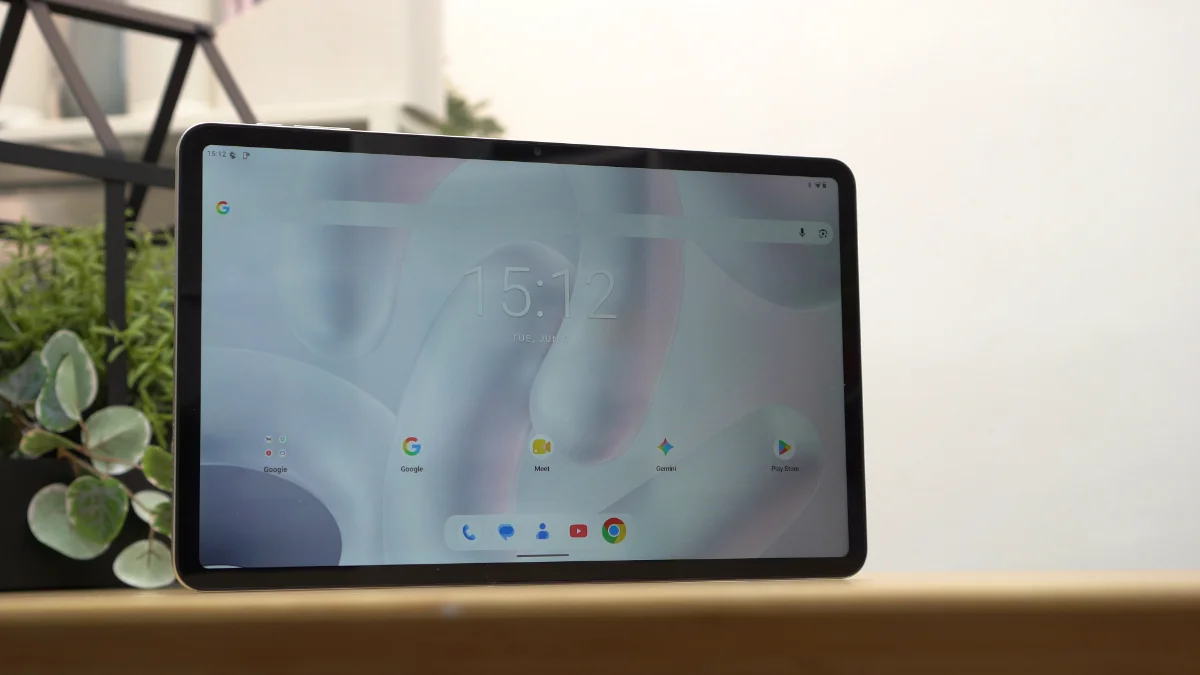
However, the software isn't without its shortcomings. Oddly enough, there's no split-screen support.
There's also no floating window functionality and no desktop-style PC mode.
For a device with a large 12-inch display, these drawbacks feel somewhat underwhelming. Tablets naturally lend themselves to multitasking and having at least split-screen support would've made the device more useful for productivity.
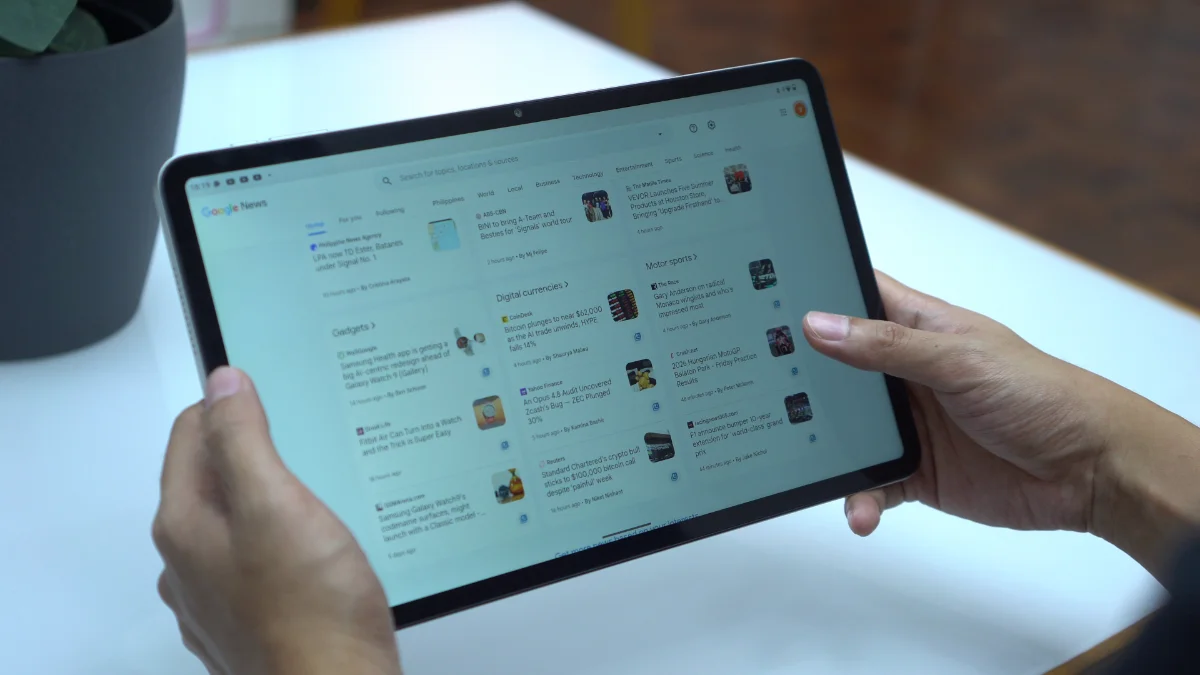
Combined with the aggressive app reloading behavior, the tablet ends up feeling more focused on content consumption rather than serious multitasking.
Connectivity and Battery Life
Connectivity options include LTE, Wi-Fi, Bluetooth, and USB Type-C.
Having LTE support is a welcome addition especially for users who frequently travel or need internet access outside of Wi-Fi coverage.
Meanwhile, battery life is one of the stronger areas of the tablet.
In PCMark Work 3.0 Battery Life test, the tablet lasted 10 hours and 14 minutes. And in our video loop test, it had 11 hours and 38 minutes of uptime.
These results align nicely with the tablet's intended purpose as a media consumption device. It can comfortably stretch across an entire day without constantly searching for a charger.
Charging, however, is a different story. The tablet only supports 18W charging and it definitely feels slow for a device carrying a 9,000mAh battery.
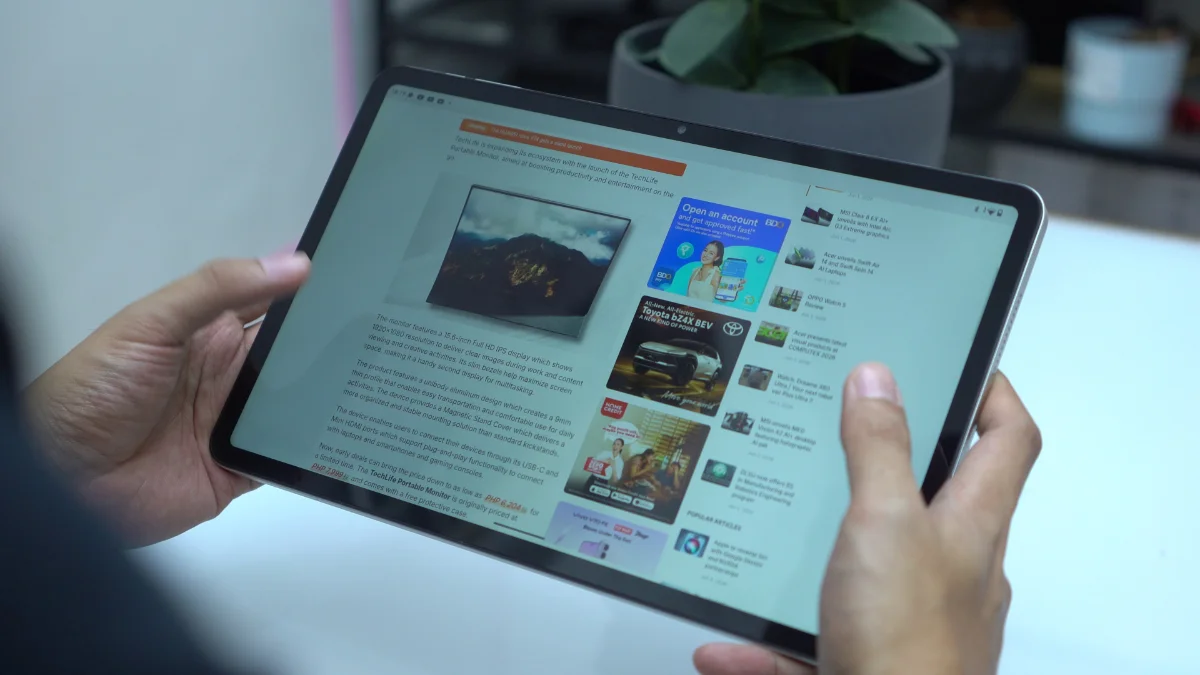
During my testing, it took nearly two hours to reach a full charge from 19%.
It's not unbearably slow, but faster charging would've been appreciated.
Conclusion
The TechLife Pad Plus 2 isn't trying to be a gaming powerhouse or a productivity monster and that's perfectly okay.
Instead, it feels like a tablet designed for people who want a large screen for entertainment. Whether it's watching movies, binge-watching series, reading comics, catching up on novels, browsing social media or attending the occasional online meeting, the tablet handles those tasks comfortably.
The sturdy metal build, large display, LTE support, clean Android experience and respectable battery life all work in its favor. Not to mention, the expandable storage.
At the same time, there are compromises. The speakers could be louder, gaming performance is limited, charging feels slow, multitasking features are surprisingly absent and apps tend to reload more often than I'd like.
At PHP 14,999 (4GB+12GB) the TechLife Pad Plus 2 makes the most sense for users looking for an affordable large-screen entertainment tablet rather than a device for demanding games or heavy multitasking.
If your idea of tablet use revolves around movies, videos, comics, ebooks and everyday browsing, the TechLife Pad Plus 2 does enough to justify a place on your shortlist.
What we liked:
- Smooth 90Hz refresh rate
- Comfortable to hold despite the size
- LTE connectivity for internet on-the-go
What we didn't like:
- Quad speakers lack volume and bass
- No split-screen, floating windows or PC mode
- No fingerprint scanner nor face unlock
TechLife Pad Plus 2 specs:
12-inch IPS TFT display @ 1200×2000 pixels FHD+
90Hz refresh rate, 450 nits brightness
MediaTek Helio G100 processor
2× Cortex-A76 @ 2.2GHz + 6× Cortex-A55 @ 2.0GHz
8GB RAM (+4GB RAM expansion)
128GB storage, expandable up to 1TB
8MP rear camera
5MP front camera
LTE, Wi-Fi
Quad stereo speakers
USB Type-C
Android 16
9,000mAh battery, 18W charging, 5W reverse charging
Storm Grey, Moonlight Silver, Starlight Pink
278.8mm x 174.4mm x 7.6mm



0 Comments
Leave a Reply