
タブレットは、ノートパソコンを持ち運ばずに大画面を求める人々に人気の選択肢となっています。映画鑑賞、オンライン授業への参加、電子書籍の読書、ソーシャルメディアの閲覧、さらには軽い作業を行うなど、タブレットは多用途のパートナーとなります。
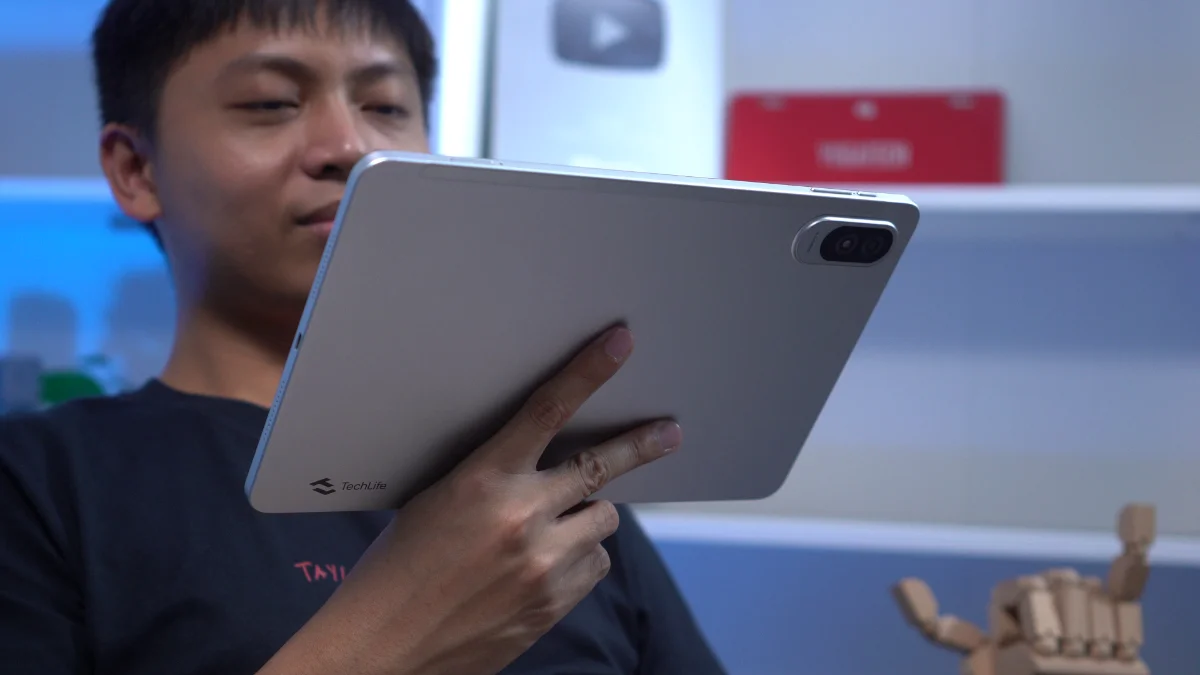
このレビューでは、TechLife Pad Plus 2 を取り上げます。スペックだけを見ると、エンターテイメントや日常使用に十分なパッケージのように思えます。しかし、実際の使用ではどのように性能を発揮するのでしょうか?確認してみましょう。
設計と建設
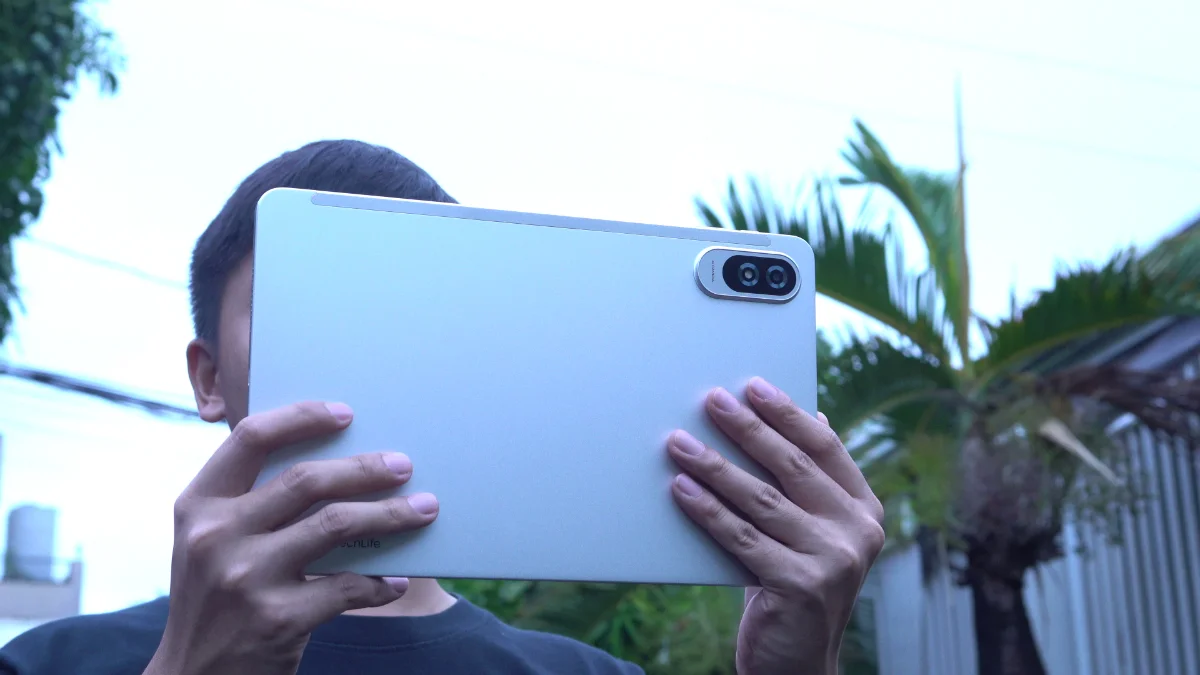
デザインから始めて、TechLife Pad Plus 2 はシンプルでミニマリストな構成を保っています。
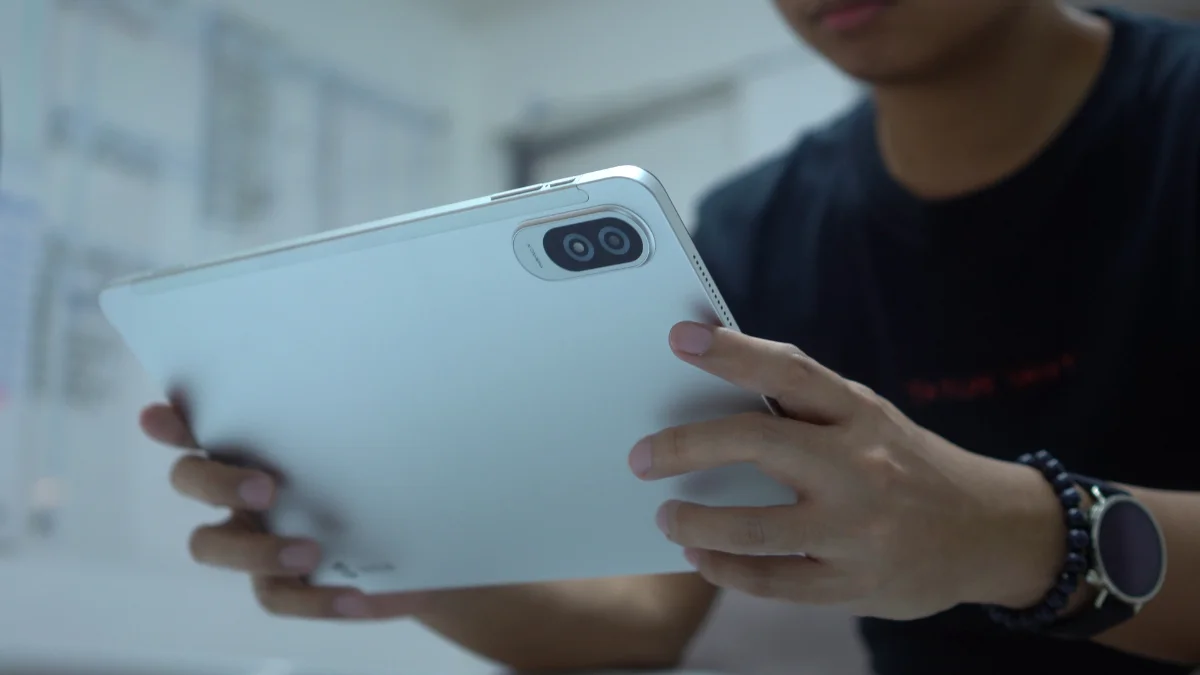
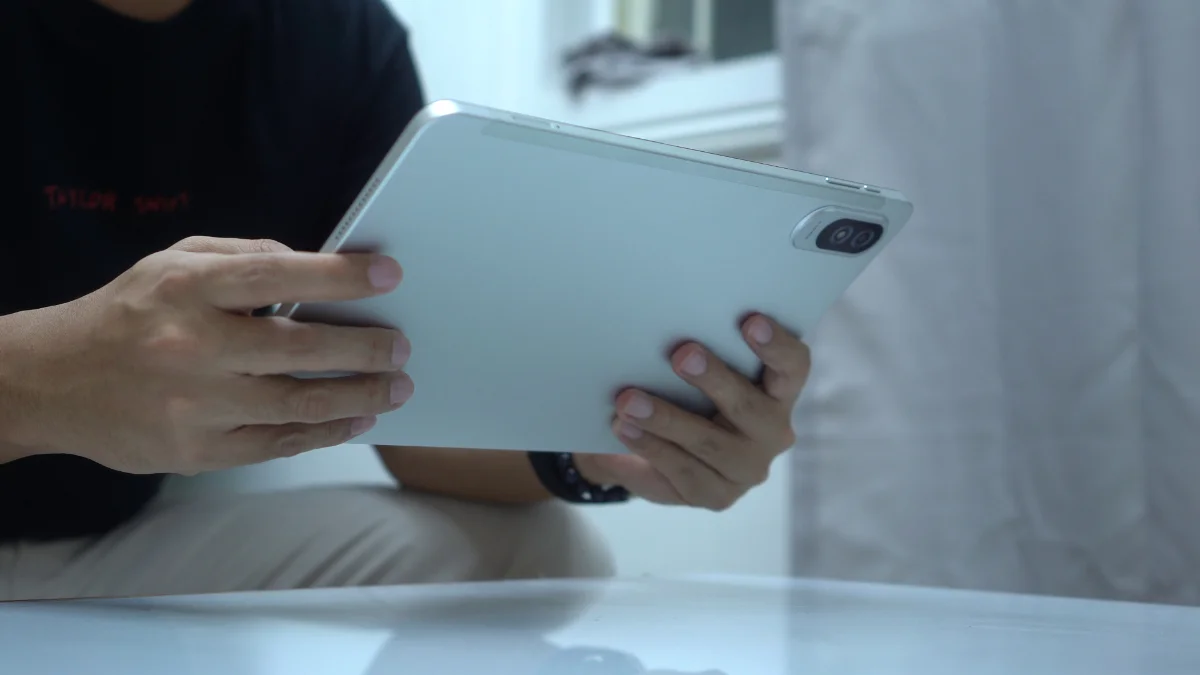
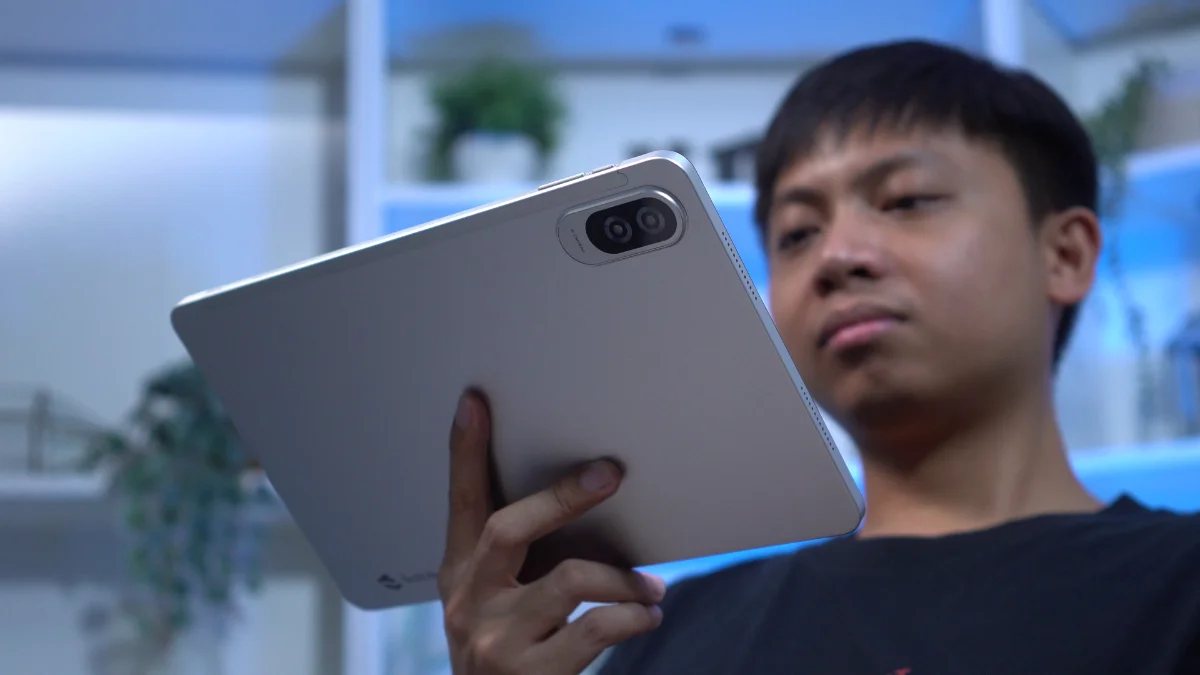
タブレットは金属製のボディで、手にしっかりとした感触があります。12インチの大画面にもかかわらず、使用中に過度に重いと感じることはありませんでした。
In fact, I was able to hold it with one hand for extended periods while reading comics, catching up on novels from my growing TBR list or simply browsing through social media.
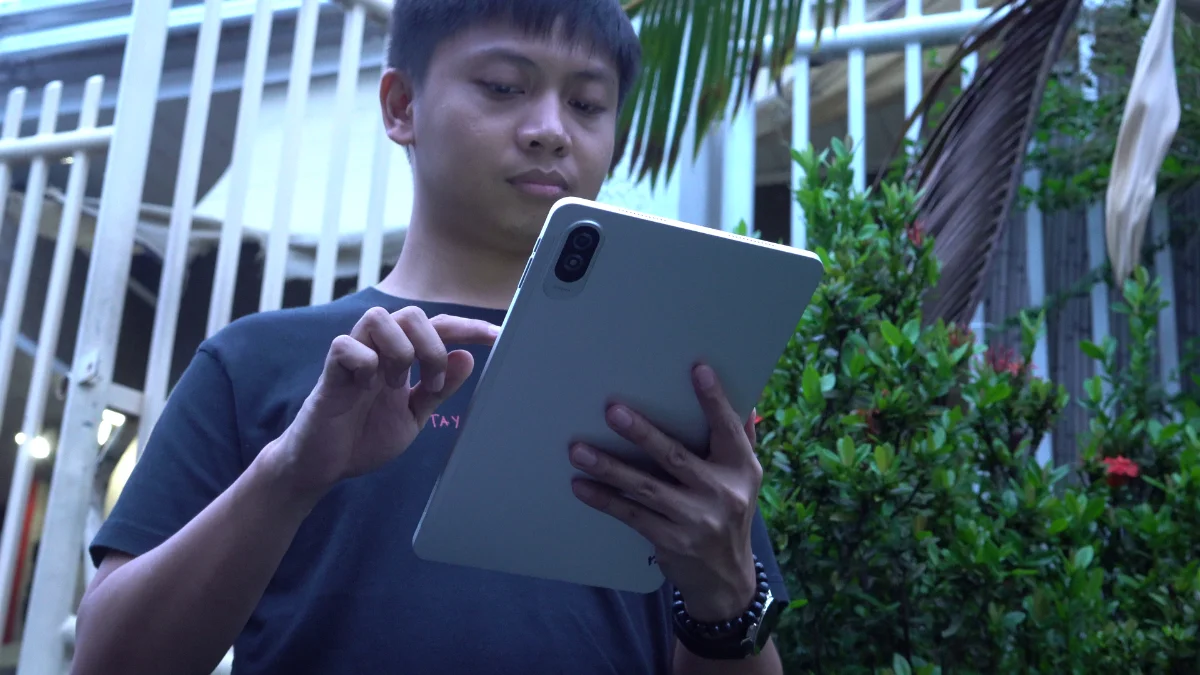
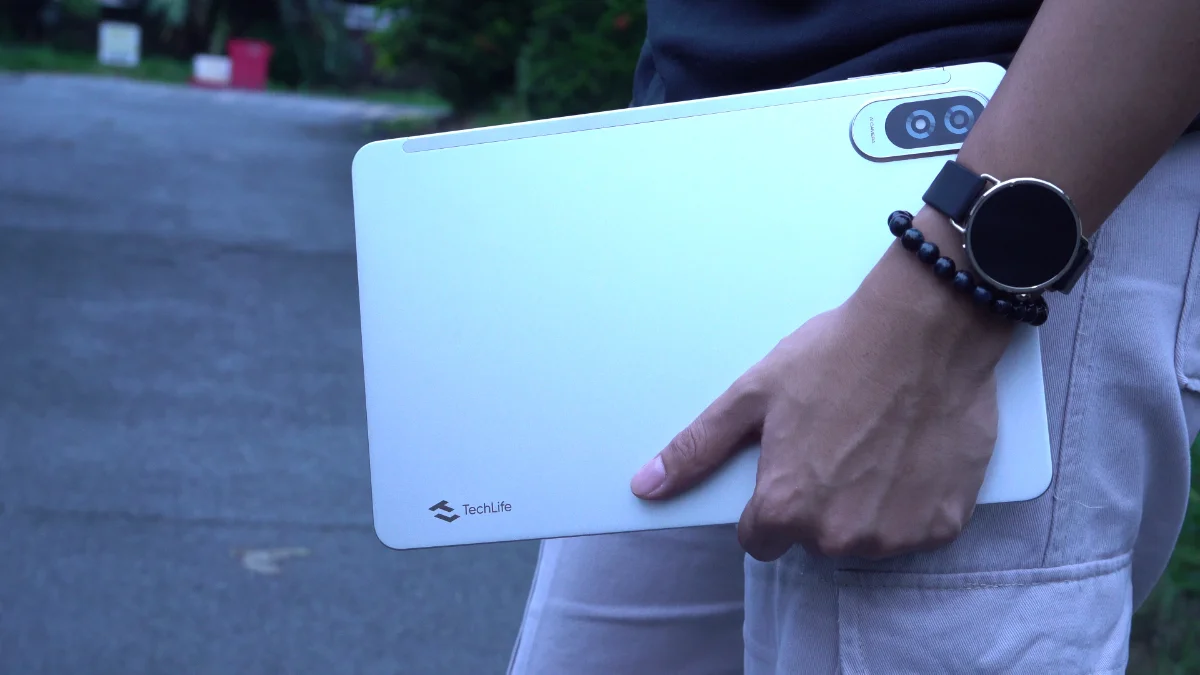
The back panel also does a decent job of resisting fingerprints, helping the tablet maintain a cleaner appearance even after prolonged use.
タブレットを横向きに画面に向けて使用する場合、ボタンは上端に配置され、両側にスピーカーがあります。
ストレージ拡張用のmicroSDカードスロットとSIMトレイもあり、私たちの本では常にプラスです。
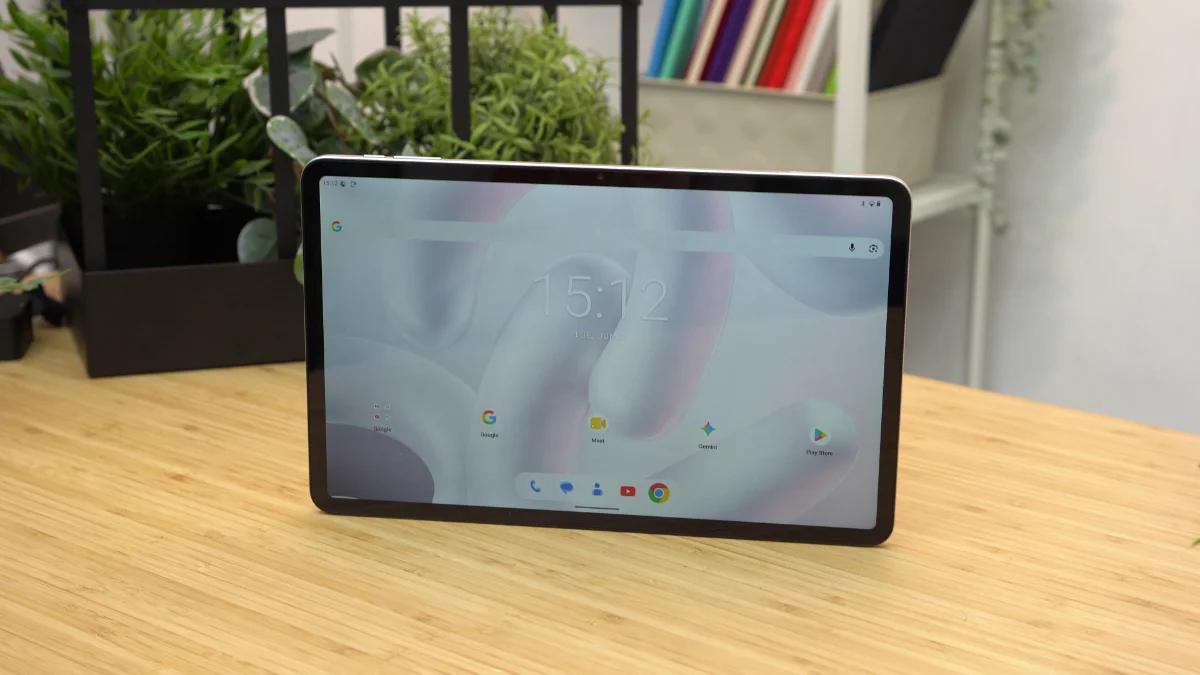
7.6mm の薄さで、タブレットはサイズに対してかなりスリムに感じられます。
注目すべき点は、箱の中にケースが入っていないことです。タブレットのサイズが大きいため、保護ケースがあればありがたかったでしょう。
それでも、全体的なビルドクオリティは好印象です。金属製のボディは、価格以上にプレミアム感を感じさせます。
ディスプレイ、マルチメディア、そしてバイオメトリクス
さあ、本題に入ります。TechLife Pad Plus 2は12インチのフルHD+ IPS TFTディスプレイと 90Hz のリフレッシュレートを搭載しています。
このタブレットの最大のハイライトの一つは、大画面です。
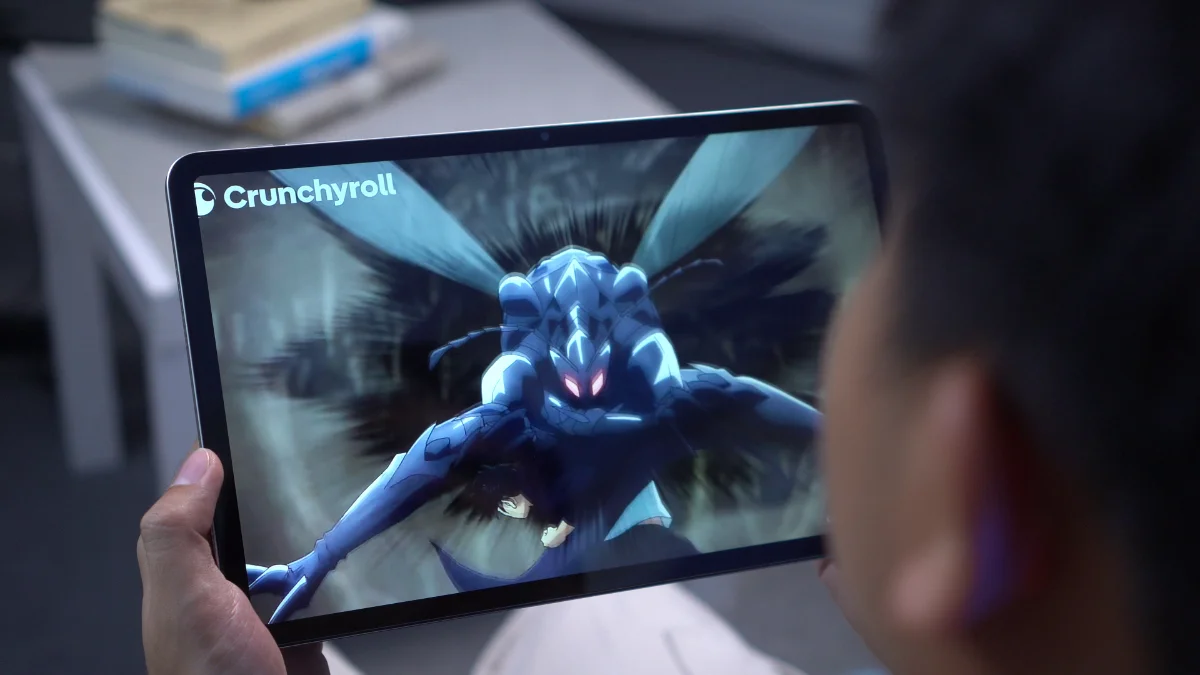
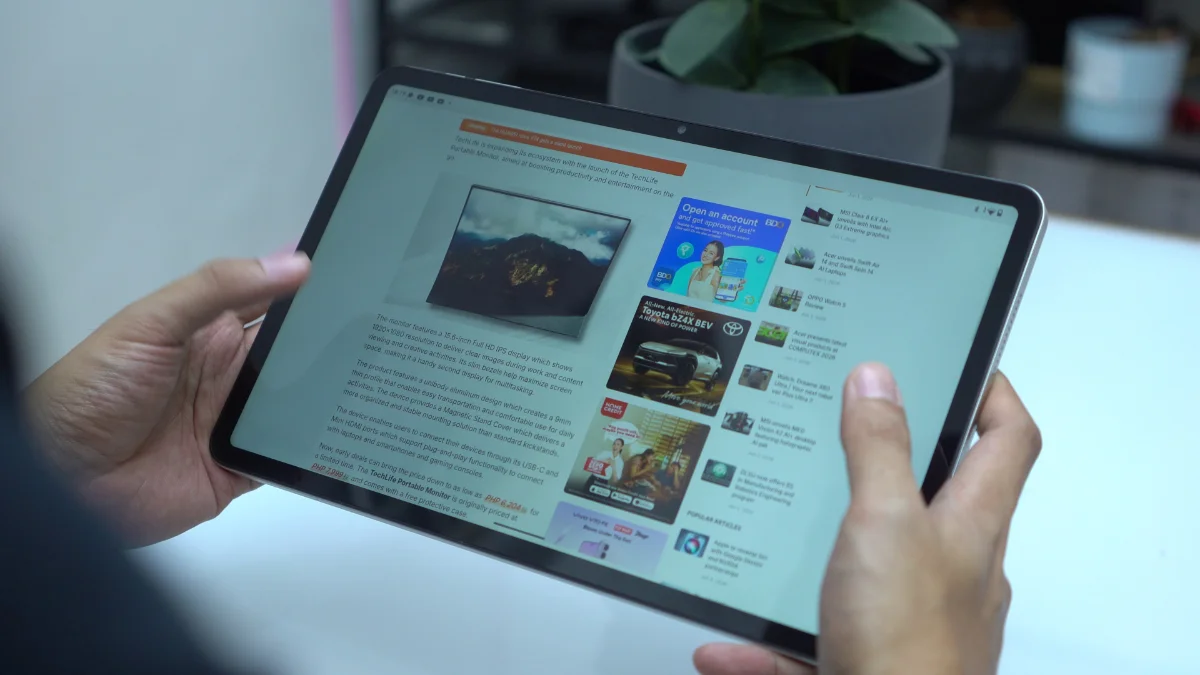
Whether it's watching movies, reading books or catching up on comics, the wide display provided a comfortable viewing experience. The large canvas means less scrolling when reading and more screen real estate when consuming content.
90Hz のリフレッシュレートは、ナビゲーションをよりスムーズに感じさせるのにも役立ちます。興味深いことに、デフォルトで有効になっており、設定内でリフレッシュレートを切り替えるオプションはないようです。
明るさは450ニットと評価されています。屋内では十分に使用できますが、直射日光の下で使用する場合はフラッグシップレベルの明るさは期待しないでください。
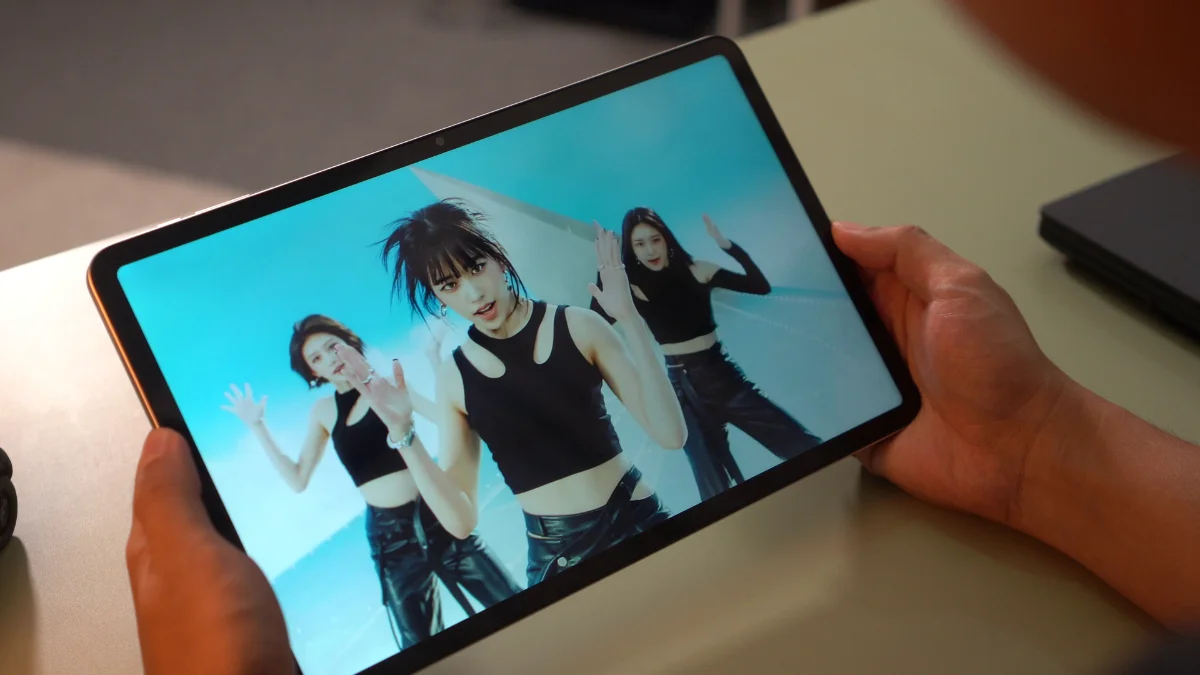
ベゼルは確かに目立ちます。しかし、視聴体験に大きな悪影響はありません。視野角はまずまずで、色の変化が大きくなく、他の人とコンテンツを共有しやすいです。
オーディオに関しては、タブレットはクアッドステレオスピーカーを搭載しています。残念ながら、これがデバイスの弱点の一つとなってしまいました。
映画やYouTube、カジュアルなリスニングに十分なほどボーカルはクリアですが、スピーカーは特に大きな音量ではありません。コンテンツを見るときに音量を最大にすることがよくありました。
But even then, it's still not loud to my liking.
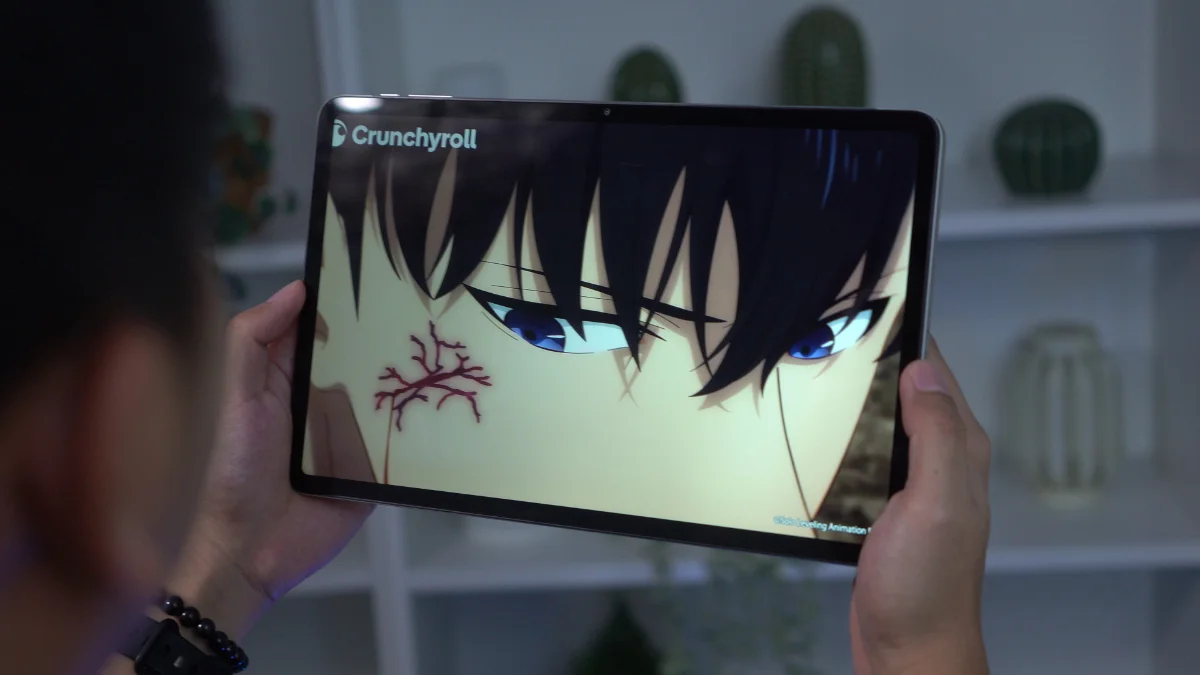
低音も不足しており、全体的なサウンドはエンターテイメント向けタブレットから期待されるものに比べてやや圧縮された感じがします。
スピーカーは仕事をこなしますが、大画面のメディア重視の特性を十分に活かしきれていません。
As for biometrics, there aren't any. There's no fingerprint scanner and no face unlock support. So, your security options are limited to traditional PIN, passcode and pattern.
Cameras
The camera setup is fairly basic, consisting of an 8-megapixel rear camera and a 5-megapixel front. And honestly, that's perfectly fine.
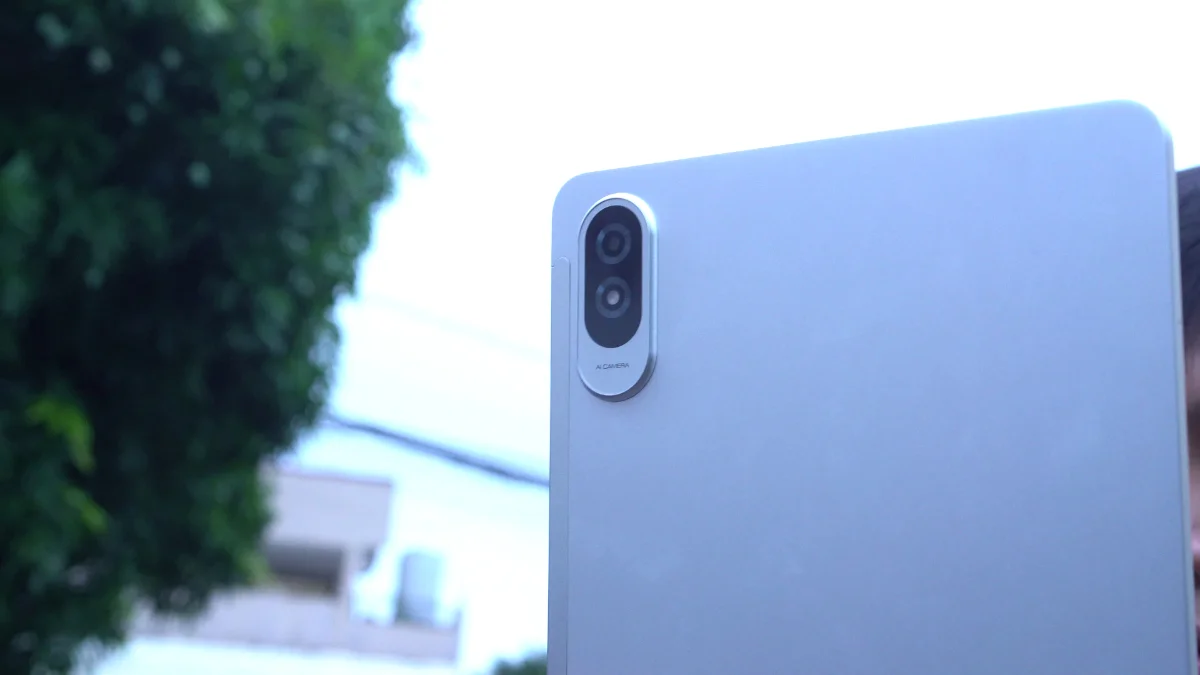
Most people don't buy tablets primarily for photography and the TechLife Pad Plus 2 performs exactly how you'd expect in this category.
Photos are usable for documentation purposes, scanning receipts, digitizing paperwork, or taking the occasional snapshot when needed.
The front camera should also be sufficient for video calls, online meetings, and virtual classes.
TechLife Pad Plus 2 sample photos
Tuesday, Jun 2


Neither camera is particularly impressive, but neither feels out of place for this type of device.
They fulfill their intended purpose and little more.
As for video, it's alright and definitely usable for online meetings and classes- nothing out of the ordinary for a tablet.
Sample rear video:
Sample front video:
Performance and Benchmarks
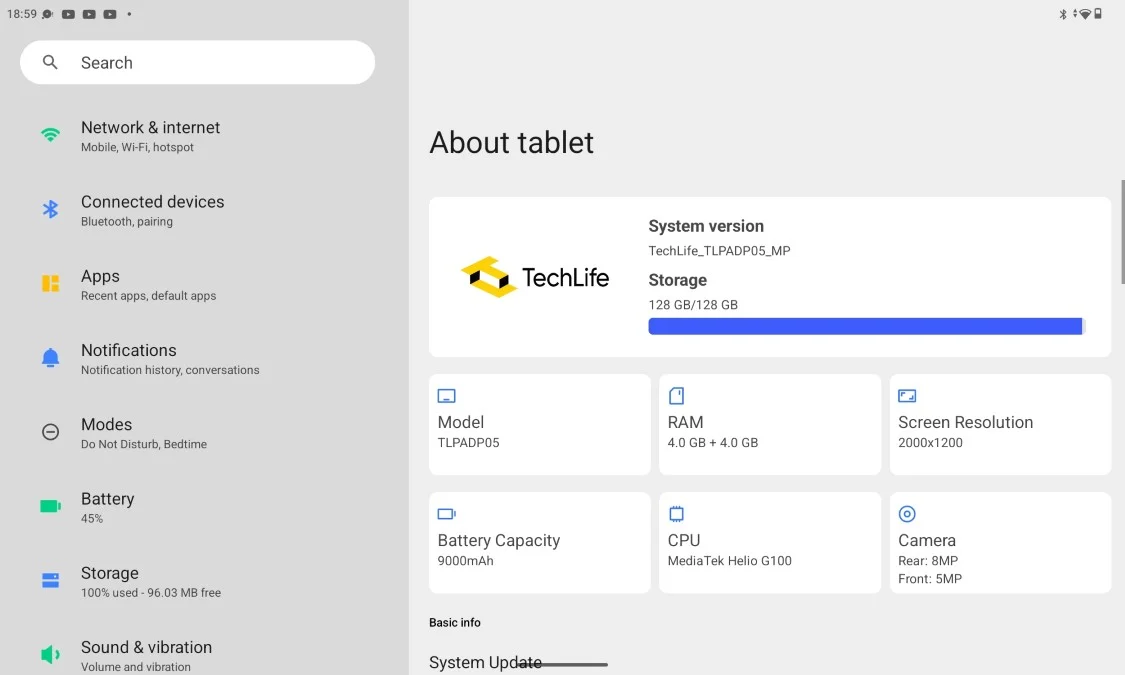
Powering the tablet is the MediaTek Helio G100 paired with 4GB of RAM and 128GB of expandable storage.
Here are the benchmark results that we got:
| Benchmark / Test | Result |
|---|---|
| Antutu v11.1.2 | 423,511 |
| Antutu CPU | 144,020 |
| Antutu GPU | 37,933 |
| Antutu Memory | 125,295 |
| Antutu UX | 116,263 |
| Antutu Storage Test v11.1.2 | 58,966 |
| Sequential Read | 7,552 (1072.7 MB/s) |
| Sequential Write | 5,620 (755.3 MB/s) |
| Random Access | 14,429 (Read: 453.0 MB/s, Write: 369.1 MB/s) |
| Mixed Multi-Random Access | 3,597 (518.0 MB/s) |
| Mixed Random Access | 6,395 (22.0 MB/s) |
| AI Read | 3,555 (218.1 MB/s) |
| Multi-AI Read | 17,818 (234.9 MB/s) |
| Wild Life Overall Score | 1,276 |
| Wild Life Average FPS | 7.65 |
| Geekbench 6 CPU Single-Core | 712 |
| Geekbench 6 CPU Multi-Core | 1,876 |
| Geekbench 6 GPU OpenCL | 1,488 |
| Geekbench 6 GPU Vulkan | 1,566 |
| PCMark Work 3.0 Performance | 9,963 |
| PCMark Work 3.0 Battery Life | 10 hours 14 minutes |
For everyday tasks, the tablet performs reasonably well. Browsing socials, streaming videos, reading ebooks, checking emails and navigating through apps generally feel smooth enough.
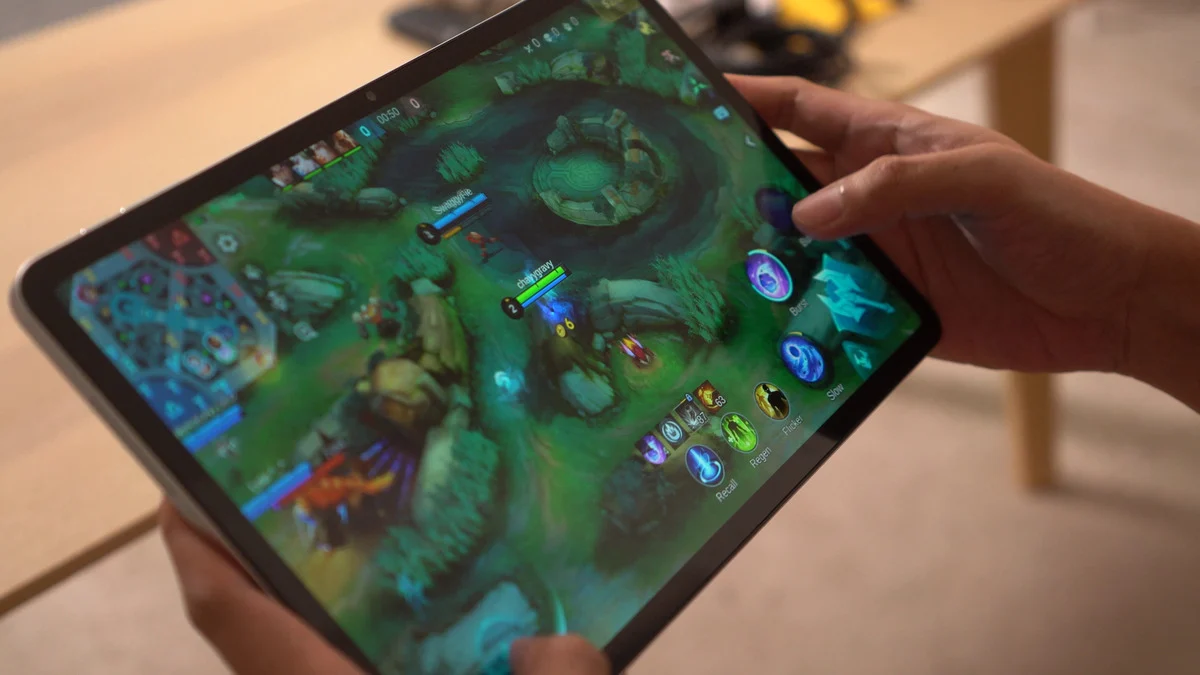
However, the limitations of the Helio G100 become more noticeable when multitasking. Opening several heavy apps can result in occasional stutters and apps tend to reload quite aggressively in the background.
Gaming performance is similarly modest. Pokémon Unite is playable but experiences occasional lag spikes. Mortal Kombat also runs but can encounter stutters from time to time.
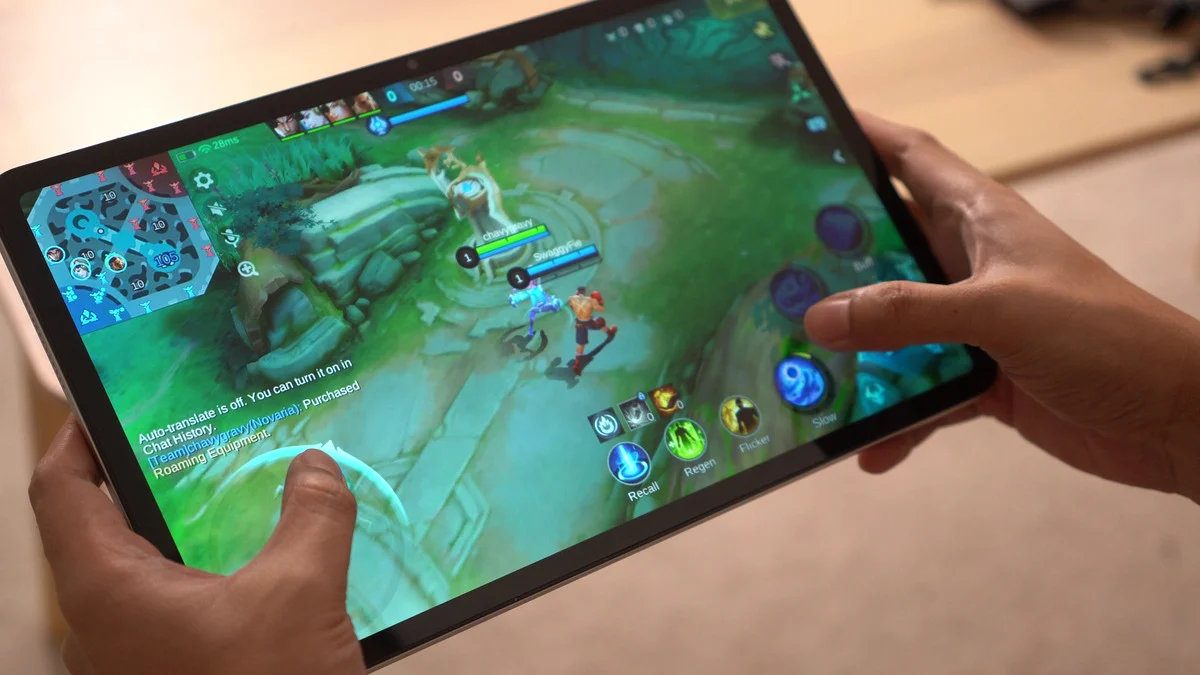
Honkai: Star Rail is technically playable, though you'll want to stick to the Lowest graphics settings for a more manageable experience.
As for heavier titles, things become more... problematic as expected. Both Wuthering Waves and Neverness to Everness could be installed, but in my experience, they crashed every time I attempted to launch them.
The good news is that thermals remain fairly controlled. The tablet never became excessively hot during gaming sessions, making it comfortable to hold even in long sessions.
Ultimately, this isn't a gaming-focused tablet. It's much better suited for media consumption, web browsing, reading, and other casual tasks- that's about it.
OS, UI, and Apps
Software-wise, the TechLife Pad Plus 2 runs Android 16.
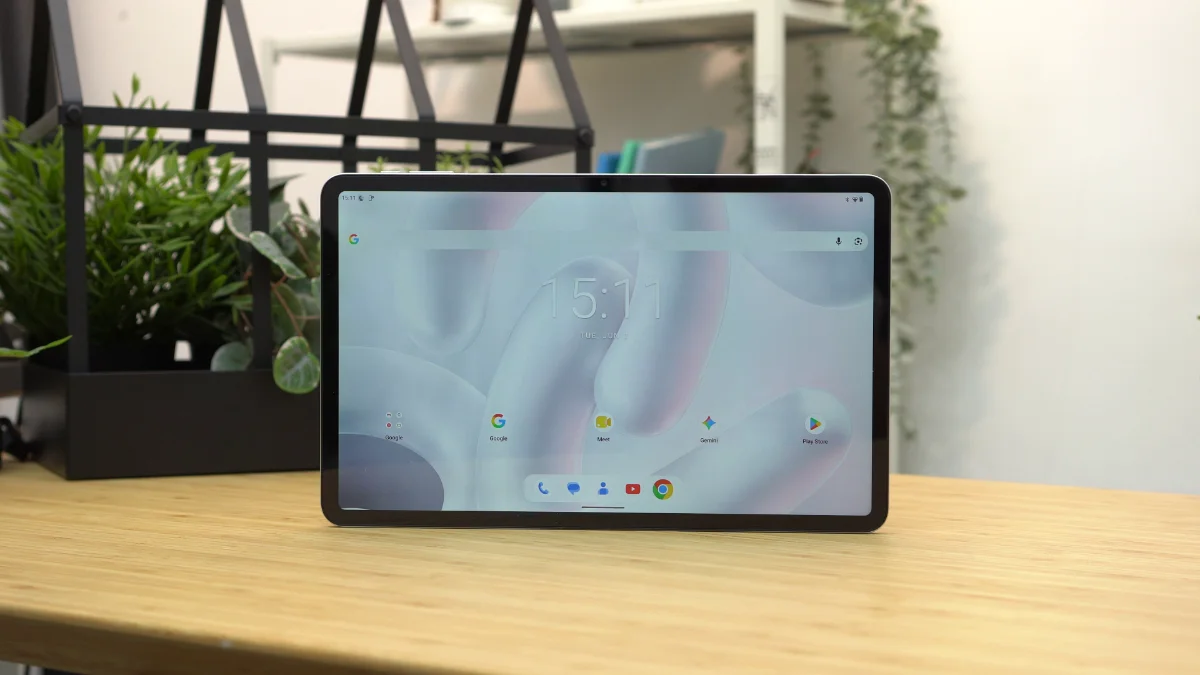
One of the things I appreciated most is how clean the software experience feels.
The tablet comes with very little bloatware with most of the pre-installed applications being standard Google apps. This helps keep the interface uncluttered and easy to navigate.
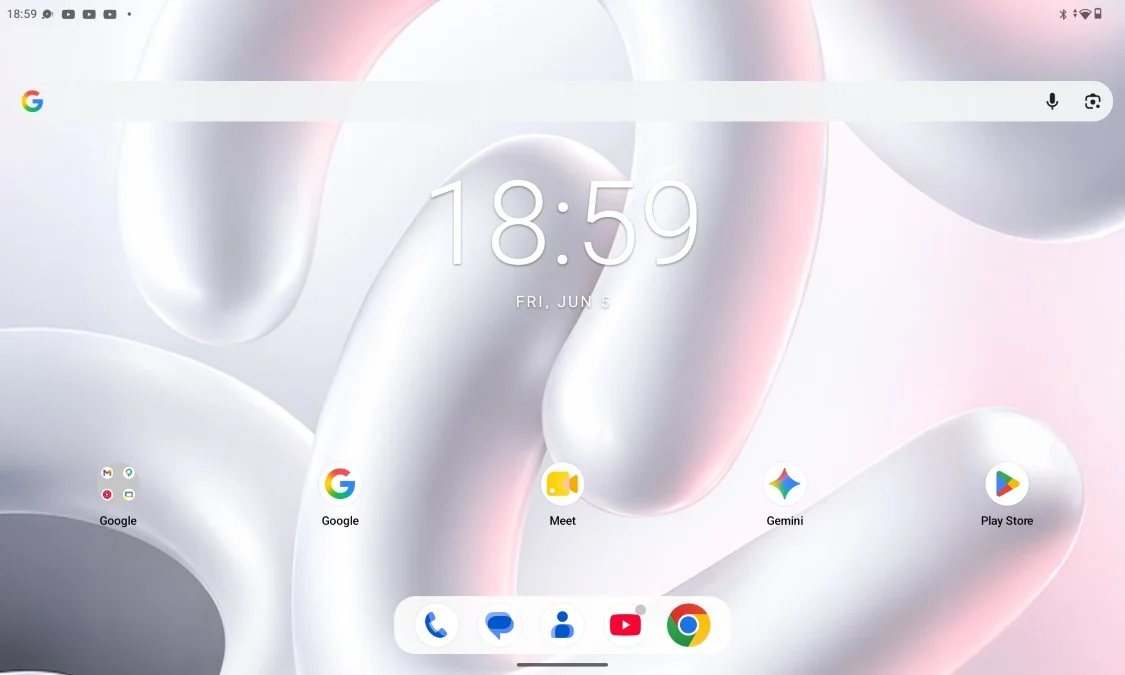
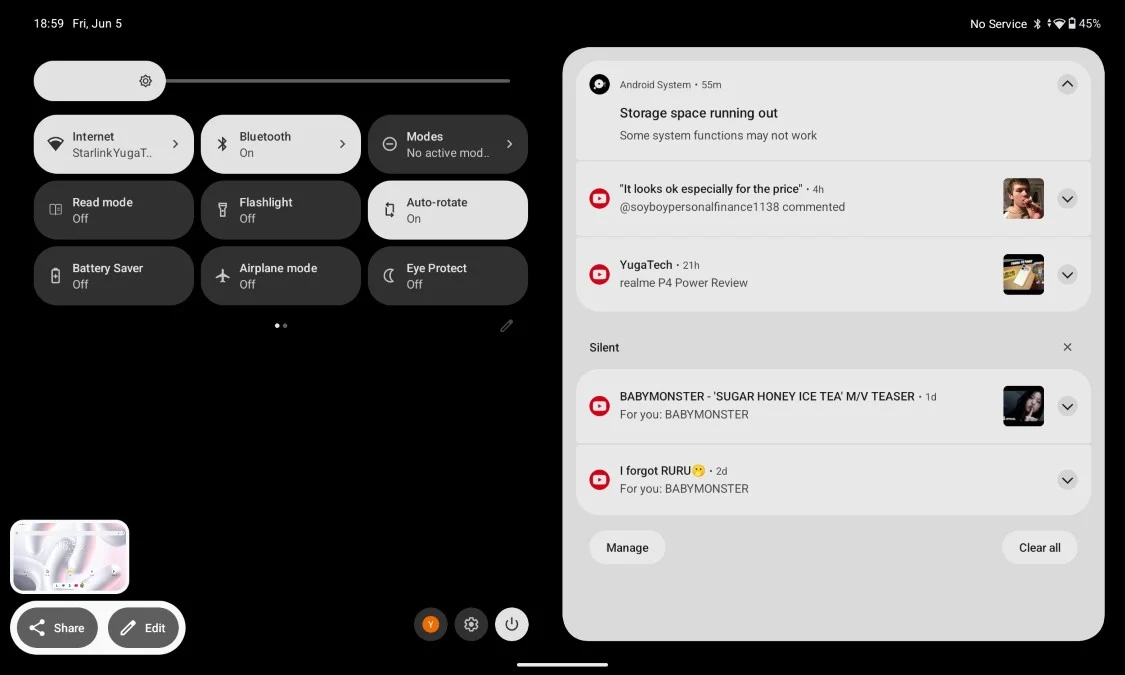
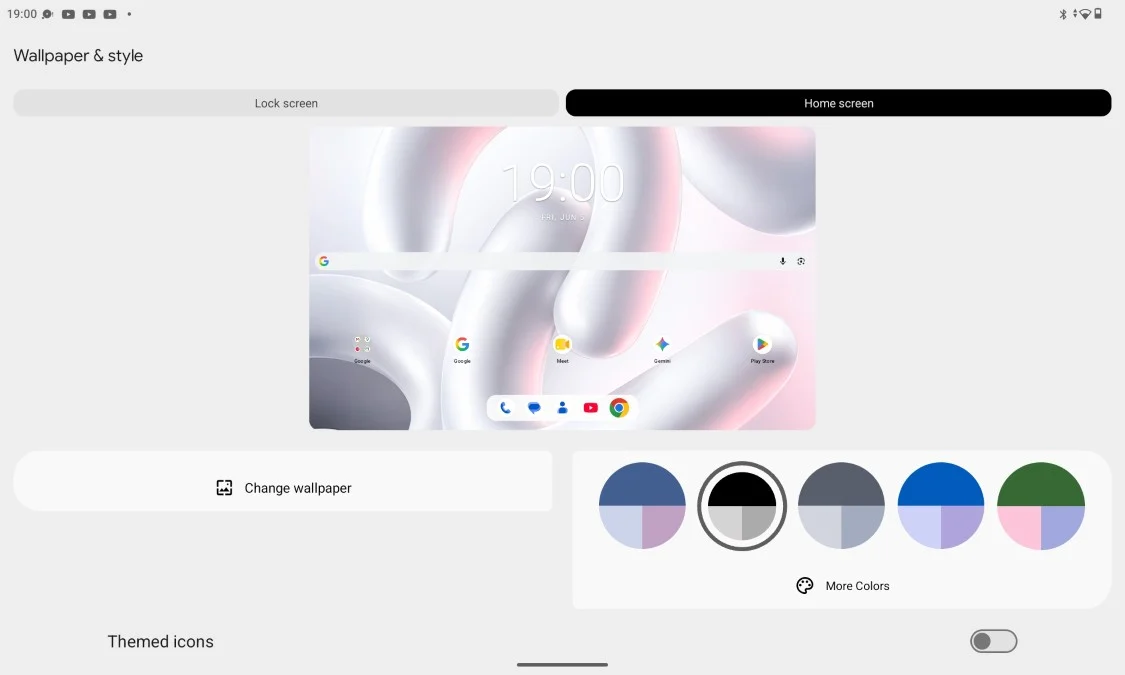
For users who prefer a straightforward Android experience, that's definitely nice to have.
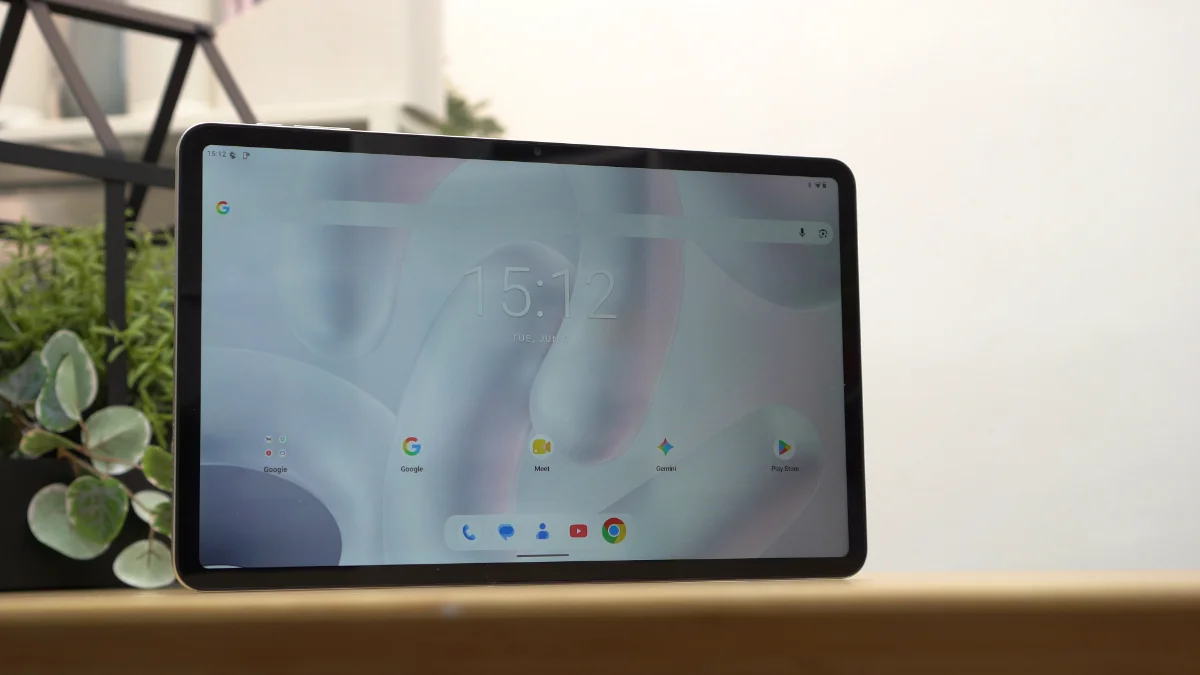
However, the software isn't without its shortcomings. Oddly enough, there's no split-screen support.
There's also no floating window functionality and no desktop-style PC mode.
For a device with a large 12-inch display, these drawbacks feel somewhat underwhelming. Tablets naturally lend themselves to multitasking and having at least split-screen support would've made the device more useful for productivity.
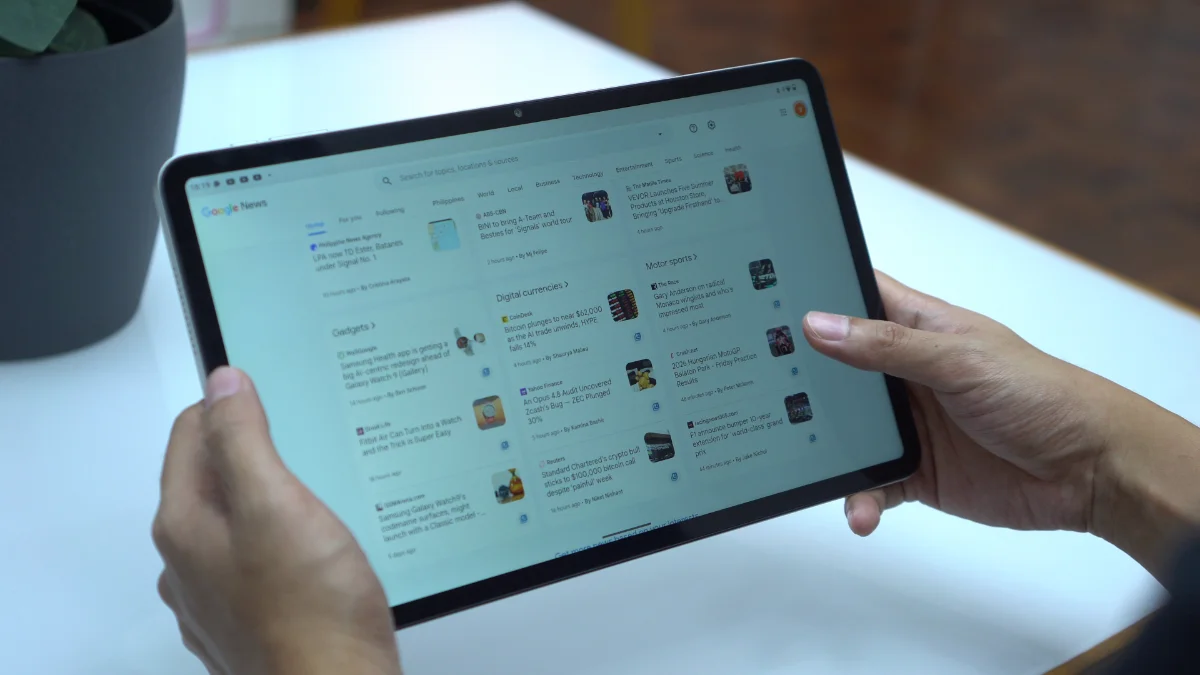
Combined with the aggressive app reloading behavior, the tablet ends up feeling more focused on content consumption rather than serious multitasking.
Connectivity and Battery Life
Connectivity options include LTE, Wi-Fi, Bluetooth, and USB Type-C.
Having LTE support is a welcome addition especially for users who frequently travel or need internet access outside of Wi-Fi coverage.
Meanwhile, battery life is one of the stronger areas of the tablet.
In PCMark Work 3.0 Battery Life test, the tablet lasted 10 hours and 14 minutes. And in our video loop test, it had 11 hours and 38 minutes of uptime.
These results align nicely with the tablet's intended purpose as a media consumption device. It can comfortably stretch across an entire day without constantly searching for a charger.
Charging, however, is a different story. The tablet only supports 18W charging and it definitely feels slow for a device carrying a 9,000mAh battery.
During my testing, it took nearly two hours to reach a full charge from 19%.
It's not unbearably slow, but faster charging would've been appreciated.
Conclusion
The TechLife Pad Plus 2 isn't trying to be a gaming powerhouse or a productivity monster and that's perfectly okay.
Instead, it feels like a tablet designed for people who want a large screen for entertainment. Whether it's watching movies, binge-watching series, reading comics, catching up on novels, browsing social media or attending the occasional online meeting, the tablet handles those tasks comfortably.
The sturdy metal build, large display, LTE support, clean Android experience and respectable battery life all work in its favor. Not to mention, the expandable storage.
At the same time, there are compromises. The speakers could be louder, gaming performance is limited, charging feels slow, multitasking features are surprisingly absent and apps tend to reload more often than I'd like.
At PHP 14,999 (4GB+12GB) the TechLife Pad Plus 2 makes the most sense for users looking for an affordable large-screen entertainment tablet rather than a device for demanding games or heavy multitasking.
If your idea of tablet use revolves around movies, videos, comics, ebooks and everyday browsing, the TechLife Pad Plus 2 does enough to justify a place on your shortlist.
What we liked:
- Smooth 90Hz refresh rate
- Comfortable to hold despite the size
- LTE connectivity for internet on-the-go
What we didn't like:
- Quad speakers lack volume and bass
- No split-screen, floating windows or PC mode
- No fingerprint scanner nor face unlock
TechLife Pad Plus 2 specs:
12-inch IPS TFT display @ 1200×2000 pixels FHD+
90Hz refresh rate, 450 nits brightness
MediaTek Helio G100 processor
2× Cortex-A76 @ 2.2GHz + 6× Cortex-A55 @ 2.0GHz
8GB RAM (+4GB RAM expansion)
128GB storage, expandable up to 1TB
8MP rear camera
5MP front camera
LTE, Wi-Fi
Quad stereo speakers
USB Type-C
Android 16
9,000mAh battery, 18W charging, 5W reverse charging
Storm Grey, Moonlight Silver, Starlight Pink
278.8mm x 174.4mm x 7.6mm



0 Comments
Leave a Reply