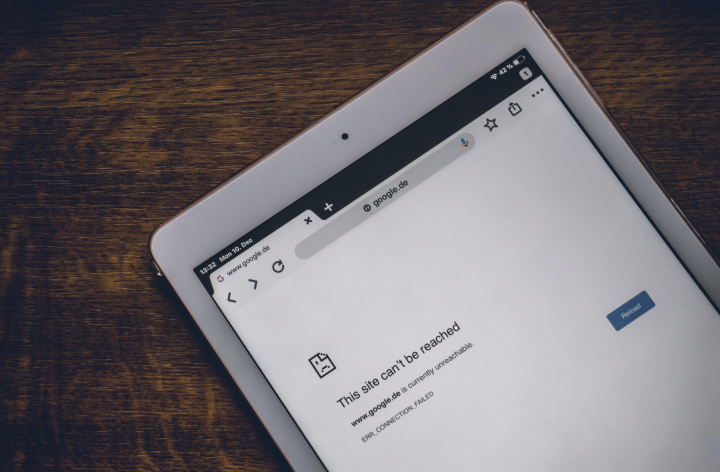

Having a computer that is seemingly connected to a WiFi account but won’t load any websites can be frustrating, but it is also a common issue that is easy to fix. Quick Fixes Here are some quick fixes for those who have a good grasp of their PC: Run the network troubleshooter. Forget the WiFi network, then reconnect. Restart or reset the router. Check if Windows updates are waiting. Clear the DNS cache. Restart your device. Why Is Your WiFi Connected Without Internet? There can be several reasons why you’re getting the “WiFi connected but no internet connection” message. Bad WiFi would mean you wouldn’t be able to take advantage of the generous bonuses and odds offered by these sites. The most common causes behind this network error are: Outdated network driver. Restart the WiFi router This may seem simple, but its the simple solutions that often work. Scroll down until you see the “Network troubleshooter” option and click on it. Follow the prompts until Windows diagnoses and fixes the issue. 3. Read more in our articles including "Solving “WiFi Connected But No Internet Connection”" and "MSI Wind WiFi Problem?".
Having a computer that is seemingly connected to a WiFi account but won’t load any…
May 23, 2025Was fixing the built-in wifi device of the MSI Wind for several hours now to…
Aug 13, 2008
Apple Pay is now available in the Philippines. Initial issuing banks include GoTyme, MetroBank, Union…
Aug 4, 2026
Google axes AI Studio app before official launch. Google AI Studio has announced that it…
Aug 4, 2026
Samsung has announced that Prime Video will be the first streaming service to support HDR10+…
Aug 4, 2026
TCL has once again been named the No. 1 Panel TV Brand in the Philippines,…
Aug 3, 2026Having a computer that is seemingly connected to a WiFi account but won’t load any websites can be frustrating, but it is also a common issue that is easy to fix. Quick Fixes Here are some quick fixes for those who have a good grasp of their PC: Run the network troubleshooter.
Forget the WiFi network, then reconnect. Restart or reset the router. Check if Windows updates are waiting. Clear the DNS cache. Restart your device. Why Is Your WiFi Connected Without Internet? There can be several reasons why you’re getting the “WiFi connected but no internet connection” message.
Our coverage of wifi fix includes: "Solving “WiFi Connected But No Internet Connection”"; "MSI Wind WiFi Problem?"; "Apple Pay launches in the Philippines". Each article provides unique insights and information.