
The holidays are officially over, and if you’re anything like most Filipinos, you’re probably still recovering, financially and mentally, from weeks of celebrations, reunions, and gift-giving. But let’s be honest: there’s almost always someone who slipped through the cracks.

An officemate who was on leave during the Christmas party. A godchild who moved provinces. A Secret Santa exchange that didn’t quite work out as planned. That’s where pahabol comes in.
Why Pahabol Giving Is Still a Thing
Pahabol or sending late gifts is one of those very Filipino habits that never really goes away. The intention is there, but time, budget, or logistics just didn’t cooperate. The problem? Doing pahabol the traditional way can be more stressful than the actual holidays.
ATM queues. Cash withdrawals. Coordinating meet-ups. Carrying cash in crowded malls. For something that’s supposed to be thoughtful, it can feel unnecessarily complicated.
A Digital Way to Do Pahabol
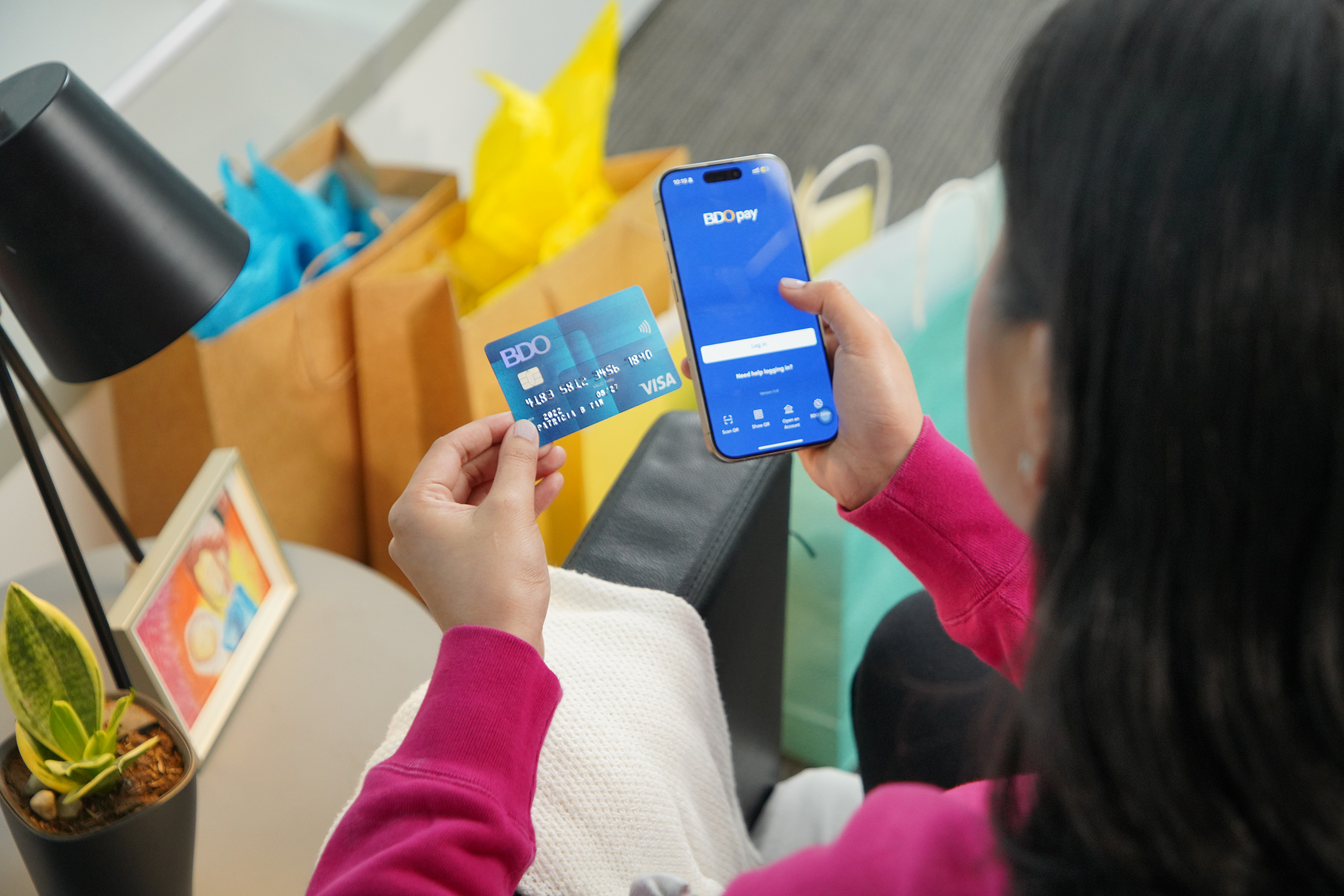
This is where BDO Pay quietly fits into the picture. Instead of planning another mall run or ATM stop, you can send monetary gifts directly from your phone. No cash. No lines. No awkward handovers. Just open the app, choose a contact, enter the amount, and send money to a BDO contact, any BDO account, or to other banks and wallets. For post-holiday catch-ups, that simplicity matters. You can send pamasko to godchildren who live outside the city, settle late gift exchanges with officemates, or send a small “sorry, pahabol” to friends you missed — all without needing to be in the same place.
And if you still don’t know what to buy or whether your gift will arrive on time, BDO Pay’s Request Money feature adds another flexible way to do pahabol. If your sibling or friend already picked up something for themselves that fits your budget like a new pair of earphones or a game top-up they can send you a Request Money link for that exact amount. You simply reimburse that purchase through the app, so your gift still feels personal and thoughtful, even if it comes a little late and skips the usual hassle of shopping and wrapping.
Built for Everyday Use, Not Just Emergencies
One thing that works in BDO Pay’s favor is familiarity. If you already bank with BDO, the app feels like a natural extension of what you’re used to just more mobile and more convenient.
Transactions come with instant notifications, so you always know when money is sent and received. That transparency helps when you’re trying to keep spending in check after the holidays.
The app also supports QR PH, which means you can use it not just for transfers, but for everyday purchases as well useful when you’re resetting budgets and trying to track where your money goes.
Security Matters, Especially After the Holidays
Post-holiday spending often means tighter budgets, and that’s when people become more cautious about digital payments. Because BDO Pay runs on BDO’s banking infrastructure, transactions come with built-in security features and fraud protection.
You’re not juggling a separate wallet with unfamiliar safeguards your account is tied to your existing banking profile, with multiple layers of verification already in place.
One useful and practical security feature is the option to easily lock and unlock your account using the app. It’s a small detail, but one that adds peace of mind especially when you’re sending money digitally.
Modern Payments Meet Filipino Traditions
Payment tech in the Philippines has evolved quickly, but everyday habits like pahabol haven’t really changed until now. BDO Pay bridges that gap by letting you keep the tradition while removing the friction.
No rushing to the ATM. No carrying cash. No scheduling conflicts.
Just a quick, thoughtful gesture delivered instantly.
If you’re still catching up on missed gifts or trying to reset your finances after the holiday rush, tools like BDO Pay make the transition a little easier and a lot more practical. Sometimes, pahabol doesn’t need to be complicated.
You can download BDO Pay from the App Store, Google Play, or AppGallery.






0 Comments
Leave a Reply