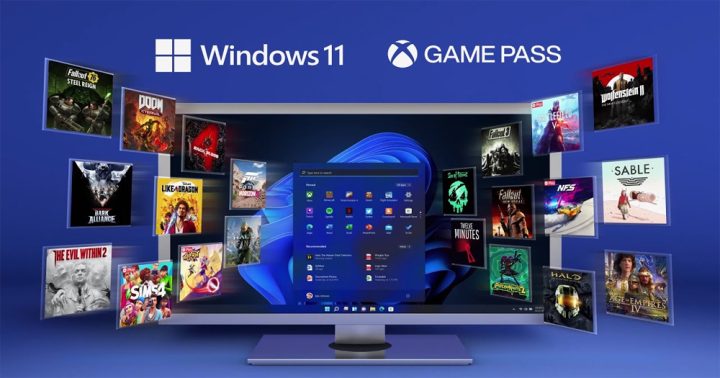

Auto HDR One of the new features that Microsoft announced for Windows 11 is Auto HDR. First, though you need an HDR-compatible monitor. Click on HDR Now all you have to do is enable HDR and Auto HDR to complete the process. There's also Network Sync, which lets the tablet automatically connect to the phone's hotspot whenever it loses Wi-Fi, or when Wi-Fi becomes unavailable altogether. And if that's not enough, you can set it to automatically enable whenever the phone senses you're in transit or driving. It usually needs to sit toward the bottom part of the clock for the depth effect to kick in properly, and it'll even auto-expand the image for easier positioning. For the display, the realme 16 Pro+ uses a 6.8-inch AMOLED panel with up to 144Hz refresh rate, 6500 peak brightness, and HDR10+. In terms of specs, the Infinix Note 60 Ultra features a 6.78-inch 1.5K AMOLED Ultra HDR display with 144Hz refresh rate and up to 4500 nits peak brightness. Read more in our articles including "How to Optimize Windows 11 For Gaming" and "Xiaomi Ecosystem: It just works, too".

Windows 11 is here and with that, a slew of new updates and upgrades for…
Oct 26, 2021
We all know that Apple and its closed ecosystem is arguably THE best one out…
Aug 1, 2026
We’ve spent weeks using the HONOR 600 Series as our daily drivers to get a…
Jul 23, 2026
So, you just got a shiny new phone, and what’s exactly the first thing you’d…
Jul 23, 2026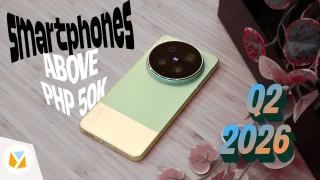
It seems like it was only yesterday when 2026 started, but now we’re already halfway…
Jul 12, 2026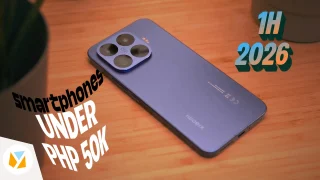
With June quickly coming to a close, we think it’s time to look back and…
Jul 12, 2026Auto HDR One of the new features that Microsoft announced for Windows 11 is Auto HDR. First, though you need an HDR-compatible monitor.
Click on HDR Now all you have to do is enable HDR and Auto HDR to complete the process. There's also Network Sync, which lets the tablet automatically connect to the phone's hotspot whenever it loses Wi-Fi, or when Wi-Fi becomes unavailable altogether. And if that's not enough, you can set it to automatically enable whenever the phone senses you're in transit or driving.
Our coverage of auto hdr includes: "How to Optimize Windows 11 For Gaming"; "Xiaomi Ecosystem: It just works, too"; "HONOR MagicOS 10: Tips & Tricks". Each article provides unique insights and information.