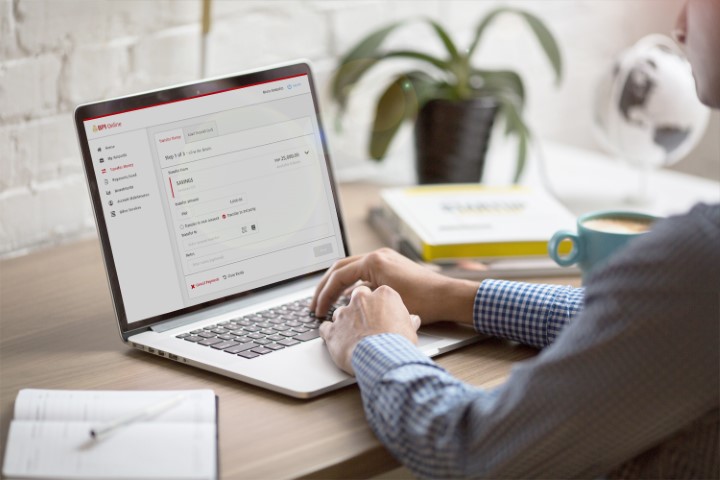

It's already known that banks implement sophisticated security measures to make sure that accounts are guarded against attacks. So, how do you protect your BPI account from cybercriminals? Always check the website URL When visiting the BPI website, always make sure that the URL is correct before you log in to your account. In this case, it's https://online.bpi.com.ph/. Also, avoid clicking on email links to access your account, so you can be sure that you're visiting the authentic BPI website. As an added security measure, check that the padlock icon and “https” appear in the address bar. Always log out of your account Don't forget to log out of your BPI Online Banking account once you're done with your transactions to make sure that no one else can view your account after use. Never share your OTP and other confidential information with anyone A One-Time PIN (OTP) is required for financial transactions done in the BPI Online and Mobile app to ensure that you did the transaction. Read more in our articles including "How to protect your BPI account from cybercriminals" and "Security Bank now sends SMS on ATM transactions".

It’s already known that banks implement sophisticated security measures to make sure that accounts are…
Jan 23, 2020Just received an SMS from my account manager from Security Bank early this morning (this…
Sep 1, 2014
A new school year means new projects, research papers, presentations, and online learning tasks. Whether…
Jun 14, 2026
With the announcement of the Xiaomi 17T series today, those hoping to upgrade from last…
May 29, 2026
Inflation is now (May 2026) at 7.2%, electricity rates at Php14.33/kWhr, and gas prices through…
May 28, 2026
Smartphones today can handle all the basics. The real difference now is how well a…
Apr 30, 2026It's already known that banks implement sophisticated security measures to make sure that accounts are guarded against attacks. So, how do you protect your BPI account from cybercriminals?
Always check the website URL When visiting the BPI website, always make sure that the URL is correct before you log in to your account. In this case, it's https://online.bpi.com.ph/. Also, avoid clicking on email links to access your account, so you can be sure that you're visiting the authentic BPI website.
Our coverage of bpi security includes: "How to protect your BPI account from cybercriminals"; "Security Bank now sends SMS on ATM transactions"; "Best Budget Tablets for Back-to-School 2026 | Under P10,000". Each article provides unique insights and information.