

About a year ago, we reviewed the Fitbit Versa, which was a follow-up to their successful first smartwatch, the Ionic. The Versa itself is a toned down version of the Ionic, and now the company has decided to thin it down further by introducing the Versa Lite. Like the standard Versa, the Lite Edition doesn't try to look like a traditional circular watch. For the Versa Lite, you only get one physical button situated on the left side, which acts as your back button when you're using an app, or the lock button when you're on the home screen/watch face. The Versa Lite is one tough little cookie. OS, UI, Apps, and Storage The Versa Lite uses Fitbit OS. Give it some time to automatically update and set-up the Versa Lite, and you're in business. Since we don't get local storage on the Versa Lite, music is a bit of a challenge. Read more in our articles including "Fitbit Versa Lite Review" and "HP ElitePad 900 Windows 8 Pro tablet sells for Php44k".

About a year ago, we reviewed the Fitbit Versa, which was a follow-up to their…
Apr 30, 2019HP’s business-friendly, 10-inch Windows 8 Pro tablet, the ElitePad 900, is now being offered in…
Feb 27, 2013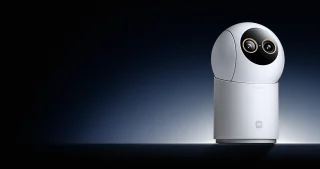
Xiaomi has introduced the Smart Camera C701 Pro in the Philippines, offering a new indoor…
Jul 19, 2026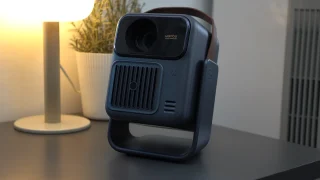
Portable projectors usually force you to make a compromise. Some are small enough to carry…
Jul 8, 2026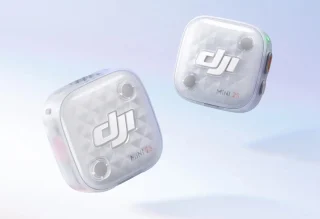
DJI has officially introduced the DJI Mic Mini 2S, a compact wireless microphone system that…
Jul 5, 2026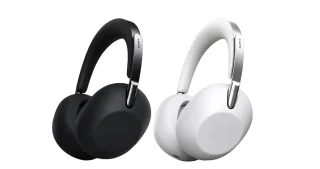
Sony Philippines has officially launched the 1000X THE COLLEXION in the country, marking the latest…
Jul 2, 2026About a year ago, we reviewed the Fitbit Versa, which was a follow-up to their successful first smartwatch, the Ionic. The Versa itself is a toned down version of the Ionic, and now the company has decided to thin it down further by introducing the Versa Lite.
Like the standard Versa, the Lite Edition doesn't try to look like a traditional circular watch. For the Versa Lite, you only get one physical button situated on the left side, which acts as your back button when you're using an app, or the lock button when you're on the home screen/watch face. The Versa Lite is one tough little cookie.
Our coverage of fitbit versa lite unboxing includes: "Fitbit Versa Lite Review"; "HP ElitePad 900 Windows 8 Pro tablet sells for Php44k"; "Xiaomi Smart Camera C701 Pro now available in the Philippines". Each article provides unique insights and information.