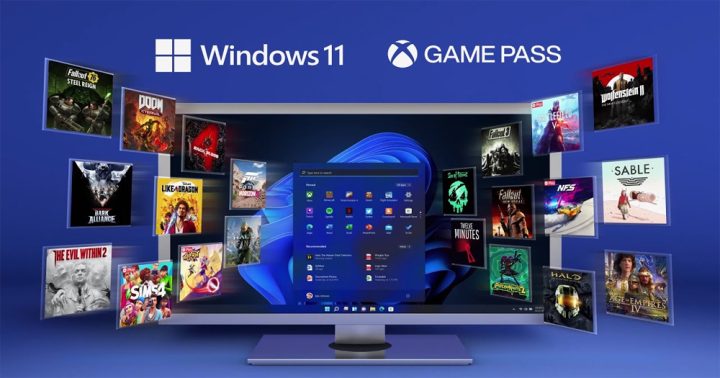

Early tests of games during the early releases of Windows 11 showed that a lot of people were getting better performance in a lot of different games. This feature doesn’t affect performance but it makes games look more detailed with better colors. It is a feature that will allow games to load faster as long as you have a Solid State Drive or SSD. Additionally, you will need DirectX 12 Ultimate GPU to run and store games that use the NVMe. On DirectStorage enabled devices and games, users will have an enhanced gaming experience like never before in Windows 11. Game Mode Windows 11 has a feature called game mode. Then from the left side panel, click on gaming, then enable Game Mode. Graphics Card Drivers If you plan to game seriously then I presume that you have a dedicated graphics card or GPU inside your system. Read more in our articles including "How to Optimize Windows 11 For Gaming" and "Poll: What's your all-time favorite PC game?".

Windows 11 is here and with that, a slew of new updates and upgrades for…
Oct 26, 2021For the past couple of weeks, I’ve been spending like 4 to 6 hours on…
Aug 4, 2011
We all know that Apple and its closed ecosystem is arguably THE best one out…
Aug 1, 2026
We’ve spent weeks using the HONOR 600 Series as our daily drivers to get a…
Jul 23, 2026
So, you just got a shiny new phone, and what’s exactly the first thing you’d…
Jul 23, 2026
It seems like it was only yesterday when 2026 started, but now we’re already halfway…
Jul 12, 2026Early tests of games during the early releases of Windows 11 showed that a lot of people were getting better performance in a lot of different games. This feature doesn’t affect performance but it makes games look more detailed with better colors.
It is a feature that will allow games to load faster as long as you have a Solid State Drive or SSD. Additionally, you will need DirectX 12 Ultimate GPU to run and store games that use the NVMe. On DirectStorage enabled devices and games, users will have an enhanced gaming experience like never before in Windows 11.
Our coverage of game mode includes: "How to Optimize Windows 11 For Gaming"; "Poll: What's your all-time favorite PC game?"; "Xiaomi Ecosystem: It just works, too". Each article provides unique insights and information.