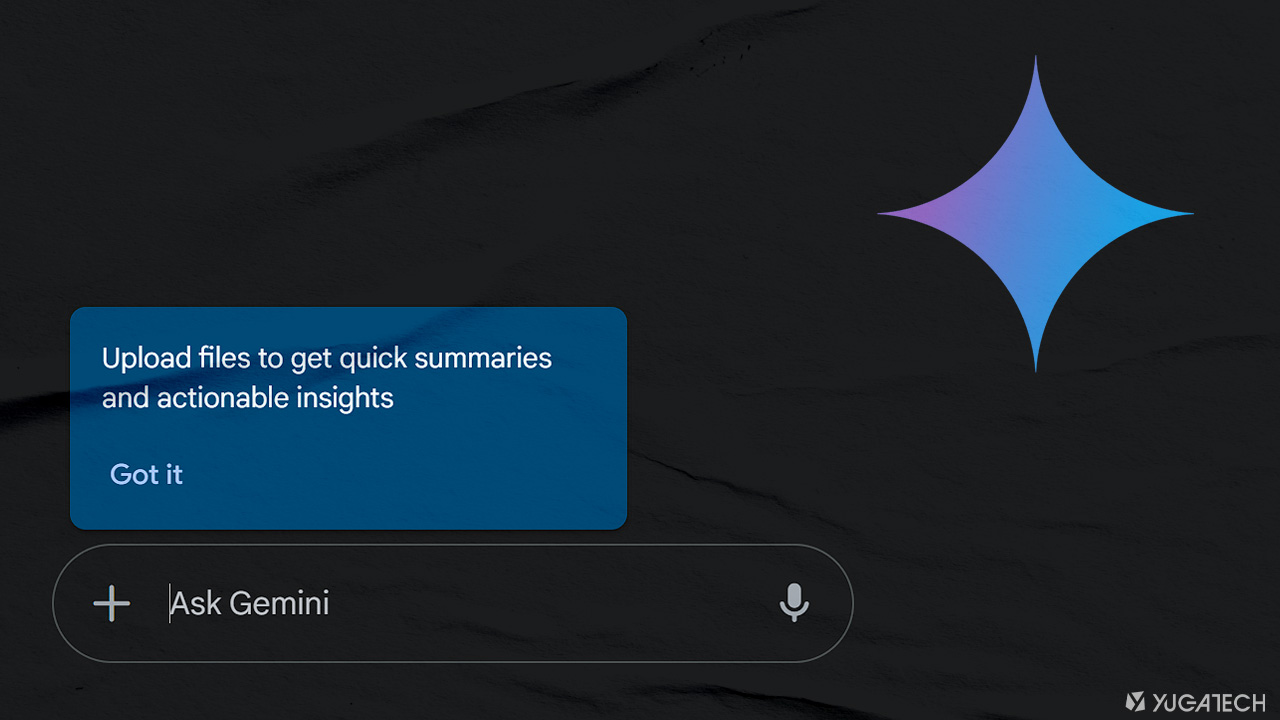

Google has finally rolled out an upload-and-analyze feature to Gemini, and is now available to all users, regardless of subscription tier. The update, which applies across the web, Android, and iOS platforms, allows free users to upload files directly from their devices or Google Drive for analysis and summarization. Both on the web and in-app, simply tap on the “+” icon > tap on ‘Files’ > then select a file or a document you want Gemini to analyze. Users can either upload direcly from the device or via Google Drive with a cap of 10 files per upload. While free users can upload a variety of file types (e.g. Google Gemini can now create and export files in the chat either from text, notes or images sent by the user. Read more in our articles including "Google Gemini now allows file ‘upload-and-analyze’ in app, web on free tier" and "Gemini now lets users generate and download files directly in-app".

Google has finally rolled out an upload-and-analyze feature to Gemini, and is now available to…
Feb 22, 2025
Google has announced a new feature for the Gemini app. It allows users to create…
Apr 30, 2026
There are a lot of ways to transfer files from one device to another —…
Mar 19, 2017
When I first got the Plaud Note Pro, I honestly wasn’t convinced. My first thought…
Jul 8, 2026
OpenAI has announced the GPT-5.6 series. These are three new AI models called Sol, Terra…
Jun 27, 2026
NVIDIA has announced Halos for Robotics. It is a new full-stack safety platform designed to…
Jun 23, 2026Google has finally rolled out an upload-and-analyze feature to Gemini, and is now available to all users, regardless of subscription tier. The update, which applies across the web, Android, and iOS platforms, allows free users to upload files directly from their devices or Google Drive for analysis and summarization.
Both on the web and in-app, simply tap on the “+” icon > tap on ‘Files’ > then select a file or a document you want Gemini to analyze. Users can either upload direcly from the device or via Google Drive with a cap of 10 files per upload. While free users can upload a variety of file types (e.g.
Our coverage of Gemini file upload includes: "Google Gemini now allows file ‘upload-and-analyze’ in app, web on free tier"; "Gemini now lets users generate and download files directly in-app"; "Video Fast Five: WiFi Transfer Apps". Each article provides unique insights and information.