

Android users can now listen to texts on websites through Google Chrome. Google Chrome on Android now allows users to listen to text on websites and even select the voice. Here is how Android users can use this feature: Open Google Chrome Visit a website of your choice Select More on the top right corner and select 'Listen to this page'. Google introduced the Emoji Kitchen feature in Android last May; this time, they are updating the feature to provide contextual suggestions from the Emoji Kitchen. Read more in our articles including "Google Chrome allows users to listen text on Android" and "Google Wallet NFC issue hits some China-ROM Android Phones".

Android users can now listen to texts on websites through Google Chrome. Google Chrome on…
Jun 17, 2024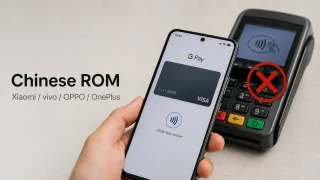
Some Android phones running China-specific firmware recently lost access to Google Wallet contactless payments after…
Aug 7, 2026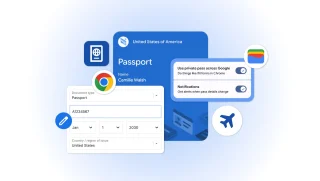
Google has announced new updates to Chrome Autofill. With this feature, it brings support for…
Jun 24, 2026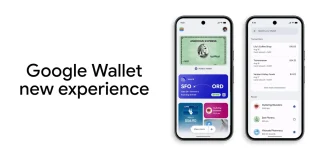
Google has started rolling out a redesigned Google Wallet app for Android alongside new Google…
May 24, 2026
Google has announced to roll out new features to Android phones. The company adds two…
Sep 26, 2021
Android welcomes the summer by bringing six new features for its users, including earthquake alerts…
Jun 16, 2021Android users can now listen to texts on websites through Google Chrome. Google Chrome on Android now allows users to listen to text on websites and even select the voice.
Here is how Android users can use this feature: Open Google Chrome Visit a website of your choice Select More on the top right corner and select 'Listen to this page'. Google introduced the Emoji Kitchen feature in Android last May; this time, they are updating the feature to provide contextual suggestions from the Emoji Kitchen.
Our coverage of Google Chrome Android text to speech includes: "Google Chrome allows users to listen text on Android"; "Google Wallet NFC issue hits some China-ROM Android Phones"; "Google Chrome expands Autofill with Google Wallet integration". Each article provides unique insights and information.