

To set it up, pinch on the Home screen > tap "Cards" > choose any widget you want to place > then add another widget of the same size and lay it directly on top of the first one. Read more in our articles including "A Complete Guide to SD Cards" and "How to activate Globe GPRS".
Author’s Note: Article has been updated to include Application Performance Class under the Read/Write Speeds…
Feb 22, 2018How to activate GPRS for Globe and TM (Touch Mobile) For a complete listing of…
Jun 10, 2011I’ve been an avid fan of the Moo cards ever since they went online. The…
Jul 22, 2008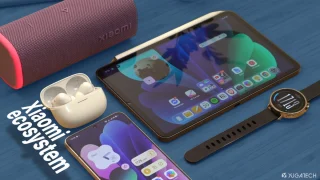
We all know that Apple and its closed ecosystem is arguably THE best one out…
Aug 1, 2026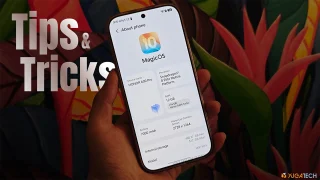
We’ve spent weeks using the HONOR 600 Series as our daily drivers to get a…
Jul 23, 2026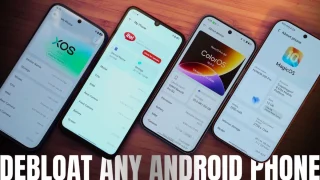
So, you just got a shiny new phone, and what’s exactly the first thing you’d…
Jul 23, 2026To set it up, pinch on the Home screen > tap "Cards" > choose any widget you want to place > then add another widget of the same size and lay it directly on top of the first one.
Our coverage of how to choose sd cards includes: "A Complete Guide to SD Cards"; "How to activate Globe GPRS"; "Moo Mini Cards: An Expensive Lesson in Proofreading". Each article provides unique insights and information.