

Because Canta, even when uninstalled, will still show you the system apps and services you removed if you get it back up and running via Shizuku. Other brands, however, may have a slightly different way of getting into the ADB (Android Debug Bridge), the tool Shizuku uses to grant Canta the permissions it needs to remove apps. Xiaomi, on the other hand, has a more tedious set of extra steps, so it's better to just watch our explainer on YouTube focused on removing bloatware and ads if you haven't already. Most of the time, tapping on the app itself in Canta shows a short description of what it does and whether it's safe to remove. Read more in our articles including "Remove ads, bloatware on your Xiaomi, REDMI or POCO phone" and "Debloat ANY Android Phone Using Canta + Shizuku Method".

Last time, we had a rundown of what’s new with HyperOS 3 and we also…
Mar 30, 2026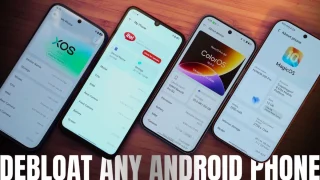
So, you just got a shiny new phone, and what’s exactly the first thing you’d…
Jul 23, 2026Having busted 3 of my 5 iPod headsets, I hesitated using the one that came…
Oct 15, 2008
It seems like it was only yesterday when 2026 started, but now we’re already halfway…
Jul 12, 2026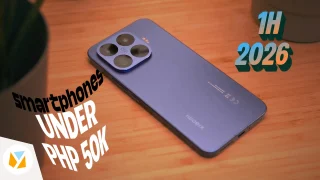
With June quickly coming to a close, we think it’s time to look back and…
Jul 12, 2026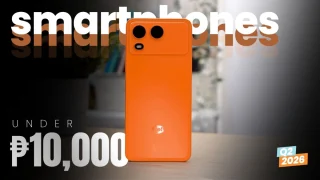
It’s that time again when we round up the latest smartphone launches here in the…
Jun 26, 2026Because Canta, even when uninstalled, will still show you the system apps and services you removed if you get it back up and running via Shizuku. Other brands, however, may have a slightly different way of getting into the ADB (Android Debug Bridge), the tool Shizuku uses to grant Canta the permissions it needs to remove apps.
Xiaomi, on the other hand, has a more tedious set of extra steps, so it's better to just watch our explainer on YouTube focused on removing bloatware and ads if you haven't already. Most of the time, tapping on the app itself in Canta shows a short description of what it does and whether it's safe to remove.
Our coverage of how to remove ads xiaomi includes: "Remove ads, bloatware on your Xiaomi, REDMI or POCO phone"; "Debloat ANY Android Phone Using Canta + Shizuku Method"; "Replacement iPhone Headsets". Each article provides unique insights and information.