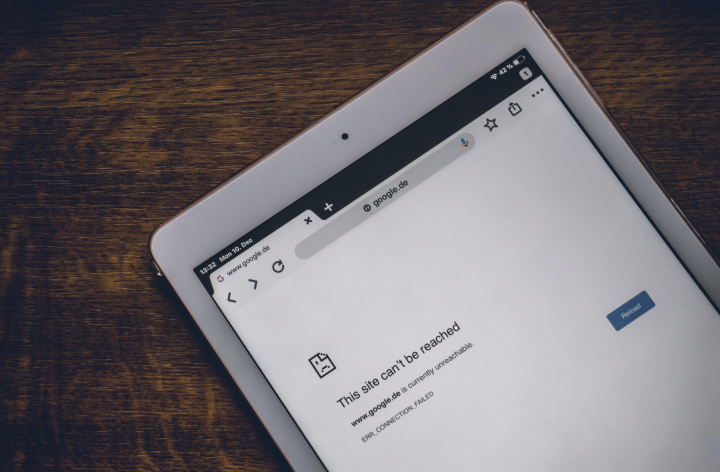

Common factors for Windows PC users, like router problems, firewall, or IP address conflicts, can cause the “Connected Without Internet Connection” problem. There can be several reasons why you’re getting the “WiFi connected but no internet connection” message. Uninstall software preventing connection Some software may prevent your device from accessing the internet despite being connected to the WiFi. You should contact your ISP to notify them of the issue, as they might be able to guide you through steps to configure your router or notify you of regional internet connection issues. Read more in our articles including "Solving “WiFi Connected But No Internet Connection”" and "The funny truth about your local Internet Service Provider".
Having a computer that is seemingly connected to a WiFi account but won’t load any…
May 23, 2025We’re pretty sure everyone here has had a bad experience with their local internet service…
Mar 30, 2013
A flaky connection wrecks more than Netflix night. It kills video calls, boots players from…
Oct 17, 2025
POCO has officially announced the POCO M8 Power, doubling down on battery life as the…
Aug 5, 2026
The big three local telcos: PLDT, Globe Telecom, and Converge ICT Solutions are teaming up…
Aug 5, 2026
For years, Netflix and Disney+ have stood as some of the most popular streaming services…
Aug 5, 2026Common factors for Windows PC users, like router problems, firewall, or IP address conflicts, can cause the “Connected Without Internet Connection” problem. There can be several reasons why you’re getting the “WiFi connected but no internet connection” message.
Uninstall software preventing connection Some software may prevent your device from accessing the internet despite being connected to the WiFi. You should contact your ISP to notify them of the issue, as they might be able to guide you through steps to configure your router or notify you of regional internet connection issues.
Our coverage of Internet Connection Issues includes: "Solving “WiFi Connected But No Internet Connection”"; "The funny truth about your local Internet Service Provider"; "How to keep your internet connection from dropping". Each article provides unique insights and information.