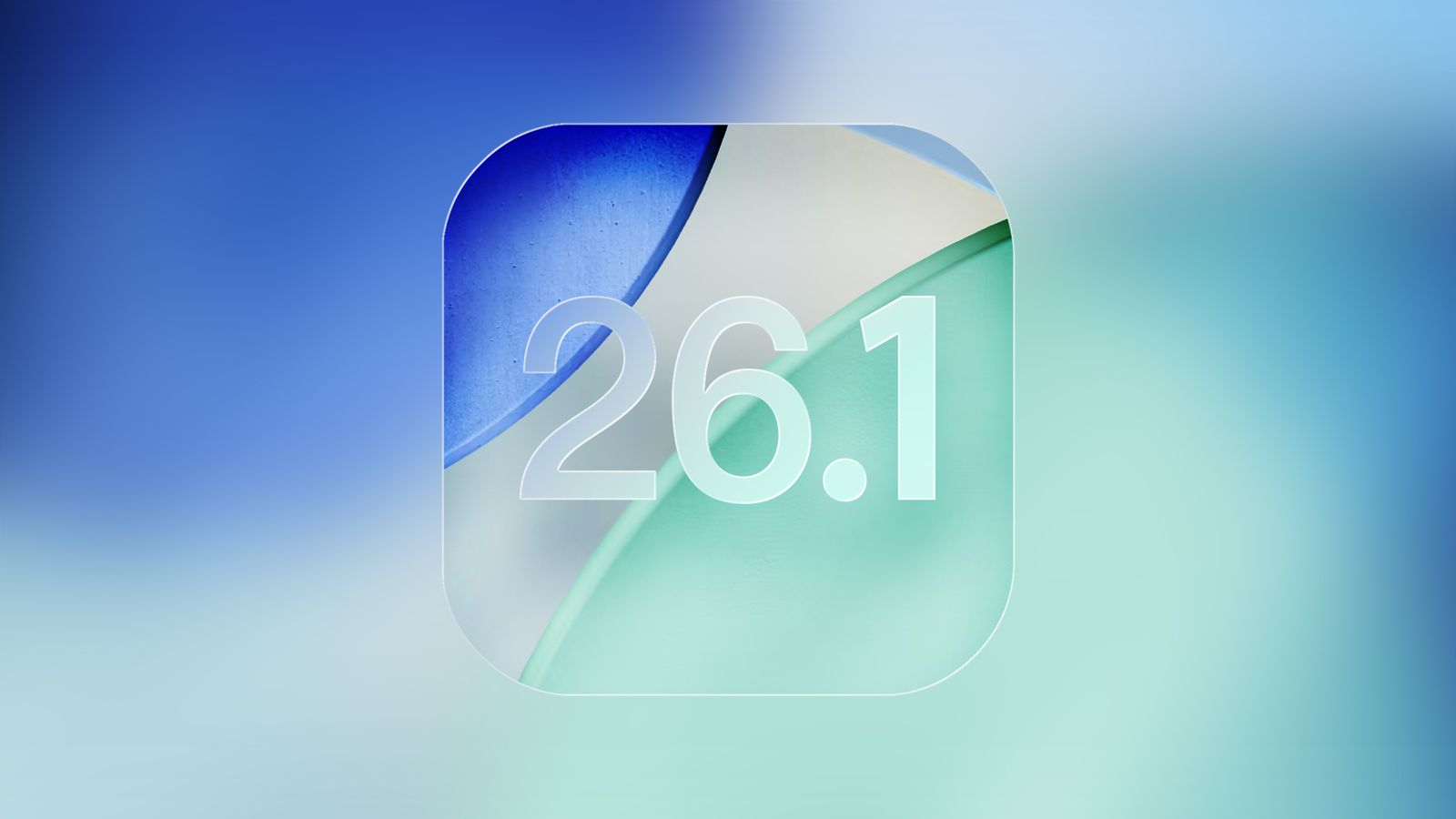


Apple is gearing up to roll out iOS 26.1, the latest update for iPhones that fine-tunes some of the design and usability changes introduced in iOS 26. While there’s no exact release date yet, beta testers have already received the release candidate, suggesting the public rollout is imminent. Here are the key changes coming with iOS 26.1: Tinted Liquid Glass option: Apple’s transparent “Liquid Glass” design in iOS 26 made the interface look sleek but also harder to read for some users. In iOS 26.1, users can now enable a tinted version for better contrast and visibility. The new option can be found in Settings under “Display & Brightness.” Disable lock screen camera swipe: If you’ve ever accidentally opened the camera while swiping on the lock screen, iOS 26.1 now lets you turn off this shortcut. iOS 26.1 focuses mainly on refining Apple’s earlier design overhaul while giving users more control over how their iPhones look and behave. Beta testers who are members of Apple's beta testing program have already received the iOS 11.2.5 beta update over-the-air after installing the proper certificate on an iOS device. That said, this article will guide you on how to install the latest public and developer beta on your iPhone. Read more in our articles including "iOS 26.1 Incoming Update Brings 4 Key Updates to iPhones" and "How to Install iOS Public and Developer Betas on your iPhone".
Apple is gearing up to roll out iOS 26.1, the latest update for iPhones that…
Oct 31, 2025
Beta testers who are members of Apple’s beta testing program have already received the iOS…
Jan 1, 2018
Apple has released the first public beta versions of its upcoming software updates, allowing users…
Jul 14, 2026
Apple has released the second developer beta of iOS 27. It brings several new features…
Jun 23, 2026
Apple dropped iOS 27 beta 1 right after the WWDC 2026 keynote, and yes, the…
Jun 9, 2026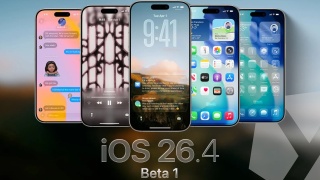
Apple has released iOS 26.4 beta 1 to developers, introducing updates across Apple Music, Apple…
Feb 17, 2026Apple is gearing up to roll out iOS 26.1, the latest update for iPhones that fine-tunes some of the design and usability changes introduced in iOS 26. While there’s no exact release date yet, beta testers have already received the release candidate, suggesting the public rollout is imminent.
Here are the key changes coming with iOS 26.1: Tinted Liquid Glass option: Apple’s transparent “Liquid Glass” design in iOS 26 made the interface look sleek but also harder to read for some users. In iOS 26.1, users can now enable a tinted version for better contrast and visibility. The new option can be found in Settings under “Display & Brightness.” Disable lock screen camera swipe: If you’ve ever accidentally opened the camera while swiping on the lock screen, iOS 26.1 now lets you turn off this shortcut.
Our coverage of iOS beta includes: "iOS 26.1 Incoming Update Brings 4 Key Updates to iPhones"; "How to Install iOS Public and Developer Betas on your iPhone"; "Apple releases Public Betas for iOS 27, macOS 27, iPadOS 27, and watchOS 27". Each article provides unique insights and information.