
In addition to the updates released by Cherry Mobile recently, the company also announces the availability of the KitKat update for Omega Spectrum. To get the update, simply follow the instructions below: 1. Download Omega Spectrum upgrade here: http://www.cherrymobile.com.ph/phoneupdates/spectrum/H600_Kitkat4.4_ota.zip 2. Copy the H600_Kitkat4.4_ota.zip to your SD card using a micro USB cable plugged in to your computer. b. Please make sure that is the only .zip file that is on the SD card ( to be sure have your SD card formated and delete the folders and files on your SD card except the H600_Kitkat4.4.zip ). Navigate again using the volume up or down button to select "apply update from external storage". Navigate again using the volume up or down to "H600_Kitkat4.4.zip" and press the power button to confirm 9. Upgrade to Kitkat 4.4.2 version of omega spectrum is now completed. Read more in our articles including "Cherry Mobile Omega Spectrum gets KitKat update" and "HUAWEI Pura 90s Pro, Pro Max now up for pre-order".
Good news for Omega Spectrum users! In addition to the updates released by Cherry Mobile…
Jun 18, 2014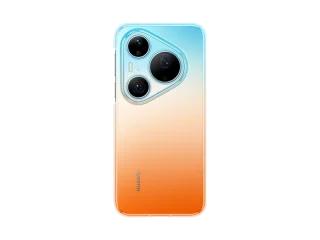
HUAWEI has opened Philippine pre-orders for the Pura 90s Series starting today, August 7, with…
Aug 7, 2026
Customers who pre-order by August 13 can enjoy free storage upgrades, trade-in discounts, Samsung Care+…
Aug 7, 2026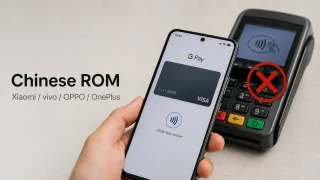
Some Android phones running China-specific firmware recently lost access to Google Wallet contactless payments after…
Aug 7, 2026
OPPO has introduced the Reno16 F 5G in the Philippines, with prices starting at PHP…
Aug 7, 2026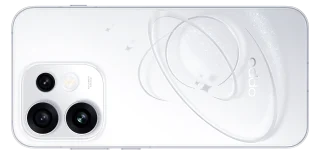
OPPO has launched the Reno16 5G and Reno16 Pro 5G in the Philippines, with prices…
Aug 7, 2026In addition to the updates released by Cherry Mobile recently, the company also announces the availability of the KitKat update for Omega Spectrum. To get the update, simply follow the instructions below: 1.
Download Omega Spectrum upgrade here: http://www.cherrymobile.com.ph/phoneupdates/spectrum/H600_Kitkat4.4_ota.zip 2. Copy the H600_Kitkat4.4_ota.zip to your SD card using a micro USB cable plugged in to your computer. b. Please make sure that is the only .zip file that is on the SD card ( to be sure have your SD card formated and delete the folders and files on your SD card except the H600_Kitkat4.4.zip ).
Our coverage of kitkat update includes: "Cherry Mobile Omega Spectrum gets KitKat update"; "HUAWEI Pura 90s Pro, Pro Max now up for pre-order"; "Samsung launches new Galaxy foldables and smartwatches with AI upgrades, pre-order promos until August 13". Each article provides unique insights and information.