

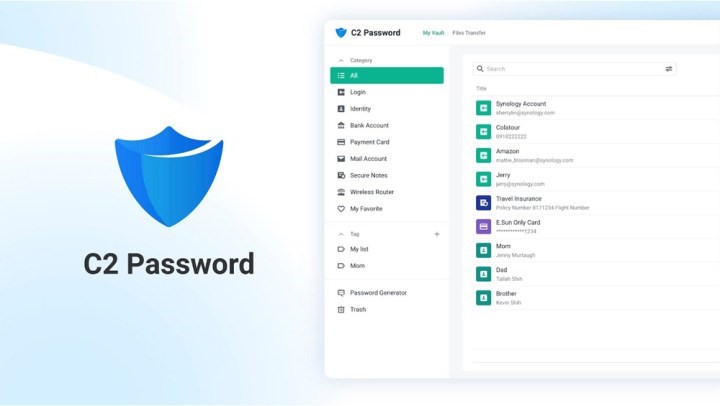
You’d end up having multiple physical hard drives that at the end of the day, have limited storage space and can have many points of failure. This is especially true when you need to find specific files and you’d have to search through these physical drives to find the files you’re looking for. Users also rarely backup these drives, so any failure means losing your files permanently. If these drives die, then the drive is essentially gone. Sharing also is a problem when it comes to these drives, you have to physically hand over the drive to someone in order to share a specific file. That adds the risk of corrupting the drive by plugging it into different drives, and physically destroying the drive as well. That is by using a NAS to backup your files. A NAS is a network-attached storage which allows you to backup and access your files through your home network. Read more in our articles including "How to choose a Synology NAS" and "How to store and manage all your credentials securely? Synology C2 Password - one key for all passwords".

Backing up your files can be a chore at the end of the day when…
Jul 26, 2022
Password managers have become more popular and necessary over the past few years as more…
Apr 1, 2022
We all know that Apple and its closed ecosystem is arguably THE best one out…
Aug 1, 2026
We’ve spent weeks using the HONOR 600 Series as our daily drivers to get a…
Jul 23, 2026
So, you just got a shiny new phone, and what’s exactly the first thing you’d…
Jul 23, 2026
It seems like it was only yesterday when 2026 started, but now we’re already halfway…
Jul 12, 2026You’d end up having multiple physical hard drives that at the end of the day, have limited storage space and can have many points of failure. This is especially true when you need to find specific files and you’d have to search through these physical drives to find the files you’re looking for.
Users also rarely backup these drives, so any failure means losing your files permanently. If these drives die, then the drive is essentially gone. Sharing also is a problem when it comes to these drives, you have to physically hand over the drive to someone in order to share a specific file.
Our coverage of nas drive includes: "How to choose a Synology NAS"; "How to store and manage all your credentials securely? Synology C2 Password - one key for all passwords"; "Xiaomi Ecosystem: It just works, too". Each article provides unique insights and information.