

Beta testers who are members of Apple's beta testing program have already received the iOS 11.2.5 beta update over-the-air after installing the proper certificate on an iOS device. That said, this article will guide you on how to install the latest public and developer beta on your iPhone. Apple offers beta updates to iOS as a closed developer or public betas for iPhone. While the betas contain new features, they also contain pre-release bugs that can prevent the normal use of your iPhone and are not intended for everyday use on a primary device. That's why we strongly recommend staying away from developer betas unless you need them for software development, and using the public betas with caution. These betas could be in the form of public or developer profile. Beta builds typically roll out to developers first, and a public beta version is soon followed. Follow these steps to receive beta updates. iPhone X iPhone 8 iPhone 8 Plus iPhone 7 iPhone 7 Plus iPhone 6s iPhone 6s Plus iPhone 6 iPhone 6 Plus iPhone SE iPhone 5s Public Beta First off, head over beta.apple.com on the iPhone you want to enroll in the beta. If you've already signed up for a previous public beta, tap on Sign in. Read more in our articles including "How to Install iOS Public and Developer Betas on your iPhone" and "Apple releases Public Betas for iOS 27, macOS 27, iPadOS 27, and watchOS 27".
Beta testers who are members of Apple’s beta testing program have already received the iOS…
Jan 1, 2018
Apple has released the first public beta versions of its upcoming software updates, allowing users…
Jul 14, 2026
Huawei has officially released the public beta of HarmonyOS 6, its latest in-house operating system,…
Oct 23, 2025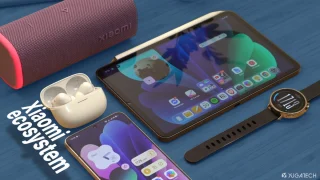
We all know that Apple and its closed ecosystem is arguably THE best one out…
Aug 1, 2026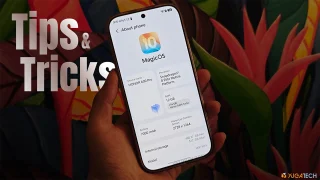
We’ve spent weeks using the HONOR 600 Series as our daily drivers to get a…
Jul 23, 2026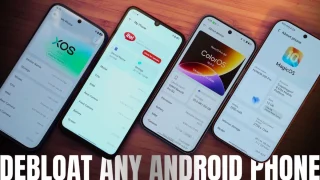
So, you just got a shiny new phone, and what’s exactly the first thing you’d…
Jul 23, 2026Beta testers who are members of Apple's beta testing program have already received the iOS 11.2.5 beta update over-the-air after installing the proper certificate on an iOS device. That said, this article will guide you on how to install the latest public and developer beta on your iPhone.
Apple offers beta updates to iOS as a closed developer or public betas for iPhone. While the betas contain new features, they also contain pre-release bugs that can prevent the normal use of your iPhone and are not intended for everyday use on a primary device. That's why we strongly recommend staying away from developer betas unless you need them for software development, and using the public betas with caution. These betas could be in the form of public or developer profile. Beta builds typically roll out to developers first, and a public beta version is soon followed.
Our coverage of public beta includes: "How to Install iOS Public and Developer Betas on your iPhone"; "Apple releases Public Betas for iOS 27, macOS 27, iPadOS 27, and watchOS 27"; "Huawei rolls out HarmonyOS 6 public beta: see which devices are included". Each article provides unique insights and information.