

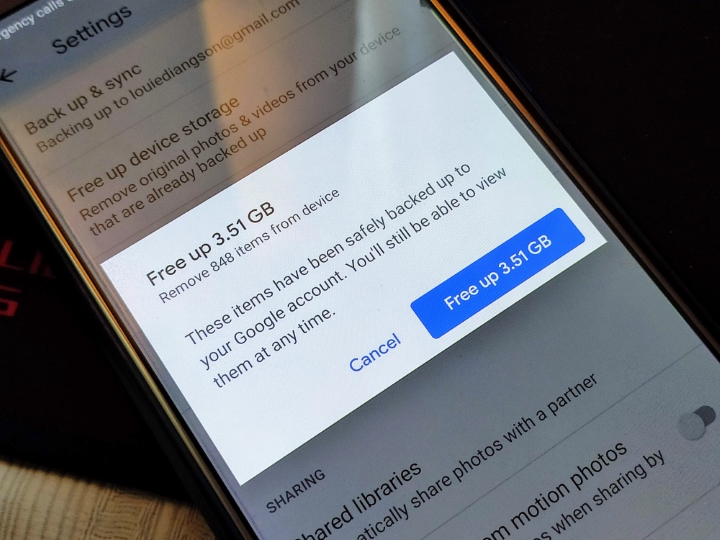
If you're wondering how I survived with limited storage, here are my tips. Smartphones nowadays come with bigger storage. 4) Use external storage solutions Almost all smartphones support the USB OTG function. And that sums up our suggestions to free up storage space on your smartphone. Pros: • 1GHz processor • Dual LED flash • Roomy 4.3†LCD display • Expandable storage Cons: • Uninspiring 1400mAh battery • Runs Android 2.3 Gingerbread out of the box We've basically reviewed almost all of the top flagship smartphones listed above. Read more in our articles including "64GB, is it enough for iPhone users?" and "5 Ways To Free Up Storage Space On Your Smartphone".

As you all know, iPhones come in multiple storage variants, and one of them is…
Jul 5, 2020
Smartphones nowadays come with bigger storage. However, time will come that you’ll use up all…
Jul 13, 2019If you were wondering who makes the best flagship handsets, we’ve come up with a…
Jul 31, 2012
So, you just got a shiny new phone, and what’s exactly the first thing you’d…
Jul 23, 2026
A new school year means new projects, research papers, presentations, and online learning tasks. Whether…
Jun 14, 2026
With the announcement of the Xiaomi 17T series today, those hoping to upgrade from last…
May 29, 2026If you're wondering how I survived with limited storage, here are my tips. Smartphones nowadays come with bigger storage.
4) Use external storage solutions Almost all smartphones support the USB OTG function. And that sums up our suggestions to free up storage space on your smartphone. Pros: • 1GHz processor • Dual LED flash • Roomy 4.3†LCD display • Expandable storage Cons: • Uninspiring 1400mAh battery • Runs Android 2.3 Gingerbread out of the box We've basically reviewed almost all of the top flagship smartphones listed above.
Our coverage of smartphone storage tips includes: "64GB, is it enough for iPhone users?"; "5 Ways To Free Up Storage Space On Your Smartphone"; "Round-up: Top 10 Flagship Smartphones". Each article provides unique insights and information.