

Tip 4: Stacked Recent apps page Next, we have the “stacked Recent apps” page. Tip 5: Stacked widgets Another Apple-inspired feature here is stacked widgets, which lets you cycle through multiple widgets in a single spot on your home screen. To see all the stacked widgets, do a long swipe up or down on the widget itself. Tip 6: Lock screen widgets Continuing with widgets, did you know you can now add some to your lock screen, too? Tap on it, and from here, you can add lock screen widgets like a Step Counter, Calendar, and even quick access to Notes, among others. One downside, though: you'll need to remove any widgets first before the depth effect actually works. Read more in our articles including "HONOR MagicOS 10: Tips & Tricks" and "Debloat ANY Android Phone Using Canta + Shizuku Method".
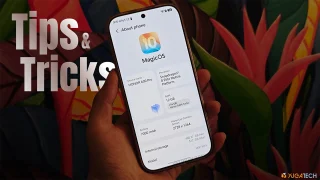
We’ve spent weeks using the HONOR 600 Series as our daily drivers to get a…
Jul 23, 2026
So, you just got a shiny new phone, and what’s exactly the first thing you’d…
Jul 23, 2026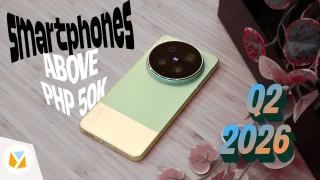
It seems like it was only yesterday when 2026 started, but now we’re already halfway…
Jul 12, 2026
With June quickly coming to a close, we think it’s time to look back and…
Jul 12, 2026
It’s that time again when we round up the latest smartphone launches here in the…
Jun 26, 2026
A new school year means new projects, research papers, presentations, and online learning tasks. Whether…
Jun 14, 2026Tip 4: Stacked Recent apps page Next, we have the “stacked Recent apps” page. Tip 5: Stacked widgets Another Apple-inspired feature here is stacked widgets, which lets you cycle through multiple widgets in a single spot on your home screen.
To see all the stacked widgets, do a long swipe up or down on the widget itself. Tip 6: Lock screen widgets Continuing with widgets, did you know you can now add some to your lock screen, too? Tap on it, and from here, you can add lock screen widgets like a Step Counter, Calendar, and even quick access to Notes, among others.
Our coverage of stacked widgets includes: "HONOR MagicOS 10: Tips & Tricks"; "Debloat ANY Android Phone Using Canta + Shizuku Method"; "6 Smartphones above PHP 50K (Q2 2026)". Each article provides unique insights and information.