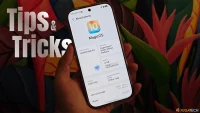

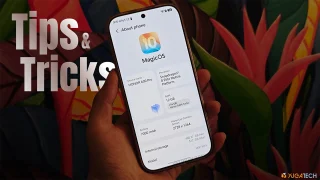
Tip 7: Wallpaper depth effect While we're here at the lock screen, let me walk you through the wallpaper depth effect. One downside, though: you'll need to remove any widgets first before the depth effect actually works. It usually needs to sit toward the bottom part of the clock for the depth effect to kick in properly, and it'll even auto-expand the image for easier positioning. Read more in our articles including "HONOR MagicOS 10: Tips & Tricks" and "Debloat ANY Android Phone Using Canta + Shizuku Method".
We’ve spent weeks using the HONOR 600 Series as our daily drivers to get a…
Jul 23, 2026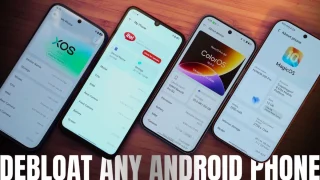
So, you just got a shiny new phone, and what’s exactly the first thing you’d…
Jul 23, 2026

Here you can download all the latest wallpapers exclusively extracted from three of the best…
Mar 11, 2016
It seems like it was only yesterday when 2026 started, but now we’re already halfway…
Jul 12, 2026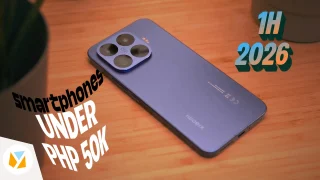
With June quickly coming to a close, we think it’s time to look back and…
Jul 12, 2026Tip 7: Wallpaper depth effect While we're here at the lock screen, let me walk you through the wallpaper depth effect. One downside, though: you'll need to remove any widgets first before the depth effect actually works.
It usually needs to sit toward the bottom part of the clock for the depth effect to kick in properly, and it'll even auto-expand the image for easier positioning.
Our coverage of wallpaper depth effect includes: "HONOR MagicOS 10: Tips & Tricks"; "Debloat ANY Android Phone Using Canta + Shizuku Method"; "6 Best Features of the LG W8 Signature OLED Wallpaper TV". Each article provides unique insights and information.