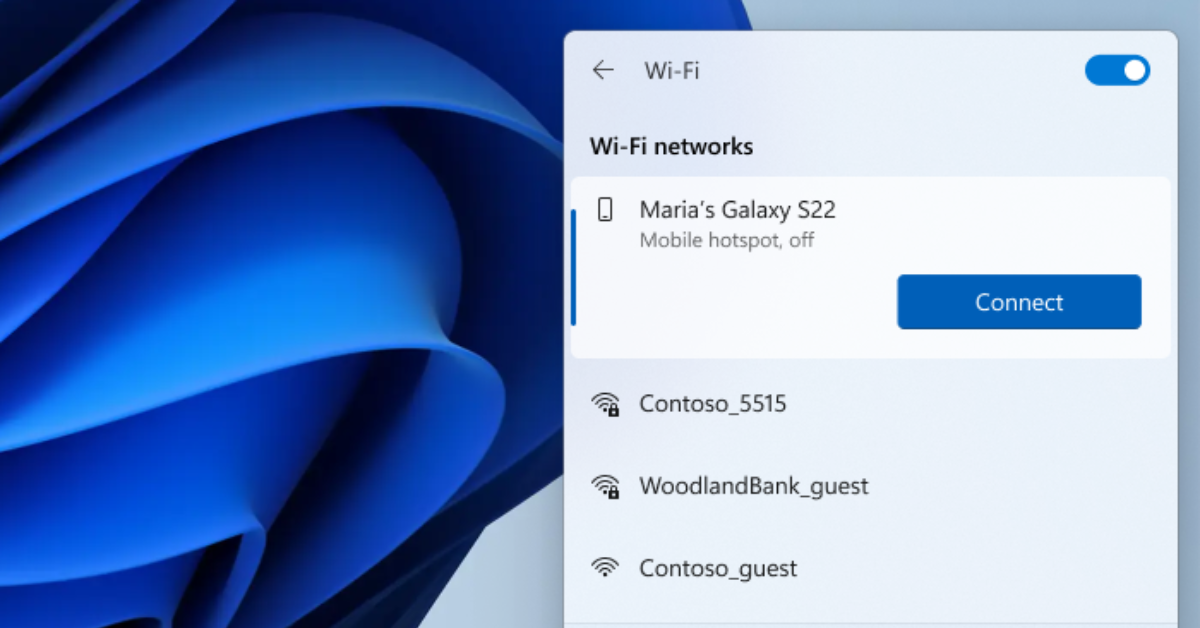

Windows 11 and Samsung Galaxy users will soon be able to utilize the Phone Link app to simply activate their Galaxy phone's Wi-Fi hotspot instantly straight from their Windows PC. This simply means when your phone is within close range, it will appear in the Wi-Fi network list on your PC where you may simply click to turn on your phone's hotspot. Furthermore, this means you wouldn't need to remember or type passwords and search for hotspot settings on your phone. You set up to instantly access your Samsung Device's hotspot in the following places: The What’s New dialog, which should pop up on your screen. From the Phone Link settings page -> Features -> Instant Hotspot. Overflow menu (…) button on top right of Phone Link The new instant hotspot feature is now rolling out to Windows devices running the the Preview Build of Windows (build 25231) and will only be available among certain Samsung devices right now. If you wish to give feedback in regards to the Phone Link app and Hotspot feature, you can file feedback in the Feedback Hub (WIN + F) under Apps > Phone Link. I've had the beta version of Windows 7 installed on my Intel Core 2 Quad, a Compaq Presario, and an Atom-based netbook for about a week now and so far, Microsoft's upcoming operating system gave a fairly good impression. Read more in our articles including "Windows 11 to soon feature instant smartphone hotspot access" and "Windows 7 Preview: Less of the Same".
Windows 11 and Samsung Galaxy users will soon be able to utilize the Phone Link…
Oct 29, 2022I’ve had the beta version of Windows 7 installed on my Intel Core 2 Quad,…
Jan 15, 2009Microsoft has finally announced the SKUs of their upcoming OS, Windows 7. The line-up didn’t…
Feb 4, 2009
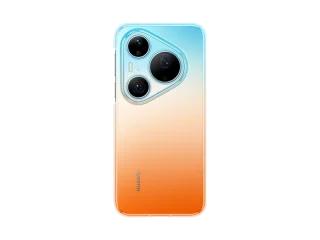
HUAWEI has opened Philippine pre-orders for the Pura 90s Series starting today, August 7, with…
Aug 7, 2026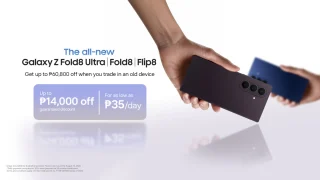
Customers who pre-order by August 13 can enjoy free storage upgrades, trade-in discounts, Samsung Care+…
Aug 7, 2026Windows 11 and Samsung Galaxy users will soon be able to utilize the Phone Link app to simply activate their Galaxy phone's Wi-Fi hotspot instantly straight from their Windows PC. This simply means when your phone is within close range, it will appear in the Wi-Fi network list on your PC where you may simply click to turn on your phone's hotspot.
Furthermore, this means you wouldn't need to remember or type passwords and search for hotspot settings on your phone. You set up to instantly access your Samsung Device's hotspot in the following places: The What’s New dialog, which should pop up on your screen. From the Phone Link settings page -> Features -> Instant Hotspot.
Our coverage of Windows 11 hotspot includes: "Windows 11 to soon feature instant smartphone hotspot access"; "Windows 7 Preview: Less of the Same"; "The 6 flavors of Windows 7". Each article provides unique insights and information.