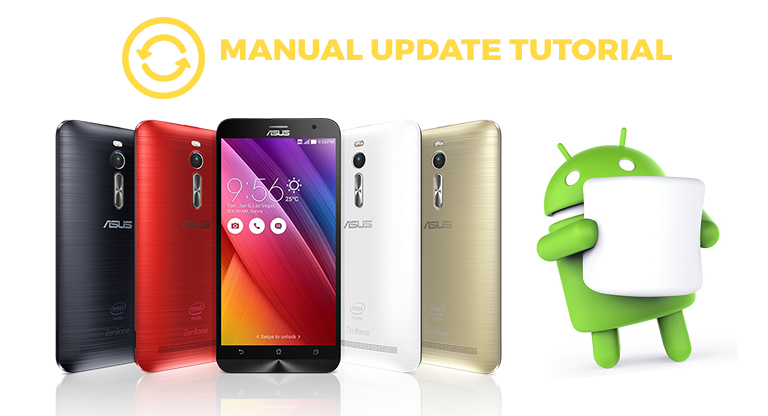

ASUS has began rolling out its Android 6.0 Marshmallow update for the ZenFone 2, ZenFone 2 Laser 5.0/5.5, ZenFone Max and ZenFone Selfie, which means it will eventually hit all devices as an over-the-air (OTA) update. Do note that only the ZenFone 2 (ZE551ML/ZE550ML), ZenFone 2 Laser (ZE500KL/ZE550KL) and ZenFone Selfie (ZD551KL) devices are currently supported for the manual update, the full firmware of the ZenFone Max is not yet available. In this tutorial, I will teach you how to manually update your ZenFone 2 into the latest Android 6.0 Marshmallow. ZenFone 2 (Mirror Link / Beta Update) - ZE551ML ZE550ML ZenFone 2 Laser - ZE500KL ZE550KL ZenFone Selfie - ZD551KL Note: After the download has been completed, just leave the firmware on the root storage of your device OR if you are using your computer to download, copy the file also to the root storage. You should see the prompt to select the firmware package you've downloaded, make sure that is selected and click on OK. After this, your phone will restart and begin upgrading toy Marshmallow. Your ZenFone 2 / ZenFone 2 Laser / ZenFone Selfie is now upgraded into Android 6.0 Marshmallow! You will be greeted with the Marshmallow notifications as the phone booted up and you will also get a prompt that the "System update is successful". Read more in our articles including "Tutorial: How to manually update ZenFone 2 devices into Android 6.0 Marshmallow" and "ASUS Zenfone 4, 5, and 6 official, price starts at Php3,995".

ASUS has began rolling out its Android 6.0 Marshmallow update for the ZenFone 2, ZenFone 2 Laser…
Jun 13, 2016ASUS officially makes available the Zenfone 4, 5, and 6 here in the Philippines. The…
Jul 17, 2014We just published our Asus ZenFone 5 review recently, but we still haven’t gotten the…
Jul 5, 2014ASUS Philippines has announced that their Zenfone 4, 5, and 6, will be available in…
Jun 30, 2014Along with the new Transformer Book Duet, ASUS has also announced the ZenFone lineup which…
Jan 7, 2014
ASUS has launched the Rainy Season Savings promo which slashes the prices of various ZenFone…
May 24, 2019ASUS has began rolling out its Android 6.0 Marshmallow update for the ZenFone 2, ZenFone 2 Laser 5.0/5.5, ZenFone Max and ZenFone Selfie, which means it will eventually hit all devices as an over-the-air (OTA) update. Do note that only the ZenFone 2 (ZE551ML/ZE550ML), ZenFone 2 Laser (ZE500KL/ZE550KL) and ZenFone Selfie (ZD551KL) devices are currently supported for the manual update, the full firmware of the ZenFone Max is not yet available.
In this tutorial, I will teach you how to manually update your ZenFone 2 into the latest Android 6.0 Marshmallow. ZenFone 2 (Mirror Link / Beta Update) - ZE551ML ZE550ML ZenFone 2 Laser - ZE500KL ZE550KL ZenFone Selfie - ZD551KL Note: After the download has been completed, just leave the firmware on the root storage of your device OR if you are using your computer to download, copy the file also to the root storage. You should see the prompt to select the firmware package you've downloaded, make sure that is selected and click on OK. After this, your phone will restart and begin upgrading toy Marshmallow.
Our coverage of zenfone 2 marshmallow includes: "Tutorial: How to manually update ZenFone 2 devices into Android 6.0 Marshmallow"; "ASUS Zenfone 4, 5, and 6 official, price starts at Php3,995"; "Asus ZenFone 4, 5, & 6's specs and expected local pricing". Each article provides unique insights and information.