
Remember the days when getting popular apps on a Huawei phone felt like trying to find a parking spot in Makati on a Friday?
Well, we decided to check if that’s still the case in 2025.
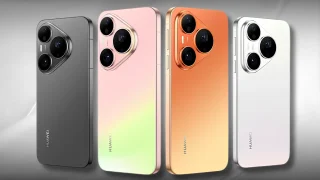
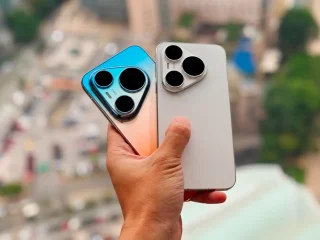
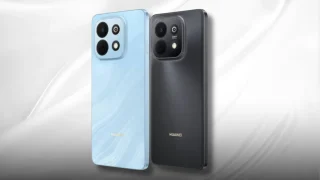
In our latest video, we put a modern Huawei smartphone through its paces to answer the big question on every Filipino user’s mind.
Can you really download and use the apps you need for daily life, from banking and shopping to social media and entertainment?
We went on a digital scavenger hunt, exploring all the methods, official and otherwise, that users might try.
Is it a seamless experience like on other Android phones, or is it still a puzzle that requires some tech-savvy solving?
Watch as we install, test, and reveal what app life is really like on a Huawei device today. You’ll see exactly which apps we got running and which ones made us scratch our heads.
What You’ll See in This Video
- We test downloading essential apps for Filipino users, from GCash and Maya to Shopee and Lazada.
- Explore the current state of Huawei’s AppGallery and what popular apps are natively available.
- Demonstrate alternative methods users might try to get their favorite apps working.
- Share our honest experience on how practical it is to use a Huawei phone as a daily driver in 2025.
Don’t just take our word for it. Watch the full video to see our real-time testing and get the complete picture before you consider your next phone purchase!
Frequently Asked Questions
Q: Can you use Google apps like Gmail and YouTube on a Huawei phone now?
A: That’s one of the key things we test in the video. The answer isn’t a simple yes or no, and we show you the current reality and workarounds.
Q: Are banking apps like BPI and BDO secure to use on Huawei?
A: Security is a major concern. In our video, we discuss the methods we used and the important considerations every user should know before trying.
Q: Is the process of getting apps difficult for non-techy users?
A: We designed this test from the perspective of a regular user. Watch to see if the steps are straightforward or if you need a computer science degree to figure it out.



0 Comments
Leave a Reply