
Adobe has launched Student Spaces in Adobe Acrobat, a new free beta feature made to help students study, stay organized, and work with classmates.
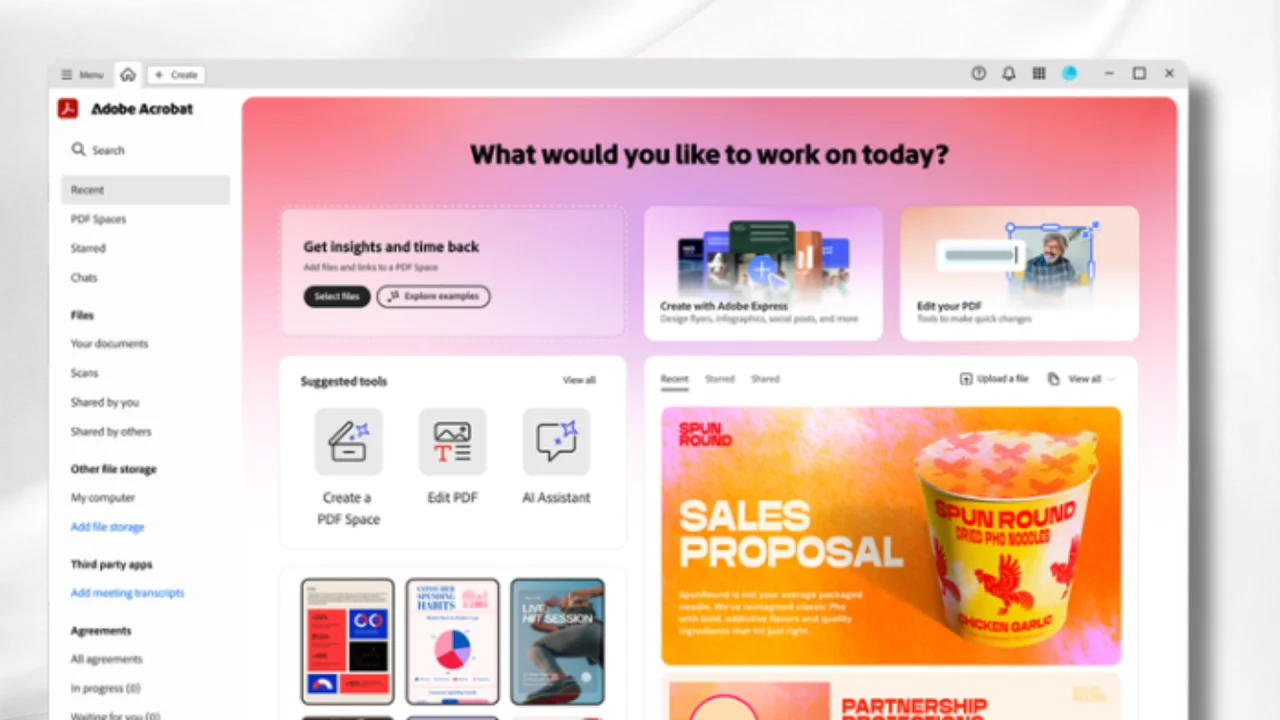
Student Spaces lets users upload class notes, documents, and links into one place. From there, Acrobat’s AI tools can create study guides, summaries, mind maps, flashcards, quizzes, and even presentations.
The feature also includes an AI Assistant that works like a study helper, explaining hard topics and answering questions. It can even make audio summaries and podcast-style lessons, which students can listen to while on the go.
For group work, Student Spaces allows classmates to share notes, ask questions, and work together in the same workspace. Adobe says the tool supports different learning styles, including visual, audio, solo, and group learning. Student Spaces is now available for free in beta inside Adobe Acrobat for students who want a smarter way to study.







0 Comments
Leave a Reply