

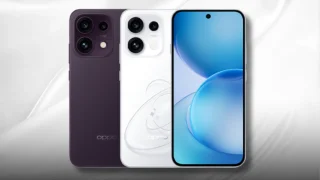
OPPO has released three new models recently: the standard Reno15, the more affordable Reno15 F, and the top-of-the-line Reno15 Pro.

We took them all out for a review, and at this point, we pretty much know everything about the OPPO Reno15 Series 5G from the multimedia experience, solid performance, and camera capabilities.
Now, we’re gonna explore more convenient and user-friendly ways to up your videography game. We’re talking about shooting high-quality videos, and getting familiar with native video editing capabilities right through the phone.
Quick camera specs recap
Before we get to the bits, let’s do a camera specs recap.
In this article, we’re mainly focusing on the OPPO Reno15 Pro 5G boasting a quad camera setup. It consists of a 200-megapixel main shooter with OIS, a 50-megapixel ultrawide, a 50-megapixel telephoto, and a 50-megapixel wide-angle selfie camera.
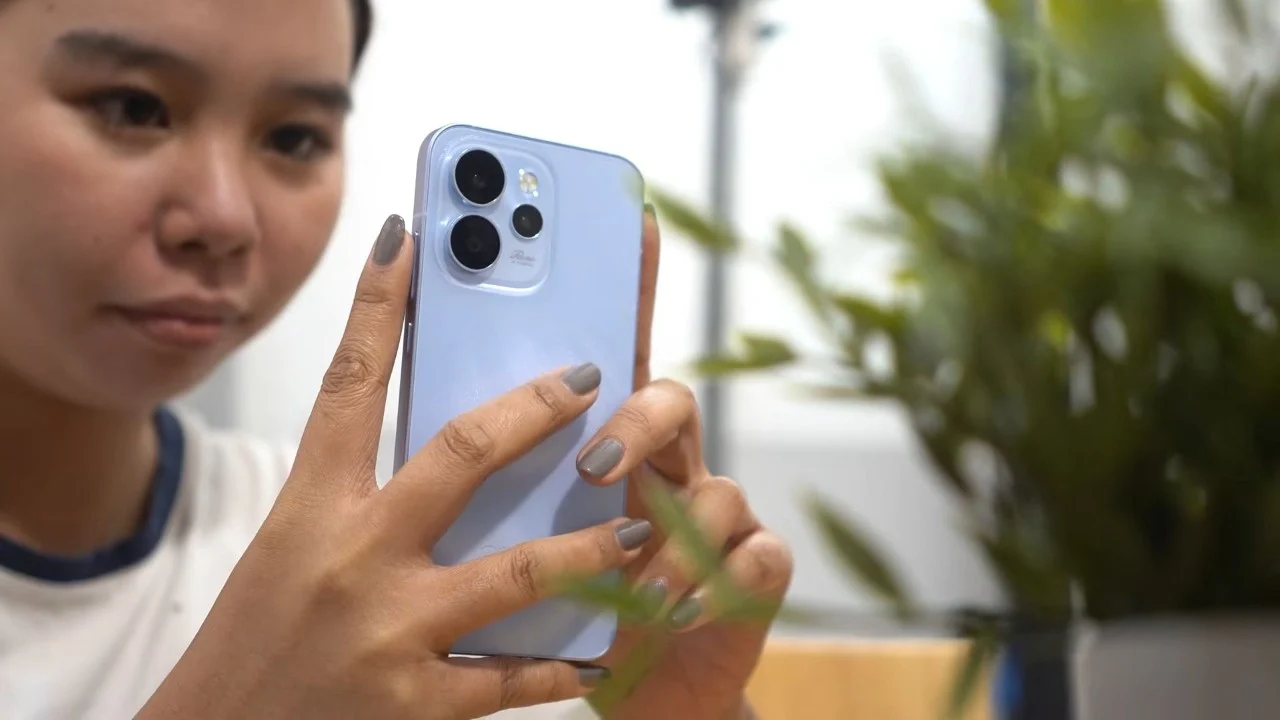
Powering the phone is the MediaTek Dimensity 8450, and it has a compact size, sporting a 6.32-inch Full HD+ AMOLED display. Our full review of the Reno15 Pro is up on the YugaTech website, if you haven’t read it already.
Now that’s out of the way, let’s dive into our main topic, starting with capturing 4K HDR Ultra-Steady videos.
Capturing 4K HDR Ultra-Steady video
Smartphones in general may have gotten better at shooting videos, but it seems NOT all are able to shoot 4K footage that’s still stabilized in some way. The OPPO Reno15 Pro 5G is no stranger to that, being able to capture 4K HDR Ultra-Steady videos.
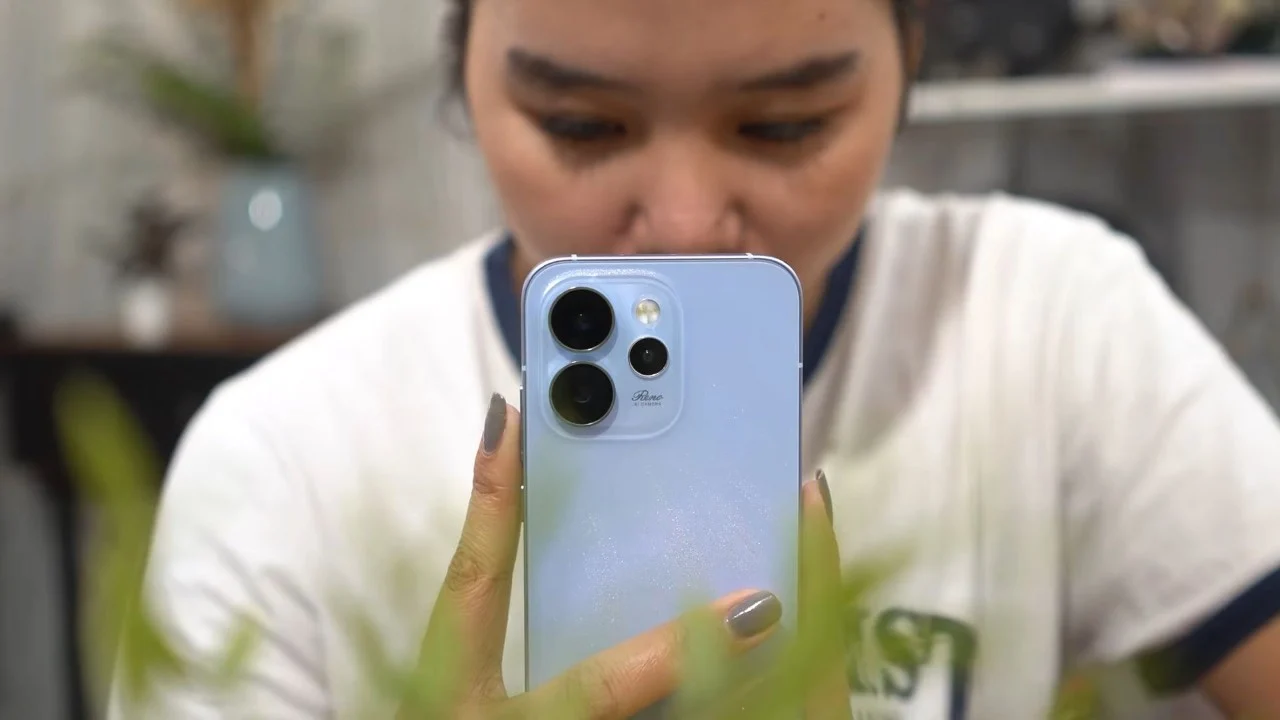
This is possible with OPPO’s integration of software and hardware capabilities. The phone is said to deploy its next-gen electronic image stabilization (EIS) to work hand-in-hand with the optical image stabilization (OIS) alongside a closed-loop motor. This system effectively reduces camera shake and keeps the footage smooth and steady.
The best part? It’s enabled across all camera sensors of the Reno15 Pro. So, no matter which camera you use, be it rear, ultrawide, telephoto, or even the selfie camera, all your videos come out in crisp 4K HDR.
Just head over to the Camera app, switch to Video mode, and on the upper part of the interface, toggle on the “Ultra Steady” and HDR options.
Not to mention, you can even shoot 4K videos at 60 frames per second (fps), great for shooting fast-moving subjects. If you’re familiar with professional video editing, you can slow these 4K 60fps clips down to 50% speed.
This is to achieve that nice slow motion effect with none of that choppy motion appearing on the video, adding a cinematic feel to your daily vlogs or whatnot.
Vlogging with two perspectives & seamless lens switching
Speaking of vlogs, one way to spice things up is using the Dual Video mode. As the name suggests, it lets you shoot video from both the rear and front cameras at the same time.
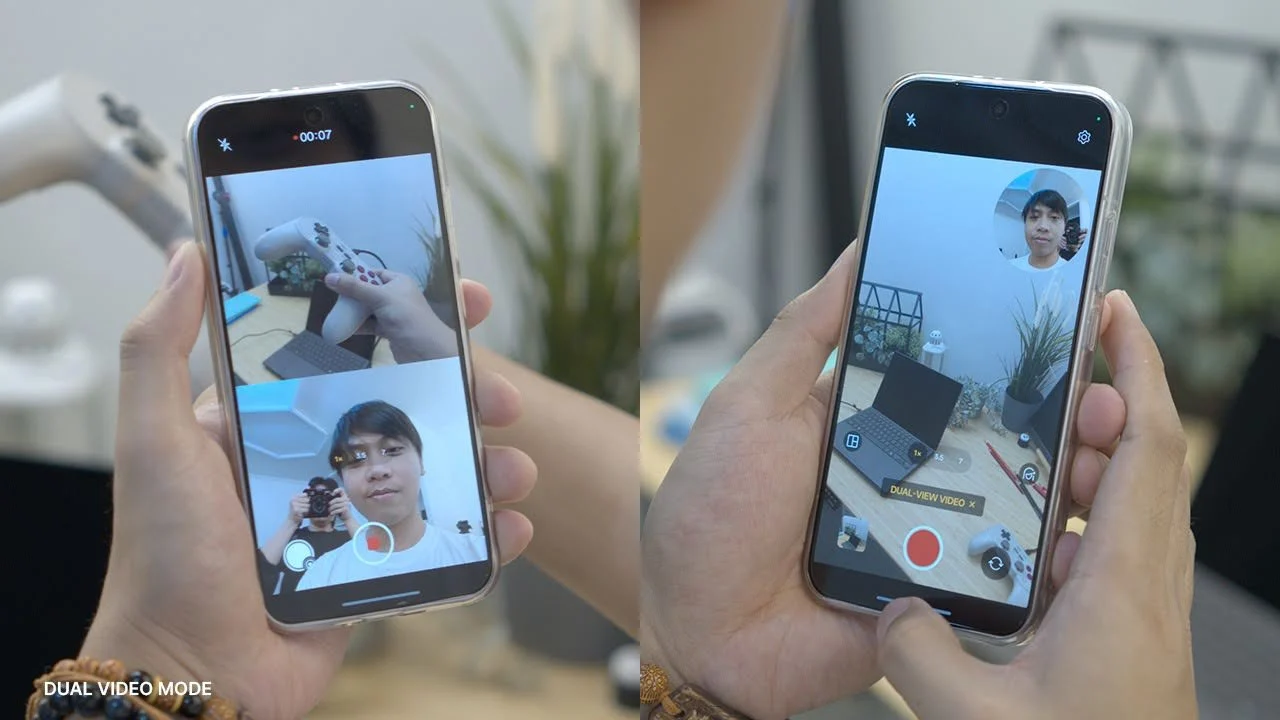
It’s especially useful when you’re doing something interesting or taking a group photo while being the one behind the camera. You can easily take advantage of this feature to include yourself in the frame right then and there.
There are also several framing options available. You can decide whether the front or rear camera takes the larger frame in dual video mode, and even change the layout to a circular frame or split-screen view.
Another thing I appreciate about this phone is that you can now seamlessly switch from the rear to the front camera and vice-versa. That’s something you couldn’t do before, let alone on the majority of Android phones out there.
So it’s nice to finally have that option, especially since the Reno15 Pro’s front camera is actually a wide-angle lens. It’s a small change, but it makes perfect sense for a camera-centric smartphone.
Editing videos right on your phone
Completing the whole mobile creator experience is the ability to edit your videos natively on the OPPO Reno15 Pro.
No extra app needed as it’s built-in right on the default Photos app. It’s pretty feature-packed, too, with basic stuff like cutting clips, adding and music to more advanced ones like adding a speed ramp, background music, and transitions.
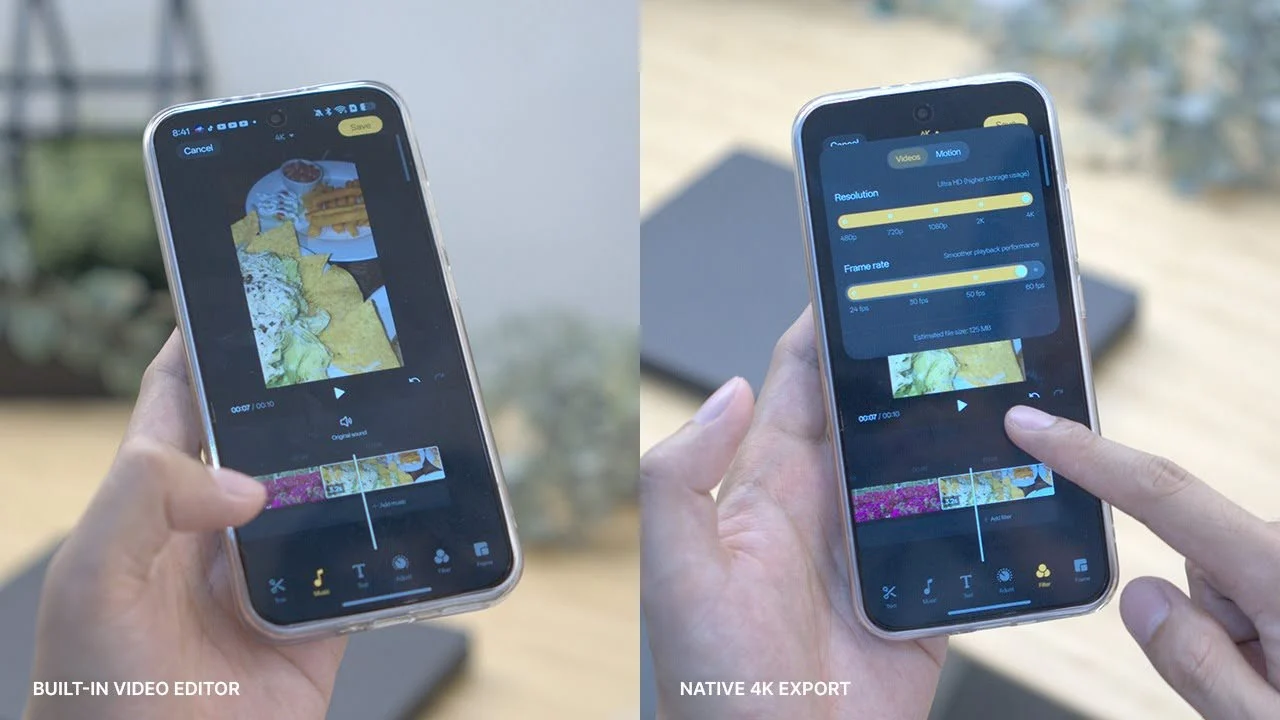
And because this is a native app, the video quality stays the same, so there won’t be any unnecessary compression. Plus, you can export your edited videos however you want, whether in 4K or 1080p, unlike popular editing apps that lock export settings behind a paywall. (I’m looking at you CapCut.)
Video editing is already challenging on its own, and having a convenient built-in editing app makes the task a lot easier for a lot of people.
Availability
And that’s it for this short guide!
If you’re interested in getting the OPPO Reno15 Pro 5G, it is now available in OPPO stores nationwide and via OPPO online store. Other models like the standard Reno15 and Reno15 F are up for grabs as well.



0 Comments
Leave a Reply