
For those looking for a new laptop, Tecno probably won’t be the first brand that comes to mind. Some might not even be aware that the brand has a laptop lineup.
That’s not surprising, though, considering TECNO is better known for its affordable yet capable smartphones like the Pova, Camon, and Phantom models. However, we have reviewed some of their previous laptops on the website like the Megabook S1.
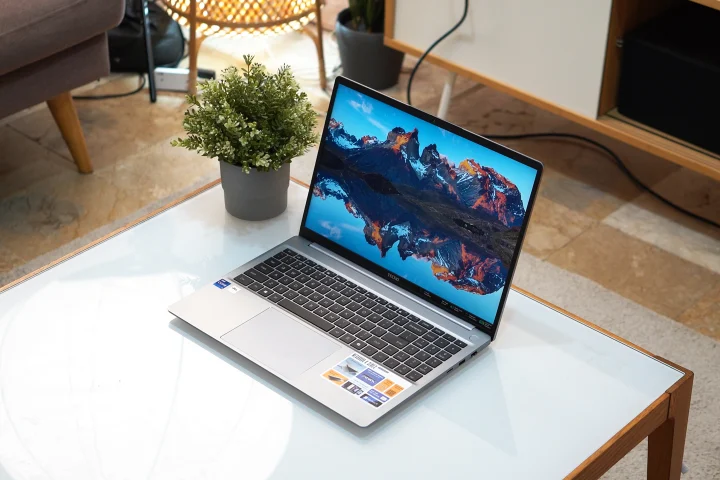
Today, we’ll be looking at Tecno’s latest laptop – the Megabook K16S. On paper, it seems to be a capable all-around work laptop with a large battery, plenty of I/O ports, and a powerful 13th-generation Intel Core i9 processor.
Nonetheless, specs only tell one part of the story. Let’s see how it performs in real life for work and a bit of play.
Design and Construction
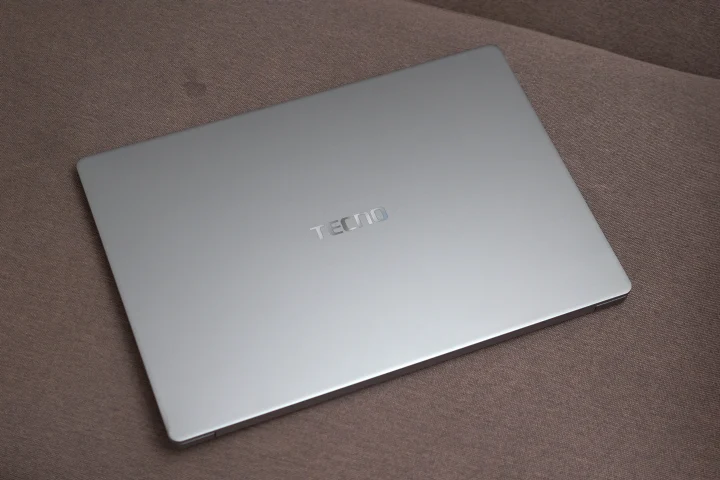
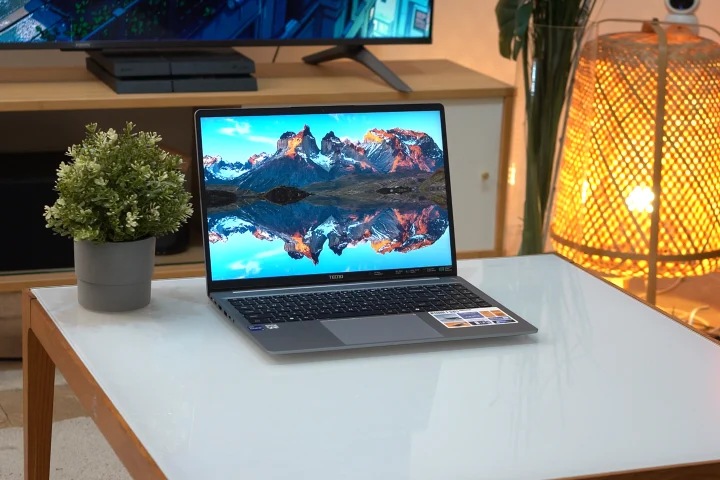
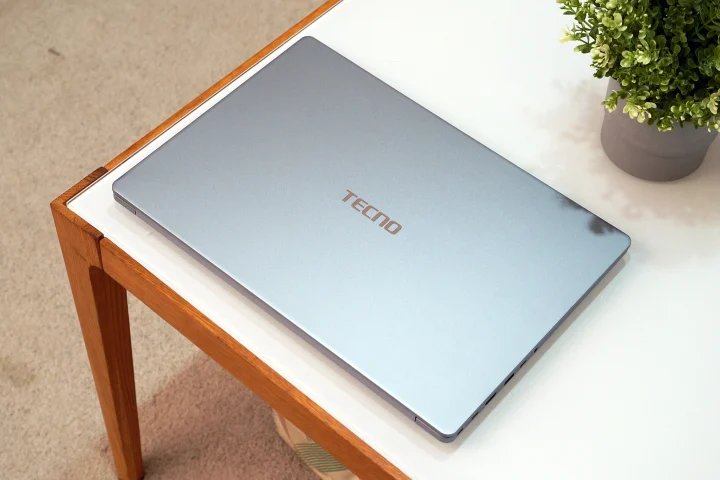
In terms of design, the Tecno Megabook K16S looks and feels like any other business laptop on the market today. It features a minimalist design with just the TECNO logo on the lid cover. There’s only one color available, and it’s this muted silver.
Some might find the design a bit boring, but we find it clean. More importantly, we liked how smudge-resistant the lid was. Unless you have really sweaty or dirty hands, it’s quite hard to leave them on the lid of the Megabook K16S.
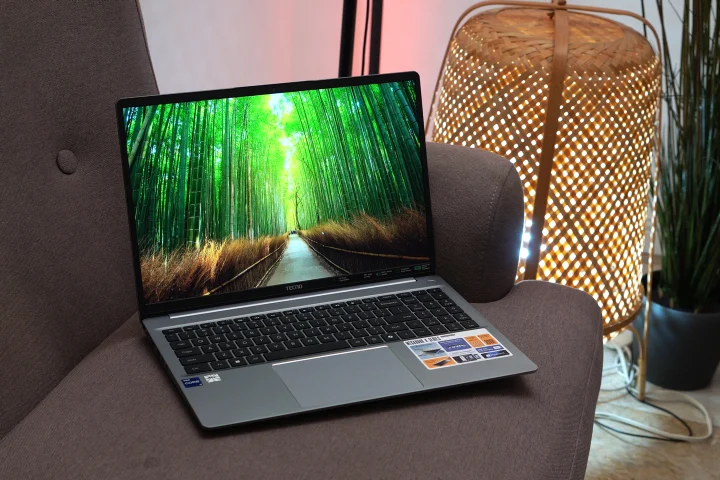
As the name implies, it is a 16-inch laptop. We expected it weigh a lot more, but it’s roughly 1.75 kg, which is decent for its size. It’s relatively thin too, at just 17.5mm thick when closed. With this, it was relatively easy to bring the Megabook K16S around with me wherever I went. If you’re used to 14-inch laptops, just mind the real estate it takes up.
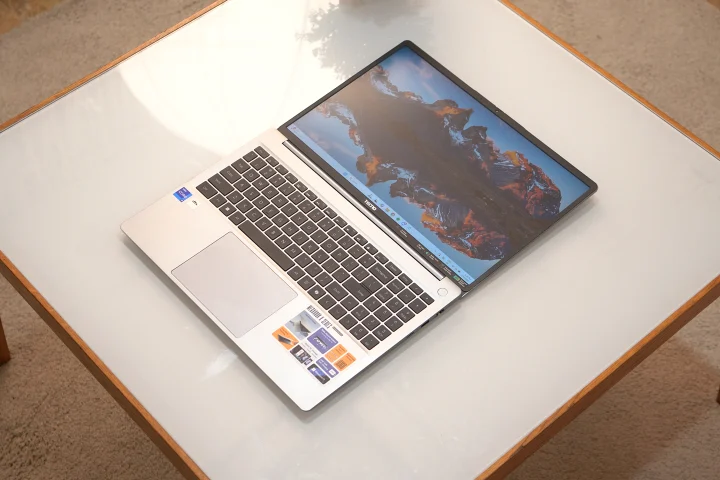
We liked how the lid cover can be opened with just one hand. The lid also opens a full 180 degrees, giving users more flexibility on how they plan to use this laptop.
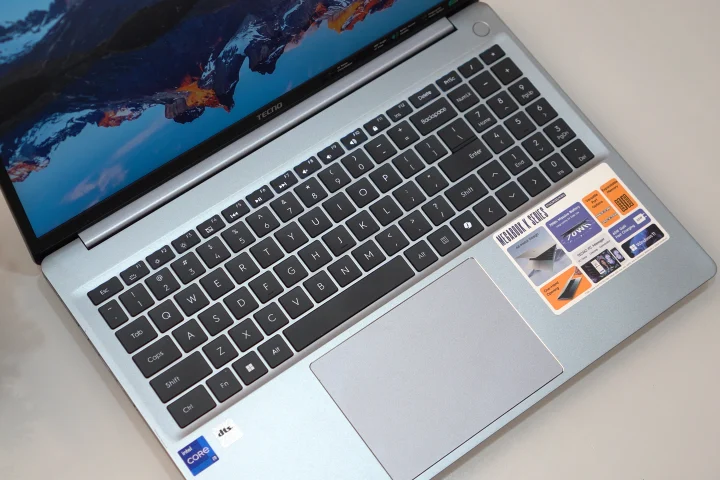
Once open, we are greeted by a full-size keyboard. We like how Tecno used nearly all the available space for the full-size keyboard, giving users a more natural feel when typing. The spacing of the keys doesn’t feel cramped, and we barely made typing mistakes when using it to get work done.
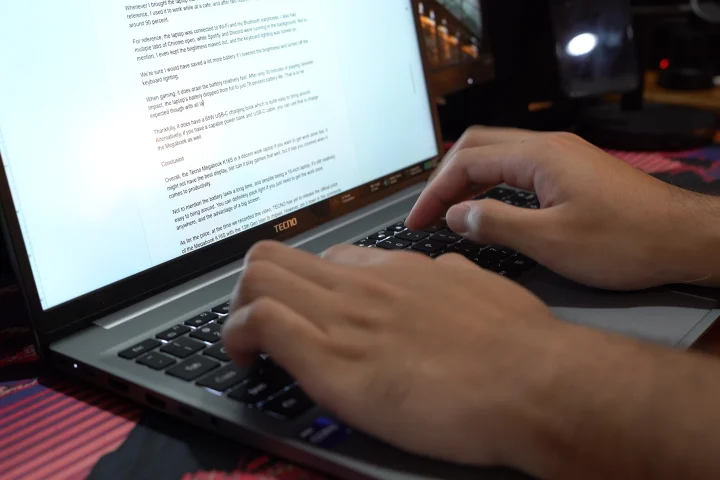
The keys themselves don’t have the best tactile feel, nor do they make a nice sound, especially compared to higher-end laptops. However, they do have decent travel, and they’re comfortable to use even for long hours of writing. They’re also backlit, making them easy to use even in dark environments.
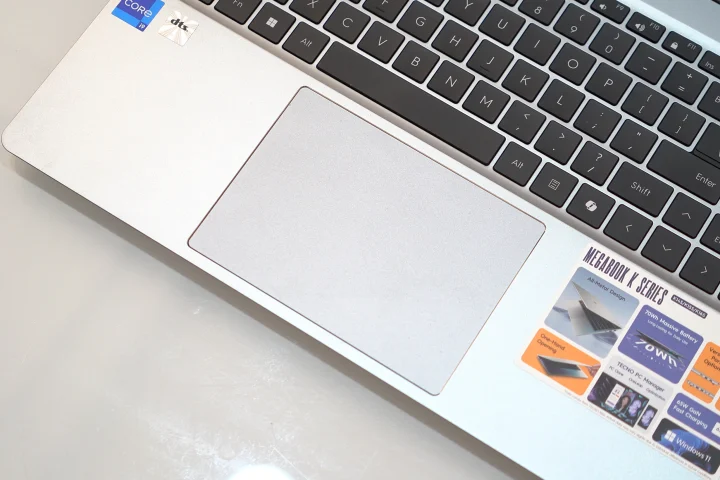
Below the full-size keyboard is a large trackpad. Similar to the keyboard, it doesn’t feel as nice as the ones we’ve used before. We also needed to press the left and right click buttons a bit harder than usual to hear the click. Alternatively, light touches work a lot better.
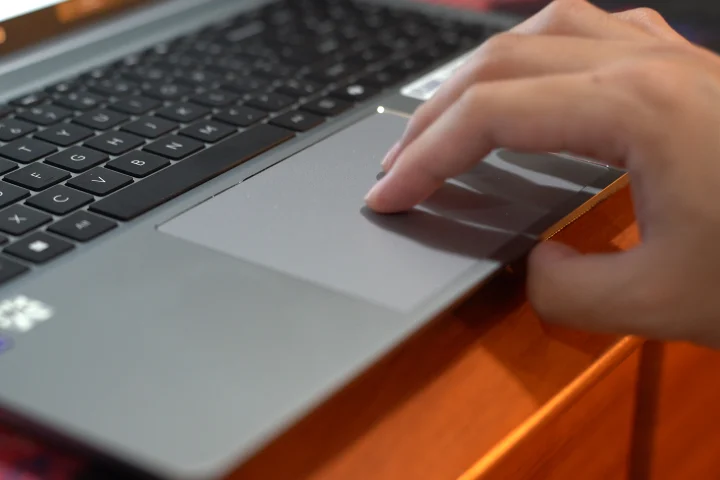
What’s more important, though, is how our fingers glided over the trackpad. It’s smooth, and it doesn’t get stuck, allowing us to continuously scroll easily. There’s decent palm rejection as well, meaning it won’t interfere with your typing.
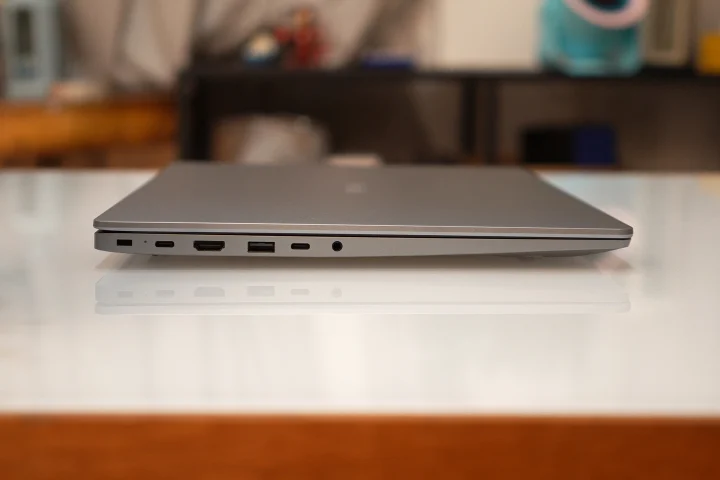
In terms of ports, there’s a lot available on the Megabook K16S, which is a big factor for business laptops. On the left side, there are two USB-C ports, an HDMI port, a USB-A port, and a 3.5mm audio port.
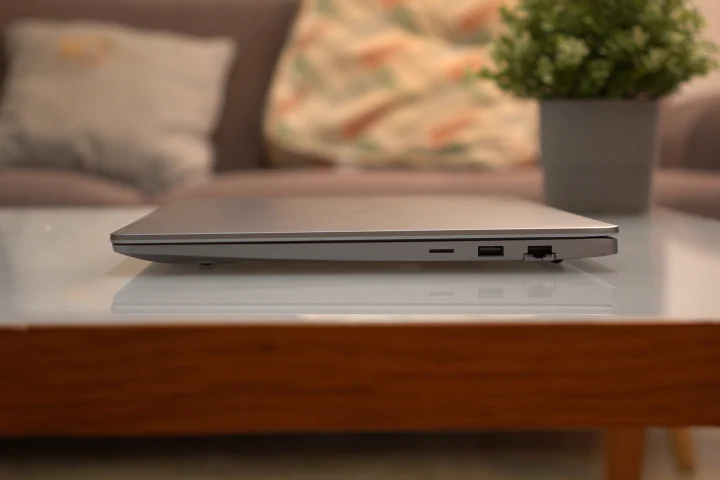
On the right side, there’s another USB-A port, a LAN port, and even a microSD card slot. With that, we didn’t find a reason to bring an extended dock around.
Display and Multimedia
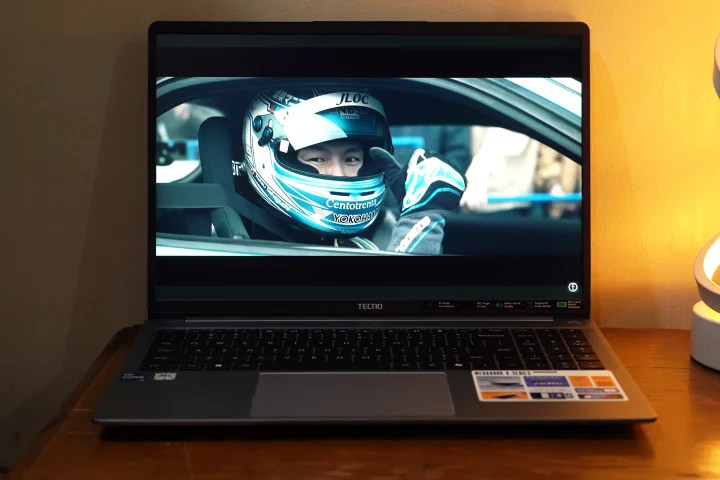
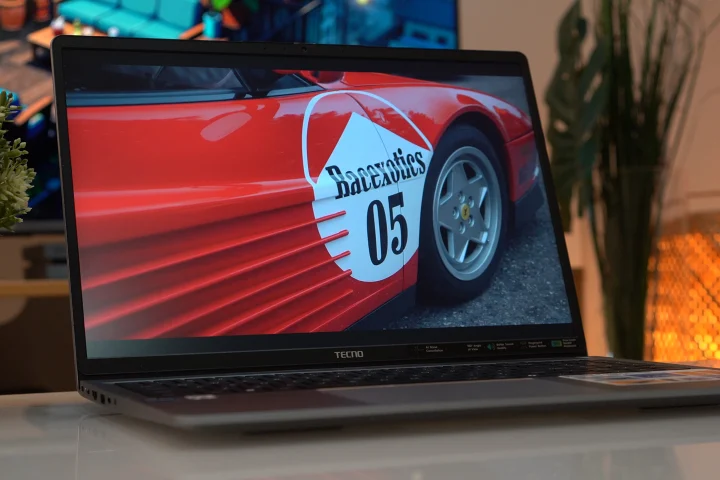
Opening the Tecno Megabook K16S, what we’re looking at is a large 16-inch IPS display with a 16:10 widescreen aspect ratio. It’s arguably one of the weaker aspects of this laptop, considering it only features 1080P resolution and a 60Hz refresh rate.
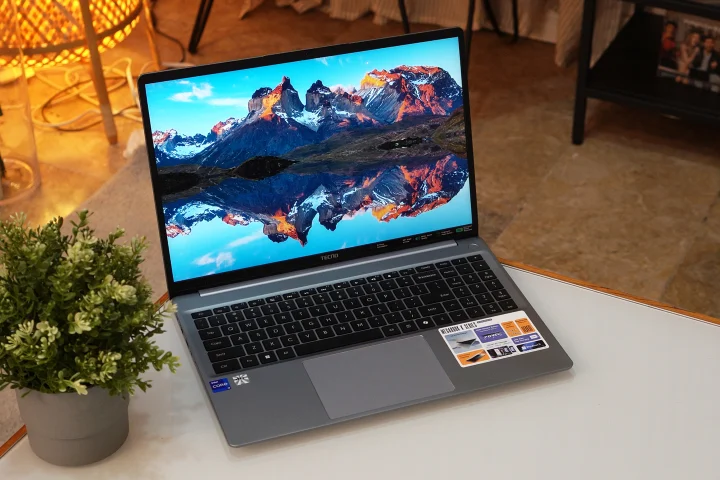
Even from the loading screen, it’s easy to tell that the colors aren’t that great, even compared to other IPS display laptops we’ve tried. They’re not as vivid, nor are the blacks deep. This is especially obvious when we watch videos with dark or colorful scenes. The viewing angles are decent, but could also be better.
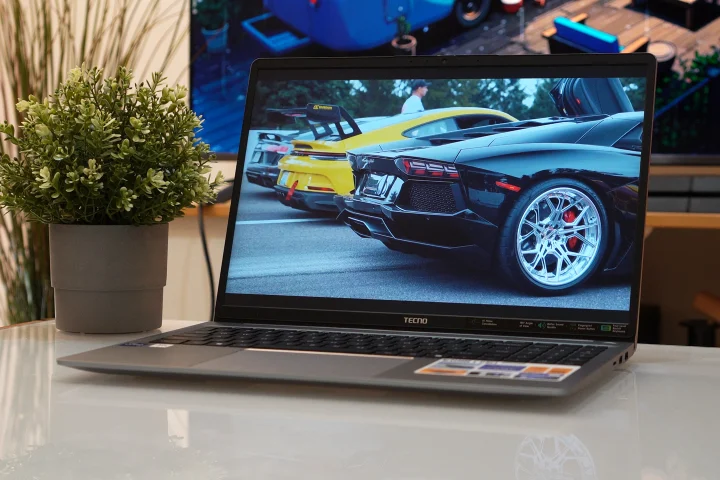
The maximum 60Hz refresh rate doesn’t help it either. Since we’re used to 120Hz refresh rate phones or monitors, the screen feels a bit slow. It’s something we could tell even when we’re just playing around with the mouse cursor in the menu. It’s a lot more obvious when watching videos and playing games.
However, if the user doesn’t plan on using this laptop for video watching or gaming, it’s more than enough for getting work done. The display features thin borders all around, and it is relatively bright too, making it capable of working outdoors.
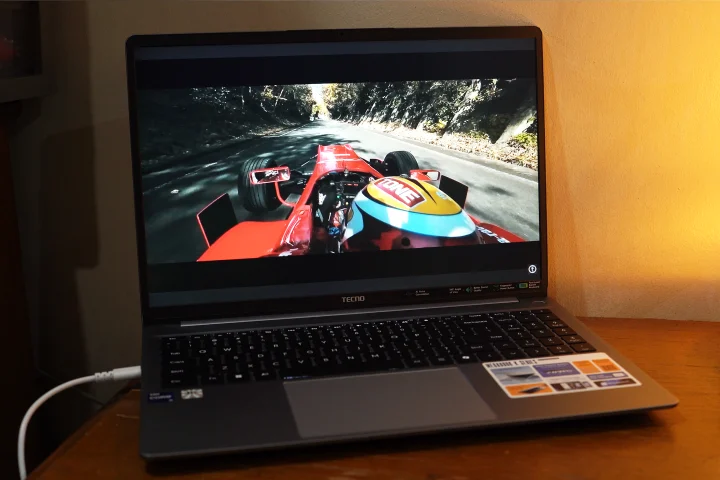
Still, we find it a missed opportunity on Tecno’s end to at least bump up the display’s resolution or give it a higher refresh rate, given what this laptop can do.
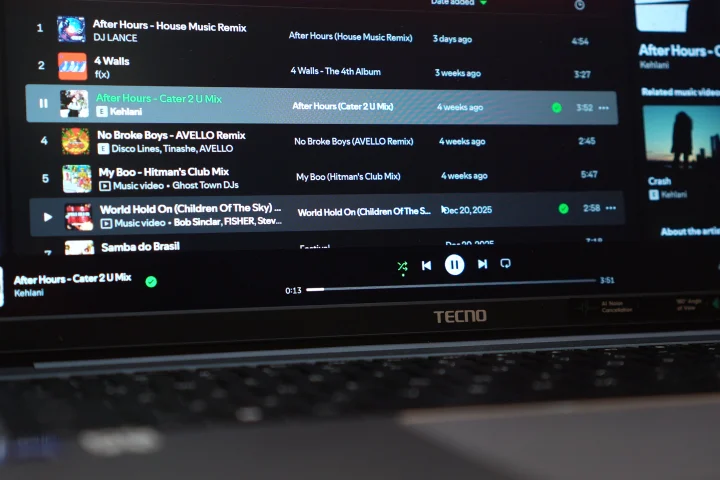
Thankfully, the speakers make up for the lackluster display. The DTS-tuned speakers are surprisingly decent, and they are also loud. There’s even the DTS app to adjust the tuning to either music, movie, gaming, or your own EQ setting.
Performance and Benchmarks
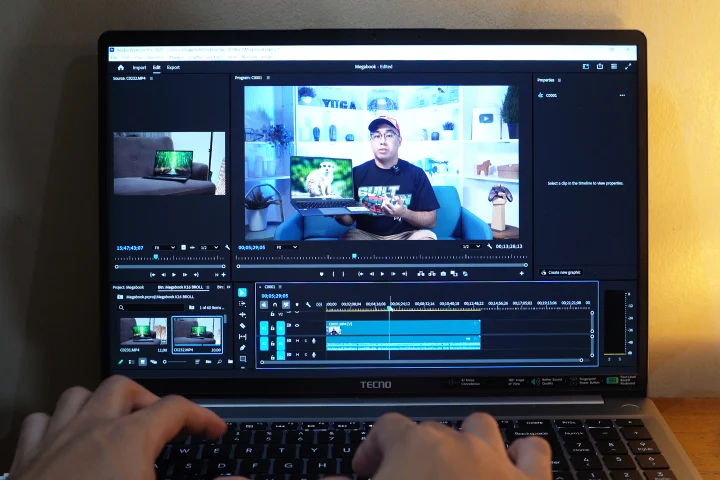
What can the Tecno Megabook K16S do? Well, pretty much most of your productivity tasks. However, we did have to set our expectations in the gaming aspect.
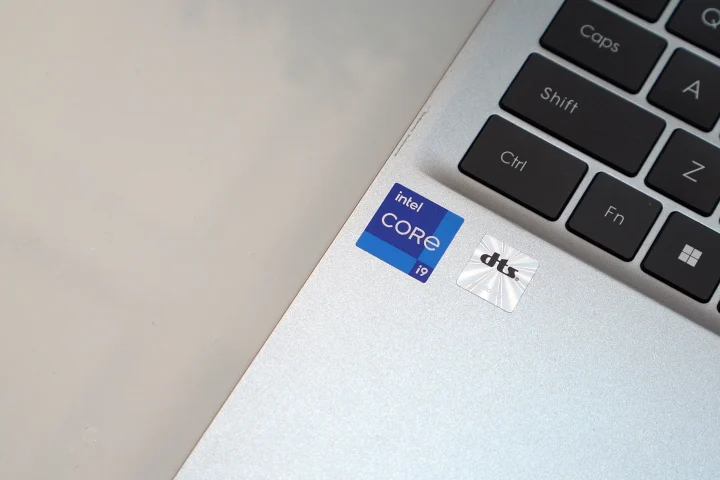
Under the hood, it features a 13th Gen Intel Core i9 13900HK processor with 16GB of RAM. The storage is a bit small for our liking, with only 512GB available, at least for our review unit.
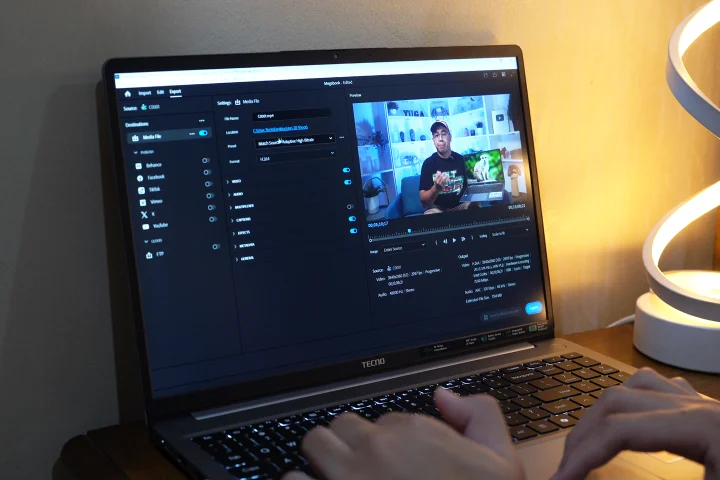
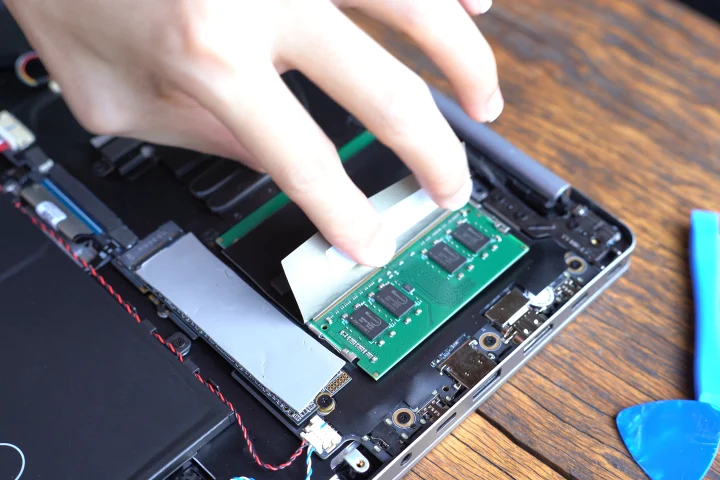
With that, we would recommend bringing an external hard drive with you in case you have a lot of files. Tecno also says RAM is expandable if you find 16GB lacking.
Given that it has a powerful processor, it can run most of your everyday tasks and applications without any issues. We had multiple tabs of Chrome open together with Spotify and Discord, and the laptop ran it all smoothly.
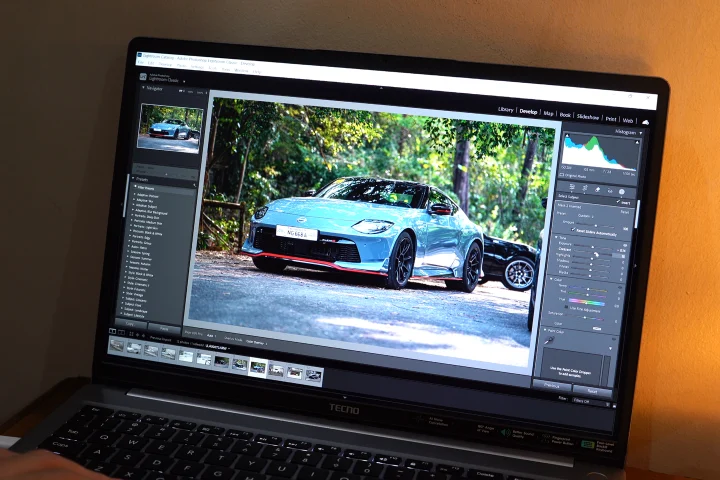
We even ran our usual editing software, including Lightroom and Photoshop, and it did not take a long time to export high-res 4K photos. In Premiere, it had no problems handling simple editing tasks and exporting 4K videos. But when you start to have a lot of layers, videos, and effects, it does start slowing down.
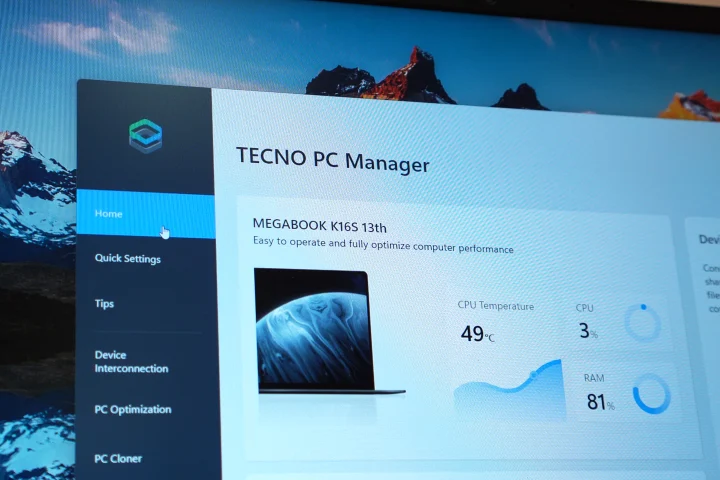
If you happen to have another Tecno device, whether it’s a phone or tablet, it can share screens and quickly transfer files over. It’s a nice touch to have a seamless integration.
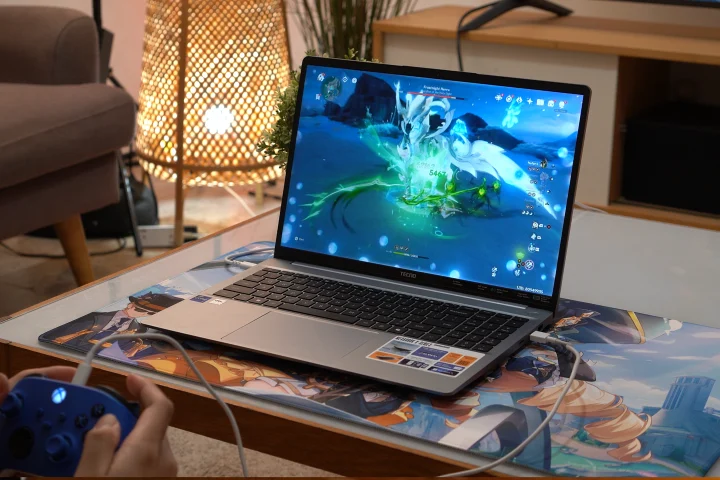
As for gaming, it was able to run Genshin Impact at 60FPS with the medium graphics for the best gaming experience. It was able to handle running the game with all the graphics set to high, but we were encountering a lot of framerate drops, even when we were just exploring the map.
It’s not the best experience when playing Genshin Impact since you are sacrificing the graphics, but at least it can run it.
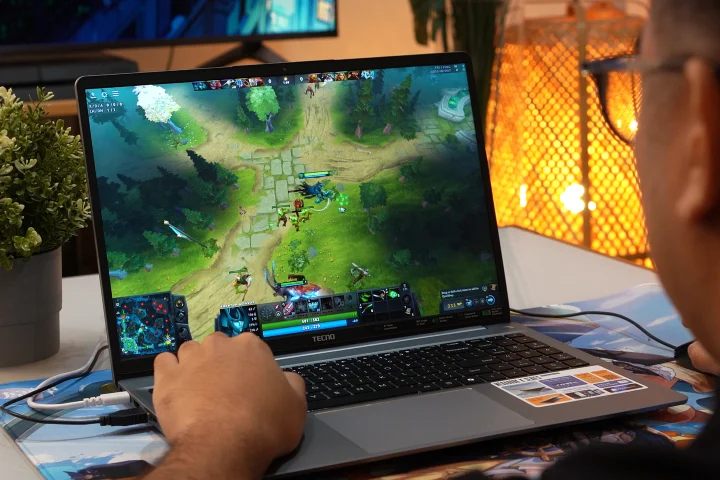
We also played a bit of Dota2, and we got a steady 100 to 110 FPS with the graphics settings at the lowest. It’s not bad if you just want to play a game of Dota2 to pass the time, but just like Genshin, it’s not exactly the experience.
Then again, we do have to set our expectations. Tecno didn’t market this as a gaming laptop at all. And at least it can run some of the lighter games, but by sacrificing the graphics.
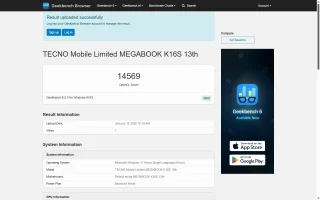
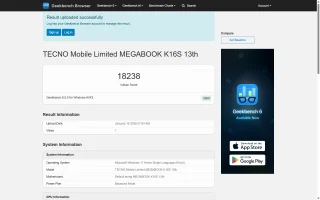
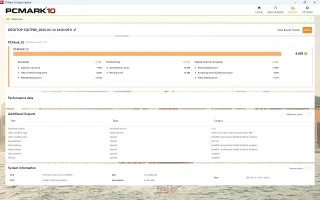
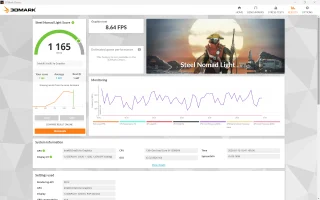
As for the benchmarks, you can check them out below.
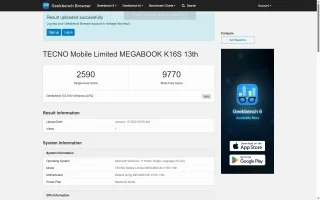
Geekbench 6
CPU Single – 2590
CPU Multi – 9770
GPU OpenCL – 14569
GPU Vulkan – 18238
PCMark 10 – 6681
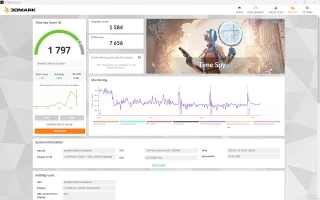
3DMark Steel Nomad Light – 1165
3DMark Time Spy – 1797
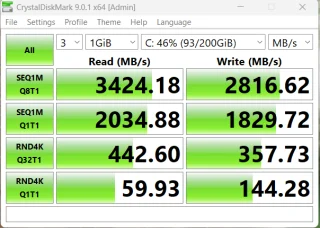
CrystalDiskMark
Read – 3424.18 MB/s
Write – 2816.62 MB/s
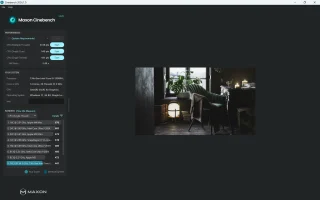
Cinebench R24
CPU (Multi Core) – 444 pts
CPU (Single Core) – 104 pts
MP Ratio – 4.28x
Battery
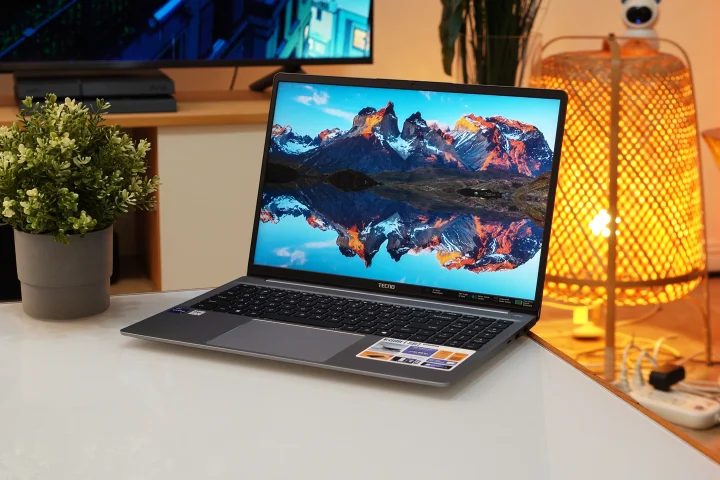
Powering the Tecno Megabook K16S is a large 70Wh battery pack. It’s almost on par with some gaming laptops on the market today. With that, we expected it to last a lot longer than a traditional work laptop. And it actually did.
Whenever I brought the laptop out with me, I rarely found myself bringing the charger. For reference, I used it to work while at a cafe, and after two hours, I only drained the battery by around 90 percent.
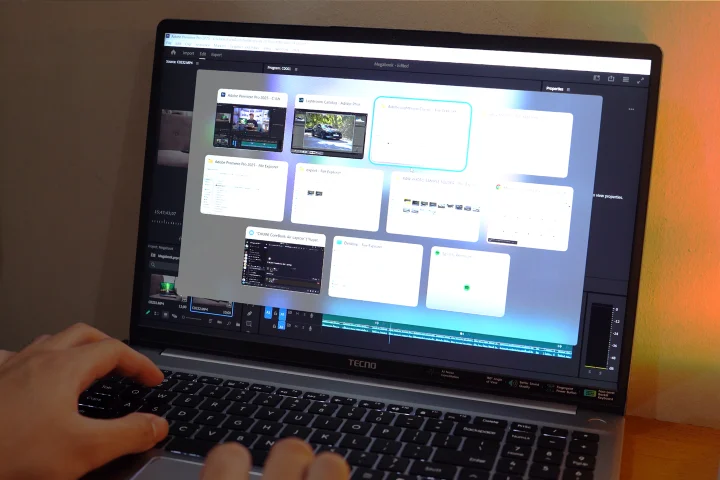
For reference, the laptop was connected to Wi-Fi and my Bluetooth earphones. I also had multiple tabs of Chrome open, while Spotify and Discord were running in the background. Not to mention, I even kept the brightness maxed out, and the keyboard lighting was turned on.
We’re sure I would have saved a lot more battery if I lowered the brightness and turned off the keyboard lighting.
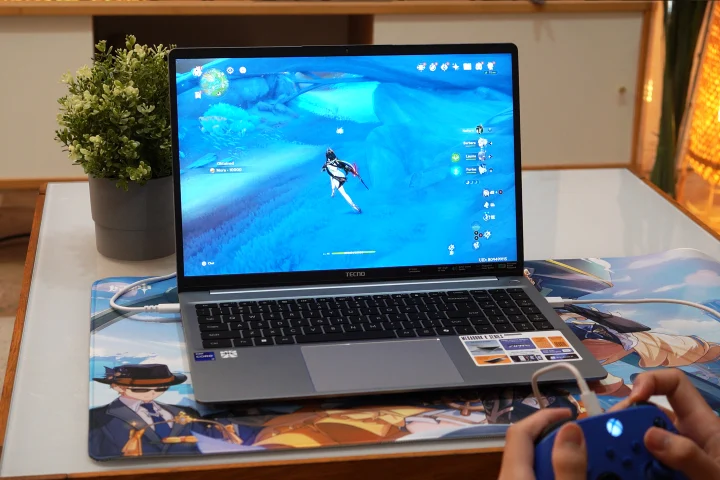
When gaming, it does drain the battery relatively fast. After only 30 minutes of playing Genshin Impact, the laptop’s battery dropped from full to just 78 percent battery life. That is to be expected, though with all laptops when you play games.
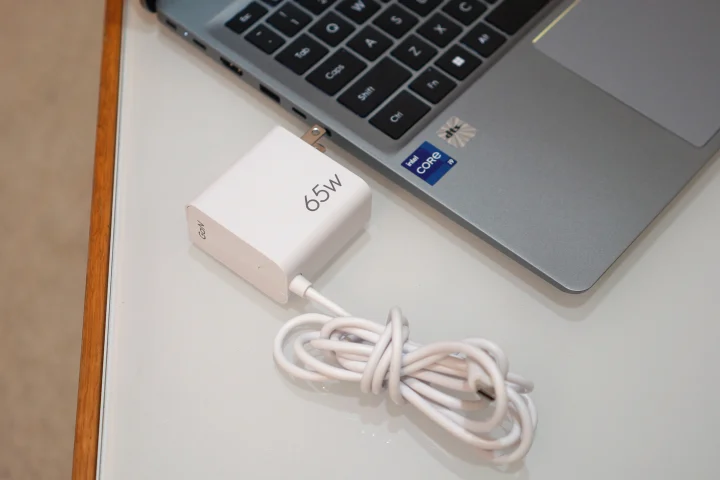
Thankfully, it comes with a 65W USB-C charging brick, which is quite easy to bring around. Alternatively, if you have a capable power bank and USB-C cable, you can use that to charge the Megabook as well.
Conclusion
Overall, the Tecno Megabook K16S is a decent work laptop if you want to get work done fast. It might not have the best display, nor can it play games that well, but it has you covered when it comes to productivity.
Not to mention the battery lasts a long time, and despite being a 16-inch laptop, it’s still relatively easy to bring around. You can definitely pack light if you just need to get the work done anywhere, and the advantage of a big screen.
As for the price, the TECNO Megabook K16S, with the same specs as ours, featuring the 13th Gen Intel i9 chipset, retails at PHP XX,XXX. It’s quite a reasonable price if you want a 16-inch laptop that you can get work done anywhere. However, if you want something a bit thinner or more compact, then this might not be the one for you.
But of course, what do you think about the Tecno Megabook K16S? Would it be a laptop you’d consider getting for work or would you stick with a brand and model you’re familiar with? Whatever the case, share your thoughts in the comments below.
What we liked:
* Long battery life
* Decent performance
* Plenty of ports
What we didn’t like:
* Display isn’t nice
* Can’t really run games
Tecno Megabook K16S specs:
16-inch Mega FullView HD IPS LCD
1920 x 1200 pixel resolution, 60Hz refresh rate
Intel Core i9-13900HK 5.4GHz (Max Turbo)
Intel Iris Xe Graphics
16GB LPDDR5 RAM
512GB SSD internal storage
2x USB-C, 2x USB-A ports
1x HDMI, 1x microSD, 1x ethernet
1x 3.5mm audio port
dts-tuned speakers
70Wh battery


0 Comments
Leave a Reply