
Microsoft has announced at the Build Developer Conference the Anniversary Update for Windows 10 which will bring improvements and new features to the said operating system.
The Anniversary Update tackles five key improvements – Biometric Authentication with Windows Hello, Windows Ink, arrival to Xbox One with Store, Holo Lens, and updates to Cortana.
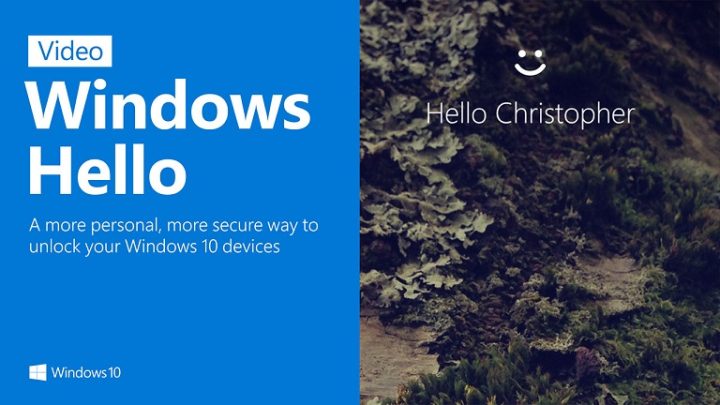
For Biometric Authentication, Microsoft’s promises a safer and more secure OS with the help of Windows Hello. It will integrate with the Edge browser so users can login using biometrics if the website supports it.
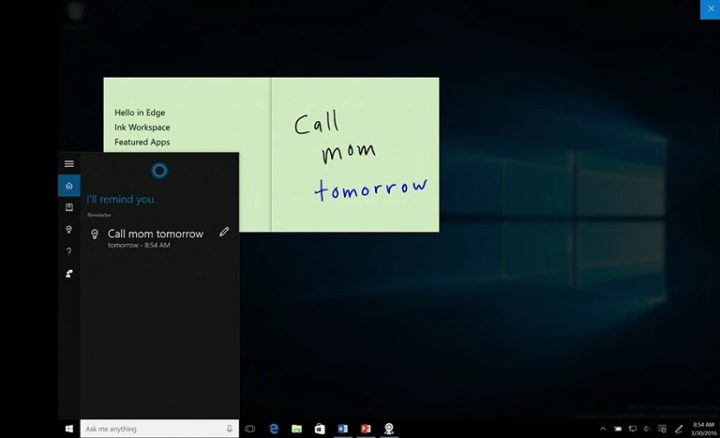
Windows Ink aims to improve productivity using devices with touch displays and stylus, enabling professionals, aside from graphic artists, to take advantage of the feature. It will utilize waht Microsoft calls the Ink Workspace which is a pen-friendly layout of the Desktop.
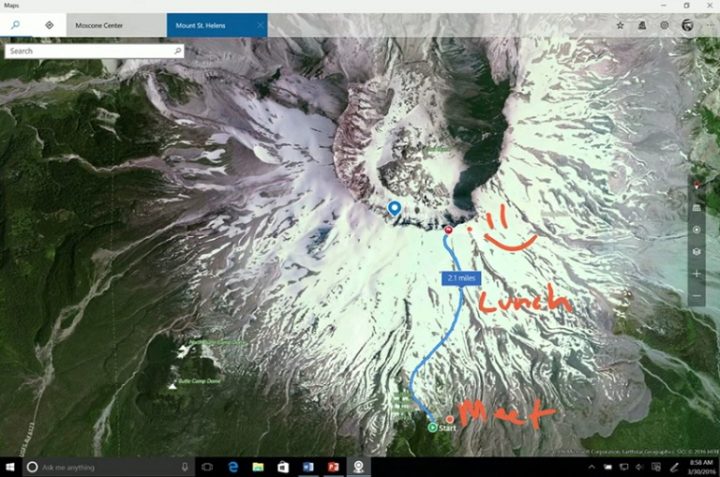
It will also update Stick Notes to recognize key texts for quick transitions to other productivity apps like Calendar, can be used on MS Office applications, Bing Maps, even Adobe Illustrator CC.

For the Xbox platform, the new update allows users to turn a retail Xbox One and turn it into dev kit with a simple registration and a click of a button. This allows developers to deploy their Desktop apps, with the help of Visual Studio, to the Xbox. The update will also bring unified a Microsoft Store and Cortana to the Xbox One.
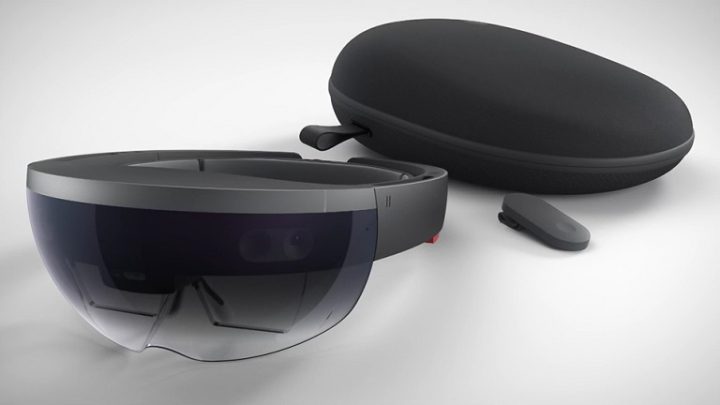
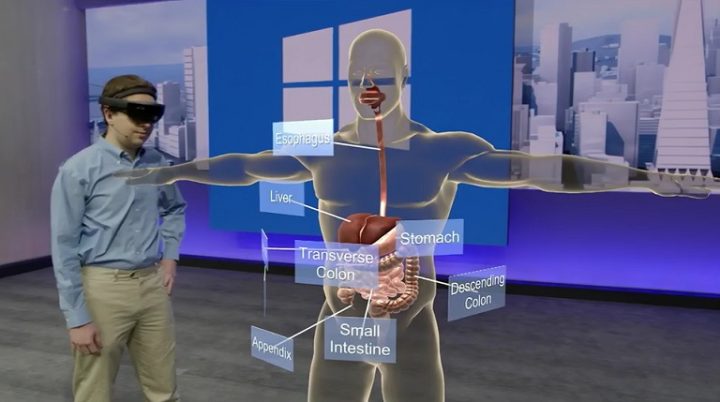
Microsoft has also announced that it is now shipping their Microsoft HoloLens dev kits to developers. Devs and Microsoft customers may soon start creating apps for the said wearable Windows 10 device which will be soon enjoyed by consumers. One example is interactive learning through holographic experiences, shortening the time for students to learn a certain topic. NASA engineers and scientists are also using it to develop space technology and to train its astronauts.
Microsoft has big plans for Cortana as well. The company aims to offer the best voice conversation experience with the digital personal assistant. Cortana will also be smarter, recognizing your tasks and make suggestions such as calendaring, creating appointments and recommending apps appropriate for the task.
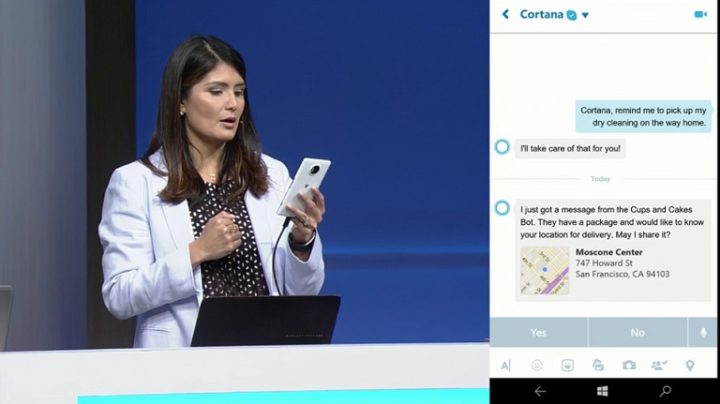
For example, if Cortana learns that you have received a receipt in your e-mail it will suggest that you log it to the Microsoft Expense app. There will also be an app store dedicated to Cortana as well as integration to communication apps like Skype.
The Windows Anniversary Update is coming this summer for free to all Windows 10 users.

miles away from ios
Yes, miles ahead.