
When I moved to my new pad last year, I bought a couple sets of Philips Hue bulbs and a couple of LED light strips as part of the lighting system of the unit. It was a start of an experiment on me setting up a smart home. The only problem with Hue is that they’re pretty expensive. A starter kit (3 bulbs and a hub) is about $200 with additional bulbs costing about $49 each. The Hue strips are even more expensive.
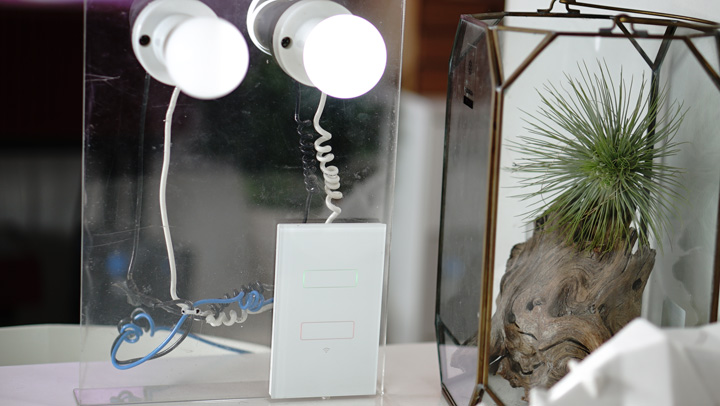
There are other less expensive options but the recent one we’ve tried is from Lanbon. Instead of having each bulb connected via WiFi, the Lanbon solution uses the switch as the point of access.
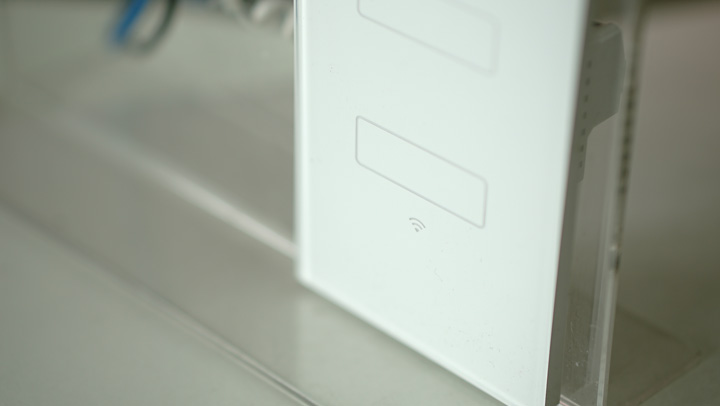
The Smart Switch replaces the regular physical switch at home or in the office. Setting it up requires some skills or you’ll need the assistance of an electrician to set it up but once it is installed, you don’t need to reconfigure each time you add a new bulb.
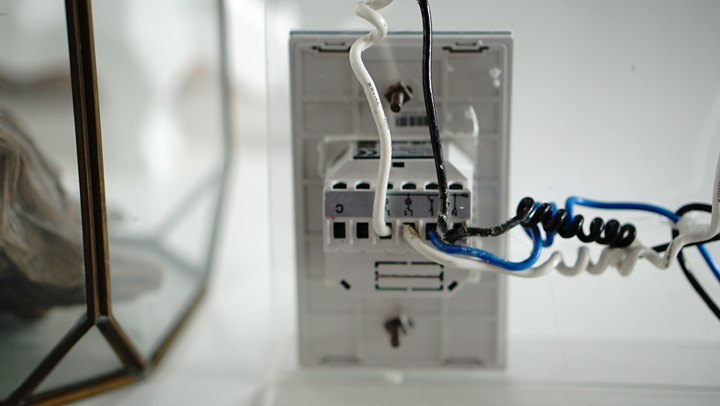
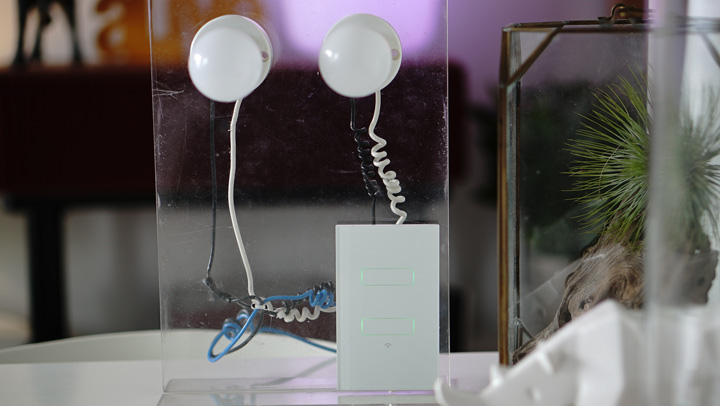
Since the switch is the once that’s connected to the WiFi network, you can basically plug any time of bulb or lamp in the room.
Configuring the Smart Switch to your local network is easy — the top capacitive button on the switch acts as the control to activate the WiFi. Download the “Lanbon Smart Living” app on the Play Store/ iTunes Store, connect to your home WiFi and input the login credentials. The app will detect the smart switch and add the light controls as a widget.
In this setup, there are two capacitive buttons that control each of the connected bulbs. You can use the capacitive buttons to turn them on/off or use the app to remotely control them. The buttons are also LED-backlit (when off) so you can easily see them at night.
There are also other useful/practical features:
* Timer Function. Control the time when the lights are turned ON (6pm) and turned OFF (5am) so this can work well at the gate or the perimeter of the house.
* Remote Access. Control the lights back home whenever you’re away; just check them using the Smart Switch app.
* Scene Modes. Set a combination of lights in the room to get that perfect lighting setup.
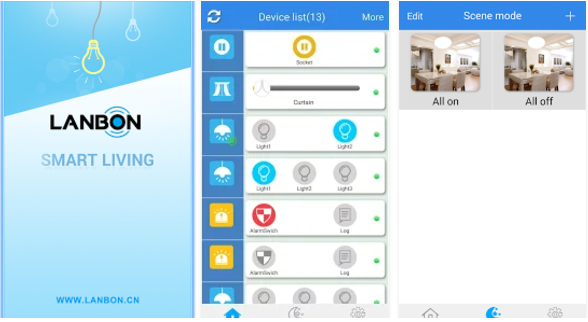
The app is easy to use and straight-forward. It’s not the best-looking app out there but works just as you need it. Aside from lights, it can also be used to control other electrical appliances and devices at home (wall sockets, automatic curtains, electric fans, etc.).
The Lanbon Smart Switch sells for about Php3,500 a set {via Superseller in Lazada}. They’re a simple yet elegant solution for setting up a smart home. Might be a little pricey but it’s just a one-time investment.







How’s your Lanbon wifi switch now? Has there been any issues? Thinking of getting one
Me too wants to hear the performance of Lanbon Switches …