
OneUI 8.5 is coming soon to a lot of Samsung devices, and there are some interesting features in this update. One of them is Call Screening, which will let an AI Assistant take calls when you don’t have the bandwidth to.
This feature was initially launched with the Samsung Galaxy S26 series.
With the Call Screening feature on, your device will filter for likely spam and scams. These calls will be answered by an AI Assistant, which for now is Bixby’s voice (although you can choose from an array of other languages). The voice can be configured for speech speed and other specifics, although new voices may be added sometime in the future.
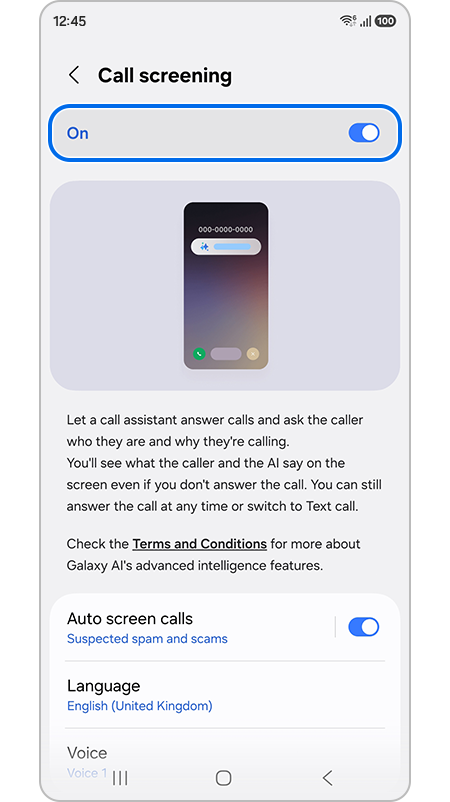
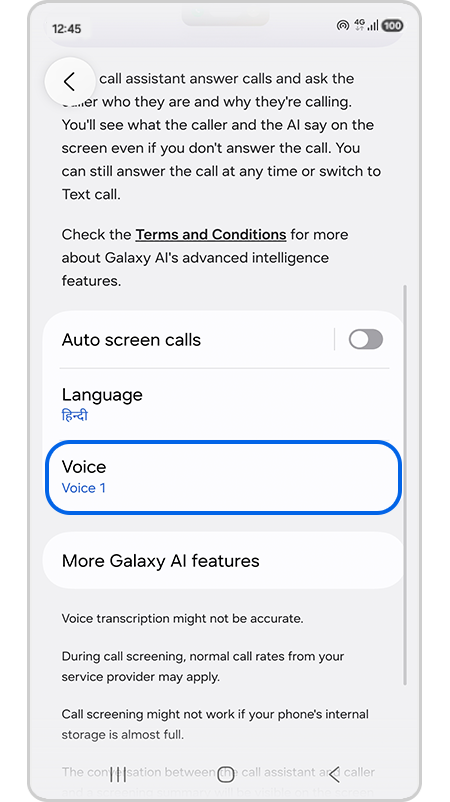
The AI assistant will ask the caller who they are and why they’re calling. They’ll take notes for you and summarize what was said so you can determine if you’d like to take the call or not. If not, then a Text Call feature allows the AI to continue conversation or just tell the caller that you are busy or unavailable at the moment.
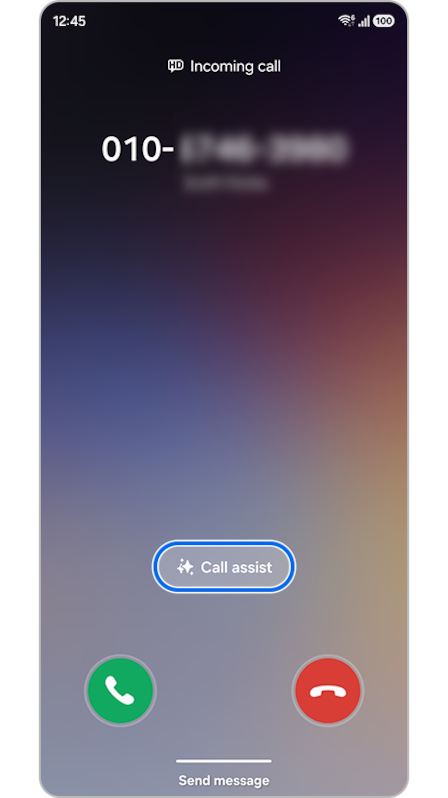
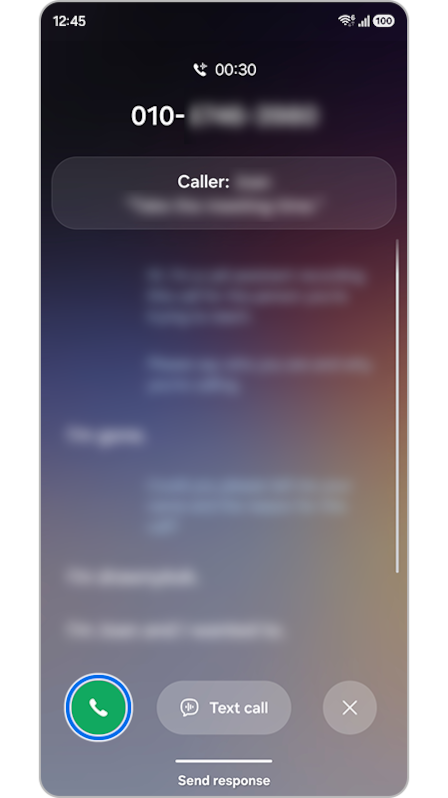
Of course, you can always hop into the call or listen in at any point in time.
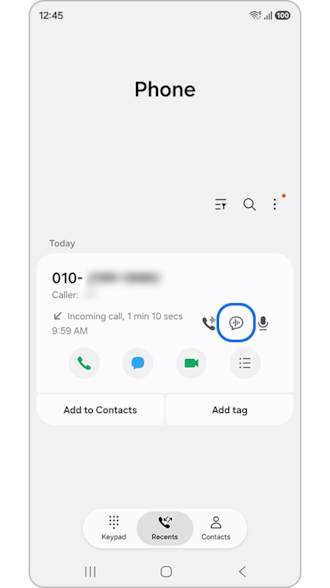
You can check the Conversation summary in your Recent Calls.
Other groundbreaking features to be added in OneUI 8.5 is the ability to share files to Apple devices via AirDrop. While this is a new Android feature not exclusive to Samsung, it definitely makes filesharing much more seamless than ever before.
There is also news that the UI will be inspired by Apple’s Liquid Glass design. We’re looking forward to seeing it ourselves.



0 Comments
Leave a Reply