
OS, Apps, and UI
The Spectra boots Android 5.1 Lollipop out of the box. We don’t expect it to receive any update to 6.0 anytime soon, but if Starmobile will be kind enough, they can. And like any other local smartphones in the market, this is a near pure Android system. It has a standard launcher with modest pre-installed Google apps and phone management tool to get you started. It also has Starmobile’s own software for imaging, customer support, and OTA updates.
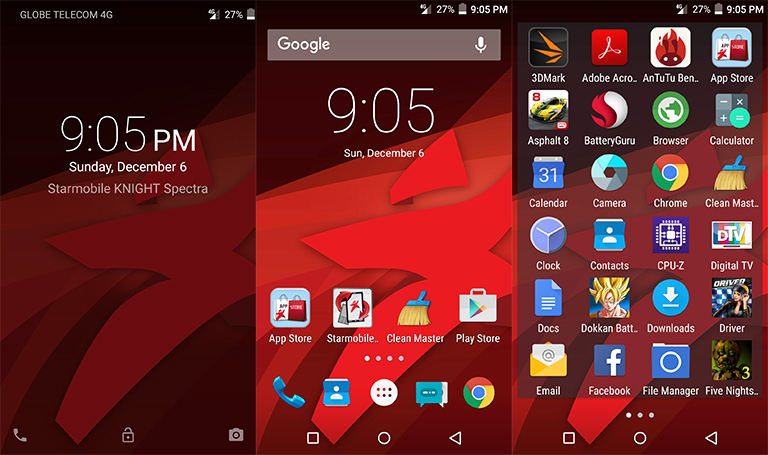
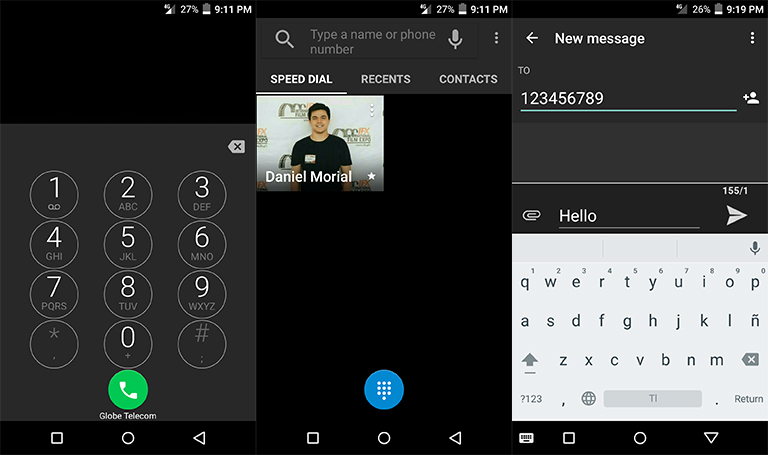
Contrary to an untouched Android, the Spectra has a dark theme all throughout the UI. Our favorite is the settings menu wherein it sorts out as a tabbed interface which makes it easier to dig around. Other than that, there’s nothing more to tell about the UI. Like always, if you don’t like it, you can easily download a launcher through the Play Store and even have a uniform icon pack.
Update: Starmobile gave a new unit since the first one has a faulty DTV antenna. Hence, we take the Knight Spectra another spin on digital broadcast.
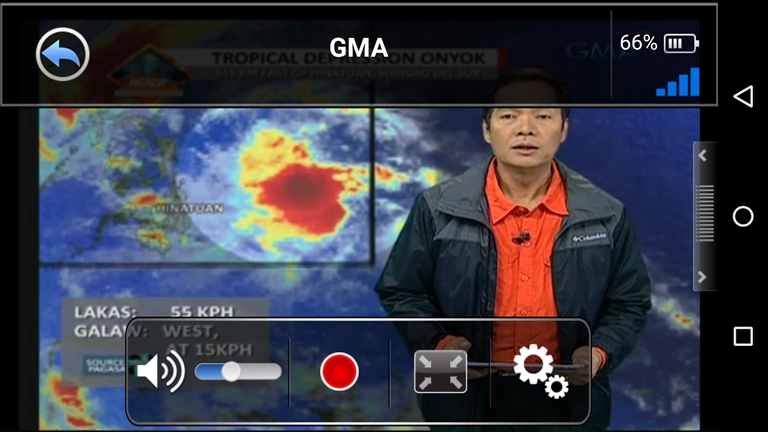
As expected from Starmobile, which currently leads the race on having DTV on mobile devices, the Knight Spectra has a built-in ISDB-T tuner for you to watch your favorite free-to-air channels on the go in crispest quality available. For better reception, there’s an included cable antenna you can plugin. You can also record live TV for re-watching.
While only major networks and some are currently broadcasting through digital waves, we expect more to join by next year and we wish for wider coverage. DTV signal is television network dependent. If the channel is not available, most probably they are still not covering your area.
Camera and Multimedia
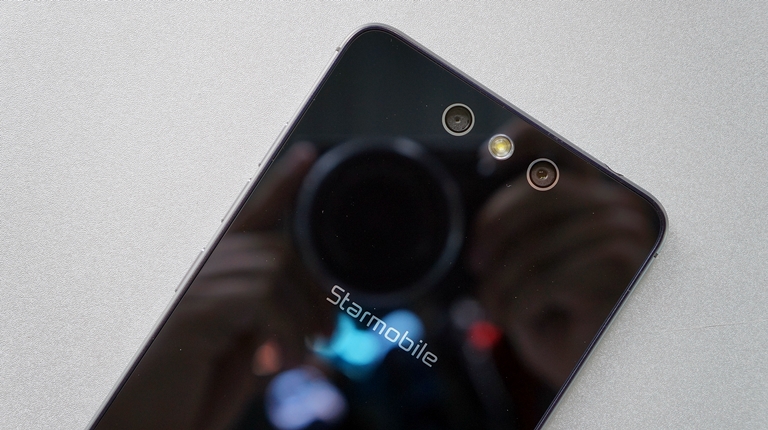
Equipped with a two rear cameras, the Spectra is definitely a photography centric device. The dual-camera setup includes a main 13-megapixel shooter and a secondary 2-megapixel camera. As mentioned during its launching, the two cameras work together in sync to deliver the best possible image from the bigger sensor. The 2-megapixel camera acts as companion for the re-focus feature, and also helps in overall performance.
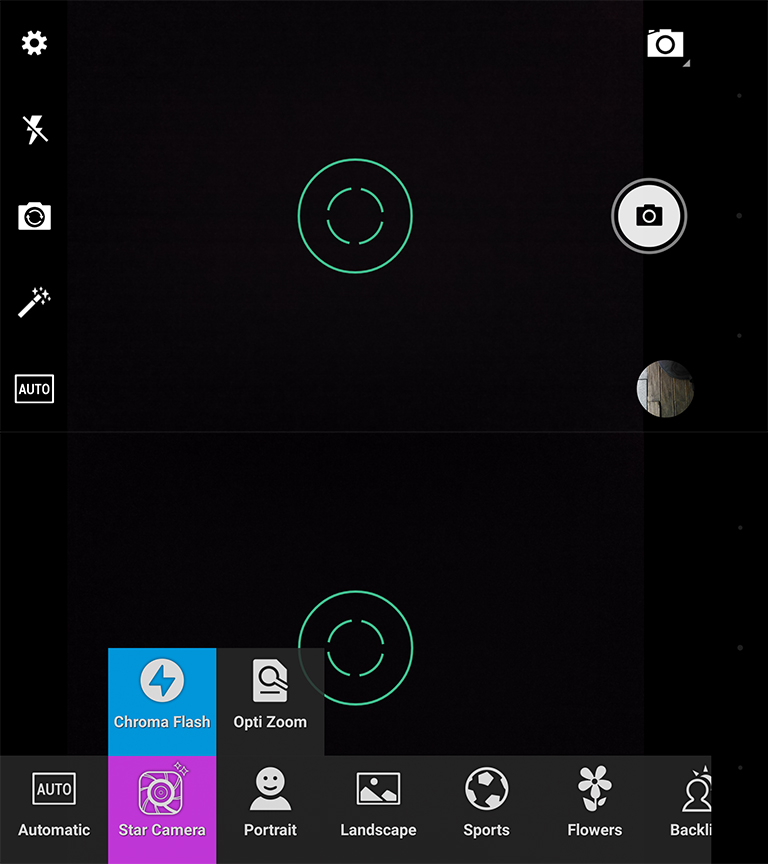
Camera UI of the Starcam is pretty straightforward. It’s a familiar layout from other camera apps with accessible shortcuts and toggles on the left, and the shooting mode, shutter key, and gallery preview are on the right.
With all the technicalities Starmobile has put into the Spectra, image quality is nothing stellar. Daytime shots are clear with relatively fast autofocus. Color saturation is a bit high, and viewing on the AMOLED display definitely makes everything punchy but not true to life. Sharpening is also exaggerated even at bright environments. Low-light shots are passable with enough details but the lack of OIS leads to blurry shots.


Let’s not forget the 8-megapixel front-facing camera with its own LED flash. For a selfie camera, it’s really good. Indoor shots are brighter than most front cameras in the market. And since it has a megapixel count of 8, facial details are above average for social media posting. Low-light selfies are also in check here.


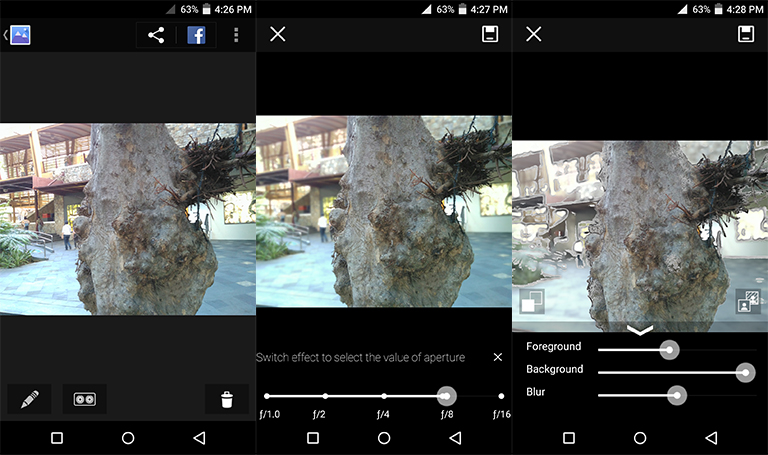
The re-focus and background deco feature of the dual-camera works okay if the photo is well-lit and patiently taken. For you to refocus a photo, you have to set the camera mode and edit it through the gallery. From here, you can either re-focus an image and virtually set an aperture effect. You can also manipulate the background depending on the focus level. While it may seem advance, it’s actually more of a gimmick rather than a feature you’d actually use since it doesn’t work well in most scenarios.
Video is maxed at 1080p with the same vibrancy of the stills but details are lacking and the audio quality needs vast improvement. The autofocus is a bit aggressive yet the exposure compensation is fine. Check out the sample below:

Cherry Mobile Flare S Play ka na lang at 1/3 of the price