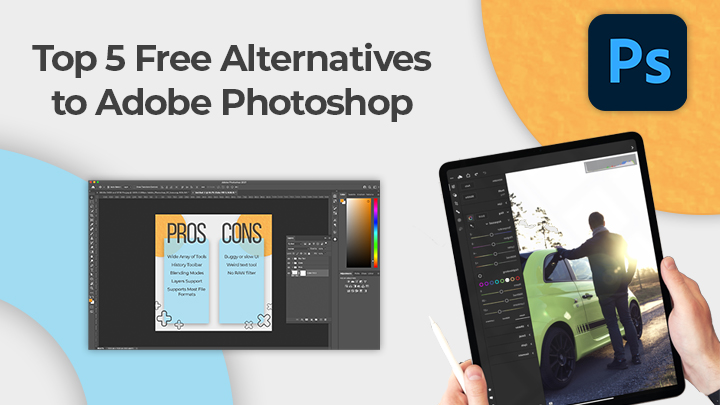

Whether you’re just about to start your journey into the realm of content creation or a seasoned graphic designer or photographer, there’s one thing that is essential to your creative arsenal: photo editing software. It offers a very extensive selection of photo editing tools and provides creatives with the option to explore its content library and even third-party plug-ins (for color palettes, actions, and other design elements). It offers a wide array of tools and is compatible with Windows, Mac, and even Linux. Most photographers often rely on this software as it provides all the tools needed to fine-tune any photo - from color correction, cloning, selection, and enhancement. While illustrators, on the other hand, find the repetitive pre-set brush settings too monotone and the tools too lacking to properly sketch or paint with. Furthermore, it also comes equipped with brush stabilizers, endless brush customizations and layer and blending support, and even assistant tools to help you create perfect shapes and paths. While its interface is reminiscent of the outdated Microsoft Paint, it bears only the simple tools that the former provides. Simple yet powerful, Paint.NET comes complete with all the basic tools you need to photo edit and more. Read more in our articles including "Designer Guides: Top 5 Free Alternatives to Adobe Photoshop" and "Best Budget Tablets for Back-to-School 2026 | Under P10,000".

Whether you’re just about to start your journey into the realm of content creation or…
Jun 22, 2021
A new school year means new projects, research papers, presentations, and online learning tasks. Whether…
Jun 14, 2026
With the announcement of the Xiaomi 17T series today, those hoping to upgrade from last…
May 29, 2026
Inflation is now (May 2026) at 7.2%, electricity rates at Php14.33/kWhr, and gas prices through…
May 28, 2026
Smartphones today can handle all the basics. The real difference now is how well a…
Apr 30, 2026
Now, welcome to our quarterly roundup for 2026. While the first few months of the…
Apr 27, 2026Whether you’re just about to start your journey into the realm of content creation or a seasoned graphic designer or photographer, there’s one thing that is essential to your creative arsenal: photo editing software. It offers a very extensive selection of photo editing tools and provides creatives with the option to explore its content library and even third-party plug-ins (for color palettes, actions, and other design elements).
It offers a wide array of tools and is compatible with Windows, Mac, and even Linux. Most photographers often rely on this software as it provides all the tools needed to fine-tune any photo - from color correction, cloning, selection, and enhancement. While illustrators, on the other hand, find the repetitive pre-set brush settings too monotone and the tools too lacking to properly sketch or paint with.
Our coverage of designer tools includes: "Designer Guides: Top 5 Free Alternatives to Adobe Photoshop"; "Best Budget Tablets for Back-to-School 2026 | Under P10,000"; "Xiaomi 17T vs. Xiaomi 15T, what's different?". Each article provides unique insights and information.