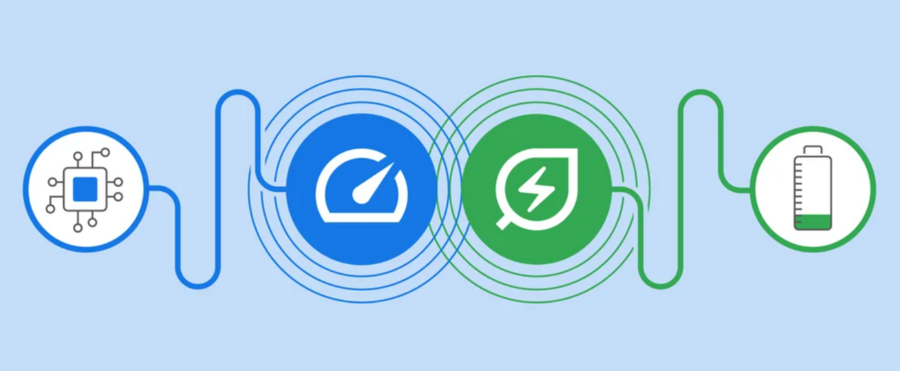

Google Chrome's latest update (Chrome 110) will now feature two performance-saving modes, Memory Saver and Energy Saver. Memory and Energy Saver on Google Chrome were originally announced back in December 8, 2022 on Chrome 108 but are now rolling out widely on Chrome 110 as noted by Android Police. Google Chrome's new Memory Saver and Energy Saver modes are now available on the latest Chrome 110 release on Windows, macOS, and ChromeOS. Google has announced new updates to Chrome Autofill. Google is also extending Chrome's integration with Google Wallet. If the information is not already saved in Google Wallet, Chrome can offer to store it when entered for the first time. The new pointer capabilities are now being added to Google Chrome. Google Chrome recently got promoted to version 1.0 and dropping the beta label. Read more in our articles including "Google Chrome rolls out new Memory and Energy saving features" and "Google Chrome expands Autofill with Google Wallet integration".
Google Chrome’s latest update (Chrome 110) will now feature two performance-saving modes, Memory Saver and…
Feb 21, 2023
Google has announced new updates to Chrome Autofill. With this feature, it brings support for…
Jun 24, 2026
Google has introduced new AI-powered pointer features that let users interact with Google Gemini more…
May 14, 2026Google Chrome recently got promoted to version 1.0 and dropping the beta label. At the…
Dec 16, 2008
Google is expanding its AI-powered Gemini experience in Chrome to more users across the Asia…
Apr 21, 2026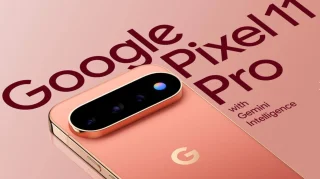
Last month we had some renders, but we finally have some official marketing leaks of…
Aug 5, 2026Google Chrome's latest update (Chrome 110) will now feature two performance-saving modes, Memory Saver and Energy Saver. Memory and Energy Saver on Google Chrome were originally announced back in December 8, 2022 on Chrome 108 but are now rolling out widely on Chrome 110 as noted by Android Police.
Google Chrome's new Memory Saver and Energy Saver modes are now available on the latest Chrome 110 release on Windows, macOS, and ChromeOS. Google has announced new updates to Chrome Autofill. Google is also extending Chrome's integration with Google Wallet.
Our coverage of google chrome energy saving includes: "Google Chrome rolls out new Memory and Energy saving features"; "Google Chrome expands Autofill with Google Wallet integration"; "Google unveils AI-powered pointer for Chrome". Each article provides unique insights and information.