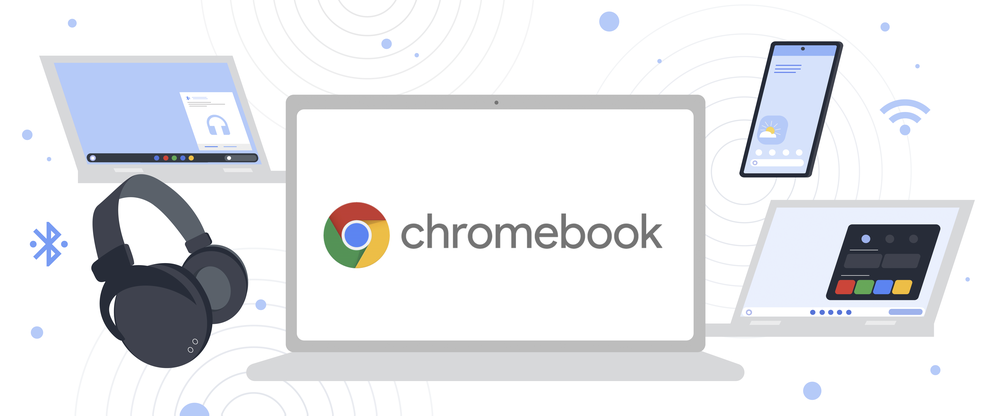

During the latest CES and Google's I/O Developer Conference, it was announced that new features would be coming to ChromeOS to have working across devices much easier. It was recently announced in their Official Blog that those features will now start rolling out to Chromebooks for users with Chrome OS 103. Recent Photos on Phone Hub Google announced Phone Hub last year, a built-in control center on Chromebooks to help you respond to texts, check your battery, turn on tethering, and more. After taking the picture with your Android phone, it will appear under Phone Hub on your Chromebook. This allows you to download the image by simply clicking it on recent photos and eliminating the need to send yourself photos or go through Google Photos after it has backed up. Nearby Share Nearby Share has been out for quite some time now but Google has added Sharing Wi-Fi between Chromebooks and Android devices via Nearby Share available. This means you'll be able to use your Android Phone and Nearby Share to connect a Chromebook to any saved Wi-Fi network. Then tap the "Nearby" tile under the QR code and select the Chromebook you want to connect to the Wi-Fi. Read more in our articles including "Google updates Chrome OS to better integrate with other devices" and "Google announces Chrome OS for Netbooks".
During the latest CES and Google’s I/O Developer Conference, it was announced that new features…
Jun 27, 2022Can’t believe this is true but the official Google has announced it has developed a…
Jul 8, 2009
Google has announced new updates to Chrome Autofill. With this feature, it brings support for…
Jun 24, 2026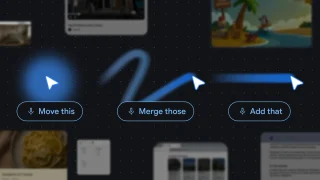
Google has introduced new AI-powered pointer features that let users interact with Google Gemini more…
May 14, 2026There was some sort of mass panic last night when Google was spewing a warning…
Feb 1, 2009Google Chrome recently got promoted to version 1.0 and dropping the beta label. At the…
Dec 16, 2008During the latest CES and Google's I/O Developer Conference, it was announced that new features would be coming to ChromeOS to have working across devices much easier. It was recently announced in their Official Blog that those features will now start rolling out to Chromebooks for users with Chrome OS 103.
Recent Photos on Phone Hub Google announced Phone Hub last year, a built-in control center on Chromebooks to help you respond to texts, check your battery, turn on tethering, and more. After taking the picture with your Android phone, it will appear under Phone Hub on your Chromebook. This allows you to download the image by simply clicking it on recent photos and eliminating the need to send yourself photos or go through Google Photos after it has backed up.
Our coverage of google chrome os includes: "Google updates Chrome OS to better integrate with other devices"; "Google announces Chrome OS for Netbooks"; "Google Chrome expands Autofill with Google Wallet integration". Each article provides unique insights and information.