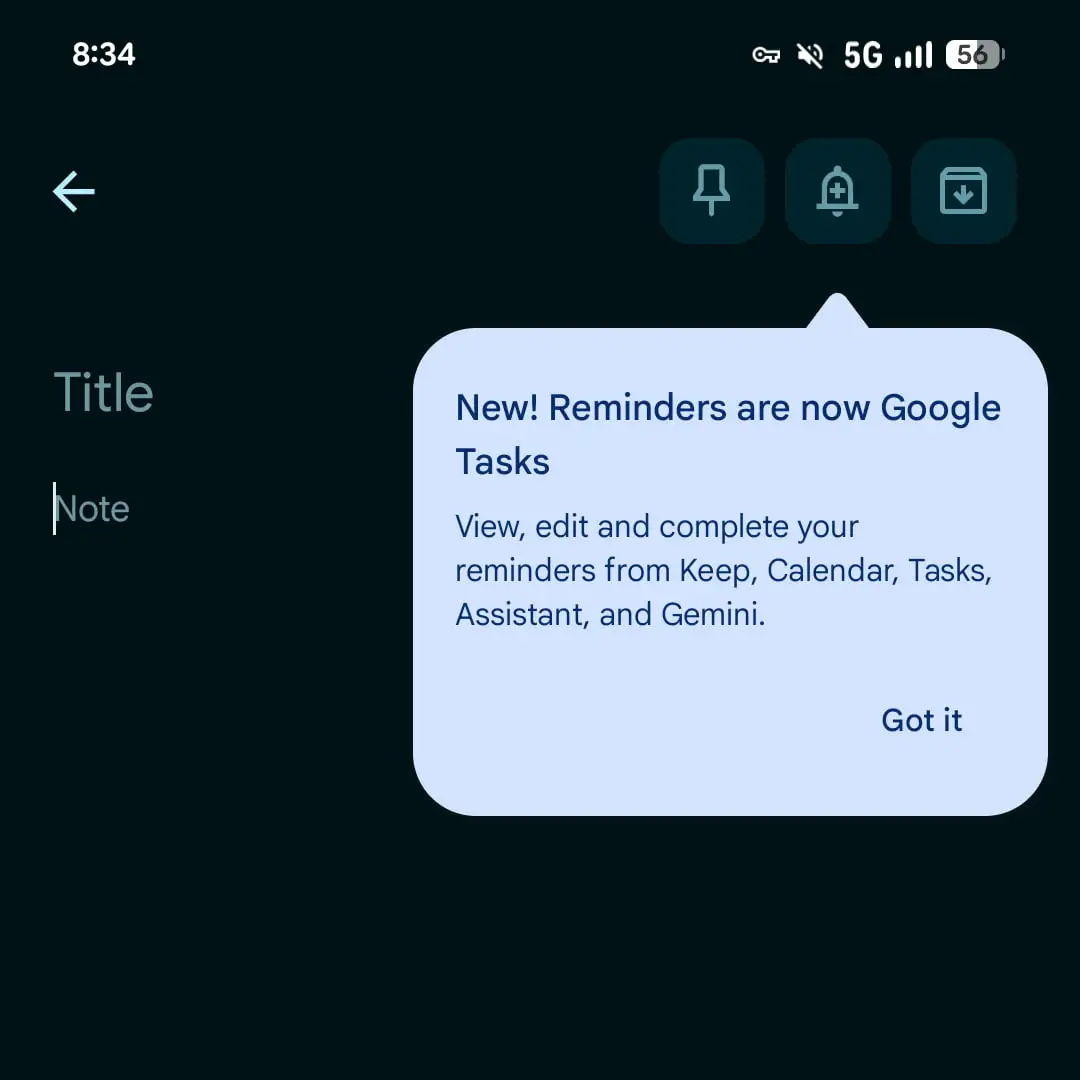

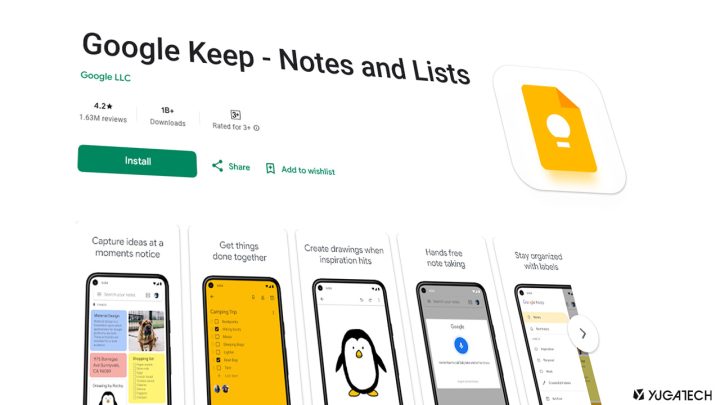

Google has started rolling out its previously announced migration of Google Keep reminders to Google Tasks, with the change now appearing on some accounts ahead of a wider release targeted for the second half of 2025. Users who are included in the rollout will see a prompt stating “Reminders are now Google Tasks” inside the Keep app. Once enabled, tapping the bell icon in a Keep note will create a reminder that is saved directly to Google Tasks, with the familiar quick options for tomorrow morning, tomorrow evening, next week, or a custom date and time. These reminders will show up in the Google Tasks app and in Google Calendar, labeled as “From Keep,” and tapping the badge will open the associated note for quick reference. Google Tasks does not support Home, Work, or custom place-based alerts, so existing location data from Keep reminders is instead moved into the task description. Keep also stops sending reminder notifications; alerts are now handled by Calendar or Tasks, so users need those apps installed to continue receiving reminders. [gallery columns="2" size="medium" ids="408569,408568"] Google Keep still shows a Reminders page in its navigation drawer, and users can manage date and time from Keep, Tasks, or Calendar, although editing a reminder title must be done in Tasks or Calendar. Read more in our articles including "Google Keep reminders now migrating to Google Tasks" and "Google Keep to add GenAI feature ‘Help me draw’".
Google has started rolling out its previously announced migration of Google Keep reminders to Google…
Nov 29, 2025
Google Keep, the search giant’s note-taking app, is set to receive a significant upgrade through…
Nov 20, 2024
Google Workspace apps such as Google Drive, Docs, Sheets, Slides, and Keep will now be…
Jul 26, 2022
The pandemic is causing major shifts in almost every foundation of our country. But, none…
Nov 15, 2020Folks over at Droid-Life has gotten an alleged version of the Google Play Store, version…
Mar 21, 2013Google has just launched a new note-taking service called Google Keep that lets you write…
Mar 21, 2013Google has started rolling out its previously announced migration of Google Keep reminders to Google Tasks, with the change now appearing on some accounts ahead of a wider release targeted for the second half of 2025. Users who are included in the rollout will see a prompt stating “Reminders are now Google Tasks” inside the Keep app.
Once enabled, tapping the bell icon in a Keep note will create a reminder that is saved directly to Google Tasks, with the familiar quick options for tomorrow morning, tomorrow evening, next week, or a custom date and time. These reminders will show up in the Google Tasks app and in Google Calendar, labeled as “From Keep,” and tapping the badge will open the associated note for quick reference. Google Tasks does not support Home, Work, or custom place-based alerts, so existing location data from Keep reminders is instead moved into the task description.
Our coverage of google keep includes: "Google Keep reminders now migrating to Google Tasks"; "Google Keep to add GenAI feature ‘Help me draw’"; "Google Workspace Apps are now being optimized for Android Tablets". Each article provides unique insights and information.