

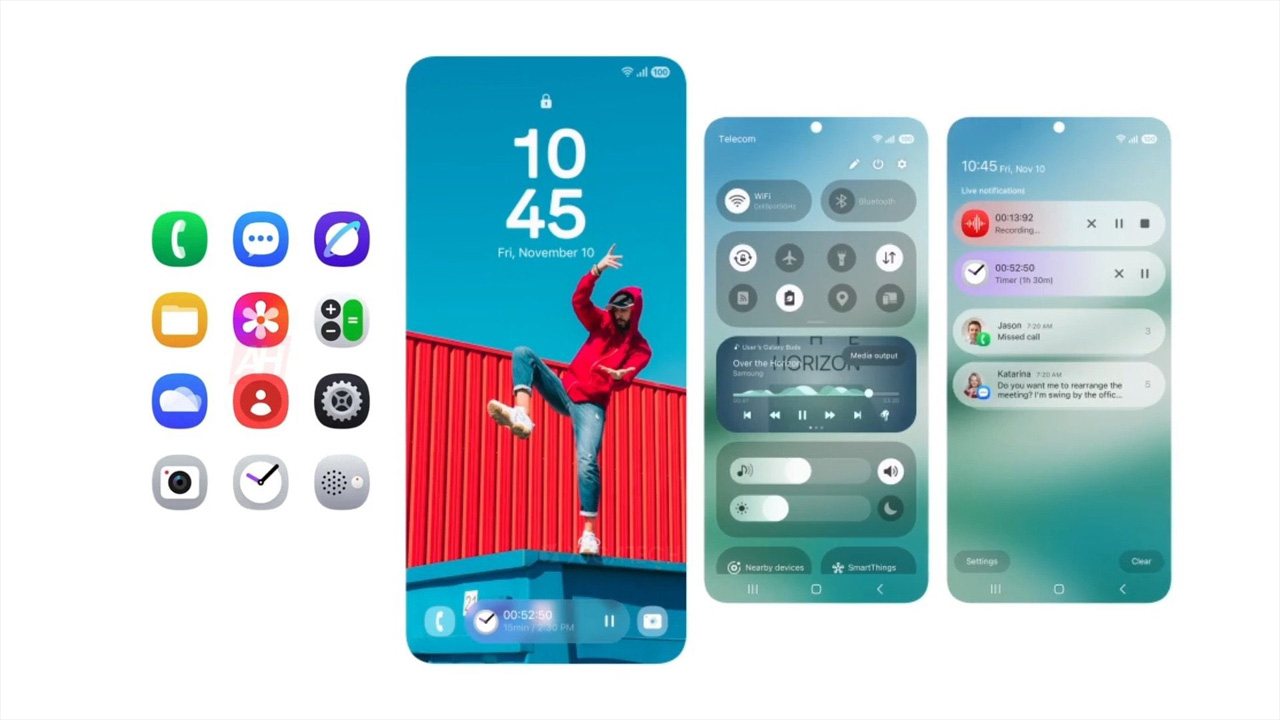

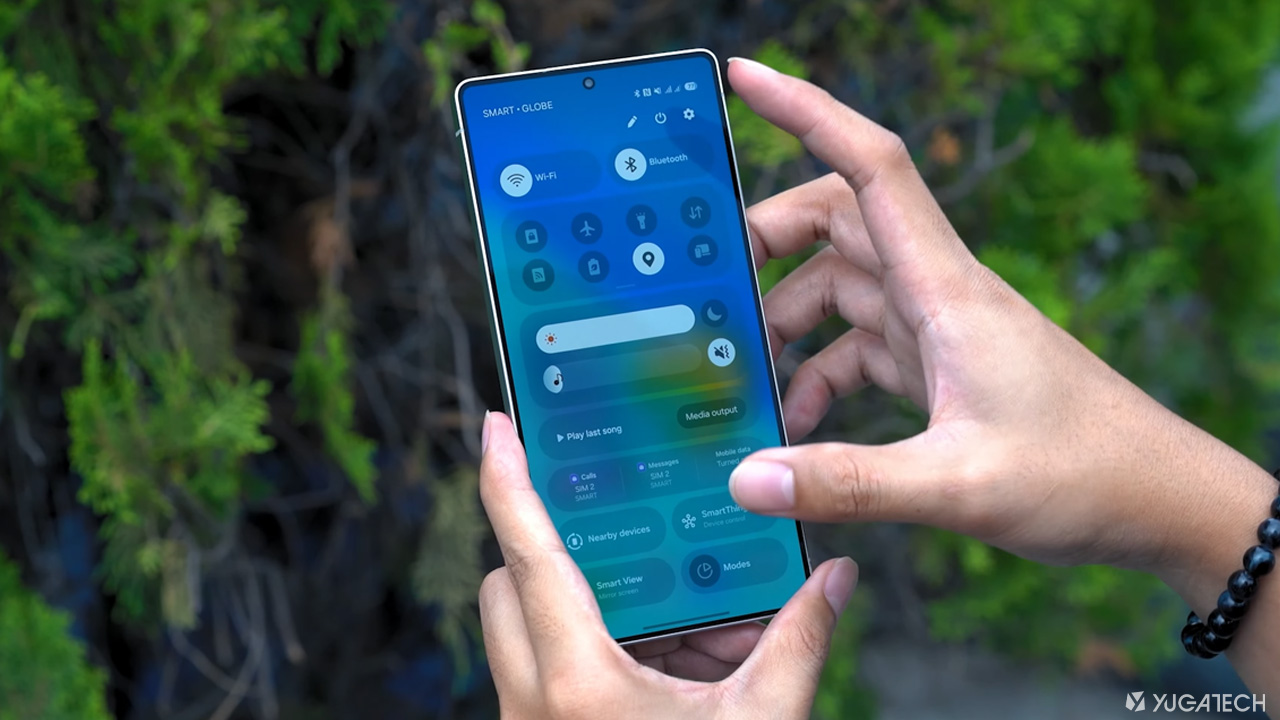
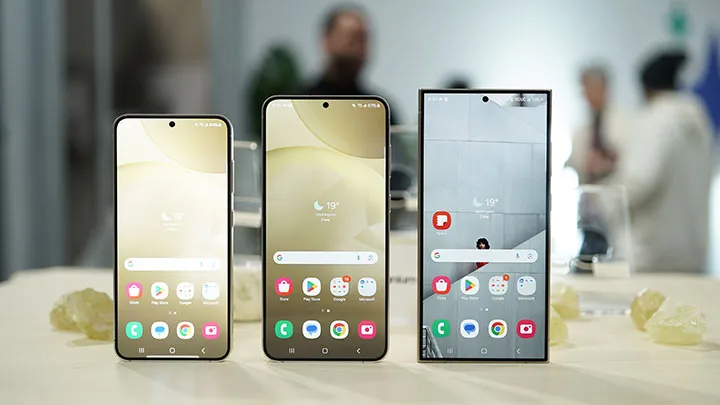

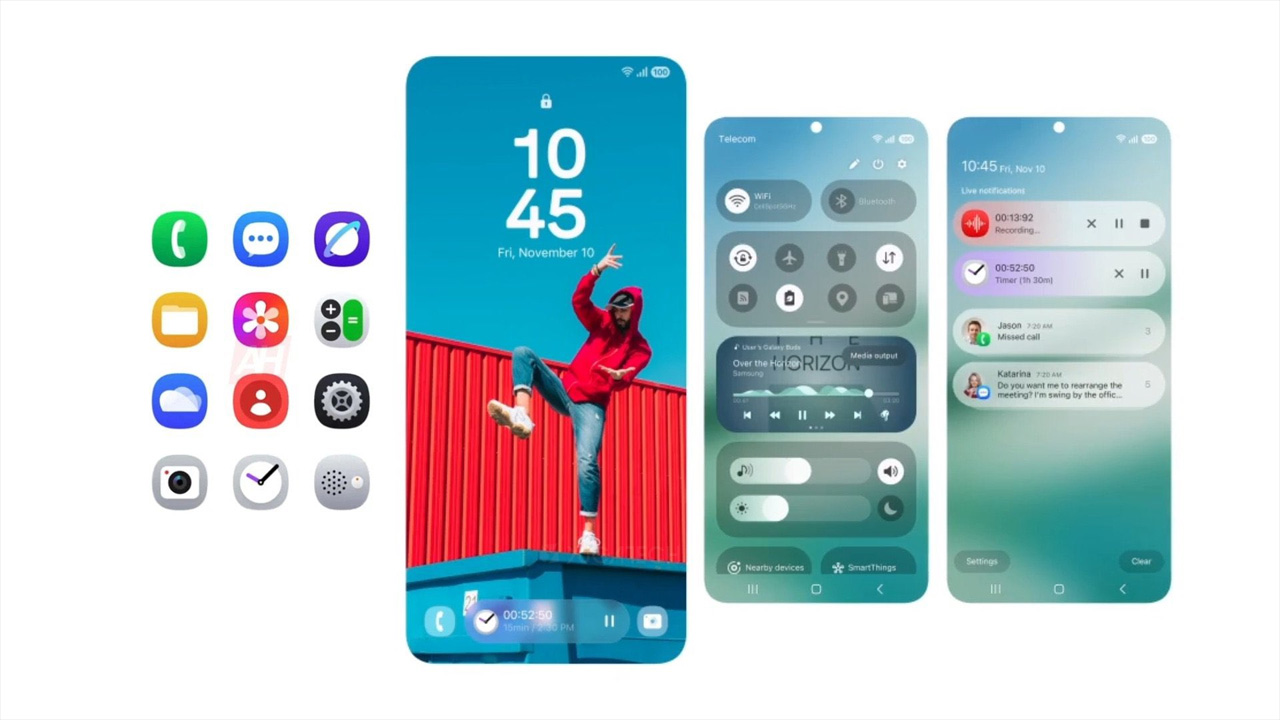
Lock Screen (Now Bar) One of the biggest changes that came with One UI 7 can be found on the lock screen. It’s so easy to manage since most of us hold our phones vertically with one hand. Gone are the days of having to go to your home screen to get this sorted. For example, you can pin your favorite quote or image of your loved one to your home screen if you wanted to. [gallery columns="2" size="full" link="none" ids="395238,395240" orderby="rand"] The clock has some pretty neat changes too. Apps & Home Screen Upgrades For the home screen, users will notice that the app icons have gone through cosmetic changes. [gallery columns="2" size="full" link="none" ids="395243,395242"] This should be great for those preferring a cleaner, minimal look. Similar to the Now Bar placement, this makes devices easier to use with one hand. Read more in our articles including "Our Favorite Samsung One UI 7 Features" and "Here’s a list of One UI 7 compatible Galaxy devices".

Today, we’re here covering One UI 7. Some if its highlights include a cleaner look…
May 6, 2025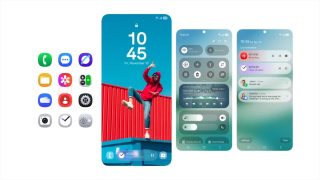
Samsung’s newest Galaxy A56 and A36 models run One UI 7 out of the box.…
Mar 31, 2025
Samsung is planning on releasing the One UI 7 update on April. Before that, they…
Mar 6, 2025
The Samsung Galaxy S25 Series launched earlier this month rocking the latest One UI 7…
Feb 15, 2025
One UI 7 will have a system-level toggle for Super HDR content on Galaxy devices.…
Dec 28, 2024
Samsung has revealed that the Now Bar is a defining element of One UI 7.…
Dec 21, 2024Lock Screen (Now Bar) One of the biggest changes that came with One UI 7 can be found on the lock screen. It’s so easy to manage since most of us hold our phones vertically with one hand.
Gone are the days of having to go to your home screen to get this sorted. For example, you can pin your favorite quote or image of your loved one to your home screen if you wanted to. [gallery columns="2" size="full" link="none" ids="395238,395240" orderby="rand"] The clock has some pretty neat changes too.
Our coverage of One UI 7 includes: "Our Favorite Samsung One UI 7 Features"; "Here’s a list of One UI 7 compatible Galaxy devices"; "Samsung One UI 7 to be available on April". Each article provides unique insights and information.