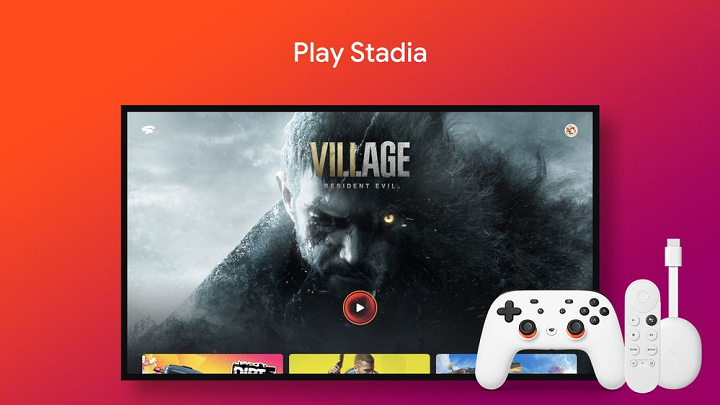

The Stadia team has revealed that the first version of Stadia on Chromecast with Google TV is launching on June 23, along with the announcement of its compatibility with Android TV OS devices. However, Stadia mentioned that while this feature is still in development, users can now try out Stadia and play their favorite games on more screens than ever before. To get started, install the Stadia app from the Play Store, launch it from the “My Apps” on the TV, and press “Continue” at the opt-in screen. When playing on an Android TV OS device, users will be able to use a Stadia Controller or a compatible Bluetooth controller. You may visit the Stadia Help Center for more information. Read more in our articles including "Google Stadia coming to Chromecast with Google TV, Android TV devices on June 23" and "BPI to remove InstaPay, PESONet transfer fees starting July 1".

The Stadia team has revealed that the first version of Stadia on Chromecast with Google…
Jun 8, 2021
Bank of the Philippine Islands (BPI) will permanently remove transfer fees for InstaPay and PESONet…
Jun 29, 2026
BleeqUp has officially launched its AI Ranger Sports Glasses in the Philippines during an event…
Jun 29, 2026
Google is testing a new Google Wallet feature that automatically tracks delivery packages using Gmail…
Jun 28, 2026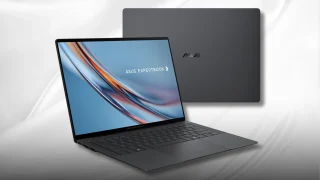
ASUS has confirmed that the ExpertBook Ultra will launch in the Philippines on July 1.…
Jun 28, 2026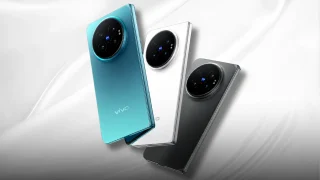
vivo officially unveiled the X Fold6 in China, its first foldable powered by a MediaTek…
Jun 28, 2026The Stadia team has revealed that the first version of Stadia on Chromecast with Google TV is launching on June 23, along with the announcement of its compatibility with Android TV OS devices. However, Stadia mentioned that while this feature is still in development, users can now try out Stadia and play their favorite games on more screens than ever before.
To get started, install the Stadia app from the Play Store, launch it from the “My Apps” on the TV, and press “Continue” at the opt-in screen. When playing on an Android TV OS device, users will be able to use a Stadia Controller or a compatible Bluetooth controller. You may visit the Stadia Help Center for more information.
Our coverage of Stadia includes: "Google Stadia coming to Chromecast with Google TV, Android TV devices on June 23"; "BPI to remove InstaPay, PESONet transfer fees starting July 1"; "BleeqUp AI Ranger Sports Glasses launched in the Philippines". Each article provides unique insights and information.