

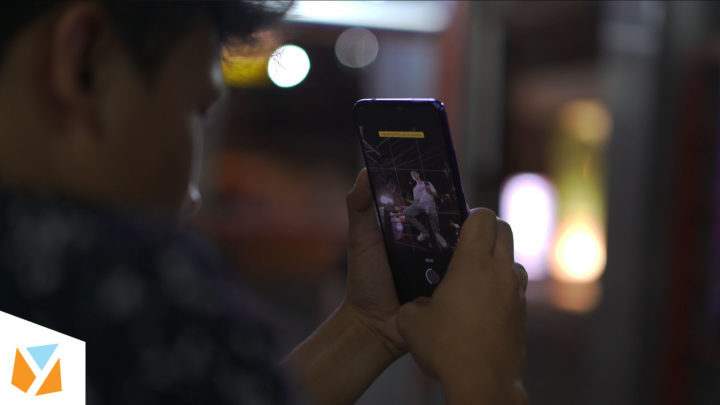


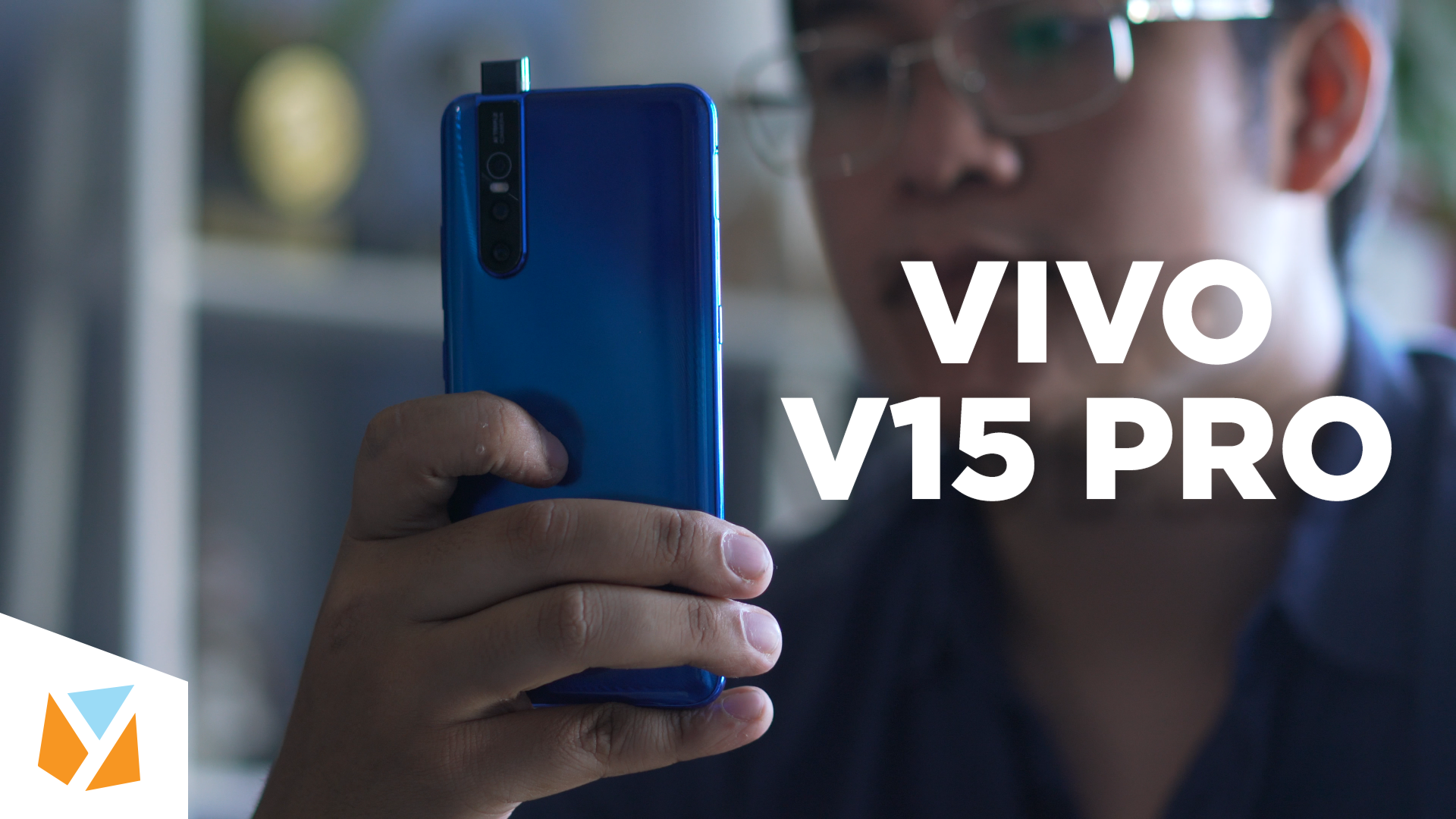

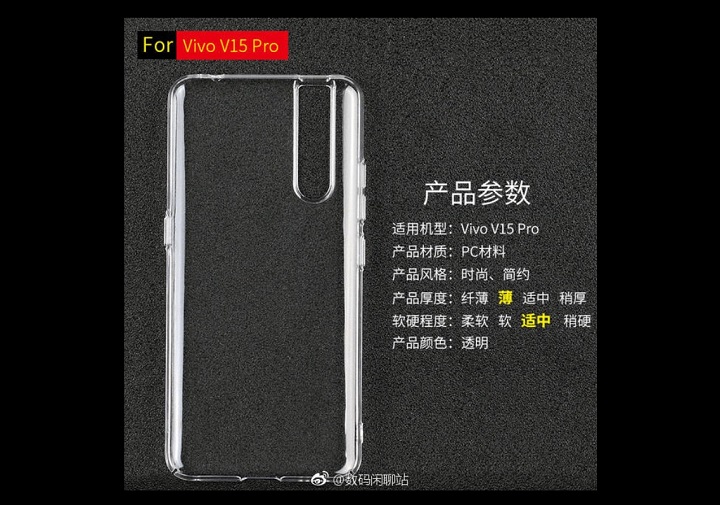
There isn’t a dedicated Macro mode in the V15 Pro’s camera; however, you can still take macro shots using the Pro mode. To start taking macro shots with the V15 Pro, go to the Camera app, switch to Pro, and click on the ‘AF’ setting. Here are some Macro shots that we’ve taken using the Vivo V15 Pro: We took an extreme close-up shot of one of the pillows in our office. Using the V15 Pro, we were able to take a closer look into the fine purple sand inside this hourglass. Check out a few more macro shots we did with the V15 Pro! Want to find out more about the Vivo V15 Pro? We’ve done some videos about this one before and now we’re taking a more in-depth look at the V15 Pro’s “AI Night mode”. The V15 Pro utilizes a triple-camera setup that’s composed of 48MP sensor, 8MP ultra-wide, and a 5MP depth-sensor. Read more in our articles including "Macro Photography with the Vivo V15 Pro" and "Watch: Vivo V15 Pro's Night Mode - Is it LEGIT?!".

Macro photography is a kind of photography where small subjects are reproduced in larger shots.…
May 7, 2019
We’ve done some videos about this one before and now we’re taking a more in-depth…
May 4, 2019
While doing nighttime photography can both be fun and exciting—especially for those who cannot resist…
Apr 29, 2019
The Vivo V15 Pro boasts a triple rear camera setup, namely a 48MP Quad Pixel…
Apr 24, 2019
Mobile photography is no longer limited to food shots and selfies. These days, even professional…
Apr 13, 2019
The Vivo V15 Pro is one of the most exciting smartphones right now. For a…
Apr 8, 2019There isn’t a dedicated Macro mode in the V15 Pro’s camera; however, you can still take macro shots using the Pro mode. To start taking macro shots with the V15 Pro, go to the Camera app, switch to Pro, and click on the ‘AF’ setting.
Here are some Macro shots that we’ve taken using the Vivo V15 Pro: We took an extreme close-up shot of one of the pillows in our office. Using the V15 Pro, we were able to take a closer look into the fine purple sand inside this hourglass. Check out a few more macro shots we did with the V15 Pro!
Our coverage of VIVO V15 Pro camera includes: "Macro Photography with the Vivo V15 Pro"; "Watch: Vivo V15 Pro's Night Mode - Is it LEGIT?!"; "Overcoming low light situations with the Vivo V15 Pro". Each article provides unique insights and information.