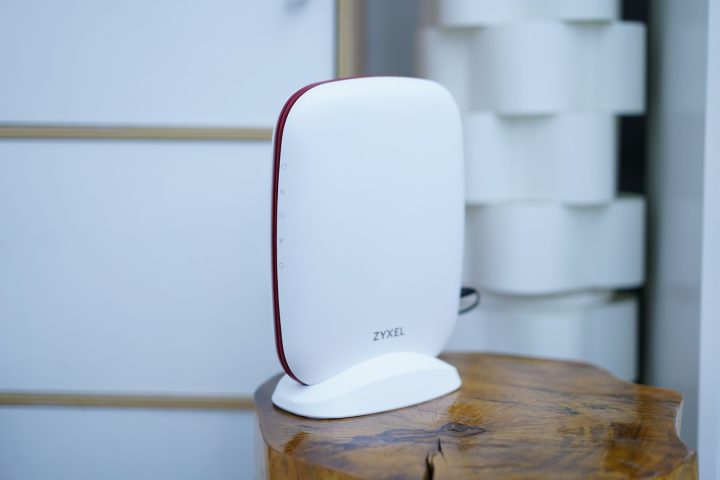

Zyxel AXE5400 Mobile app On your PC or laptop, open your default browser and enter the IP address: 192.168.168.1 into the browser’s address bar. Zyxel AXE5400 Mobile app If you see your device here, you can select it and check its status. You can even use their live tool to check the connection speed and remotely reboot the router. However, with the SCR 50AXE, it's as simple as plug, play, and follow the straightforward instructions. Read more in our articles including "Zyxel AXE5400 (SCR 50AXE) WiFi 6E Secure Cloud-Managed Router Review" and "SEC outs advisory against Pluggle, Inc.".

Here at Yugatech, we’ve reviewed tons of routers over the years, from small to comically…
Feb 2, 2024
Securities and Exchange Commission (SEC) released an advisory regarding Pluggle, Inc., and wanted the public to…
Oct 12, 2017
These days, it’s not hard to find a smartphone with a large battery or a…
Jun 19, 2026
The realme C100 is out, and it’s got to be the most affordable smartphone packing…
Jun 18, 2026
There are plenty of gaming keyboards on the market today, but every now and then,…
Jun 18, 2026
Tablets have become a popular choice for those who want a bigger screen without carrying…
Jun 14, 2026Zyxel AXE5400 Mobile app On your PC or laptop, open your default browser and enter the IP address: 192.168.168.1 into the browser’s address bar. Zyxel AXE5400 Mobile app If you see your device here, you can select it and check its status. You can even use their live tool to check the connection speed and remotely reboot the router.
However, with the SCR 50AXE, it's as simple as plug, play, and follow the straightforward instructions.
Our coverage of Zyxel AXE5400 plug and play includes: "Zyxel AXE5400 (SCR 50AXE) WiFi 6E Secure Cloud-Managed Router Review"; "SEC outs advisory against Pluggle, Inc."; "TECNO POVA Curve 2 5G Review". Each article provides unique insights and information.