

An all-in-one printer was delivered to the doorstep of YugaTech. While it is unusual to see printer reviews in the website, we don’t see why we can’t do a quick assessment. We have the HP DeskJet Ink Advantage 3635.
Diseño y Construcción
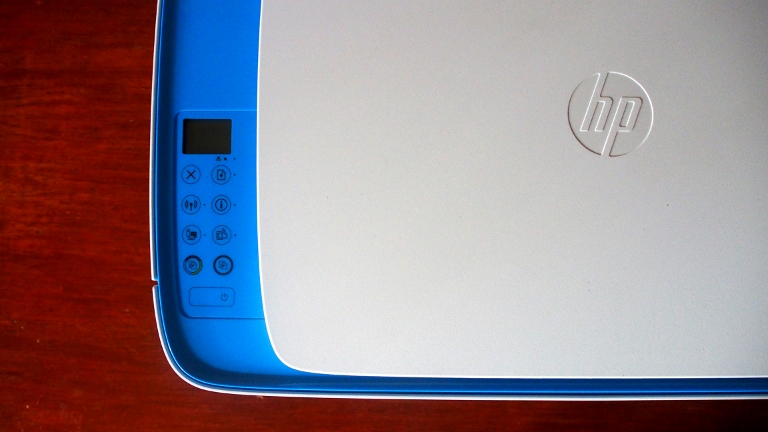
The printer from Hewlett-Packard is made out of matte polycarbonate splurged with white paint and blue tones. The scanning bed can be found where it’s usually placed, on top of the printer. Beside it is the status display that conveniently shows the ink levels and some quick information.
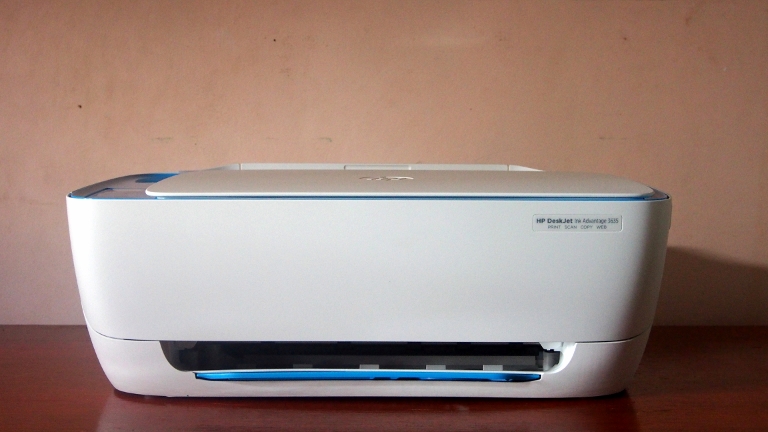
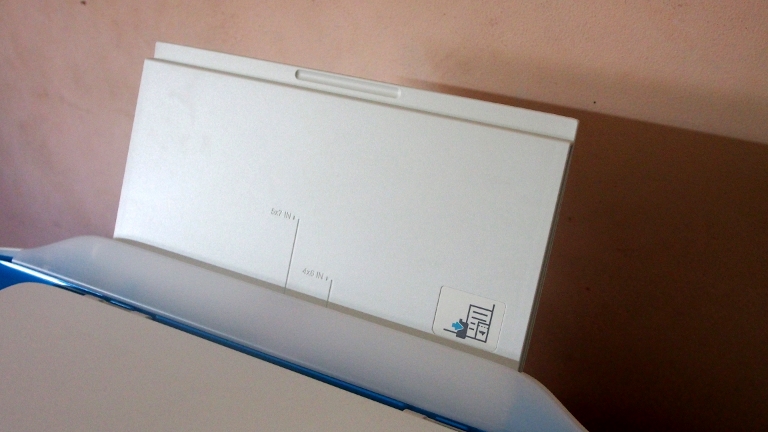
There are also 9 buttons for the operation of the printer – Cancel, Resume, Wireless, Information, Wi-Fi Direct, HP ePrint, Copy Color, Copy Black, and Power. Each button has unique actions which are stated in the manual. The paper feed tray is accessed by sliding it out and can be neatly tucked when not in use. Same goes to the paper tray in front of the printer.
El frente también da acceso al soporte de cartuchos cuando está abierto y hay una etiqueta ingeniosa detrás que indica qué tinta HP específica es compatible. El puerto de alimentación DC y el puerto USB se encuentran en la parte posterior de la impresora.
Características
The device is a multi-purpose home and office printer. It can print, scan, copy, and basically has everything you need in dealing with paperwork. It also has Wi-Fi so you can wirelessly print your documents.
Repasemos los tres propósitos principales de la impresora:
Imprimir
El propósito principal de este dispositivo es imprimir. Cuando desempacamos la impresora, probamos de inmediato su función inalámbrica. Intentamos imprimir un documento PDF de una sola página desde un Nexus 7 (2013). Gracias al soporte incorporado en Android (KitKat 4.4 y superiores), la función de impresión inalámbrica de HP funcionó a la perfección. También hay algunas opciones para ajustar, como la impresión a doble cara, la calidad de impresión y más.
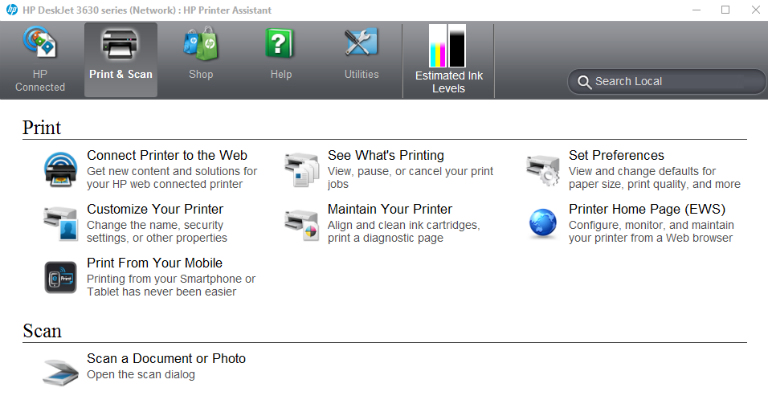
La impresión tradicional en PC requiere más configuración que Wi-Fi directa. Al terminar la configuración e instalación, tendrás una suite de software para aprovechar al máximo la impresora. Ahora está disponible una opción de impresión más amplia para una mejor impresión de un documento específico o incluso de una foto. Puedes imprimir sin bordes, establecer el tipo de papel a usar o incluso elegir preajustes.
Scan
With the installed application on your PC, you'll be able to scan documents and save them into PDF or JPEG. You can manually crop the scanned file or let the software do the cuts. While quality of the scan is commendable for everyday use, the scanner takes some time to finish.

Copiar
Si necesita fotocopiar o “xerox”, como se dice popularmente en la calle, está a solo un clic de distancia con este dispositivo. Tiene botones para copia directa, uno para color y otro para escala de grises. Simplemente coloque el documento deseado y simultáneamente imprimirá mientras escanea. Tenga en cuenta que solo puede manejar tamaños de hasta A4.
Calidad de impresión y velocidad
Like most inkjet printers in the market, the DeskJet 3635 will be enough for everyday printing, may it be for office or school use. Output quality and speed depends on the setting of your print job.
Si se imprime en modo “borrador” sobre un buen papel, la calidad es promedio con puntos de impresión notorios en la imagen mientras el texto se ve un poco dentado. Elegir la opción “mejor” elimina la aspereza del texto y mejora la calidad de la imagen. Sin embargo, el tiempo de impresión es mayor. No recomendaríamos la impresora para fotos, pero aún puede hacer un trabajo decente al aplicar colores.
Conclusion
La HP DeskJet Ink Advantage 3635 se vende por Php 4,499 con un cartucho negro y uno tricolor incluidos. Como la mayoría de las impresoras HP Ink Advantage, la impresora es más costosa que la competencia, pero los cartuchos originales son más baratos. A largo plazo, será una gran inversión.

Lo que nos gustó:
- Diseño hermoso
- Wi-Fi direct feature
- Visualización del estado
Lo que no hicimos:
- Alimentación de papel limitada
- Operación ruidosa




what its DPI?