
I recently migrated to a new work laptop which I have to format and do a fresh install of Windows 10. This means I will have to start from scratch and reinstall all essential applications before I can get productive with it. If you’re in a similar situation, here’s a list of suggested software that you might need.
Note: The list is based on a non-gaming work laptop or PC running Windows 10.
Browsers

Windows 10 comes with its own browser called Edge. It’s a good browser but not everyone is a fan. So if you want a different one you will need to fire it up and download any of the following:
* Google Chrome
* Firefox
* Opera
Utilities
CCleaner – I’ve been using this utility for years now and I can say that this one of the best and easy to use tools to keep your PC “clean”. It lets you remove junk files like browser history, temporary files, Recycle Bin contents, to name a few. It also has a registry cleaner, program uninstaller, and startup manager.
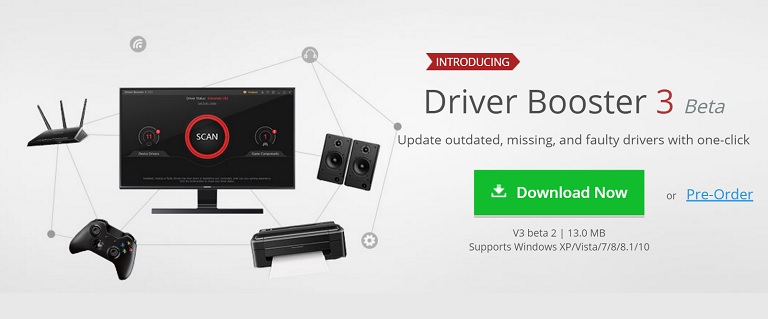
Driver Booster 3 – Laptops and PCs can sometimes have issues with missing drivers and searching and downloading the right ones can be a pain in the neck. Other software only offers free scanning but you will have to pay if you want to download. Driver Booster 3 trumps them as it allows free download and immediate installation. There are perks for paying for the PRO version like the automatic update and one-click download. But to be safe, make sure to download drivers straight from your manufacturer’s website.
Anti-virus/malware
Windows 10 already comes with its own anti-virus program called Windows Defender. However, you can’t always rely on one program to protect you from all the viruses and malware lurking on the internet. In my case, I use Malwarebytes Anti-Malware Home in addition to Windows Defender. Aside from malware protection, it also has malicious website protection in case you wander in questionable sites.

Of course, you can use your preferred AV solution like McAfee, Norton, Avast!, or Avira. Just make sure that you have one installed and frequently updated.
Compression
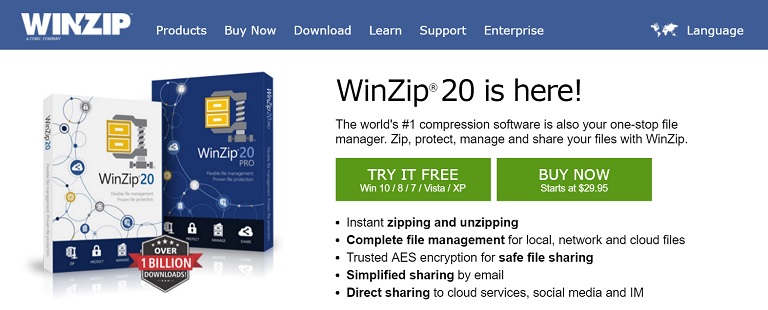
Encountering a compressed file is inevitable. The good news is Windows already has one built-in, but if you don’t want the interface you can always install the most popular ones:
Multimedia
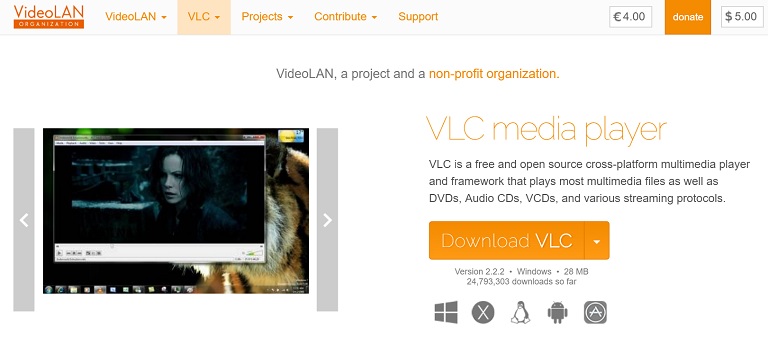
If you plan to use your laptop or PC as your multimedia hub your videos, you might as well load it with a good player aside from the one built-in on Windows 10. We suggest VLC or GOM for that.
File Transfer
Copying to and fro your device seems like a mundane task but there’s a software for that as well called TeraCopy that comes with a few extra features.
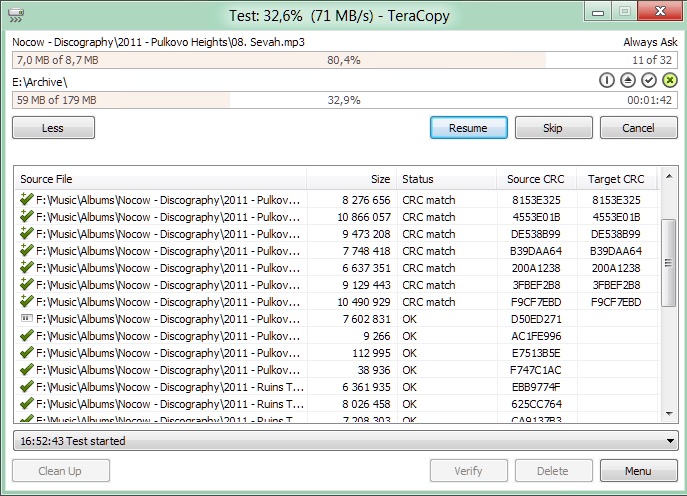
It claims fast copying speeds, has pause and resume, error recovery, and shell integration which replaces the Explorer’s own copy and move functions.
Downloaders
Software dedicated to downloading are essential as well especially if you frequent torrent sites. FlashGet is one of those worth mentioning. Aside from supporting torrents, it can also accommodate ordinary downloads with pause and resume function which is handy if you have an unstable internet connection.
Office programs

What’s the use of a productivity-centric laptop if you don’t have software dedicated for word processing, spreadsheets, and slide presentations. MS Office is the most popular but if you want something free you can go for LibreOffice or OpenOffice.
And there you have it, the essential software you need to install in your brand new or freshly reformatted PC. If you have other suggestions for your fellow readers, feel free to write it in the comments below.







Mcafee activation can be easily processed using activation code from https://sites.google.com/site/enteractivationmcafee retail card and using it online on Mcafee Website page. you can download and activate security of your device online.