
Apple or Samsung, which one is better? It’s an age-old debate that’s been ongoing for more than a decade. Some would argue that it’s Apple with its ecosystem. Others say it’s Samsung leveraging its technological advancements.
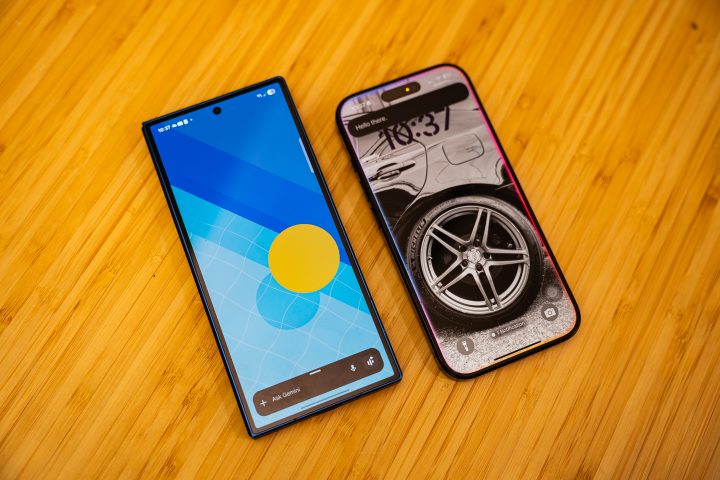
I’m sure everyone has their personal opinion about it, and if we start talking about Samsung and Apple devices, we really won’t get anywhere. Instead, let’s compare which one has a better AI assistant – Apple Intelligence or Galaxy AI. For reference, we’re using my iPhone 16 Pro, which currently runs on iOS 18.6, and our Samsung Galaxy Z Fold7, which runs on OneUI 8.
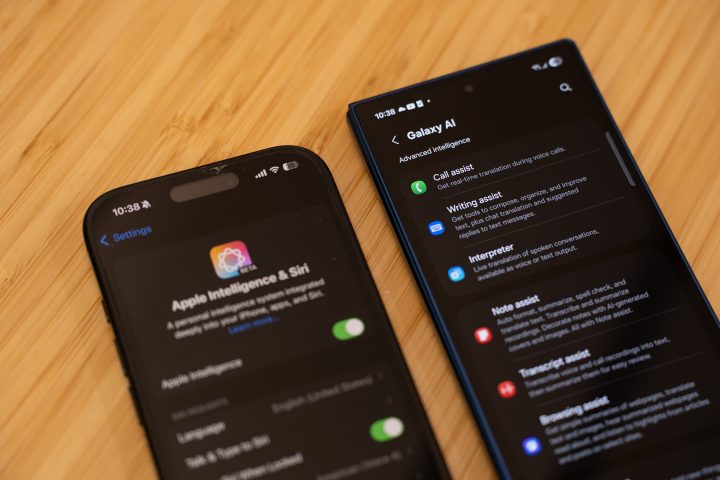
Before we compare each one, though, let’s briefly talk about Apple Intelligence and Galaxy AI.
Starting with Apple Intelligence, it was first introduced last year alongside the release of iOS 18. Since then, it has been gradually rolled out to later Pro-level Apple devices, but it still lacks some features. So far, you have Writing Tools, ChatGPT Integration, Image Wand/Image Playground, and Genmoji, to name a few.
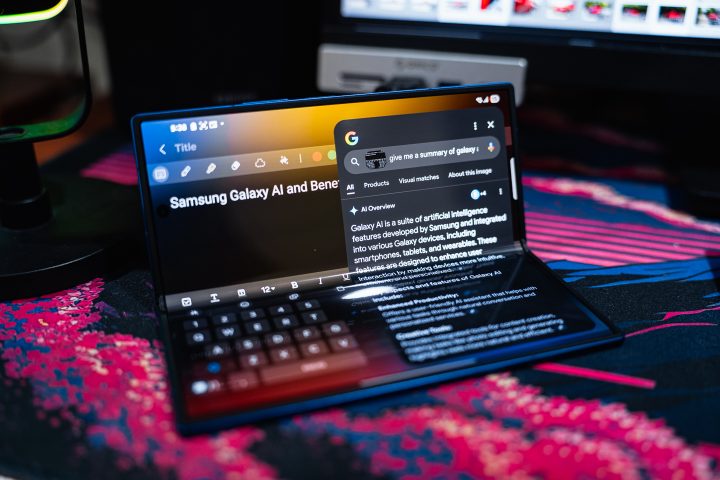
In comparison, Galaxy AI was also introduced in 2024, together with OneUI 7. It’s a more refined AI model, at least on paper, given what it’s capable of. Better yet, it’s also more accessible across Samsung’s entire ecosystem, not just limited to flagship devices.
With the introduction of OneUI 8, Galaxy AI now features even better integration with Gemini for a more seamless user experience. This is on top of features we’ve already loved on OneUI 7, including Call Assist, Note Assist, as well as Audio Eraser, and Generative Edit for photos and videos.
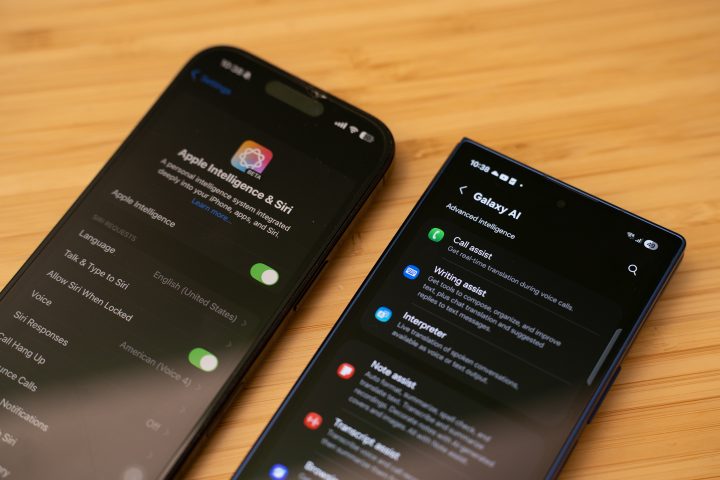
Of course, these are features on paper. It’s best to test them out too, and we’ll start with the feature most, if not all, people use the most – Photo Editing. Specifically, we’re talking about the phone’s AI Eraser for photos.
Samsung calls it Generative Edit, while Apple simply calls it “Clean Up” in the menu. They’re both simple to use. Tap or brush the thing that you want to remove in the photo, and it will disappear.
Both Galaxy AI and Apple Intelligence do a great job of cleaning up the image with AI. In fact, it’s hard to tell from the photo below that these have been edited by AI.
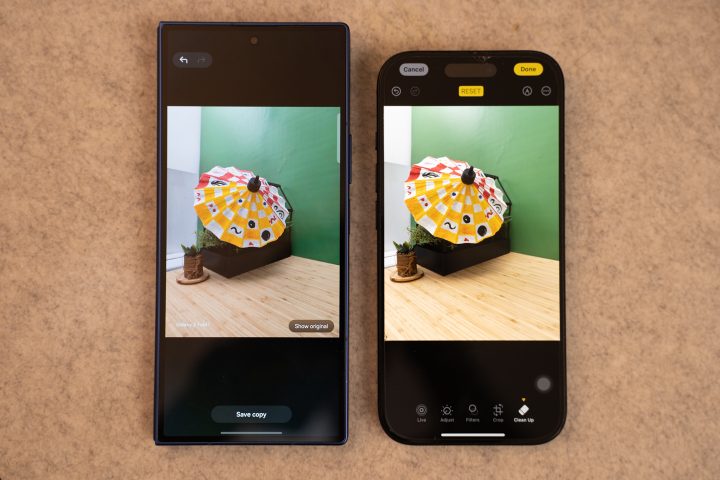
From our experience, Apple “erases” the object at a faster pace, but Samsung does a better job of cleaning it up. You could also select more than one object in one go, making the clean-up a lot easier with Galaxy AI. In comparison, you’ll have to manually brush and tap each object on Apple.
As such, it’s a bit harder to clean up crowds or multiple objects with Apple Intelligence. If you want to take a nice photo of a subject, but want to clean up the background in post, Galaxy AI does a better job.
But here’s where Galaxy AI takes the edge over Apple Intelligence – it can edit videos too. Specifically, Galaxy AI features Audio Eraser, wherein you can remove noise in the background of videos. This is especially useful when you’re shooting a vlog and don’t have a wireless microphone with you.
Using Audio Eraser on Galaxy, you can get rid of the background noise to put all the focus on your voice. It’s not 100 percent perfect, but if you speak loudly, it can easily distinguish between your voice and that of the crowd around you.
As of writing, there is no such thing as an Audio Eraser on Apple Intelligence just yet. Maybe when the next major iOS rolls out, Apple will offer something similar. Apple Intelligence can transcribe the video into text, but that’s something Galaxy AI can do as well with Transcript Assist.
Aside from removing unwanted objects or people in your photos, you might also be interested in something you’ve taken a photo of. In this case, Googling it isn’t going to work well, especially if you don’t know what the object is.
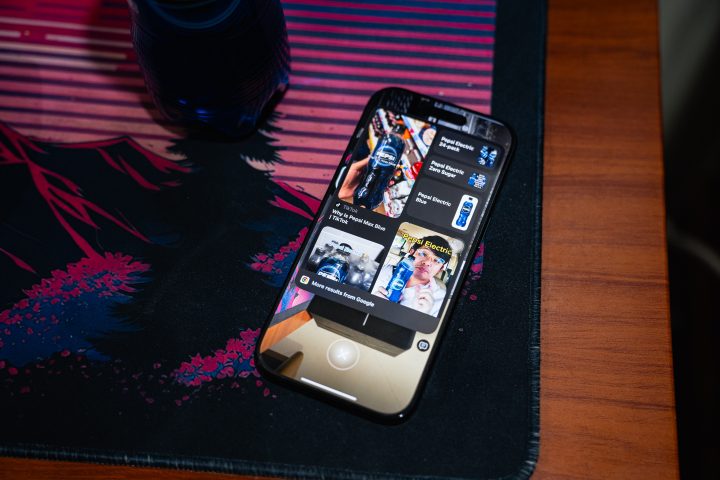
On Apple, you have Visual Look Up, which honestly doesn’t work that well. At the moment, it can only identify animals, food, and some plants. Anything else, and you’re better off using Visual Intelligence. However, that assumes that whatever it is you want to know more about is still in front of you, as it uses the camera to function.
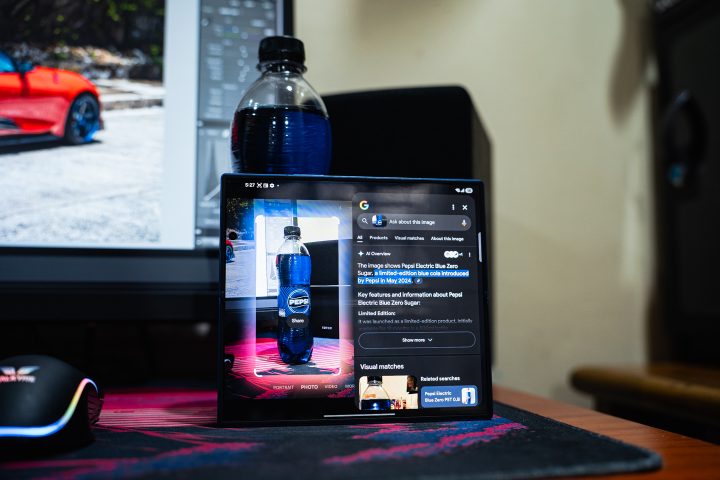
In comparison, Galaxy AI takes advantage of Gemini’s Circle to Search functionality. Simply draw a circle around whatever you want to know, and it will offer suggestions of what that item, food, or animal could be. You can also use the Circle to Search function while using the camera; no need to open Google Lens separately anymore.
When you need to get work done, both Apple Intelligence and Galaxy AI have productivity features to make life easier. There’s Apple Notes AI, which can help summarize and write your thoughts coherently. It’s similar to what Galaxy AI’s Writing Assist and Note Assist can do.
But what I really find useful for these AI functions is when I’m abroad or talking to someone who speaks a different language. Google Translate is cool and all, but what if you’re speaking to someone over the phone? It can’t help you now.
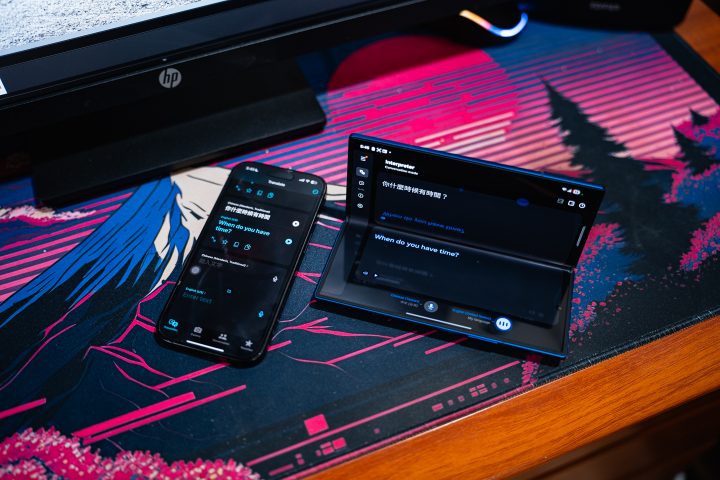
On an iPhone, you’ll either have to try your best to speak the language. Alternatively, you can pass the phone to someone else who speaks the language fluently.
Here’s where Galaxy AI’s Live Translate function comes in very handy. It offers real-time translations during phone calls, which helps break the language barrier. As someone who goes to Japan and talks to Chinese clients often, it’s a saving grace because I’m not exactly fluent in either language.
Apple does have plans to introduce a similar translation service with Siri, but it’s not out yet.
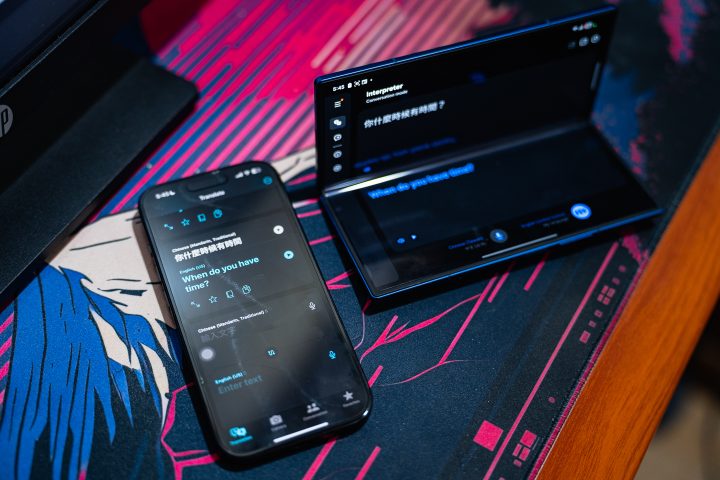
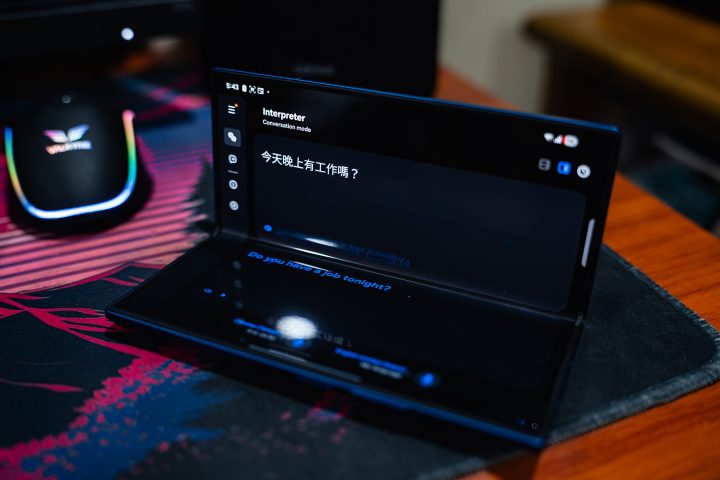
When not on the phone, Galaxy AI’s Interpreter function works a lot better too. It’s like actually having a conversation with the other person as opposed to waiting for them to talk to their phone. There’s also the bonus of having what you say come out on the cover screen to for the Galaxy Fold7.
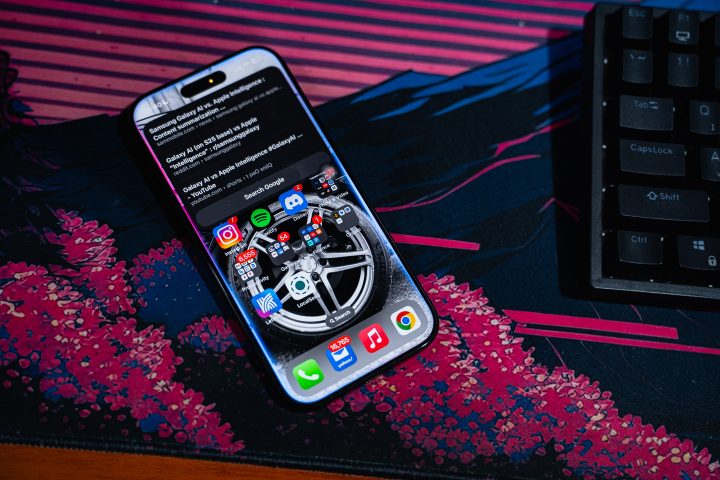
Seeing all of the functions available on Galaxy AI makes me jealous as an Apple user. Apple Intelligence has a lot of potential, but a lot of the features have not been rolled out yet. Worse yet, not everyone will be able to use Apple Intelligence even if their devices have been updated to iOS 18.
For reference, Apple Intelligence only works on the iPhone 15 Pro and Pro Max models, together with the current iPhone 16 lineup. It’s a similar story for the iPad. Anything that is running an A16 chip or older won’t get Apple Intelligence. With that, some people are left out even if their phones are just a few years old.
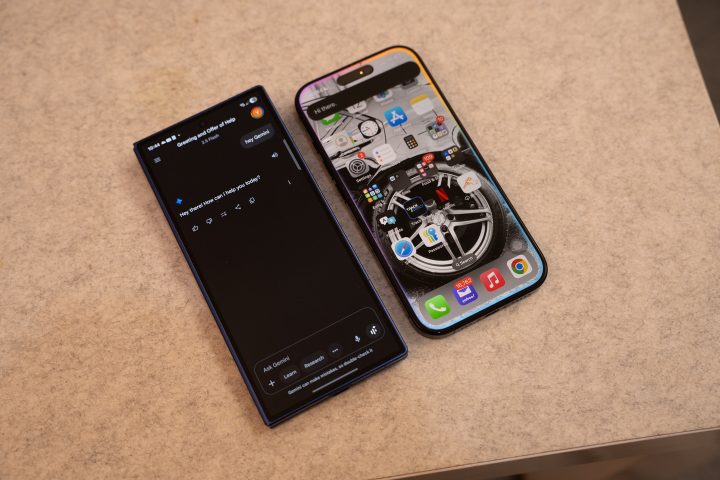
In comparison, Samsung’s Galaxy AI is available on a wider range of devices, from the Galaxy S22 series and even a few Galaxy A series models.
With everything said, there’s no doubt that Samsung Galaxy AI is the better AI assistant as compared to Apple Intelligence. The latter has promised a lot, but the features aren’t available yet. As for Galaxy AI, you can use everything already.


0 Comments
Leave a Reply