
Not every tablet needs to be powerful to make sense. For a lot of users, what matters more is having a bigger screen for watching videos, reading, or getting some work done without relying too much on a phone.
That’s where the Redmi Pad 2 9.7 comes in.

It doesn’t try to position itself as a productivity powerhouse or a gaming device. Instead, it focuses on delivering a straightforward experience built around media consumption and everyday use. On paper, it brings a high refresh rate display, a modest Snapdragon chipset, and a large battery. But as always, the real question is how all of that translates to actual usage.
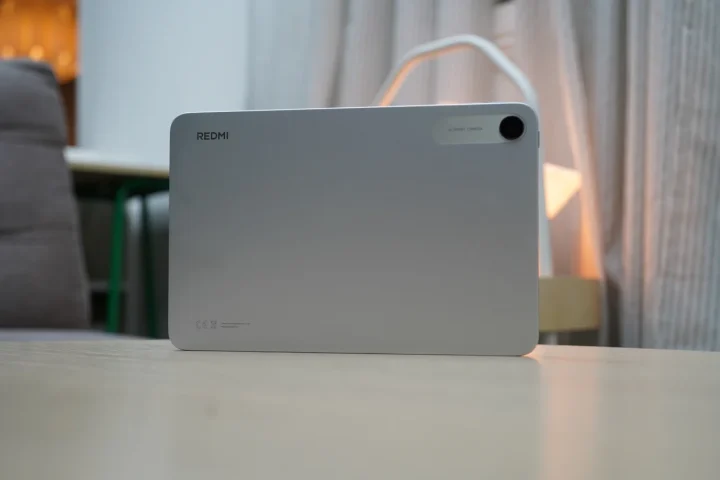
Design and Construction
The Redmi Pad 2 9.7 keeps things simple, and in this case, that approach works well for the kind of device it is.
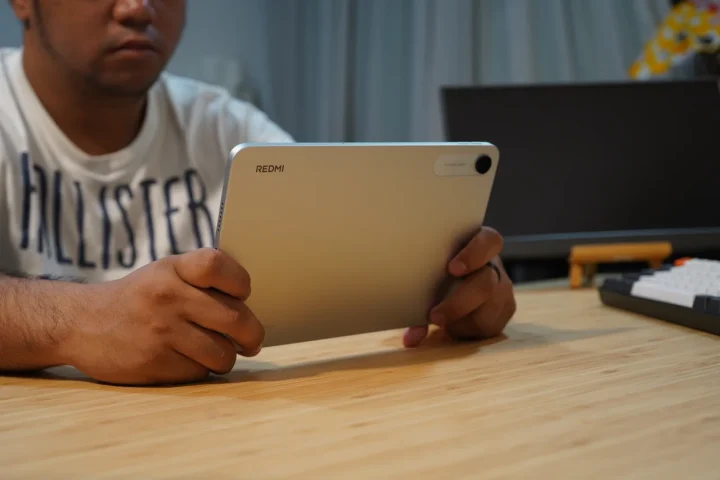
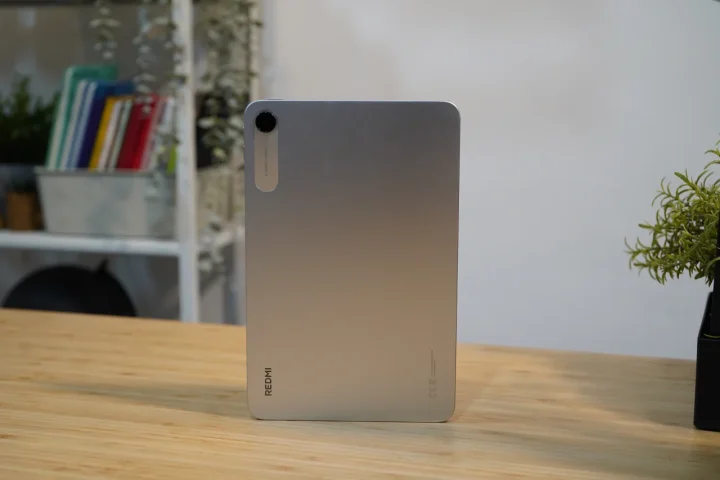
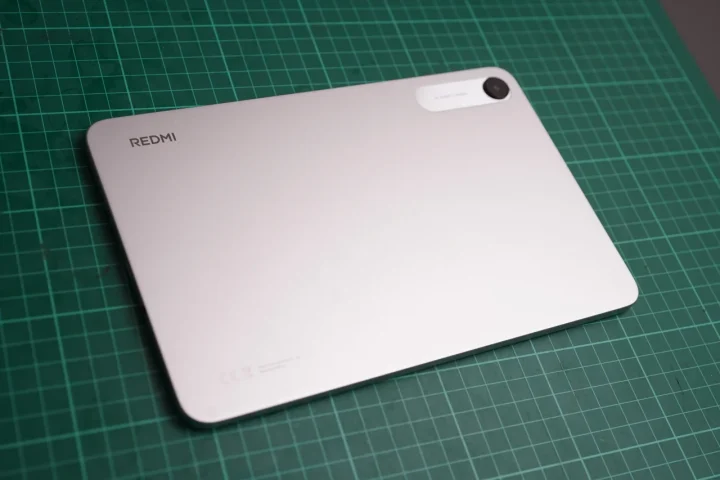
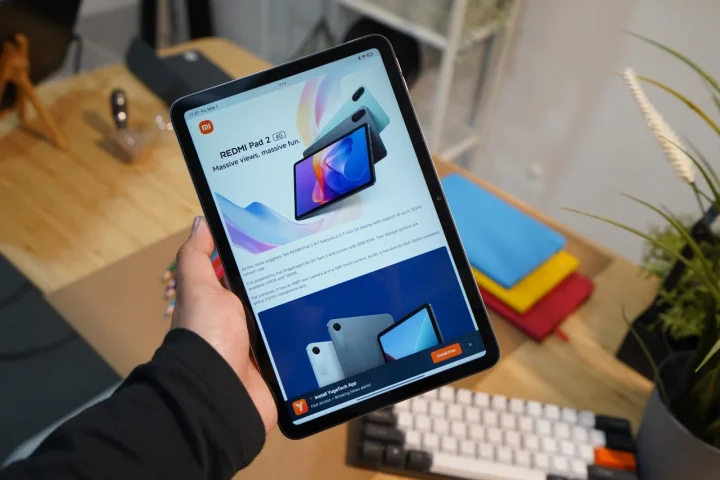
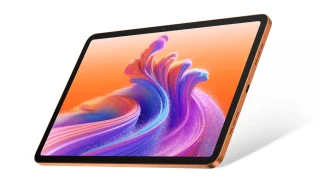
It follows a clean and minimal design, with a straightforward look that doesn’t try too hard to stand out. The unit we have is in the silver colorway, and it gives the tablet a neat and neutral appearance that fits both casual and school or work environments. The back is made of aluminum, which adds a bit of rigidity and helps the device feel more solid in hand, while the Redmi branding and single rear camera setup are kept subtle.
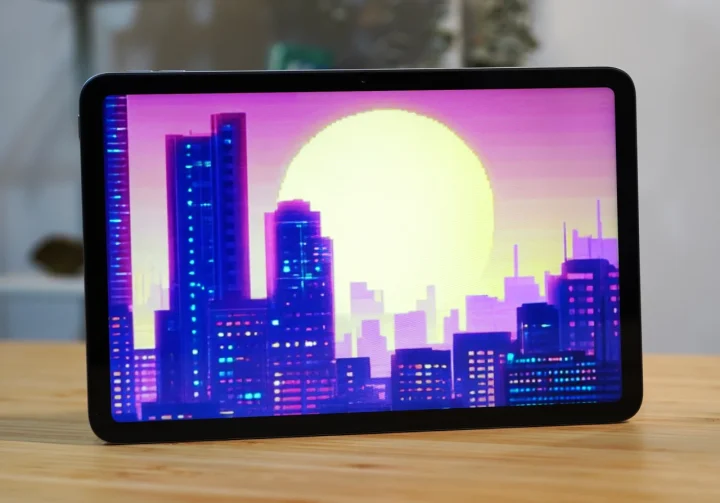
Up front, you’re getting the 9.7-inch display covered in glass, although the exact type isn’t specified. The front camera is positioned for landscape use, which makes more sense for video calls and meetings.
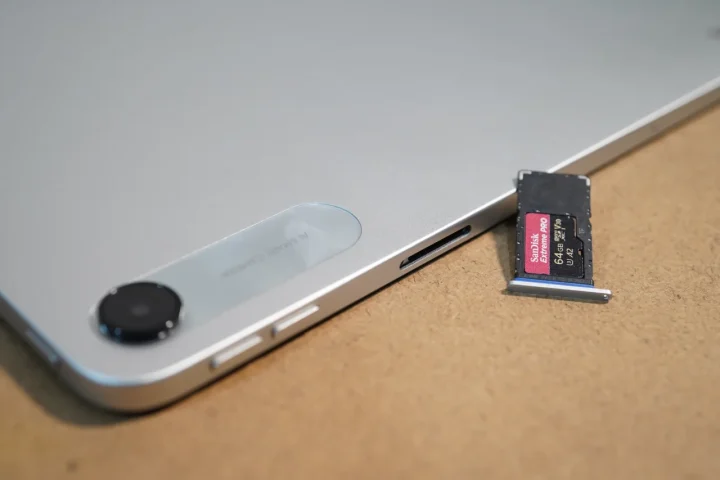
Looking at the layout while holding the device in portrait orientation, the right side houses the volume buttons, SIM tray, and a microphone.
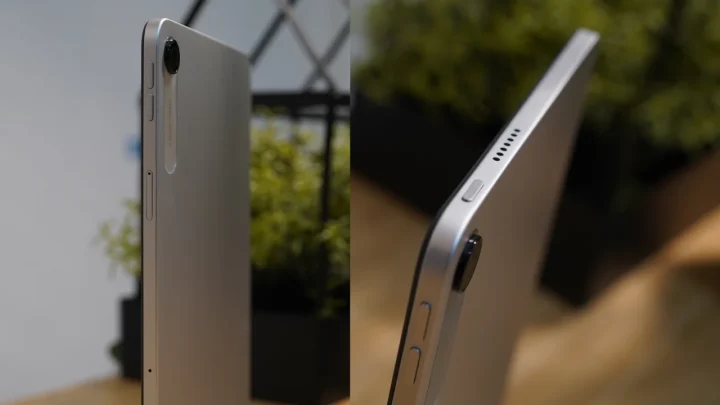
The tray also supports microSD expansion, which is useful if you plan to store more media or files on the device.
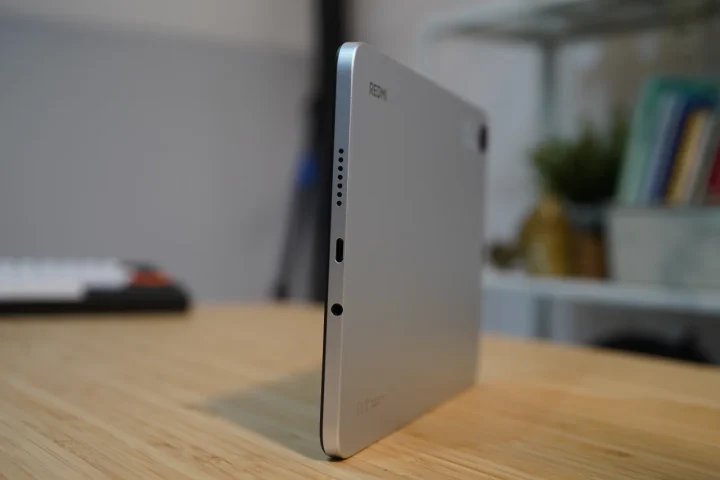
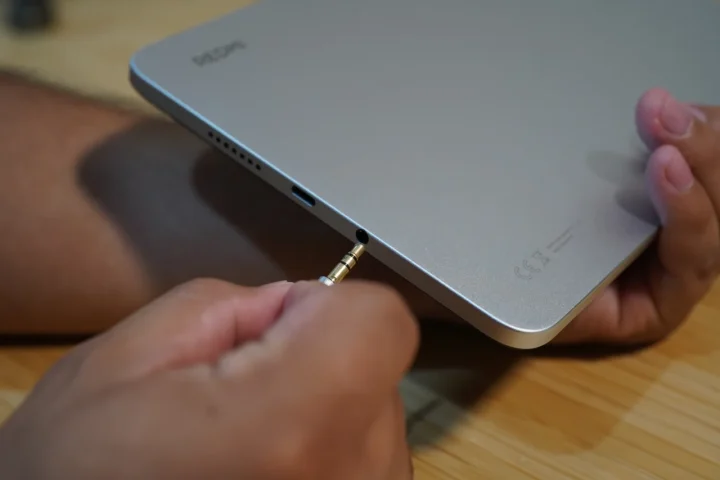
The top has the power button along with a speaker grille, while the bottom includes another speaker grille, the USB-C port, and the 3.5mm headphone jack.
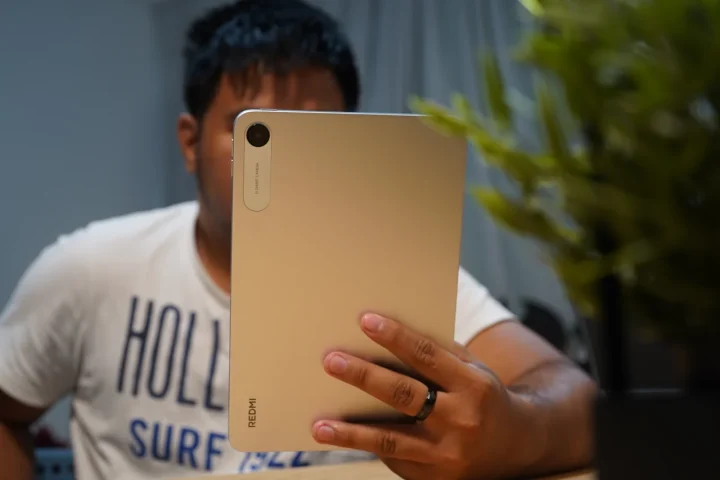
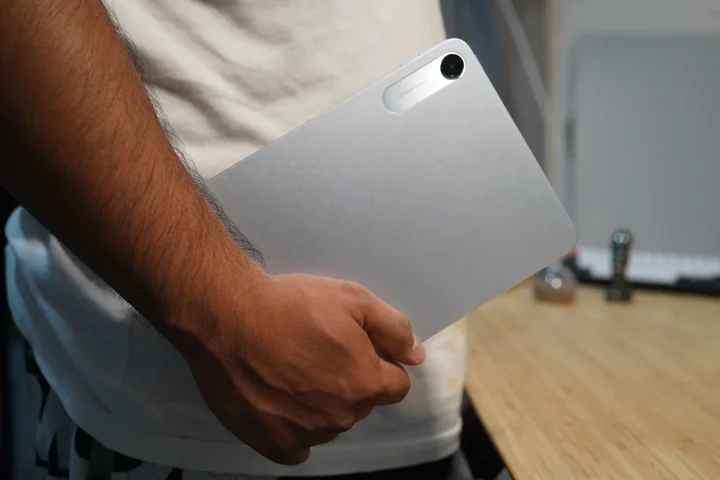
What stands out more in actual use is the size. The tablet is compact enough that I can comfortably hold it with one hand, which isn’t always the case with larger tablets. For reading, scrolling, or watching videos, that added convenience makes it easier to use for longer periods.
Display, Multimedia and Biometrics
The display is easily one of the stronger aspects of this tablet.
You’re getting a 9.7-inch panel with a 120Hz refresh rate IPS panel, and while that might sound like a premium feature, here it mainly improves the overall feel of the device. Scrolling, navigating through menus, and general interactions feel smoother with options between 60Hz, 90Hz and up to 120Hz compared to standard 60Hz displays, although the performance doesn’t always fully take advantage of it.
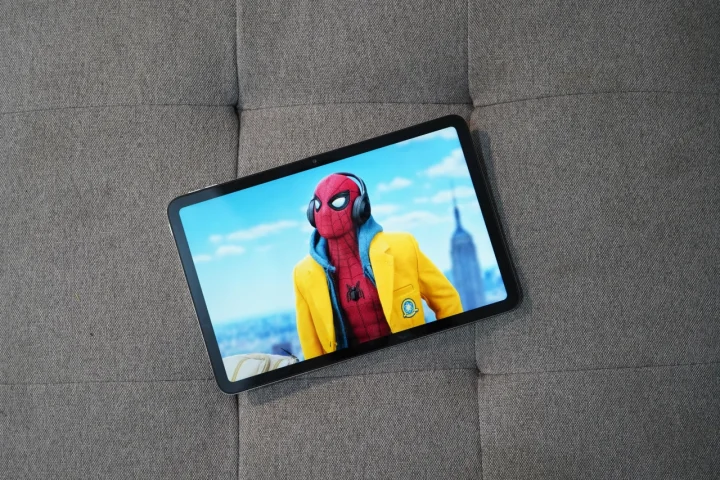
Colors are fairly accurate, and the screen offers a typical brightness of 500 nits, which is good enough for indoor use. It stays comfortable for watching videos or reading for long periods, but under direct sunlight, visibility can still be a bit challenging.
For media consumption, the tablet does what it’s meant to do. The screen size and aspect ratio make it suitable for streaming, browsing, and reading, giving you that larger viewing experience compared to a phone.
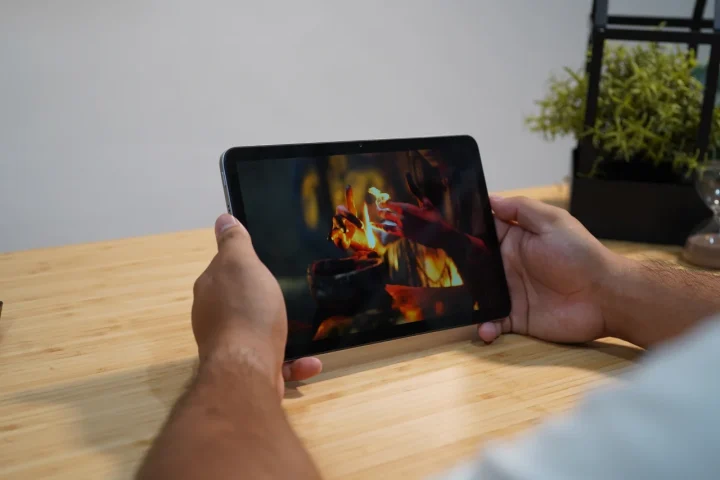
Audio performance is decent. The stereo speakers can get quite loud, which is useful for casual listening or watching videos without headphones. However, the sound lacks depth and bass, so it doesn’t feel as full or immersive.
The inclusion of a 3.5mm headphone jack is a practical addition, especially if you frequently watch content in public or prefer using wired earphones.
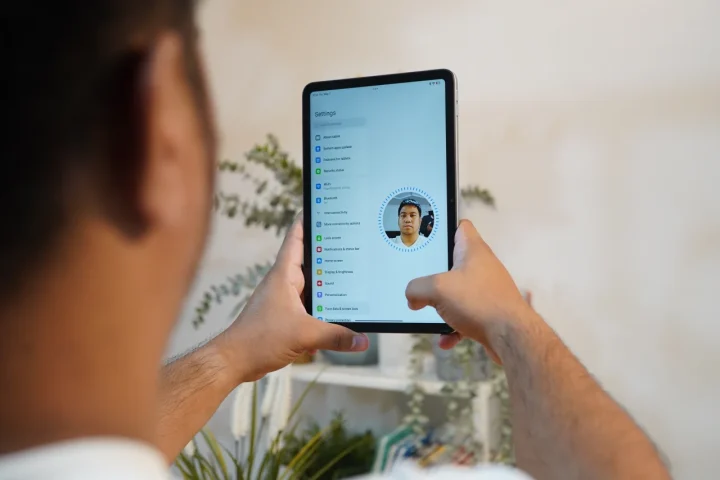
For biometrics, the tablet only offers face unlock. It works as expected for basic unlocking, but since it relies on the front camera, it’s more of a convenience feature rather than a secure authentication method.
Performance and Benchmarks
This is where the Redmi Pad 2 9.7 starts to show its limits.
The Redmi Pad 2 9.7 is powered by the Snapdragon 6s Gen 2, built on a 6nm process, paired with 4GB of RAM. In day-to-day use, the device is capable of handling basic tasks such as social media, streaming, reading, and light productivity without major issues.
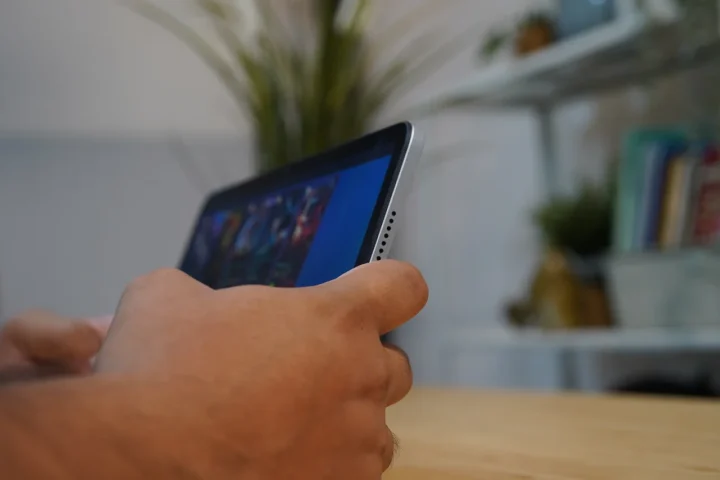
However, the overall experience isn’t the smoothest. There are moments where navigating through the interface feels a bit rough, with slight stutters in animations and delays when opening apps. It remains usable and can get the job done, but the limits of the hardware can be felt even in simple interactions.
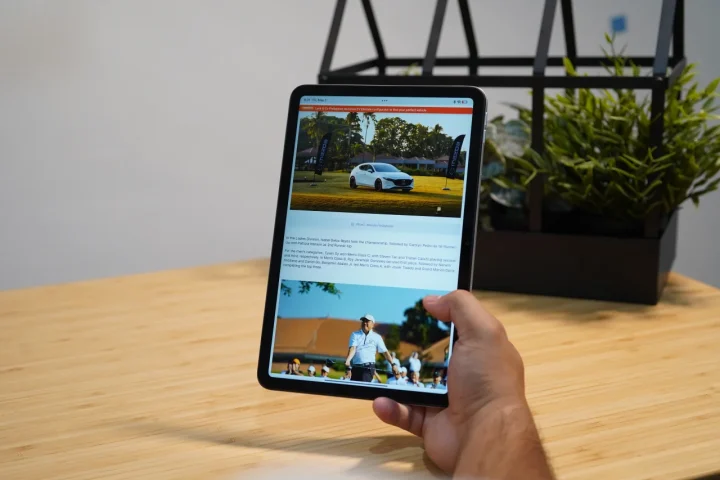
The 4GB of RAM is also one of the more noticeable constraints here. At this point, it feels like the minimum is starting to fall behind, as it struggles to keep apps in memory consistently. Switching between apps isn’t always seamless, and in some cases, apps reload more often than expected, which affects the overall fluidity of the experience.
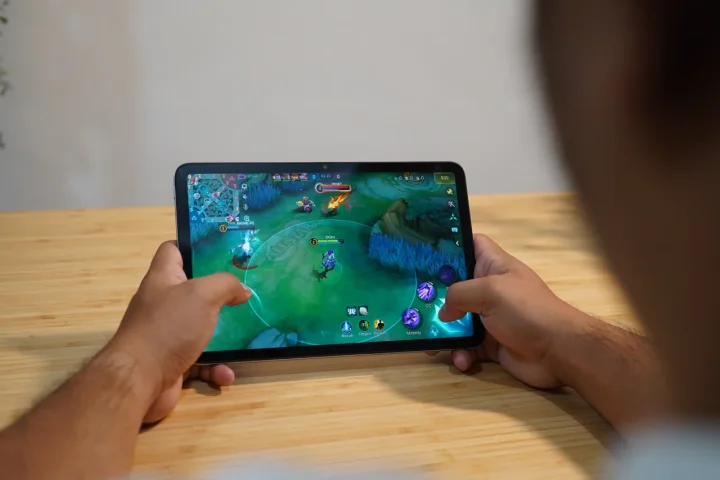
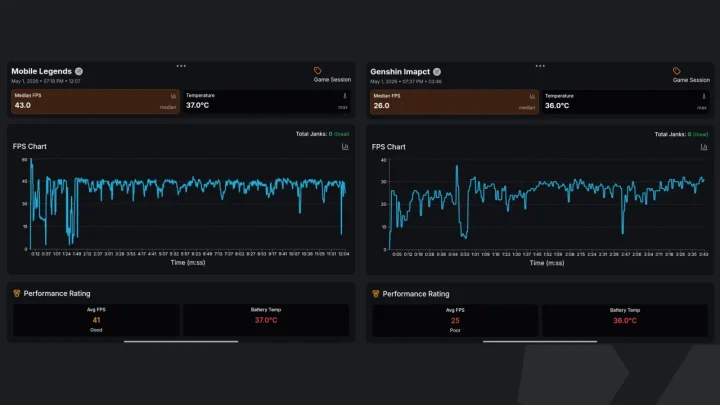
For gaming, lighter titles like Mobile Legends run without much issue, making it suitable for casual play. However, once you move to more demanding games, expectations need to be managed. The chipset is not designed for heavy workloads, so you’ll need to lower settings, and even then, performance can be inconsistent in more intensive scenarios.
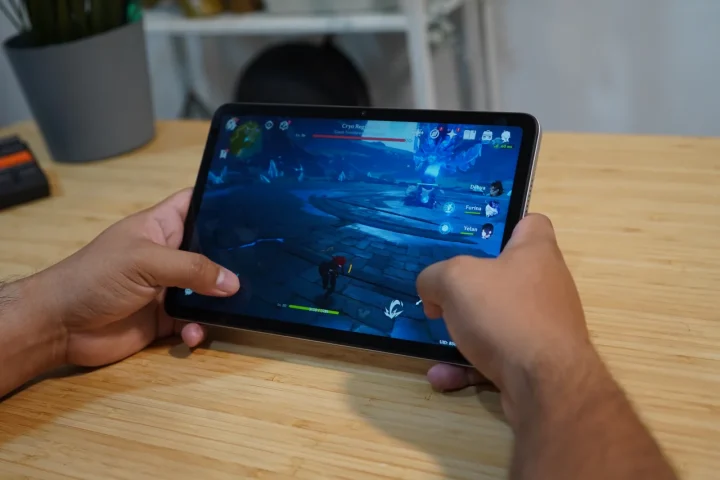
For reference, Mobile Legends ran at around 43 FPS on medium graphics, while Genshin Impact averaged 26 FPS on low graphics during our tests through GameBench.
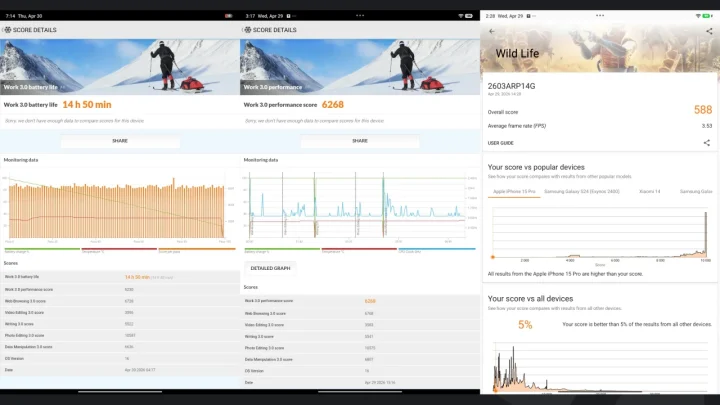
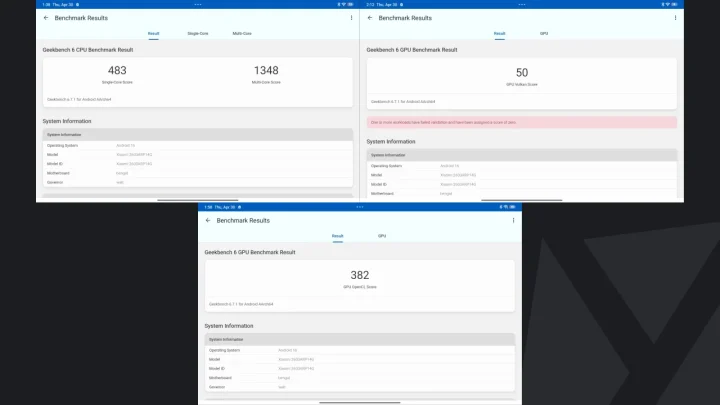
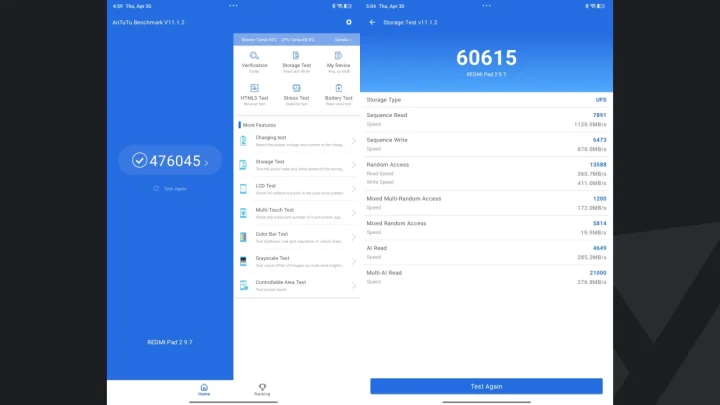
In terms of benchmarks, the device recorded an AnTuTu V11 score of 476,045, with an AnTuTu storage score of 60,615. Sequential read and write speeds reached 1,120.9 MB/s and 870.0 MB/s, respectively. Geekbench 6 results came in at 483 for single-core and 1,348 for multi-core, while GPU scores were 382 for OpenCL and 50 for Vulkan. In 3DMark Wild Life, it scored 588 with an average of 3.53 FPS, and in PCMark Work 3.0, it posted a performance score of 6,268.
| Performance Benchmarks | REDMI Pad 2 9.7 |
|---|---|
| Chipset | Qualcomm Snapdragon 6s 4G Gen 2 (6nm) |
| AnTuTu V11 | 476,045 |
| AnTuTu Storage | 60,615 |
| S.Read Speed | 1,120.9 MB/s |
| S.Write Speed | 870.0 MB/s |
| 3DMark Wild Life | 588 | Avg. FPS: 3.53 |
| Geekbench 6 CPU Single-Core | 483 |
| Geekbench 6 CPU Multi-Core | 1348 |
| Geekbench 6 GPU OpenCL | 382 |
| Geekbench 6 GPU Vulkan | 50 |
| PCMark Work 3.0 performance | 6,268 |
| PCMark Work 3.0 battery life | 14 hrs & 50 mins |
| Video loop test | 16 hrs & 20 mins |
| 0%-100% Charging speed test | 2 hours 39 minutes |
Cameras
Cameras on tablets are usually more about convenience, and that’s exactly what you get here.
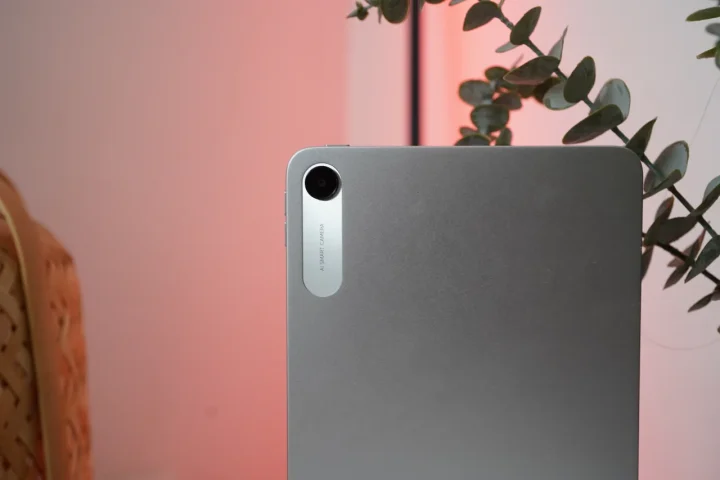
The Redmi Pad 2 9.7 comes with an 8MP rear camera and a 5MP front camera, both supporting up to 1080p video recording at 30 frames per second.
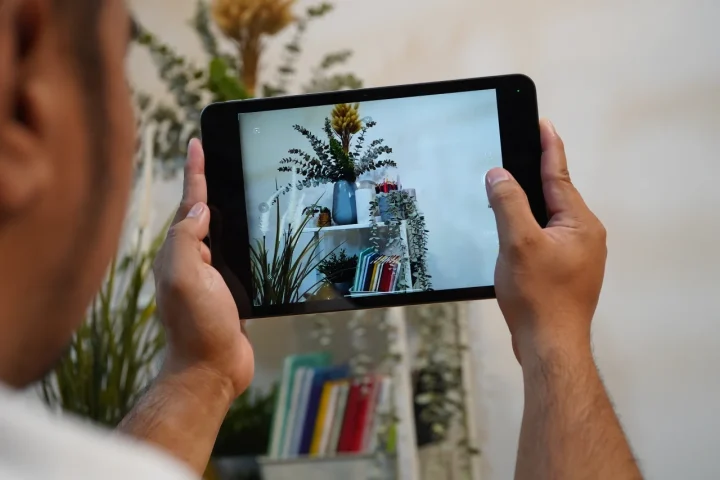
In good lighting, the rear camera produces usable shots with decent sharpness, although there’s already some visible noise. It’s fine for quick snaps or scanning documents, but not something you’d rely on beyond that.
REDMI Pad 2 9.7 Sample Photos
May 1 – 2


Low-light performance drops significantly, with noise becoming more pronounced on both the rear and front cameras. Again, this isn’t surprising given the category.
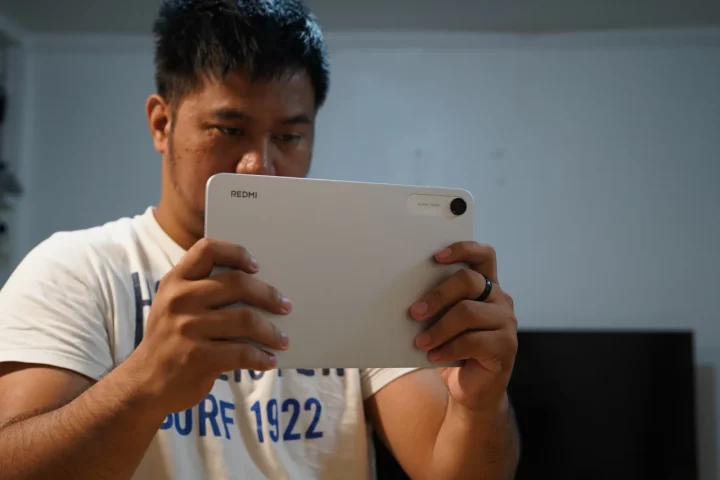
For video, both the front and rear cameras support recording at up to 1080p at 30 frames per second.
In low-light conditions, video quality is still fairly decent, although there is noticeable noise present on both the front and rear cameras.
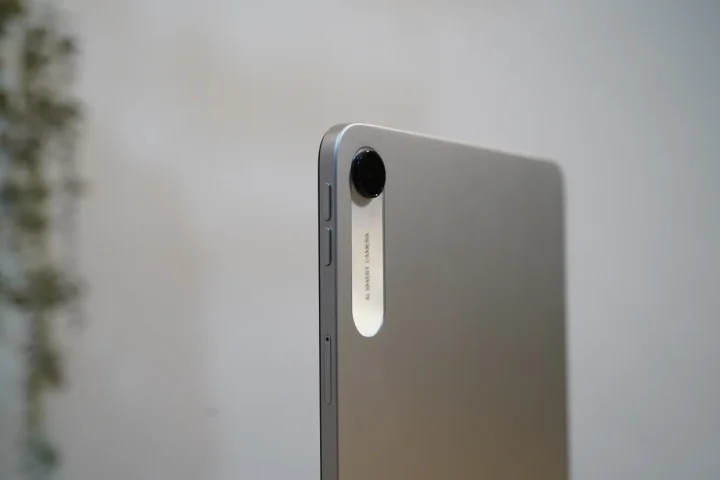
In environments with good lighting, video quality improves with better clarity and more stable results. Here’s a sample video.
What I do like is the placement of the front camera. It’s positioned on the horizontal side, similar to a laptop, which makes a big difference during video calls.
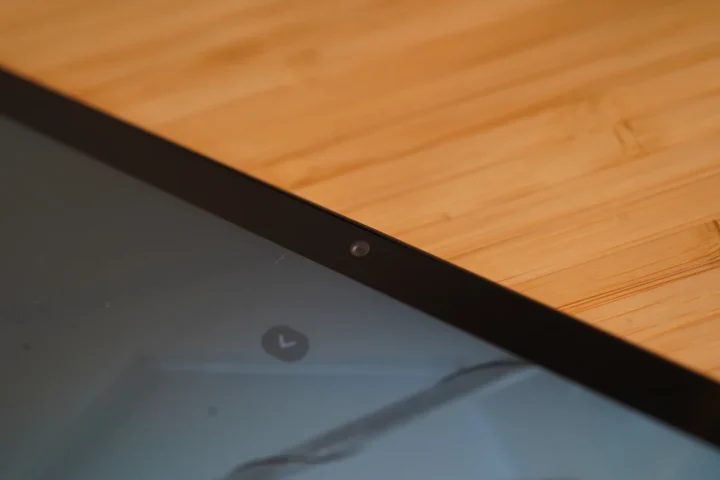
Framing feels more natural, especially for meetings or online classes, and it’s one of those small details that improves the overall experience.
OS, Apps, and UI
The Redmi Pad 2 9.7 runs on Xiaomi HyperOS 3 based on Android 16.
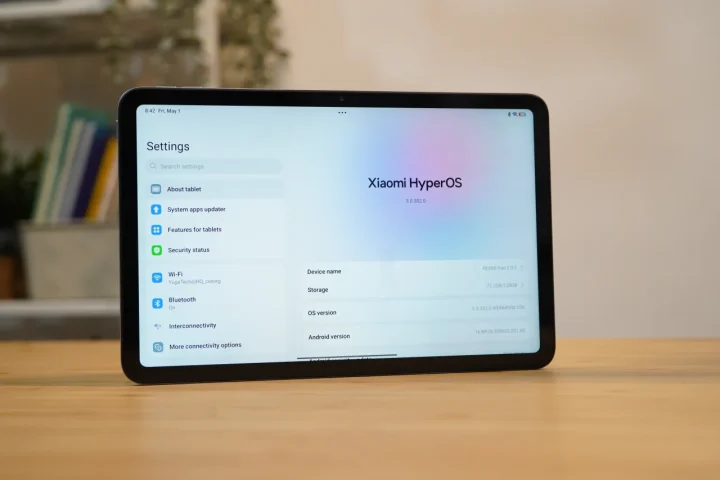
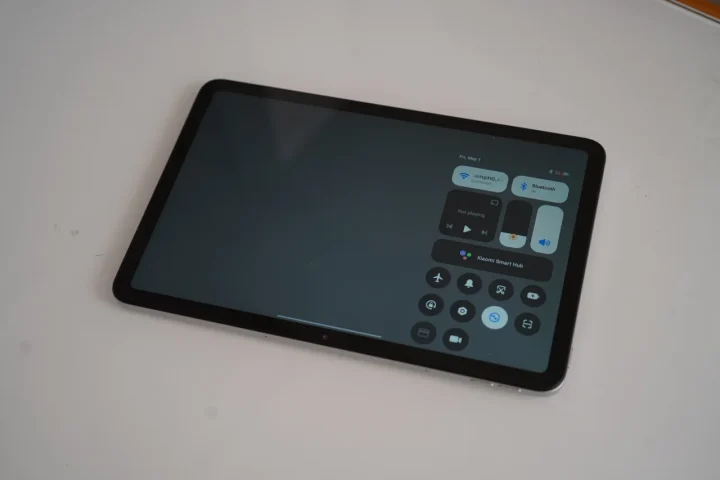
In terms of software experience, it follows what we’ve come to expect from Xiaomi devices. Since this is HyperOS, it comes with a number of pre-installed apps out of the box, along with some ads present in certain system apps. It’s not overly aggressive, but it’s still noticeable and part of the overall experience.
Despite that, the interface itself remains mostly clean and simple. Navigation is straightforward, and the layout is easy to get used to, especially for users already familiar with Xiaomi’s ecosystem. For everyday use like browsing, streaming, and studying, the software does its job without getting in the way too much.
Xiaomi also hasn’t specified how long this device will receive major Android updates or security patches, which is something to keep in mind if long-term software support is a priority.
Battery and Connectivity
Battery life is one of the more reliable aspects of the Redmi Pad 2 9.7.
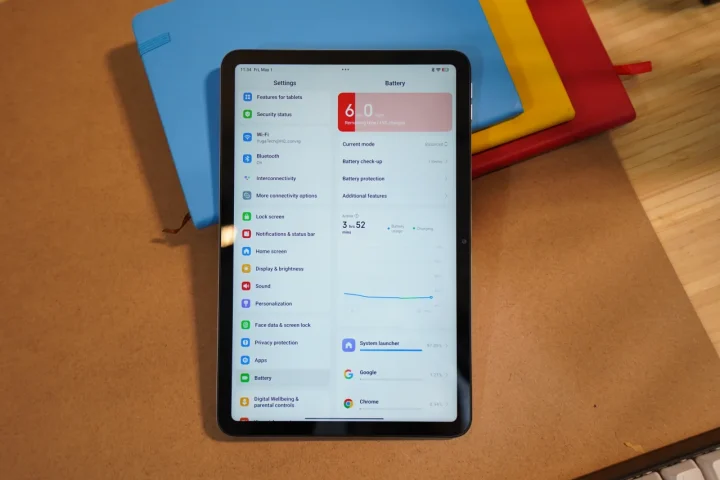
With its 7,600mAh battery and relatively efficient chipset, it can easily last a full day with light usage. That includes browsing, watching videos, reading, or attending online classes. It’s the kind of device you don’t constantly worry about charging, which is exactly what you want from a tablet like this.
In our tests, it managed 14 hours and 50 minutes on PCMark’s battery test, and around 16 hours and 20 minutes on our video loop test, which reinforces that real-world endurance.
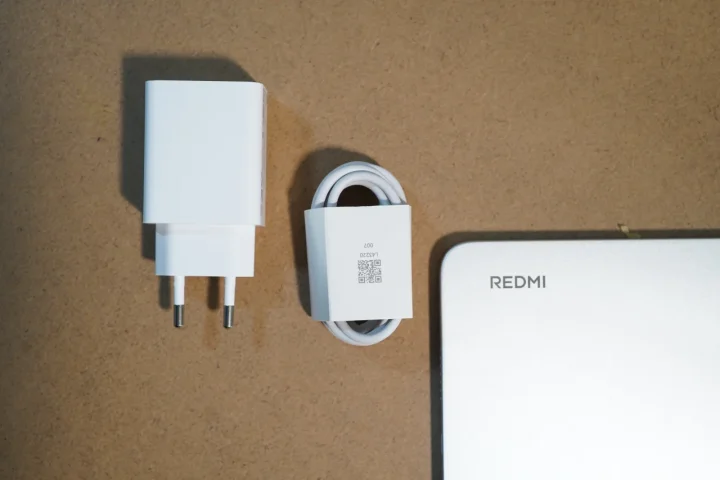
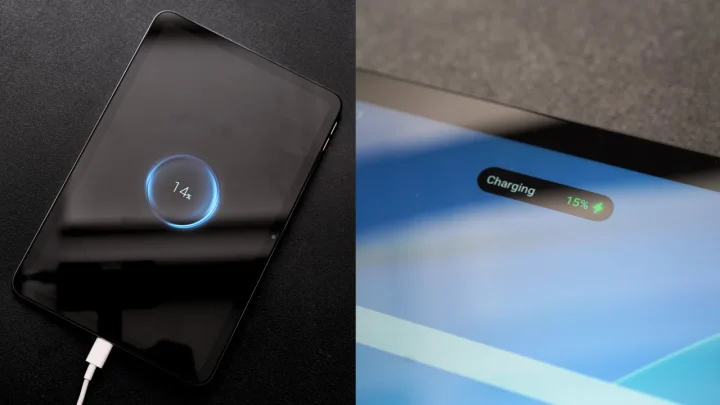
The tablet comes with a 15W charger out of the box, and while it gets the job done, charging isn’t particularly fast considering the size of the battery. It can take some time to fully top up the device, which is something to keep in mind if you’re in a hurry.
In our charging test, the device went from 0 to 100% in 2 hours 39 minutes. Charging isn’t particularly fast, but it’s consistent and predictable, which fits the overall nature of the device.
If you opt for the 4G variant, it adds a layer of flexibility to the overall experience. Being able to stay connected without relying on Wi-Fi makes it much more convenient for working or studying on the go, especially in situations where a stable connection isn’t always available. It’s one of those features you may not use all the time, but when you do, it makes a noticeable difference.
Pricing and Availability
The Redmi Pad 2 9.7 is priced at PHP 7,999 for the 4GB + 64GB Wi-Fi variant, while the 4G version with the same configuration is priced at PHP 8,999.
It is available through online platforms such as TikTok Shop TikTok Shop →, Shopee Shopee →, and Lazada Lazada →.
Conclusion
After spending time with the Redmi Pad 2 9.7, it’s clear that this is a device built around everyday convenience. It’s the kind of tablet you pick up for watching videos, reading, or getting through school tasks without needing something too powerful or complicated.
The display is enjoyable for media, battery life is reliable enough to last through a full day, and features like the headphone jack and 4G connectivity make it more practical in real-world use.
At the same time, it’s not without its compromises. Performance can feel a bit inconsistent at times, and the 4GB RAM does limit how smooth the overall experience can be, especially when multitasking.
Still, if your usage leans more toward casual and routine tasks rather than demanding workloads, the Redmi Pad 2 9.7 ends up being a sensible option. It’s easy to use, easy to carry, and gets the basics done without much fuss, which, for a lot of users, is really what matters most.
What we LIKED:
- Headphone jack
- Cellular (4G) option
- Compact tablet size
- Large battery
- Solid build quality
What we Liked LESS:
- Performance
- 4GB RAM limitation
- Presence of bloatware
REDMI Pad 2 9.7 4G specs:
9.7-inch 2K (2048 x 1280) display, 120Hz refresh rate, 16:10 aspect ratio, 500 nits typical brightness
Qualcomm Snapdragon 6s 4G Gen 2 (6nm)
Adreno 610
4GB RAM + 64GB storage
4GB RAM + 128GB storage
Expandable via microSD
8MP Rear Camera
5MP Front Camera
Up to 1080p at 30fps
Stereo speakers, Hi-Res audio support, 3.5mm headphone jack
Wi-Fi (2.4GHz / 5GHz), Bluetooth 5.0
4G LTE (select variant)
USB Type-C
Xiaomi HyperOS 3 (based on Android 16)
7,600mAh
18W supported, 15W charger included
Face unlock
7.4mm thickness
Around 401g
Silver, Graphite Gray


Hi,
I’ve been contemplating to buy it for some time now. I’d just like to know if there’s a substantial improvement on its wifi capacity. As the SE 8.7 seems to have difficulty in capturing WIFI signals in farther distances. I would like to know if it has a longer range in keeping the wifi connection stable and connected.