

Ultra-wide monitors have been here for a while and are no longer a niche. Gamers, content creators, and productivity pros are now looking for displays that offer not only more screen space, but also an immersive experience with great visuals.
– Enter the Samsung Odyssey G9 (G91F).

A 49-inch Dual QHD 144Hz curved gaming monitor, that promises to deliver all that with a professional design, and screen real estate that replaces two 27” QHD monitors.
But how well does it perform in the real world? Read on to find out.
Design and Build Quality
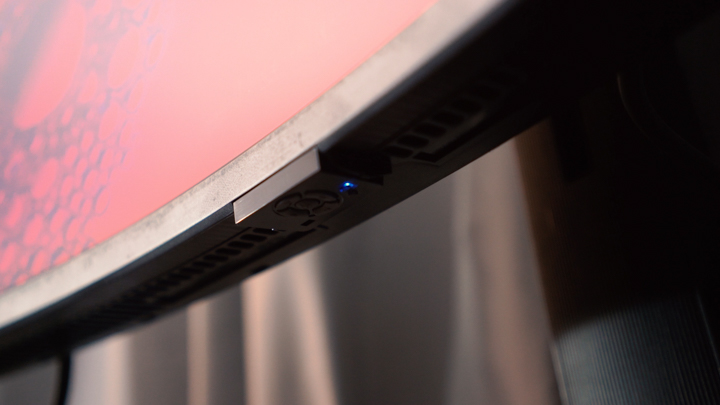
Samsung doesn’t hold back when it comes to futuristic aesthetics, and the Odyssey G9 is a clear example.
With its ultra-wide 32:9 aspect ratio, the monitor wraps around your field of vision thanks to its aggressive 1000R curve which is said to match the natural curve of our eyes.
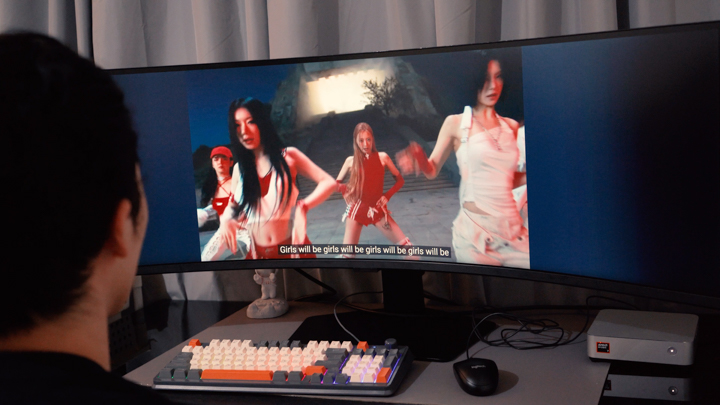
Clad in plastic black panels it gives the monitor a seemingly professional vibe despite its gamer-esque features. That said, it’s a large and heavy display, so make sure you’ve got the desk space to accommodate its massive stand and 49-inch width.
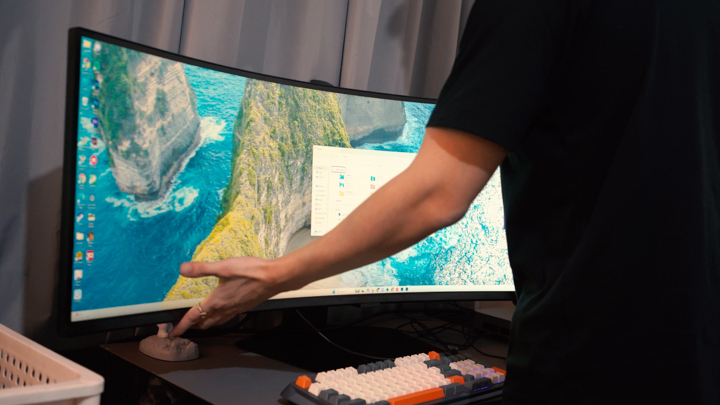
The stand itself is surprisingly versatile, offering height, tilt, and swivel adjustments, with VESA mount compatibility if you prefer a clean wall or arm setup. So, if you’re looking to make a visual statement with your workspace or gaming battlestation, the Odyssey G9 absolutely does that.
Display and Multimedia
For its actual display, the Odyssey G9 features a 49” VA panel with a 5120×1440 DQHD (Dual Quad HD) resolution, which again essentially gives us two 27-inch 2K displays side by side without a bezel in between.
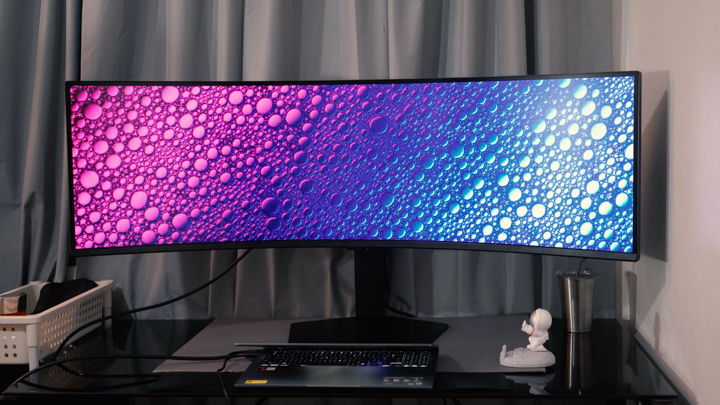
The image quality is impressive, it covers 95% of the DCI-P3 color gamut, and while it’s not an IPS nor OLED panel, contrast is where the VA panel shines. We get surprisingly deep blacks (for an VA panel) and punchy highlights which work well in both dark rooms and bright lighting conditions.
Peak brightness sits around 600 nits with native support for HDR10 content (which we can set in Window’s display settings,) although it’s not a true HDR powerhouse like some Mini LED or OLED monitors.

What it is perfect for are immersive experiences. Whether you’re gaming, editing videos on a massive timeline, or watching ultra-widescreen movies, it’s an absolute visual treat.
For multitaskers, it’s worth noting the monitor supports Picture-by-Picture (PBP) and Picture-in-Picture (PIP) modes, which allow us to view two inputs at once which can be ideal for streamers, editors, and web developers.
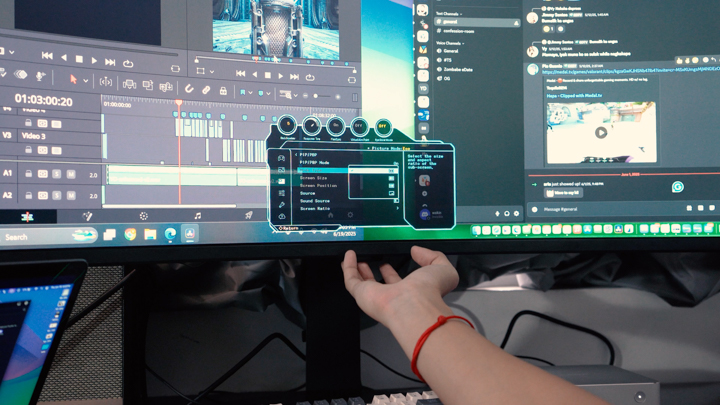
With its 144Hz refresh rate and support for 1ms response time (MPRT), it’s tuned for fast-paced, high-refresh-rate gaming.
Competitive titles like CS:GO and Warzone benefit immensely from the ultra-smooth performance and super-wide FOV. Unfortunately Valorant does not support ultrawide resolutions, so running that will give us cropped sides when playing. Another great option for a monitor like this would be for sim-racers.
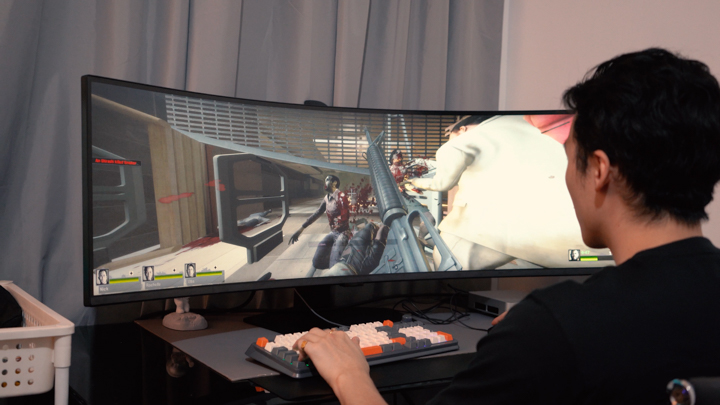
It’s also AMD FreeSync Premium Pro, so we get tear-free gameplay for Radeon GPUs, unfortunately no G-sync certification but it really isn’t the biggest deal.
Input lag is minimal, and motion handling is among the best we can get on a VA panel. It may not beat OLED in response clarity, but for its class, it’s still among the top performers.
Connectivity
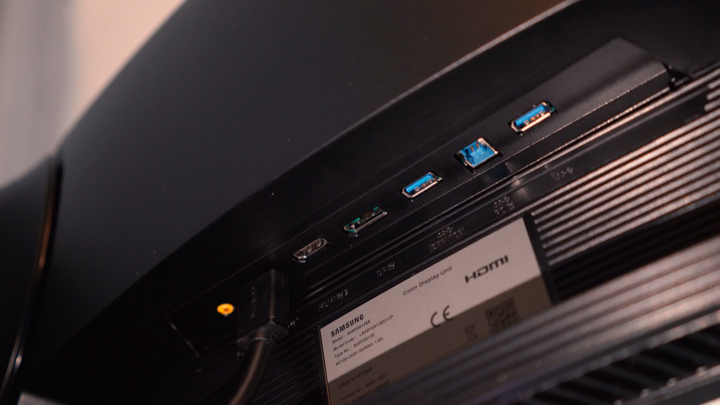
For ports, the G9 keeps things versatile.
We get 1x DisplayPort 1.4 (necessary for full resolution and refresh,) 2x HDMI 2.1 (limited to 60–120Hz at full resolution,) 2x USB A 3.2 Gen 1 downstream ports, 1x USB Type-B upstream, and a 3.5mm Headphone jack for plugging in headphones or speakers directly to the monitor.
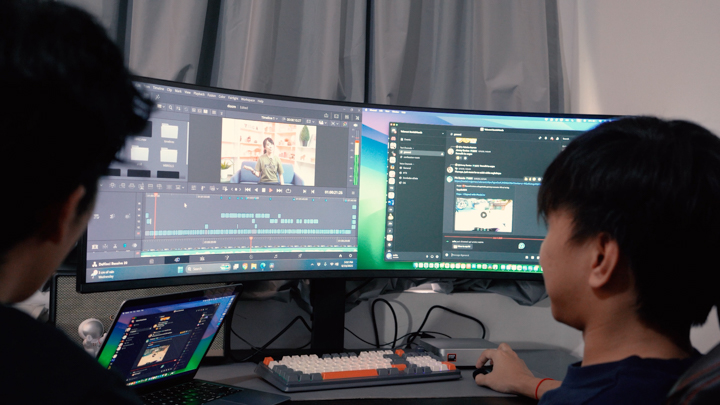
There’s no USB-C with Power Delivery on this model, which might be a downside for MacBook users or those relying on a single-cable desk setup. But for PC gamers, it’s still well-equipped to handle multiple inputs.
Final Thoughts: Is the Odyssey G9 G91F Worth It?
The Samsung Odyssey G9 (G91F) is not a monitor for the faint of heart. It demands desk space, GPU horsepower, and a sizable investment. But if you’re someone who wants the most immersive display for gaming, multitasking, or media consumption, it absolutely delivers.
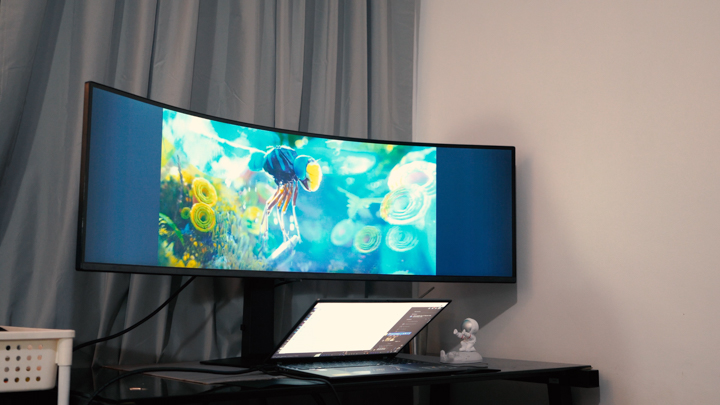
Its combination of high refresh and 1000R curved ultra-wide screen immersion make it one of the most unique monitors anyone can buy today. If you can live without USB-C or true HDR1000 performance, the G91F is a stunning centerpiece that will elevate your entire setup.
For pricing, the Samsung Odyssey G9 (G91F) gets an official retail price of PHP 65,999 and is currently on sale for PHP 56,099.15 from Samsung directly. Links in the description box.
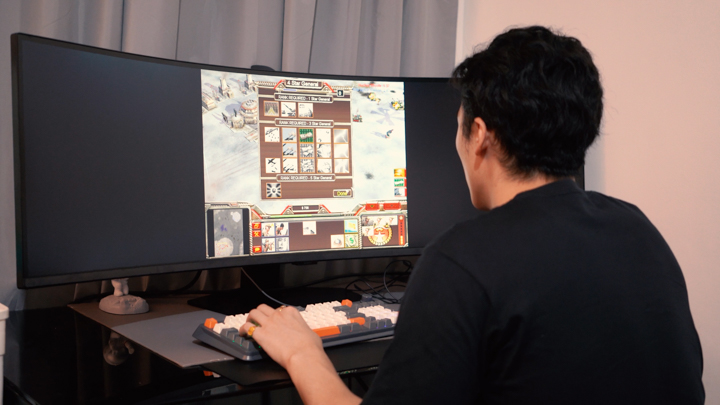
So, what do you guys think of the Odyssey G9 (G91F), is this your dream monitor?
What we LIKED:
- Massive 49” DQHD screen with immersive 1000R curve
- Smooth 144Hz refresh rate with FreeSync
- Great multitasking and productivity features (PBP/PIP)
What we Liked LESS:
- No USB-C or Thunderbolt support
- Very large footprint (requires long desk)
- Built-in HDR is decent, not amazing
- VA panel not as color-accurate as IPS or OLED
Samsung Odyssey G9 G91F specs:
• 49-inch VA panel
• 5120 x 1440 resolution (DQHD)
• 144Hz refresh rate
• 1000R curvature
• HDR10 support
• 95% DCI-P3 color gamut
• 1ms MPRT
• 1 x DisplayPort 1.4
• 2 x HDMI 2.0
• 2 x USB 3.0
• Headphone out
• VESA mount compatible
• Dimensions: 1147.6 x 537.2 x 416.4 mm (with stand)
• Weight: 14.6 kg





0 Comments
Leave a Reply