
If you are familiar with Maslow’s Hierarchy of Needs, you know that security is one of the basic needs that we humans must have to attain. And that goes both ways with our devices. They need to be protected at all times, which is why we have a lot of options to secure our smartphones —from the good old PIN and pattern, to the more advanced in-display fingerprint scanner.
However, this begs the question — which of these biometric security options are the most reliable and secure?
PIN
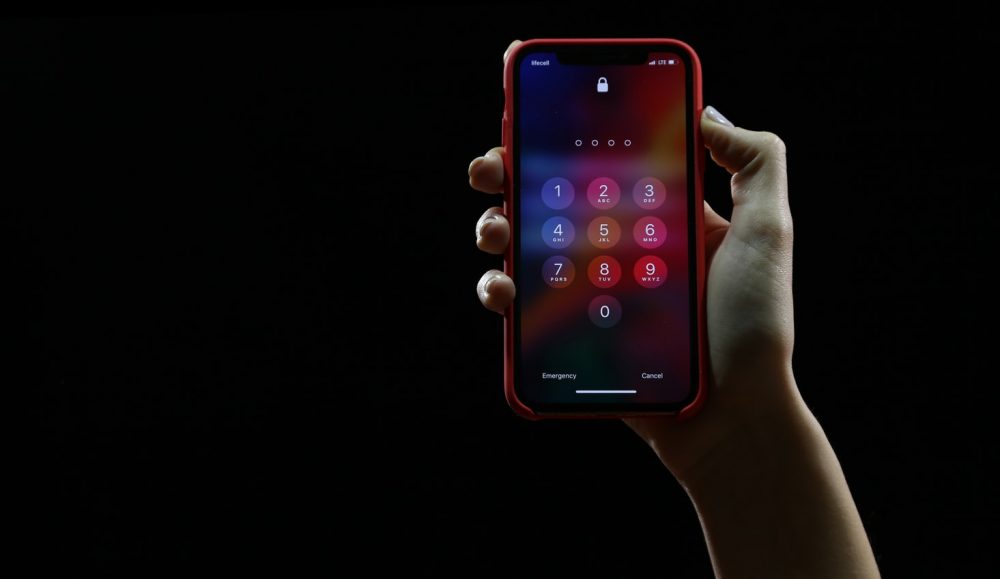
PINs consist of numbers, and the length varies depending on which phone you use. You definitely can not mess this up, because once you screw up and forget your password, you will probably be spending hours and hours trying to unlock your device.
Pattern
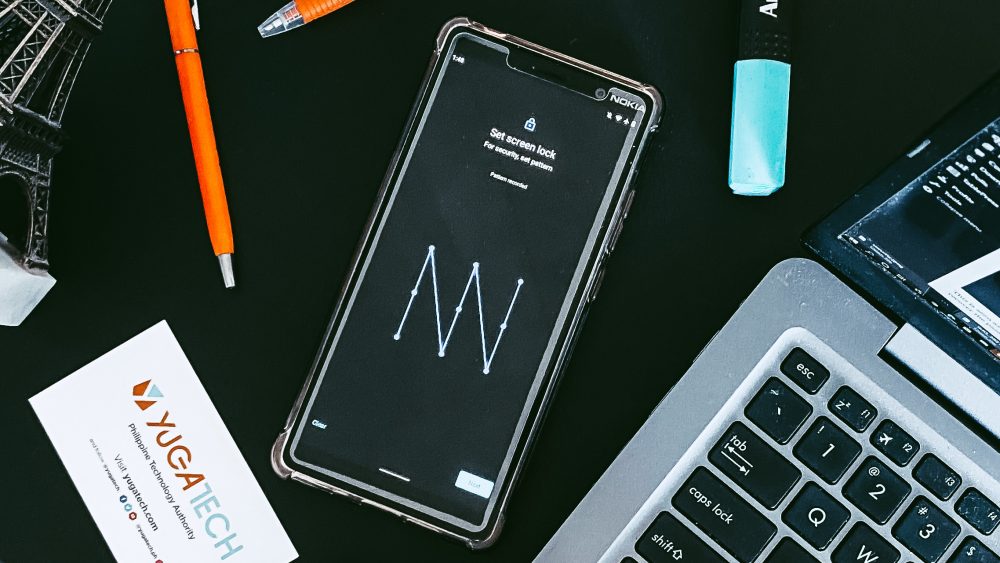
Pattern unlock is a security method only found in Android phones. You can use it combined with the PIN if you want, but it is a decent security system on its own. There are only a certain number of times that you can try it until it locks you out for a few seconds.
However, as always, a certain amount of wrong attempts can lead the device to erase user data. One dilemma this method might cause is the chance that your finger or thumb could leave pattern smudges or a trail on your displays that make this method quite exploitable. So, make sure to keep that display smudge-free.
Password
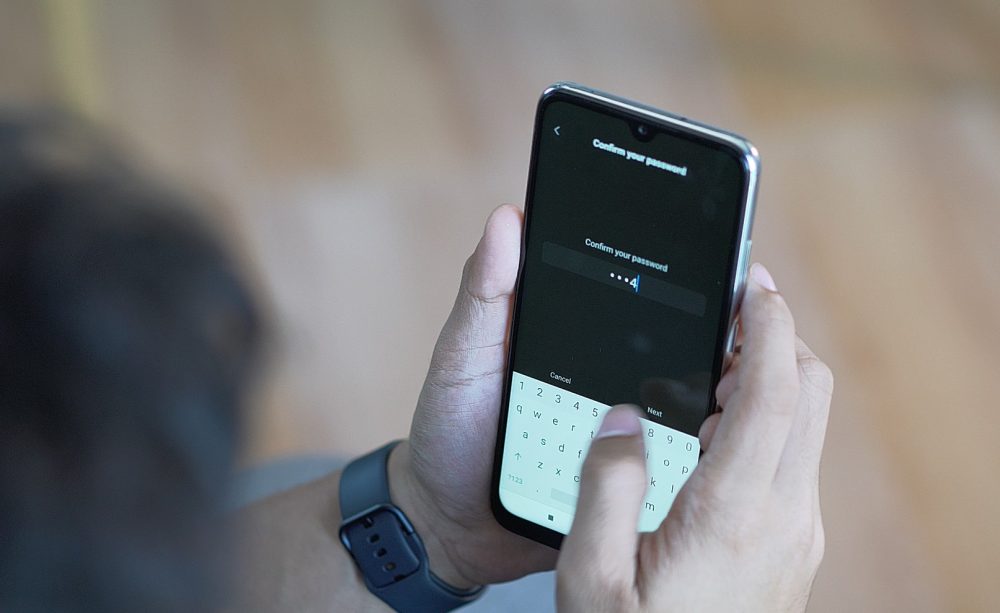
This is seen as the most secure by many users as you can use a combination of numbers and letters to unlock your device. However, if you have forgotten your password, it can be just as hard, if not harder, to recover the password, just like the PIN.
Facial Recognition
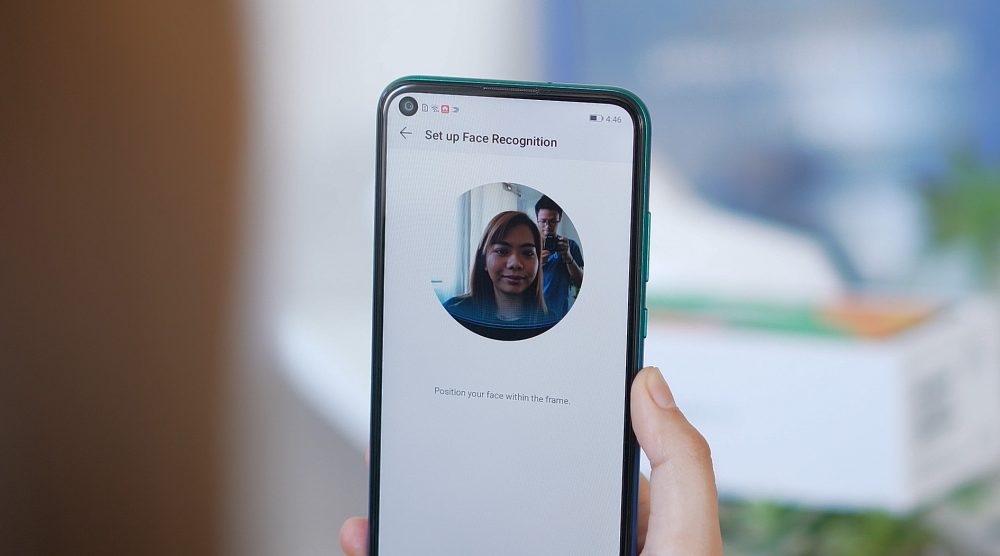
Before Apple’s FaceID, there was already a facial unlock feature found on Android phones. The feature was first seen on Android 4 (Ice Cream Sandwich), but at the time, it was not the most secure and accurate. It only used your front camera and 2D facial algorithms. This means that a simple photo of you is enough to unlock your device. But as time went by, face unlock eventually improved with the release of the Microsoft Lumia 950, which used Iris Scanning technology. It scans your iris with a beam of near-infrared light. Infrared light works better as it exposes the pattern of the iris even in dim lighting conditions.
Then, Apple introduced FaceID with the iPhone X. It’s way more secure in terms of face-scanning as it uses 3D face scanning and a number of sensors like infrared light, flood illuminator, and dot projector to map out the user’s entire face.
Fingerprint scanner: Capacitive and In-display
Capacitive Scanner

This scanner is the most common type found in smartphones these days and is much more reliable in terms of security than the newer optical in-display ones. Apple also has this with its Touch ID.
The technology behind this is that instead of capturing an image of your fingerprint, capacitive scanners use tiny capacitor circuits to collect data. It would be pretty hard to fool this one unless the device has some hardware or software problem.
In-display Fingerprint Scanner: Optical and Ultrasonic

Optical Scanner
This scanner illuminates and captures a 2D image of your finger. As such. the downside is that it’s theoretically easier to fool this type of sensor compared to the ultrasonic scanner.
Ultrasonic Scanner
Unlike the optical scanner, ultrasonic scanners don’t just get a 2D image of your fingerprint. It creates a 3D impression of your fingerprint. It’s like FaceID for fingerprint scanners. It’s much more reliable and accurate. Then Qualcomm announced a second-generation of the 3D Sonic Sensor, the 3D Sonic Max, to address issues found on the original one. The company promised that the new version will be more reliable and will be 17 times larger.
Now, let’s circle back to our first question: Which of these biometric securities is the most reliable and secure?
Honestly, we still recommend the password, as it is much safer, though less convenient compared to the face and fingerprint unlocking. Yes, the iris scanner and facial recognition are all complementary or secondary security methods. As of right now, while the technology behind them is improving, they aren’t good enough to be used as the sole method of protecting your phone. With these methods, you still have to register for a PIN, pattern, or password as your first option.
You can always count on the more traditional options, like the PIN, pattern, or password since they don’t need a second layer of protection.
So how about you guys? Which of these security methods do you find the most reliable and secure? Leave a comment down below.
This piece was originally written by Alyza Angeles. Additional inputs and editing by AJ Viray.


0 Comments
Leave a Reply