

Portable projectors usually force you to make a compromise. Some are small enough to carry around, but feel underpowered once you start using them. Others give you a better viewing experience, but still need to stay near a wall outlet to be practical.
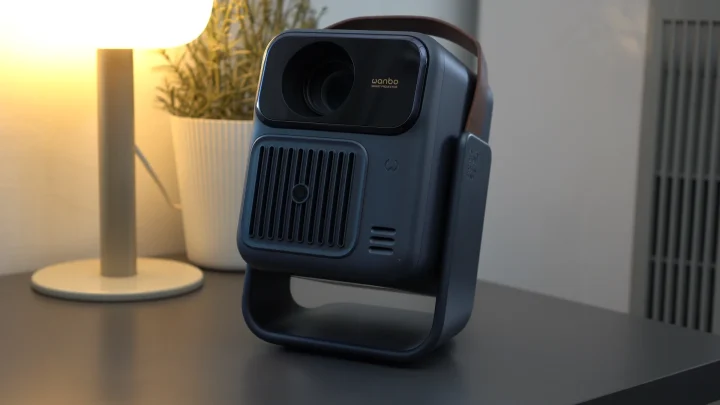
The Wanbo ToGo Pro tries to sit in the middle of those two extremes. It’s a compact smart projector with Google TV, native Full HD resolution, a built-in 99Wh battery, and a 360-degree rotating stand. On paper, it sounds like a projector built not just for a fixed living room setup, but for bedroom movie nights, staycations, and quick transfers from one room to another.
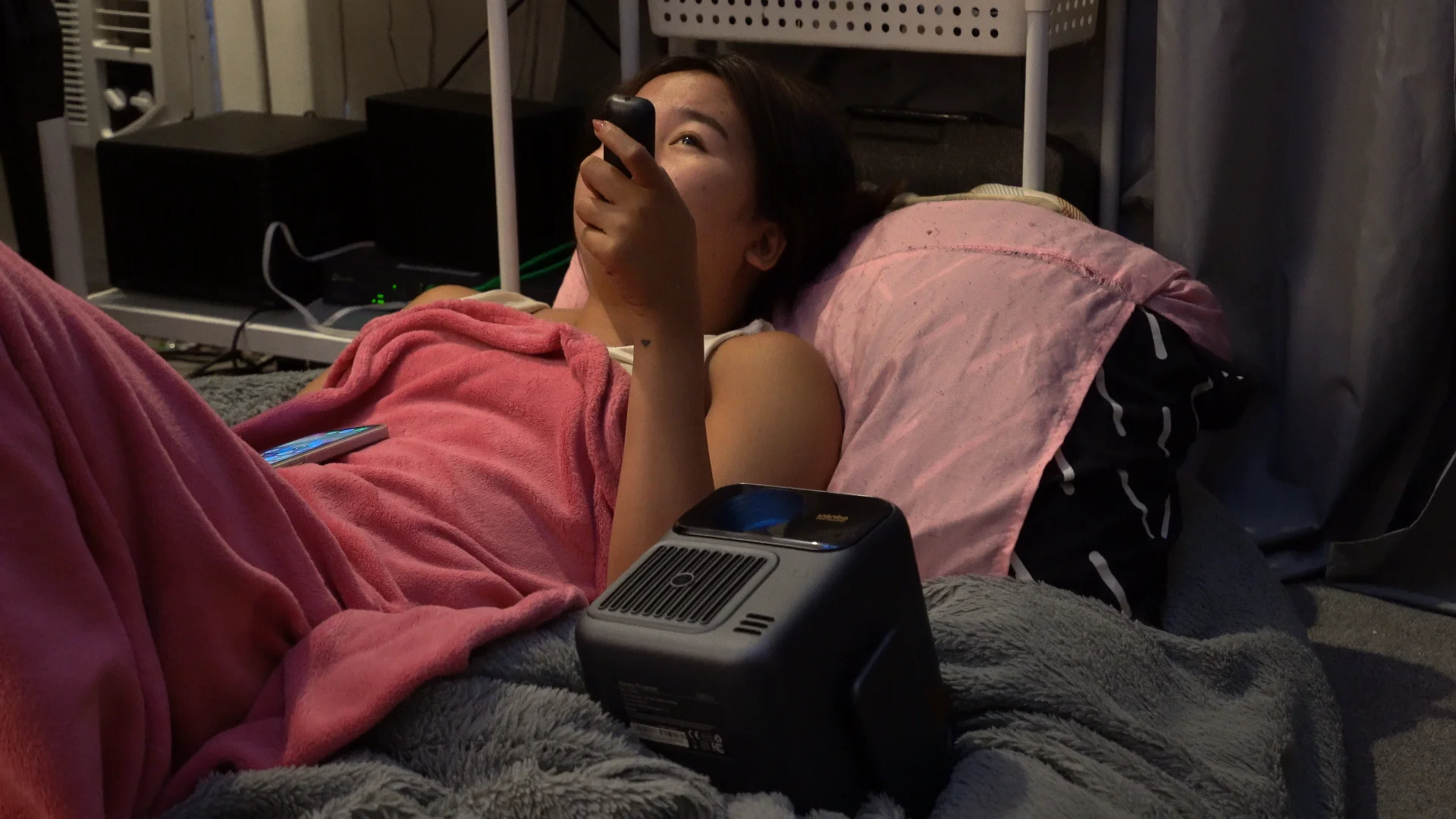
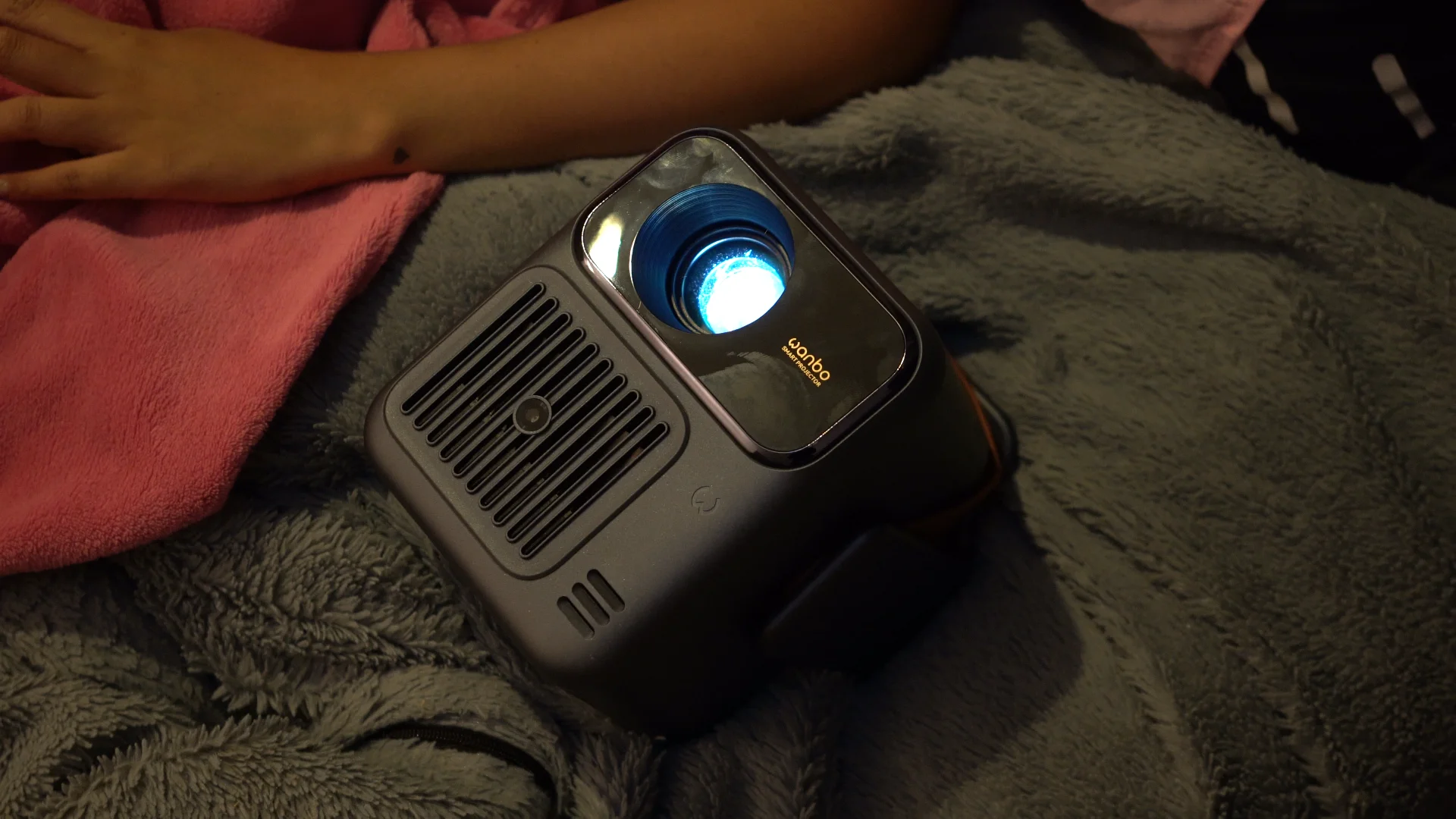
After spending time with it, that’s also where it makes the strongest case for itself. The Wanbo ToGo Pro isn’t the brightest projector in Wanbo’s lineup, and it’s not really trying to be. Instead, it focuses on portability and convenience, while still keeping the experience close to what you’d expect from a proper smart projector.
Design and construction
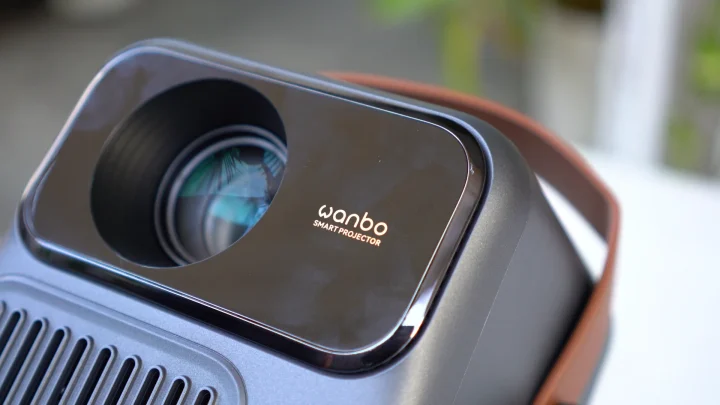
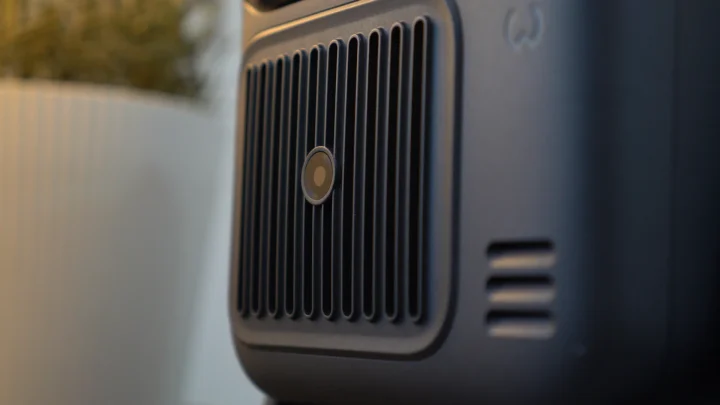
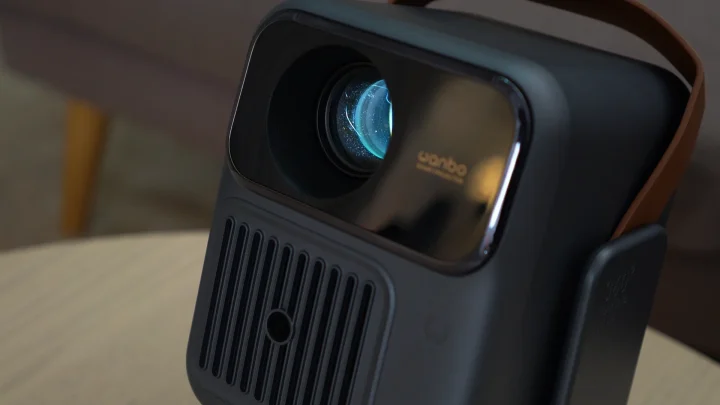
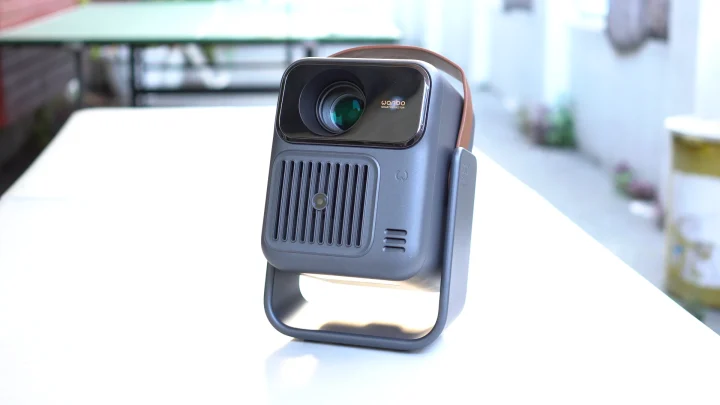
The Wanbo ToGo Pro feels more intentionally designed for portability than most of Wanbo’s other projectors. Instead of simply shrinking down a conventional home projector, Wanbo gave it a compact rectangular body with a cleaner and more travel-friendly look.
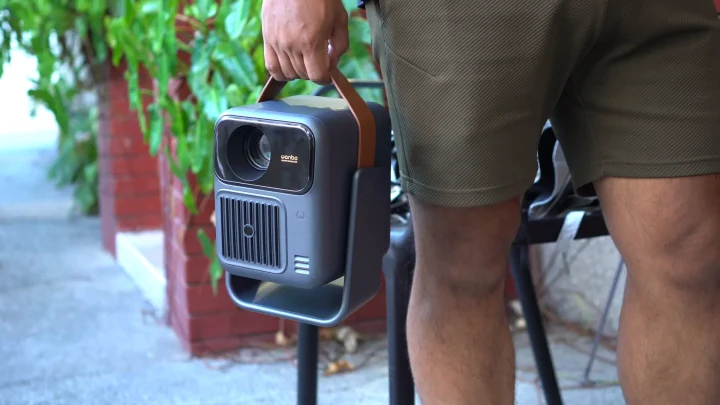
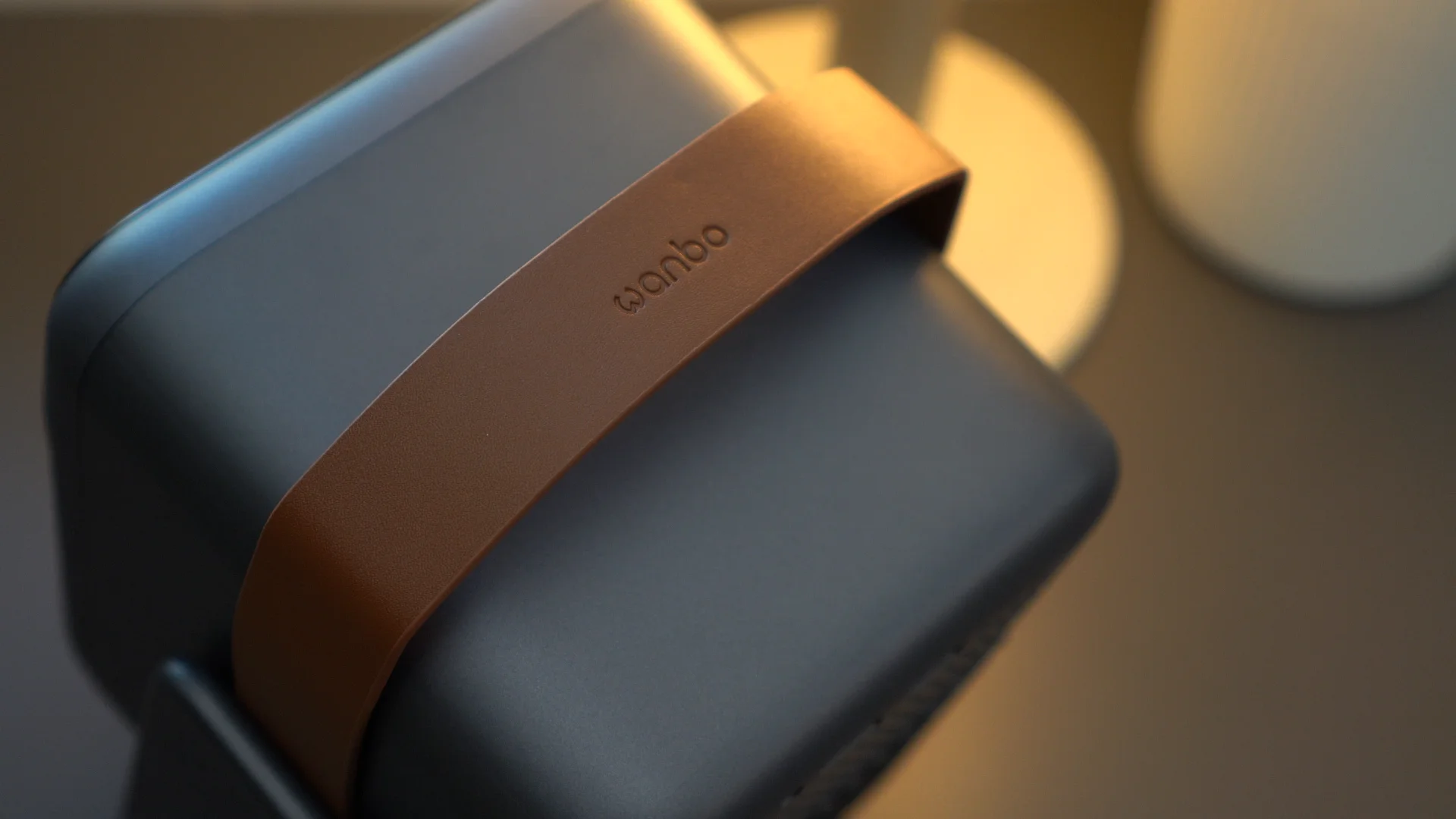
One of the first details you notice is the leather carry handle on top. It’s a small touch, but it makes a difference in actual use. It gives the projector a more gadget-like feel instead of making it seem like something you just leave on a shelf. At around 2.6kg, it’s not exactly featherweight, but it’s still portable enough to move from room to room, bring to a friend’s place, or pack for a short trip without too much effort.
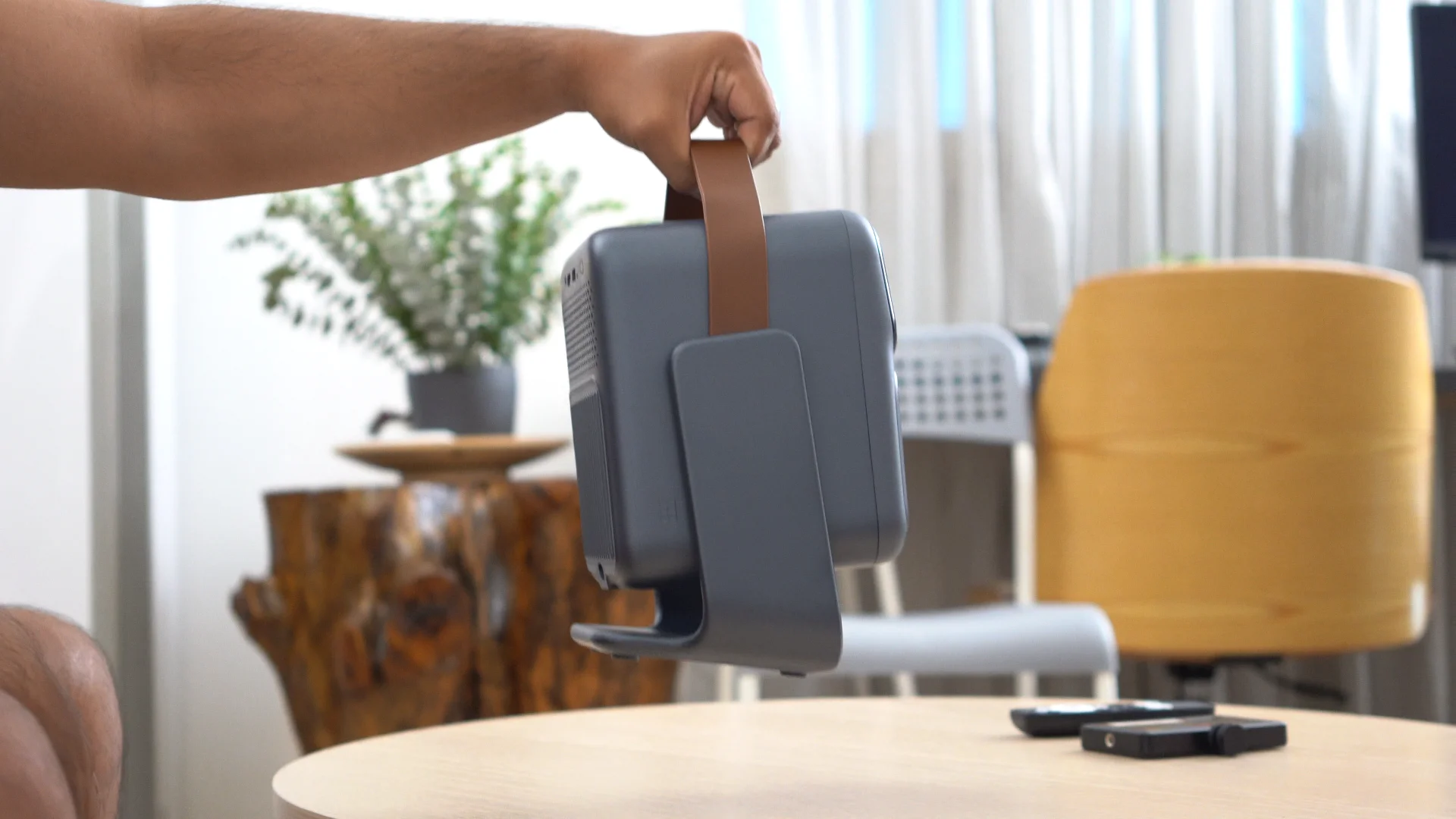
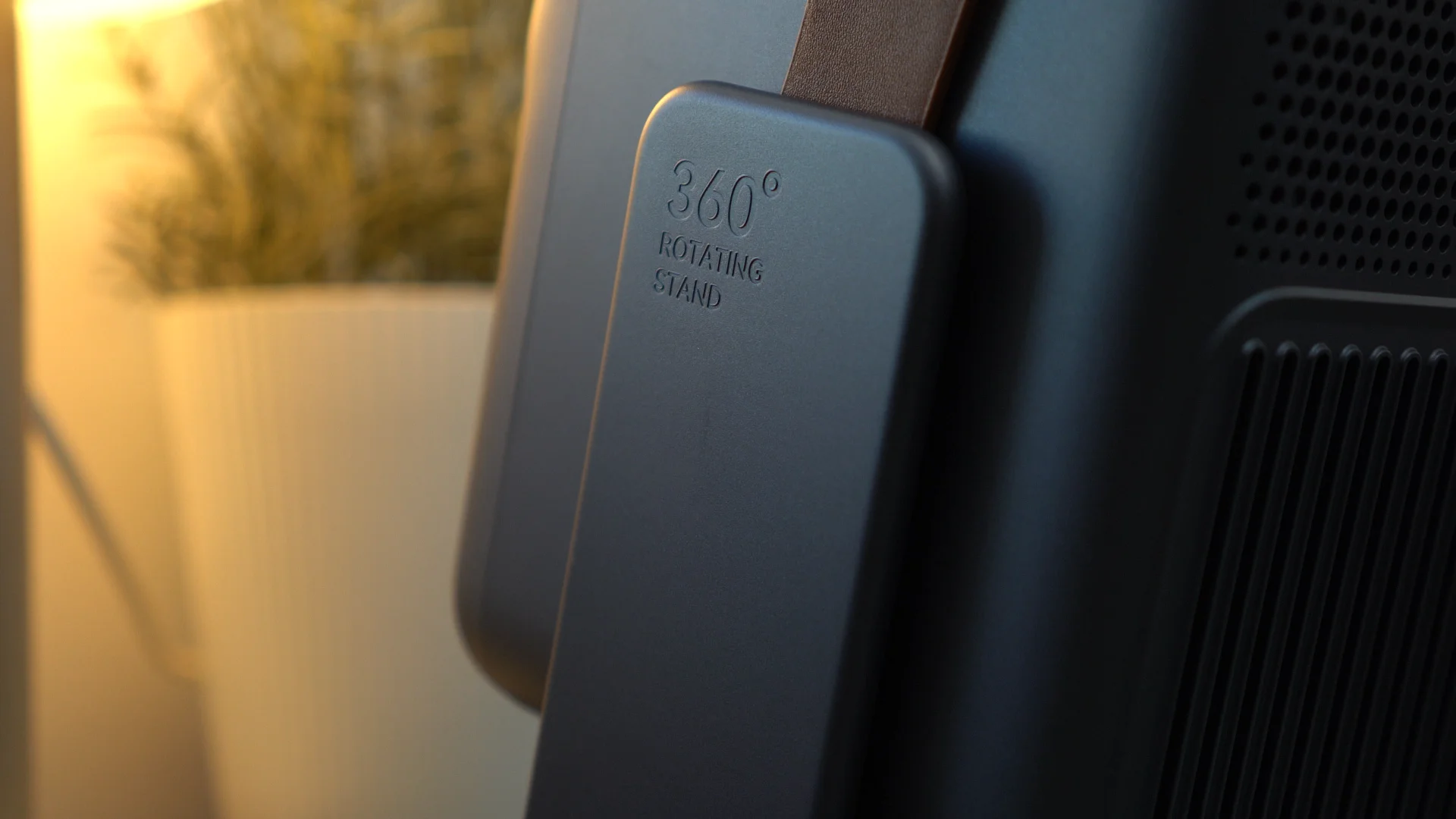
The more important hardware feature, though, is the 360-degree rotating stand built into the body. This is one of the ToGo Pro’s most practical features because it makes setup far less awkward. You can angle it toward a wall, adjust it for a higher surface, or point it at the ceiling if you want to watch while lying down. For a projector that’s meant to be used in different places, that kind of flexibility matters a lot more than it would on a conventional home model.
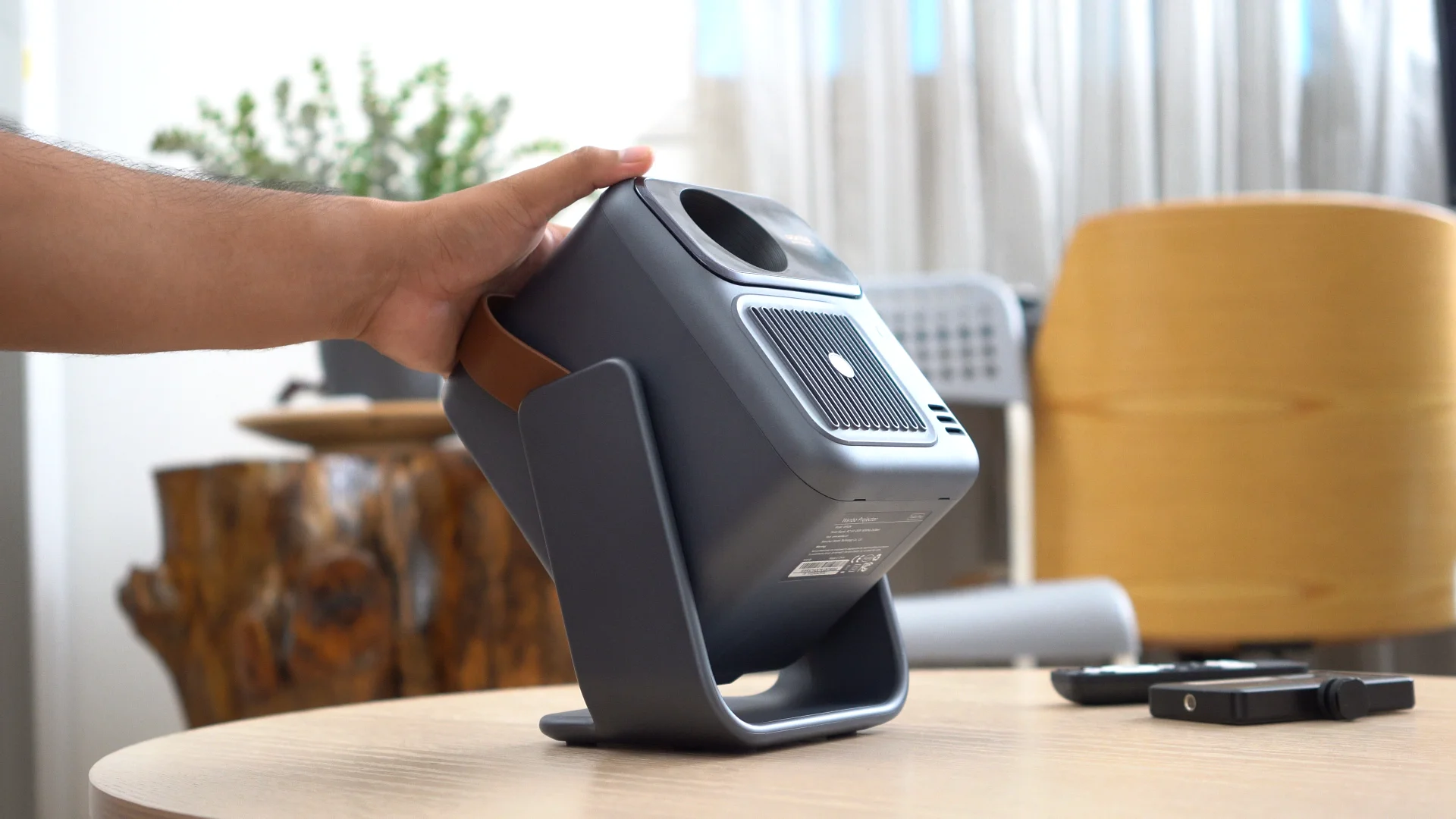
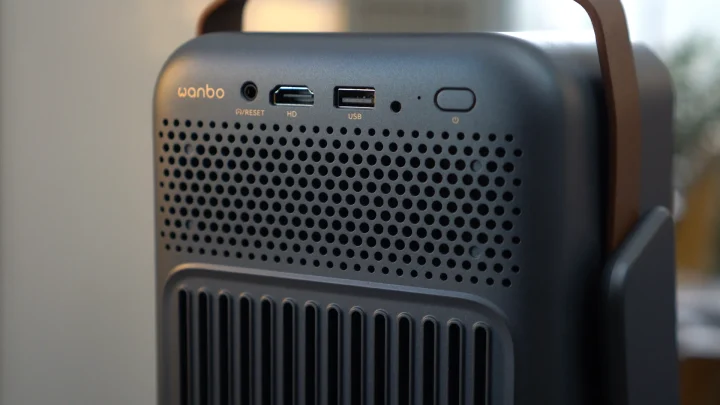
The port selection is also straightforward and practical. You get HDMI, USB-A, and a 3.5mm audio jack, which should cover the basics whether you want to connect a laptop, console, flash drive, or external speaker.
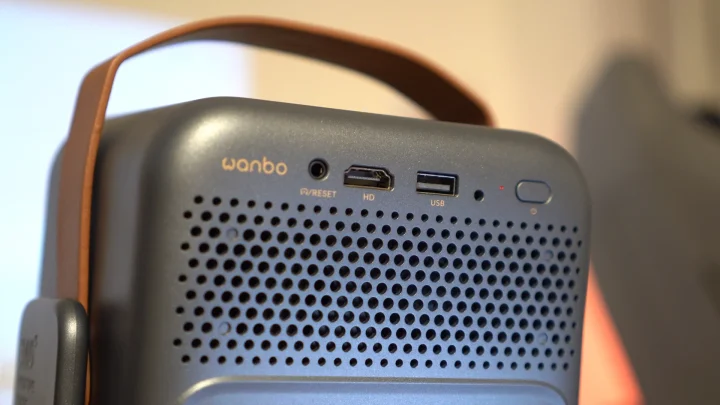
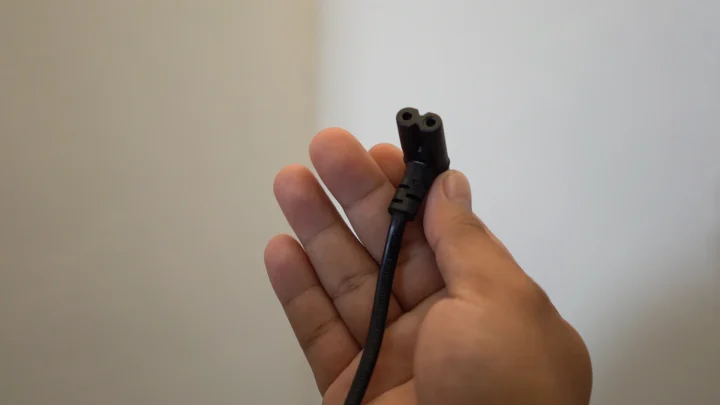
If there’s one design-related thing I wish Wanbo had done differently, it’s the charging method. The ToGo Pro still uses a dedicated DC adapter instead of USB-C. For a projector whose main selling point is portability, USB-C would have made a lot of sense. It would’ve been easier to top up with the same charger you use for a laptop, power station, or high-output charging brick. It’s not a dealbreaker, but it does feel like a missed opportunity.
Projection quality
The Wanbo ToGo Pro comes with a native 1920 x 1080 Full HD resolution, 500 ANSI lumens of brightness, and a 1.3:1 throw ratio, with a recommended screen size of 40 to 120 inches. It can also play 4K content, but to be clear, this is still a 1080p projector, not a native 4K one.
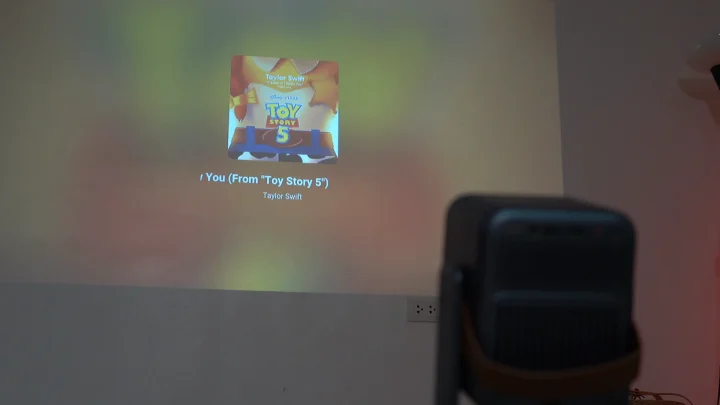
For its category, image quality is solid. Full HD remains perfectly fine for movies, streaming, YouTube, and casual gaming, especially when you’re working within practical screen sizes. The ToGo Pro doesn’t feel like one of those portable projectors where image quality was treated as an afterthought. It still delivers a proper projector experience—just one that’s more flexible about where you use it.
The biggest caveat is brightness. 500 ANSI lumens is decent for a compact battery-powered projector, but this is still best used in dim rooms or at night. If you’re expecting it to cut through bright daylight in a living room with windows open, you’ll quickly run into its limits. This projector makes much more sense in a bedroom, a darkened condo setup, or an evening outdoor environment where it doesn’t have to fight ambient light.
That said, in the right conditions, the ToGo Pro is easy to enjoy. The image looks cleaner, contrast appears better, and the overall experience becomes much more immersive once you use it the way Wanbo clearly intended. The rotating stand also adds a lot here. Ceiling projection may sound like a novelty at first, but it becomes one of the projector’s more useful tricks once you actually start using it.
Google TV and user experience
One of the best things about the Wanbo ToGo Pro is that it doesn’t feel like a compromised “portable projector.” Wanbo still gave it a proper smart TV experience instead of treating the software as an afterthought.
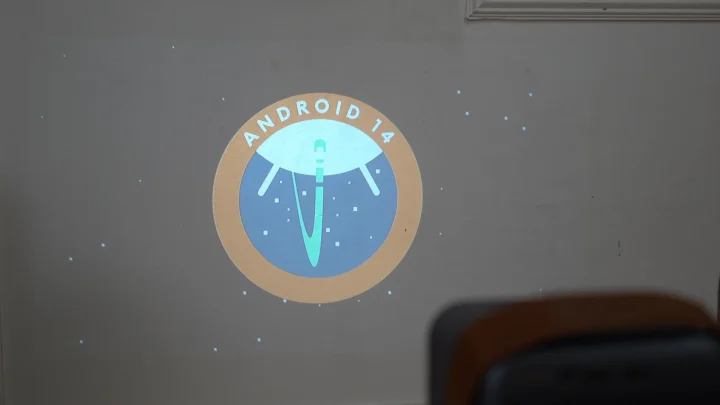
It runs Google TV based on Android 14, which means you get access to Netflix, YouTube, Prime Video, Disney+, and other major streaming apps right out of the box. That’s a big plus because it means you don’t need to carry a separate streaming stick just to make the projector feel complete.
Setup is straightforward as well. Once you sign in with your Google account and connect to Wi-Fi, you’re pretty much ready to go. The included remote is simple, with streaming shortcuts and a Google Assistant button for voice commands. It’s not flashy, but it gets the job done.
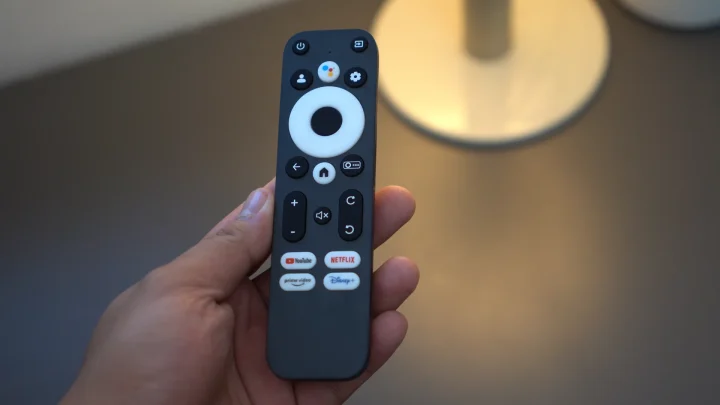
The ToGo Pro also supports dual-band Wi-Fi and Bluetooth 5.0, which helps keep it versatile whether you’re streaming wirelessly or pairing it with an external speaker.
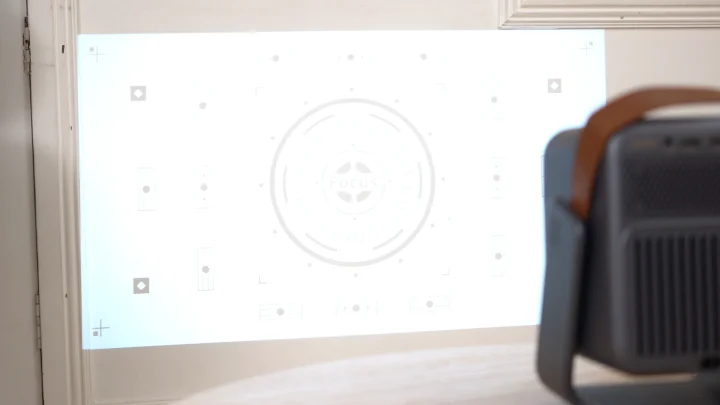
More importantly, Wanbo equipped it with auto focus, auto keystone correction, and auto screen alignment. Those features matter even more on a projector like this because portability doesn’t mean much if every relocation turns into a manual setup process. Here, you can move it, point it at a wall, wait a few seconds, and let it handle most of the cleanup by itself. That convenience is a big part of why the ToGo Pro works as well as it does.
Audio and fan noise
The Wanbo ToGo Pro has an 8W built-in speaker, and for casual use, it’s perfectly serviceable. It’s enough for bedroom viewing, quick movie sessions, or just watching YouTube without immediately needing external audio.
Still, it sounds like what it is: a built-in projector speaker. It works, but it doesn’t really give you the fuller sound you’d want if you’re trying to make movie night feel more cinematic. If I were using this regularly for full-length movies, I’d still pair it with a Bluetooth speaker or soundbar.
Thankfully, Wanbo gives you options here. The ToGo Pro supports Bluetooth audio, and there’s also a 3.5mm jack if you’d rather go wired.
As for fan noise, Wanbo rates it at 27dB or below, and in actual use, it stays reasonably quiet. It’s there, as expected, but not to the point that it becomes distracting during normal viewing.
Battery life and portability
This is the part that really defines the Wanbo ToGo Pro.
The built-in 99Wh battery is what separates it from Wanbo’s more home-focused projectors. Wanbo says it can last for up to 2 hours in standard mode and up to 3.5 hours in eco mode, which means yes, it can realistically get through a movie without having to stay plugged in, depending on your settings and content.
That battery is also the reason the ToGo Pro makes sense in the first place. Without it, this would still be a decent compact Google TV projector. But with it, the projector becomes much more flexible. It becomes the one you can bring to places where a regular projector is just a little more annoying to set up—whether that’s a room with limited outlet access, an overnight stay, or a part of the house where you don’t want cables dictating placement.
The battery, rotating stand, and automatic image adjustment features all work together to make the ToGo Pro feel more self-contained than a typical projector. That’s really the key to the product. It’s not just smaller; it’s easier to use in more places.
Pricing and Availability
Wanbo ToGo Pro is available through their official Shopee Shopee →, Lazada and TikTok TikTok Shop → shops.
Conclusion
The Wanbo ToGo Pro doesn’t try to be the brightest or most powerful projector in Wanbo’s lineup, and that’s probably the right approach. Its value comes from how well it balances a proper smart projector experience with real portability.
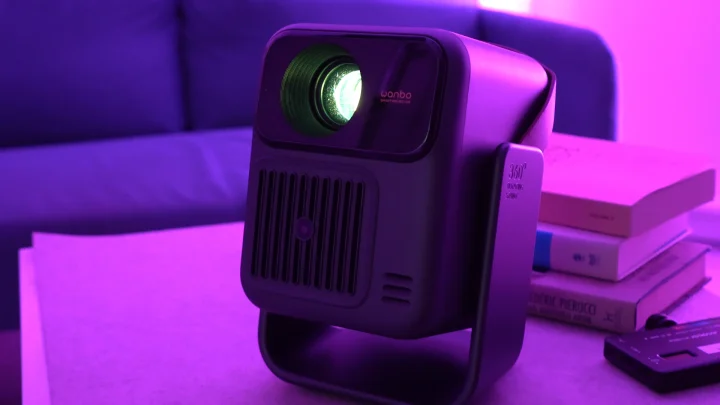
You’re getting native Full HD resolution, Google TV, automatic image correction, a very useful rotating stand, and most importantly, a 99Wh built-in battery that genuinely changes where and how you can use it. That battery is the feature that gives the ToGo Pro its identity, and it’s also the reason this projector makes sense for people who want something more flexible than a fixed home setup.
It’s not perfect. I still think USB-C charging would have made the ToGo Pro much easier to live with, especially for a device that’s clearly meant to travel. Brightness is also still best suited for darker rooms, and while the built-in speaker is serviceable, you’ll still get a better experience by pairing it with proper external audio.
Still, as a compact projector you can actually bring around and use without too much friction, the Wanbo ToGo Pro gets the concept right. It understands that portability isn’t just about being small enough to carry—it’s about being convenient enough to use in more places.
What we like
- Built-in 99Wh battery adds genuine flexibility
- 360-degree rotating stand is practical and makes placement easier
- Google TV means no need for a separate streaming stick
- Auto focus, auto keystone, and auto screen alignment make relocation painless
What we don’t like
- Still uses a DC charging adapter instead of USB-C
- 500 ANSI lumens limits it to dim rooms or nighttime use
- Built-in 8W speaker is usable, but external audio is still preferable
Wanbo ToGo Pro specs:
1920 x 1080, Full HD Resolution
500 ANSI lumens
1.3:1 Throw ratio
Google TV based on Android 14
Up to 4K playback
99Wh built-in battery
8W Speaker
Dual-band Wi-Fi, Bluetooth 5.0
Auto focus, auto keystone correction, auto screen alignment
HDMI, USB-A, 3.5mm audio jack
360-degree rotating integrated stand
Weight: 2.6kg

0 Comments
Leave a Reply