
ファイルが大きくなるにつれて、ノートパソコンは通常、内部ストレージが限られています。そのため、外付けハードドライブやポータブルSSDを所有することがほとんどの人にとって必要になってきています。これらはノートパソコンの容量を節約するだけでなく、ノートパソコンがなくてもファイルを持ち運ぶことができます。
But aside from laptops, one other device that easily runs out of storage space is your phone. This is especially true if you have a lot of photos, videos, and apps stored on your phone. While there are external storage devices that can connect to your phone, whether it’s Android or Apple, imagine if you can transfer these files wirelessly instead.
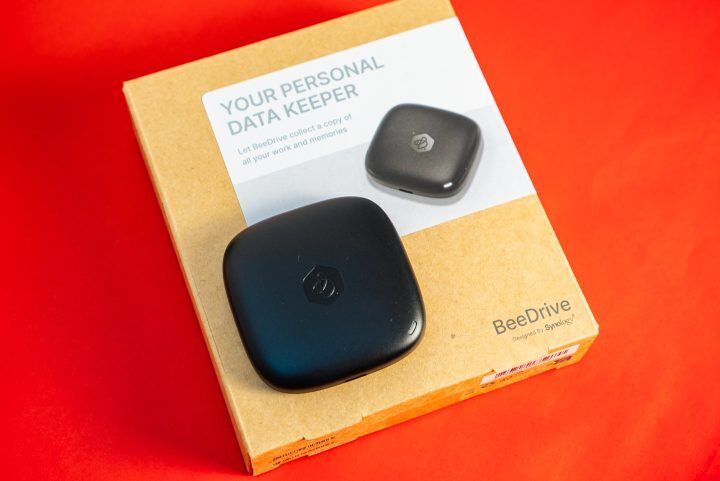
That’s what Synology wants to offer with their new BeeDrive portable storage device. It acts like an SSD, but at the same time, you can transfer files from your phone wirelessly to the device itself. At the same time, it works as a backup and even provides data protection to prevent accidental deletion or overwrites.
Seems practical and perfect right? But it does come with a hefty price tag. For reference, our review unit comes with 1TB of space, and it already costs PHP 8,899, while the 2TB version retails for PHP 14,799.
In this review, we’ll talk about whether you should consider the Synology BeeDrive as your next portable storage device.

Design and Construction
The design of the Synology BeeDrive is relatively simple; even the contents of the box itself. You get the device itself, the instruction manual, a USB-C to USB-C cable, and even a USB-C to USB-A adapter for those that have devices that don’t use USB-C just yet.
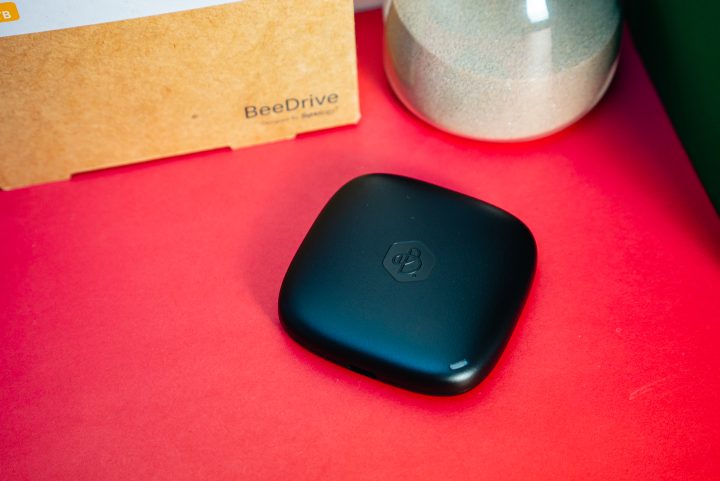
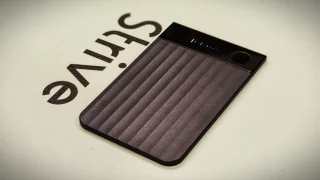
The BeeDrive itself is quite compact and lightweight and features a minimalist design. You get the BeeDrive logo at the top center and an LED light at the bottom corner. Arguably it’s one of the smallest portable storage devices I’ve seen next to a USB. Thanks to its size you can even fit it in your pocket, and it won’t take up space like a traditional external hard drive or portable SSD.
While it is light and made of hard plastic, the BeeDrive does feel a bit fragile. Then again, you shouldn’t really drop any portable storage device in the first place since your files might end up being corrupted. So while it can fit in your pockets, I recommend keeping it in a backpack or some other case just to protect it.

Performance
BeeDrive は、まるでポータブルストレージデバイスのように動作するため、非常に使いやすいです。PC に差し込むだけで、すぐに使用できます。また、バックアップとして使用したり、ファイルを同期したり、電話と BeeDrive 間でファイルを転送したりする場合に備えて、インストーラも付属しています。
You do need to set up a Synology account to fully maximize the BeeDrive and to use the BeeDrive app, and thankfully it’s easy to do. You can even do so by using your Google account.

In the app, you can check out various parameters of the BeeDrive such as storage space, what kind of files are inside, and the status of the Drive. It also shows you when you last backed up your PC, the last time you synced files, and when you last transferred files from mobile.
But even if you don’t set it up, you can still use the BeeDrive like a regular portable storage device. The transfer speeds are very fast too. From my experience, I was able to average around 150mb/s when transferring from my desktop’s HDD. Meanwhile, the speed does go up to around 520mb/s when copying data from my M.2 SSD.
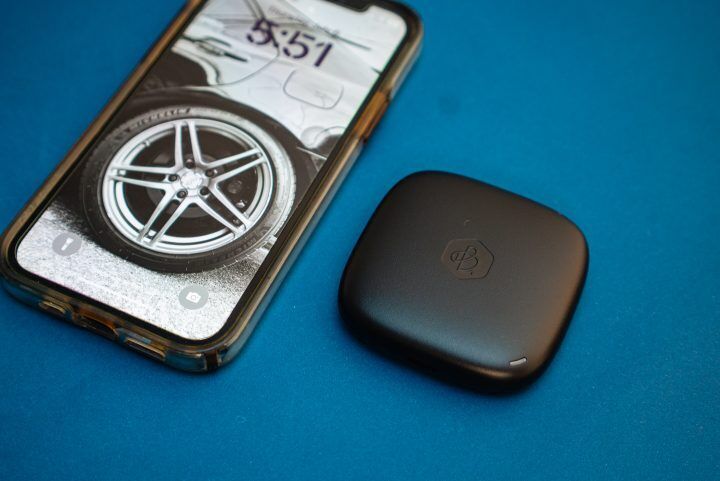
This means even if you are copying large files such as A-Roll and B-Roll files for movies, it shouldn’t take too long. The same can be said when backing up files from your computer to the BeeDrive.
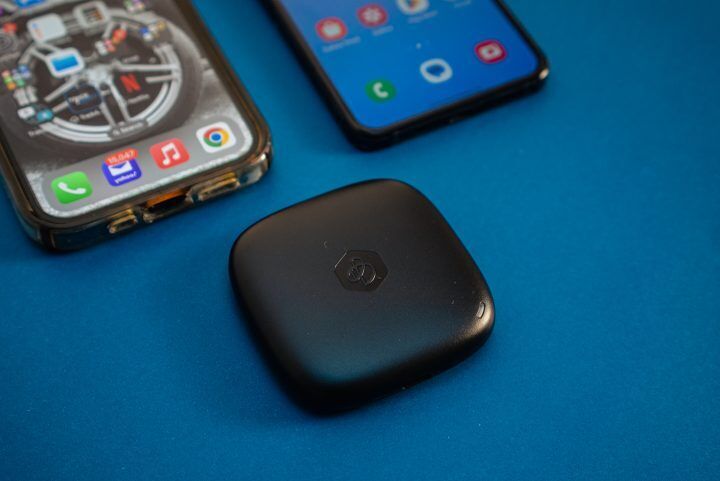
But perhaps the best use for BeeDrive is for backing up the files on your phone. After installing the BeeDrive app on your phone, you can automatically sync all your files, photos, and videos. You can even choose not to sync videos if you have a lot of them on your phone to save space on the BeeDrive.
Transferring files from the phone to BeeDrive wirelessly is quite fast too. But, it’s not as fast as the wired connection. Wirelessly backing up 120GB worth of photos and videos from my phone to the BeeDrive took roughly an hour.

Although I suspect it could be faster if my phone didn’t automatically lock every few minutes. Yes, you do have to keep your phone unlocked and on the BeeDrive app in order for the backup to happen. Do note the BeeDrive also has to be plugged into a PC or laptop in order for the wireless transfer to begin. It’s not a fully wireless drive that can connect to Wi-Fi.
What’s great about using the BeeDrive with your phone is that the file sync and backup are one-way. Meaning even if you delete the files and photos from your phone, you can still have them on the BeeDrive. For comparison, it’s unlike iCloud which is a two-way sync. This means if you delete something on one device it disappears from all other devices as soon as the next sync happens.
Conclusion
ここ数日間、BeeDrive をメインのポータブルストレージデバイスとして使用していますが、私にとって完璧です。ポータブル SSD として、またストレージ容量が徐々に減っているスマートフォンのバックアップとして機能します。
価格は? 前述したように、この1TBバージョンのBeeDriveはPHP 8,899(2TBバリアントはPHP 14,799)で、より一般的なポータブルSSD(例えば1TB SanDisk Extreme Portable SSD)と比べるとかなり高価です。しかし、これは通常のポータブルSSDではありません。全く違うのです。

追加料金を支払うことで、スマートフォンからBeeDriveへワイヤレスでデータ転送できる便利さが得られます。同時に、SynologyのソフトウェアによりPCを常にバックアップし、コンピュータとBeeDrive間で特定のファイルを同期させることができます。
Synology のアプリやスマートフォン向けの無線転送機能が不要であれば、これはあなたにとってのポータブルストレージデバイスではないかもしれません。しかし、生活を楽にしたいのであれば、Synology BeeDrive で間違いありません。

0 Comments
Leave a Reply